



What makes a form smart
Most forms treat every visitor as a stranger. They ask a returning customer for their name and email as if they'd never been before, and they show a fifth question to someone whose first answer already ruled it out.
A smart form uses what's known. Four capabilities do most of the work:
- Prefill — known contacts see their details already filled in
- Conditional questions — follow-ups appear only when relevant
- Progressive profiling — ask a little more each visit rather than everything at once
- Adaptive outcomes — the result changes based on the answers
Step 1: Connect your contact data
Smart behaviour depends on knowing who someone is. Connect your email platform or CRM first — without it, a form can be conditional but not personalized.
Once connected, ConvertFlow can recognise returning contacts and read their fields.
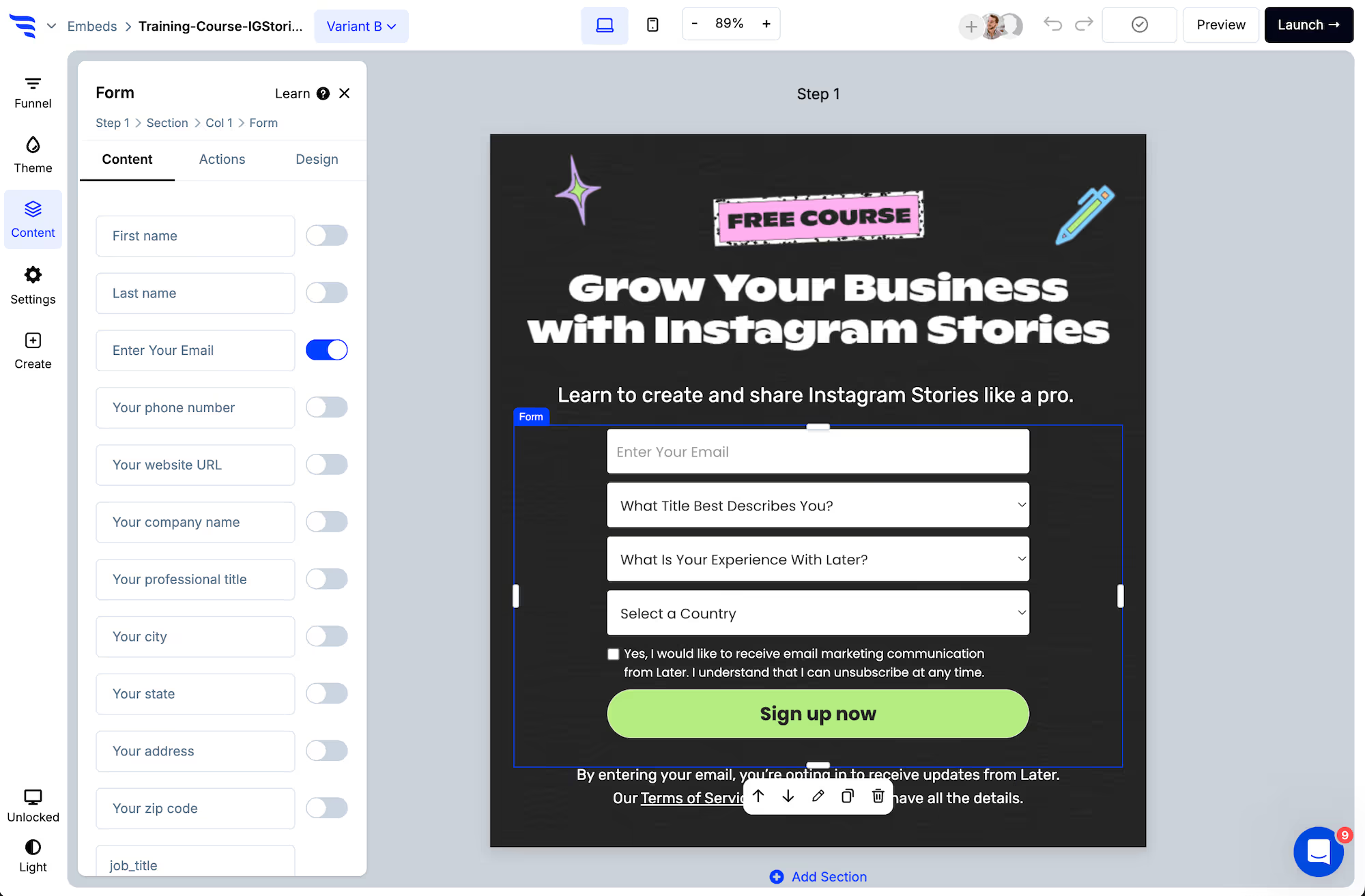
Step 2: Build the form
.avif)
.png)
Field settings include prefill values, so a field can arrive already populated.
.avif)
Step 3: Ask only what you don't already have
This is progressive profiling, and it's the highest-value smart behaviour on a content site or a long sales cycle.
Rather than one intimidating form, ask two or three things per visit. Someone who gave you their email on a first visit gets asked about their role on the second, their timeline on the third. The record fills out over time and no single form feels like an interrogation.
Step 4: Make follow-ups conditional
Select the element and open the Actions tab, then add conditional actions so a question or a step appears only when the earlier answer makes it relevant.
.avif)
.avif)
Conditions can match on answers, scores, page URL, UTM parameters, visit history and contact fields from your connected platform.
Step 5: Adapt the outcome
The end of the form can change too — a different message, a different redirect, a different product recommendation.
.avif)
Step 6: Hide it from people who've already answered
The smartest thing a form can do is not appear. If someone has already given you what this form asks for, suppress it and show them something else.
This is the setting most often skipped, and it's the one your returning visitors notice.
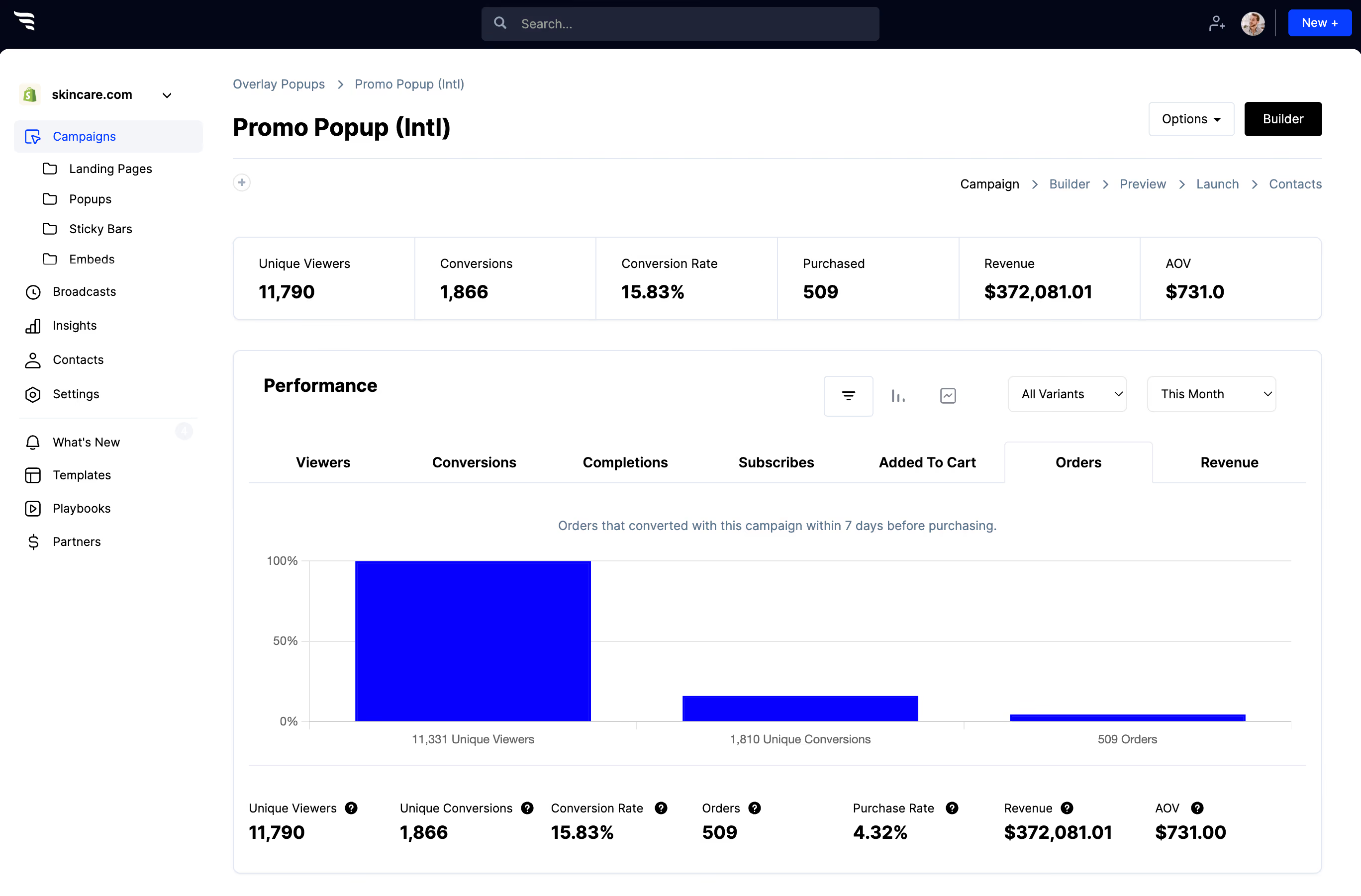
Step 7: Measure whether the intelligence is earning its keep
.avif)
Smart forms are more work to build and maintain. Compare completion rate against a plain version at least once — on a short form the difference is often small, and the complexity isn't always worth it.




%20(1).avif)








.svg)
