



What decides whether a popup form works
Design is the part people spend time on and the part that matters least. Three other things decide the outcome:
- When it fires. An immediate popup interrupts before you've earned anything. Exit-intent and scroll triggers arrive after the visitor has engaged.
- Who sees it. Existing subscribers visit most often, so an untargeted popup is shown disproportionately to people who cannot convert.
- What you offer. The exchange for the email address moves the number more than any headline test.
Step 1: Choose the format
Overlay popups are centered and command attention — the right choice for a genuine offer. Hook popups sit in a corner, less disruptive and better mid-article.
.avif)
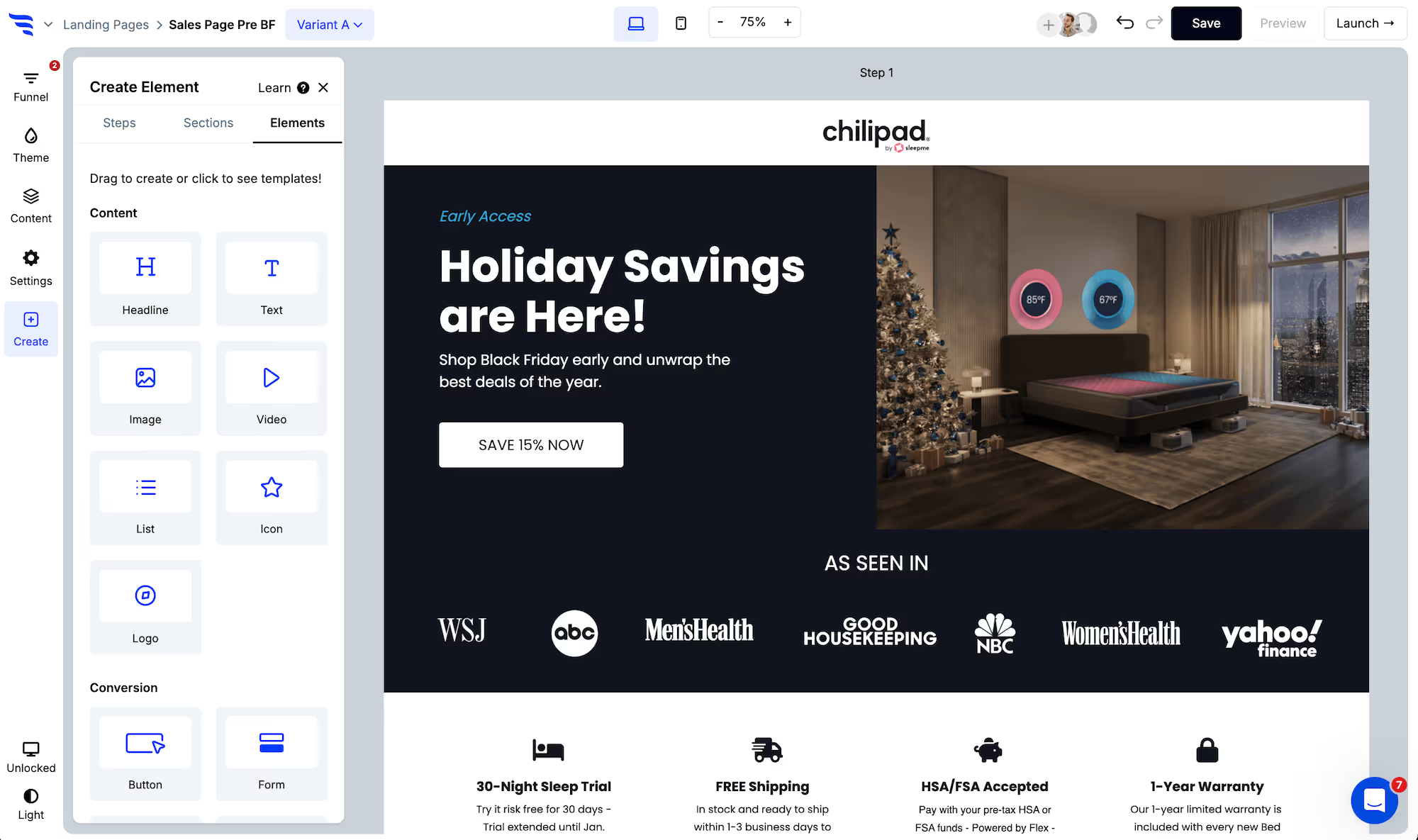
Then pick a template, or build from scratch.
.avif)
Step 2: Set the trigger
Trigger settings live in the "Settings" tab.
.avif)
- Exit-intent — as the visitor moves to leave. On mobile, a back-tap. The default for cold traffic.
- Scroll point — after a set percentage of the page. Best on articles, where a deep scroll is a genuine signal.
- Cart triggered — after an item is added to the cart. Usually the highest-intent trigger on a store.
- Timed delay — a set number of seconds after load. Blunt, but useful on long-dwell pages.
- Click triggered — preloads and opens from a button or link.
- Two-tap floating button — a corner button that opens the popup, and can reappear after someone closes it.
Step 3: Set suppression
With every trigger except click-only, control how many days the popup stays hidden after someone closes it.
.avif)
This is the difference between a popup and a nuisance. Someone browsing five pages can trigger exit-intent five times in a session; without suppression they see the same offer five times.
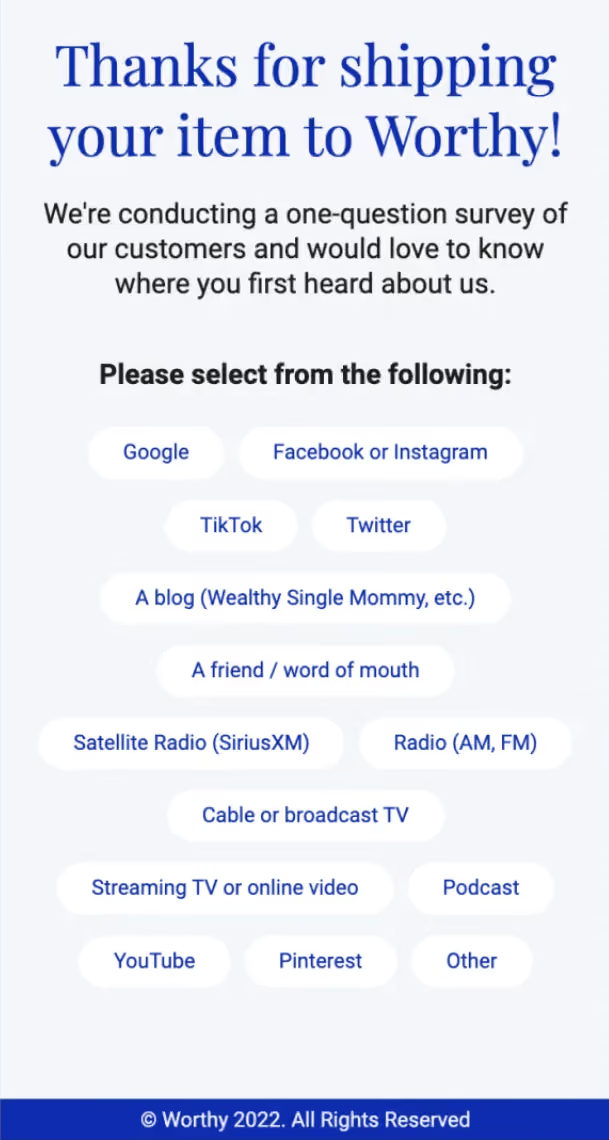
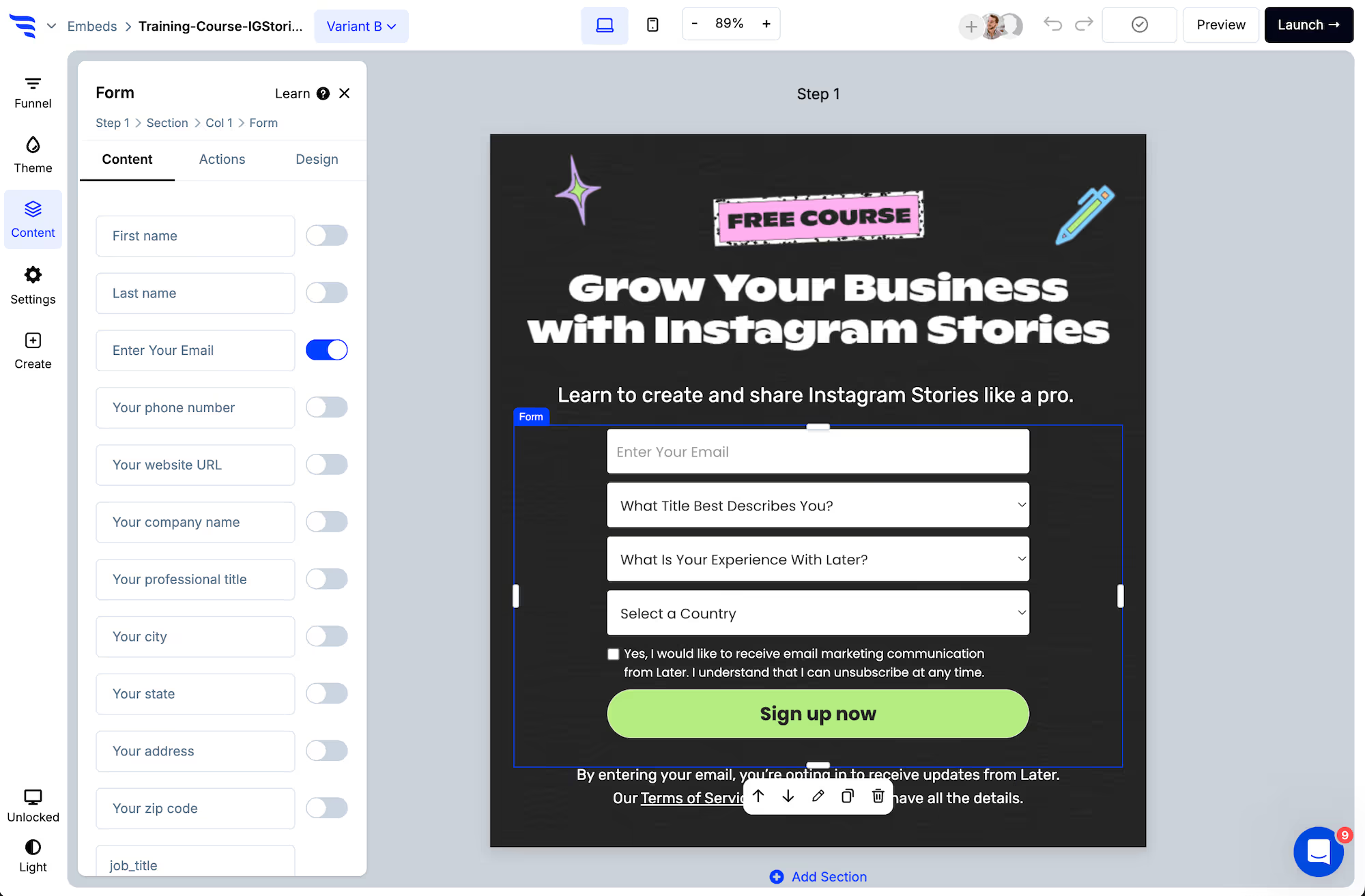
Step 4: Keep the form to one field
.png)
A popup is the worst place to add friction. One email field converts best.
If you want segmentation data, ask on the confirmation step after they've subscribed. People who answer give you a tag; people who don't are still on your list. You lose nothing.
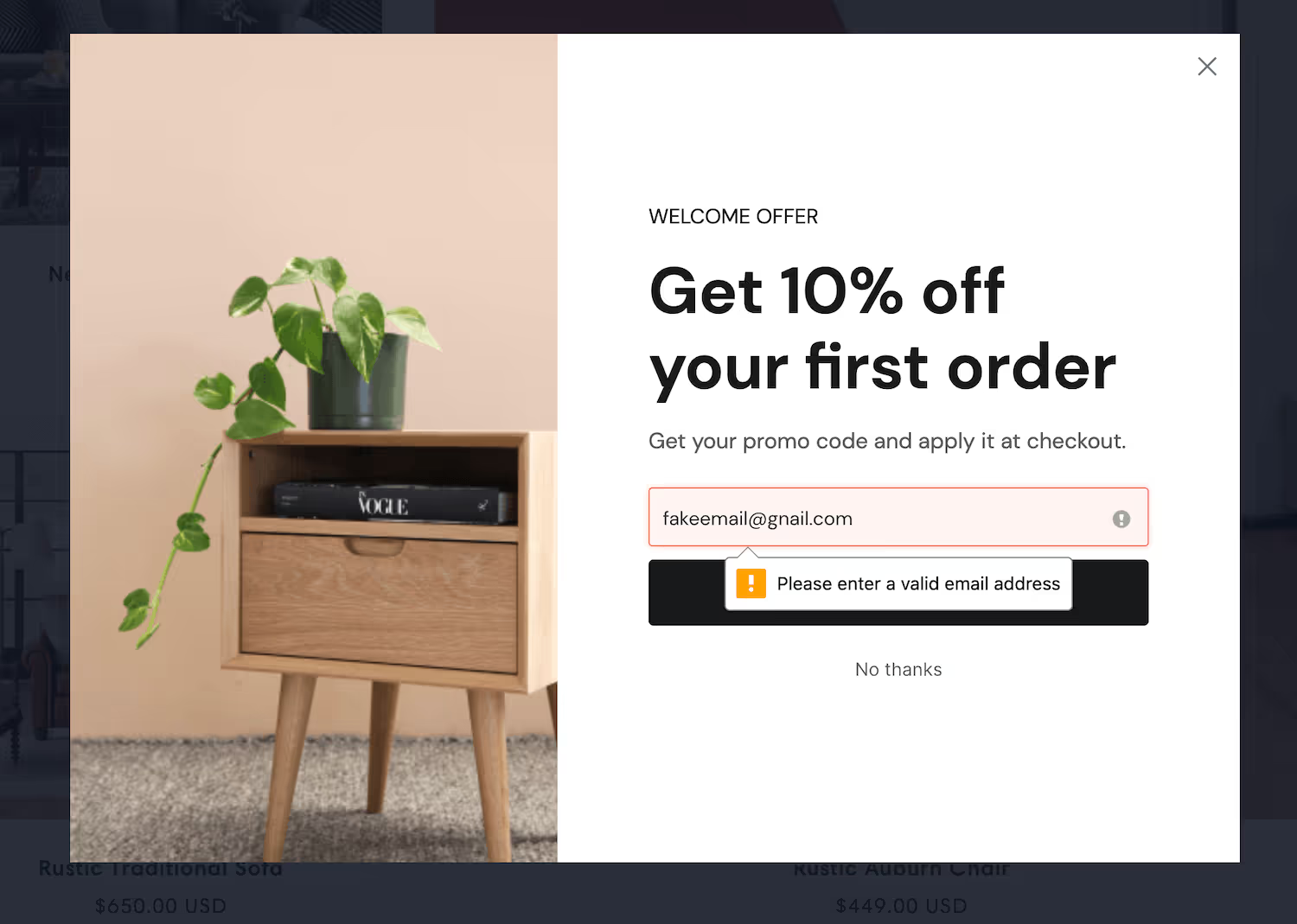
Turn on email verification so invalid addresses never reach your platform.
Step 5: Edit the offer
.png)
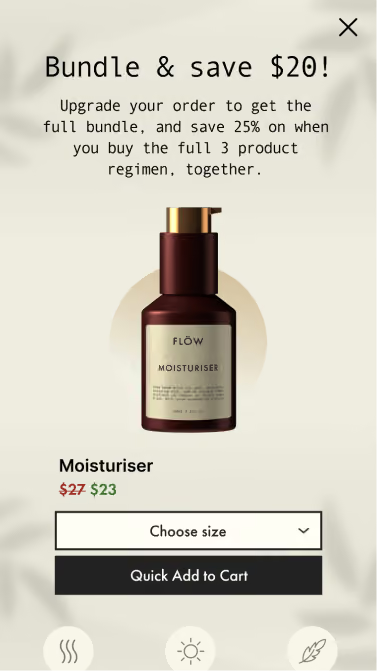
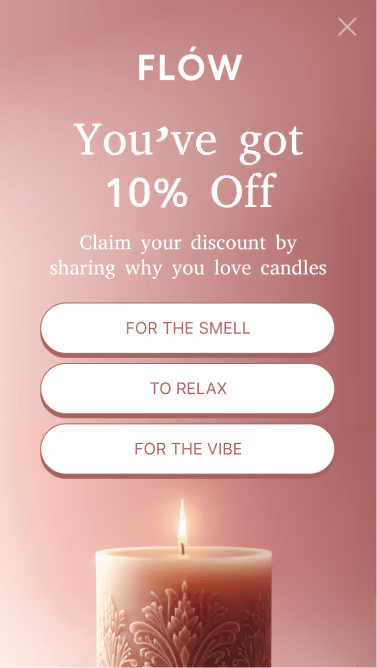
On a store, a percentage discount is the default — and it trains repeat shoppers to trigger the popup before buying. Free shipping, a free gift or early access convert comparably without that side effect.
On a content site, a specific resource beats a generic "subscribe to the newsletter" by a wide margin.
Step 6: Sync the subscriber
In the Actions tab, add the automation that adds the subscriber to the right list, and apply a tag recording where they came from.
.avif)
Step 7: Launch and exclude subscribers
.png)
Set the subscriber exclusion before anything else. With your email platform connected, ConvertFlow can read your lists and hide the popup from people already on them.
It costs nothing, stops your best visitors being nagged, and makes your conversion rate an honest number measured against people who could actually convert.
You can also target by page, UTM, geolocation, visit history and cart contents.
Step 8: Test the trigger, not the headline
.avif)
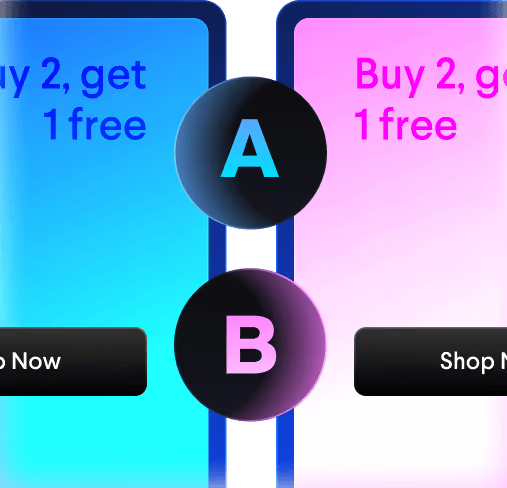
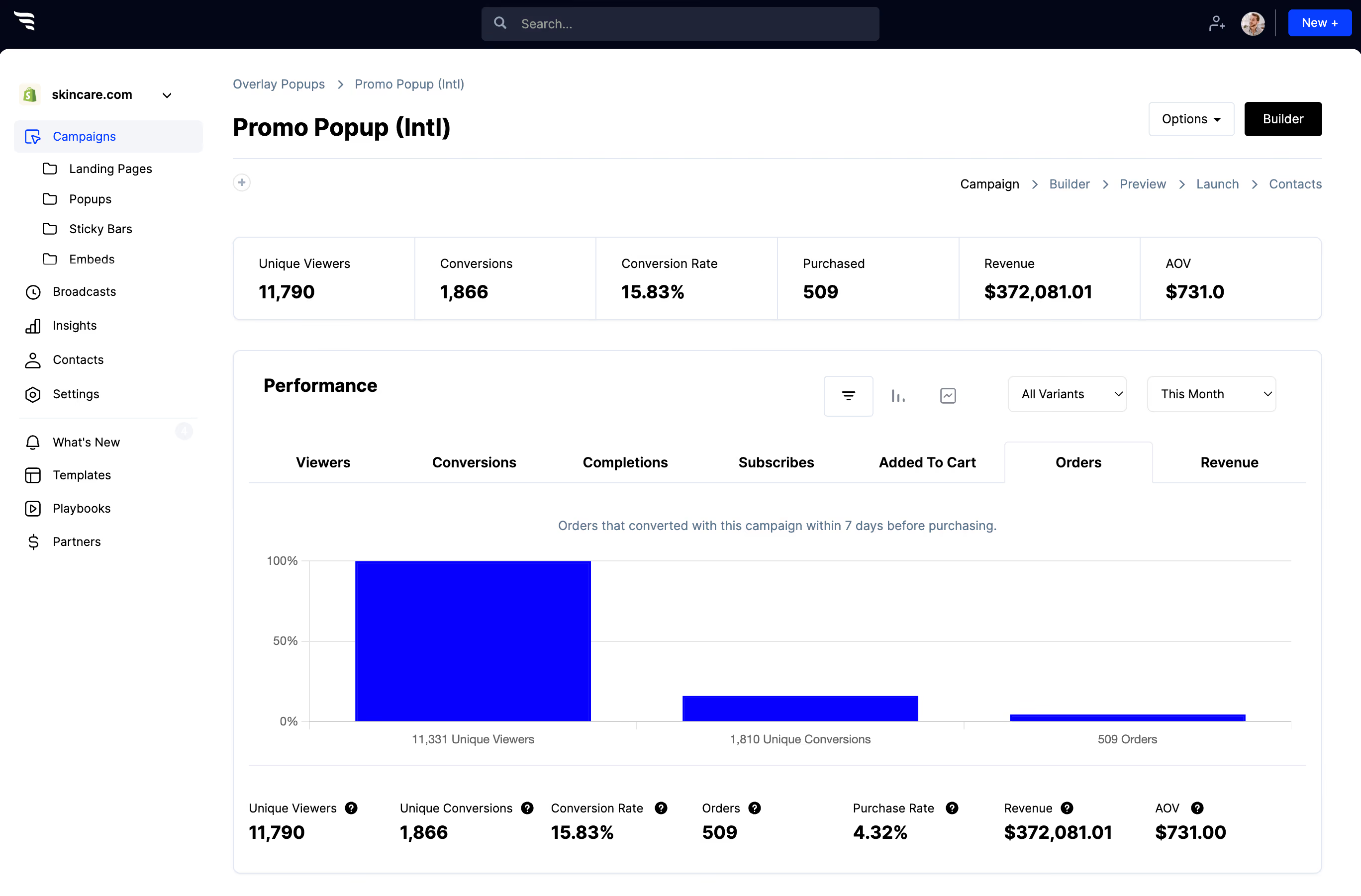
Split traffic between variants and read views, conversions and attributed revenue.
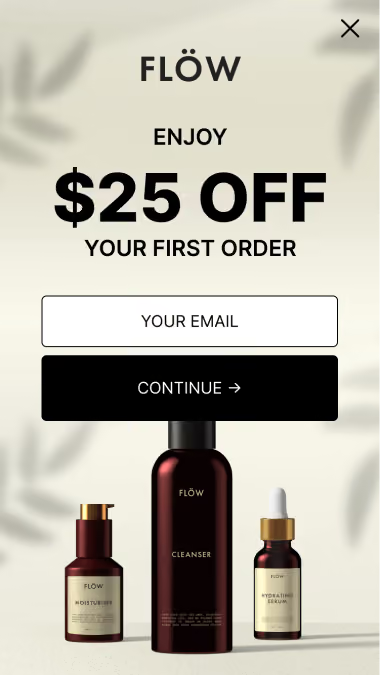
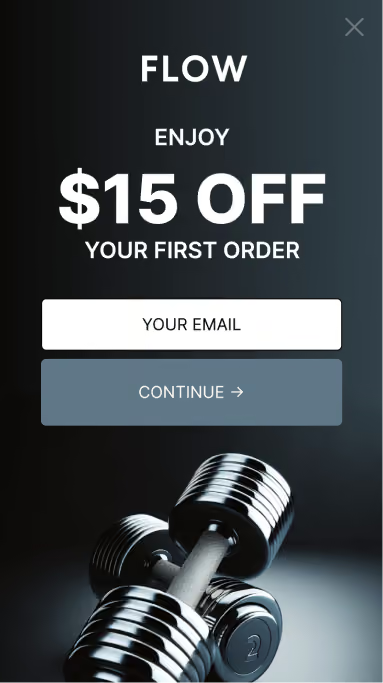
Most teams test copy. Testing the trigger and the offer type moves the number further — exit-intent against scroll, or a discount against a free gift. Come back to the headline once those are settled.


%20(1).avif)





.svg)
