Embeddable Form Builder — Inline Forms AnywhereEmbeddable Form Builder — Inline Forms AnywhereEmbeddable Form Builder — Inline Forms Anywhere

Embeddable Form Builder — Inline Forms Anywhere

Create embed forms in minutes with AI.

ConvertFlow’s embed form builder uses AI to create, personalize, and A/B test embed forms for your website. 100+ form templates. 1-click integrations.

No credit card required • 5 minute setup
Capterra badge for best quiz funnel software
Star ratings
4.9/5 · 2026 Top Rated Funnel Builder
Embeddable Form Builder — Inline Forms AnywhereEmbeddable Form Builder — Inline Forms AnywhereEmbeddable Form Builder — Inline Forms Anywhere

Examples

See examples of embed forms to draw inspiration from

Builder

See how to build embed forms, without developers

Features

Explore all the features that give you the power to build forms like a pro

Templates

Launch quickly with professionally designed templates

Tutorial

See our guided tutorial on how to build embed forms

FAQs

Answers to frequently asked questions about embed forms

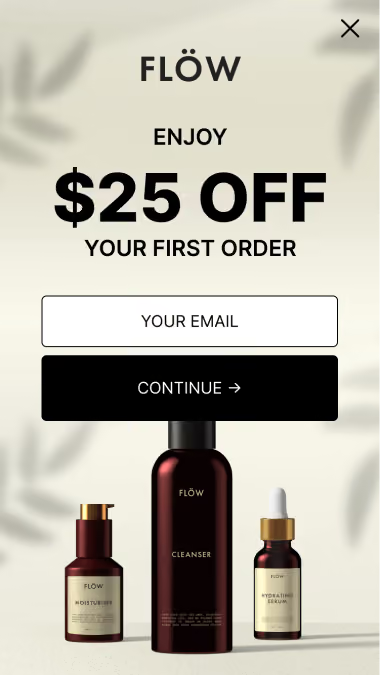
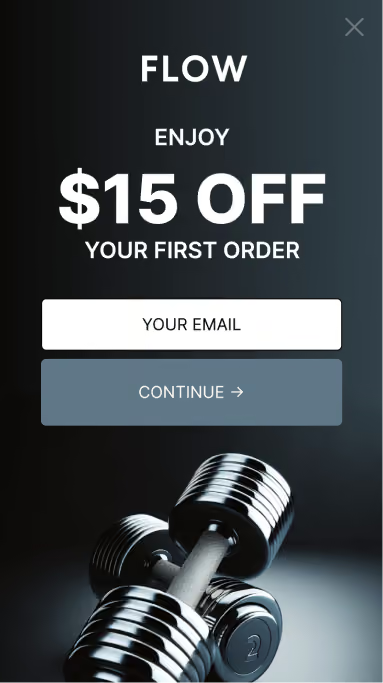
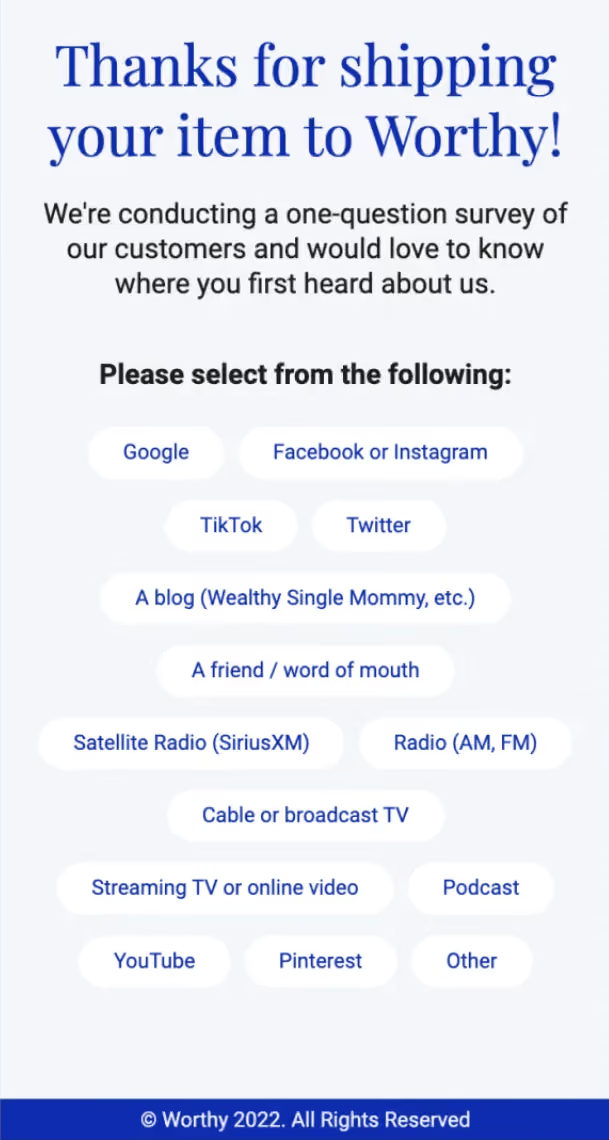
embed Form Examples

See embed forms in action

Get inspiration from examples of real embed forms. Then choose a template and customize it for your brand to launch in minutes.

No items found.

Launch fast with the best
embed form builder

ConvertFlow gives you all the tools you need to create, personalize, and optimize embed forms from one powerful builder

lead capture form builder

Add Fields

Build your embed form in minutes

Quick build mobile-responsive forms using prebuilt templates, a variety of interactive elements, and custom designs that match your brand.

Complete your form with custom fields, surveys, shoppable products, videos, custom HTML and more
Create multi-step form funnels that deliver personalized lead gen and ecommerce experiences
Automatically design for mobile with responsive layouts that do 99% of the work for you. Just a few tweaks, and you're done

Grow Your List

Grow your list by adding list opt-ins to your embed form

Turn website visitors into subscribers by gating their incentives behind a list subscribe form. Entice them with discount codes, gated content and special offers.

Can collect contact info like email, phone, name etc.
Opt-ins & custom fields are synced to CRM upon opt-in
Funnel path branching based on scores and answers
quiz funnel report
quiz funnel report

Recommend Products

Use embed form custom fields to recommend products

Recommend products based on their custom fields, lead scoring and product interests.

Recommend products based on custom fields
Add to cart directly from quiz results
Lead score calculated using custom fields

Integrate

Best-in-class integrations with your favorite tools

Best-in-class integration with embed

Seamlessly integrate your forms with your website, ecommerce platform, email & SMS tools, and analytics.

Syncs contact data with your CRM & email tools
Connect ecommerce platforms like Shopify to display and sell products
Automate actions across your tools when visitors submit your forms
quiz funnel integrations
quiz funnel landing pages

Launch

Publish and go live in a click

Launch forms on your own domain, on Shopify, Wordpress, or any other CMS

Display form as landing page, popup or embed
Publish to Shopify pages with 1-click
Publish to your custom domain with HTTPS
Content delivered through CloudFlare's global CDN

Optimize

Measure your form and optimize performance

See how many leads and revenue each form has generated. Optimize your results with split-testing

Full-funnel reporting show you what's working beyond simple conversion rates stats
Revenue attribution shows you how much money each form variant generates
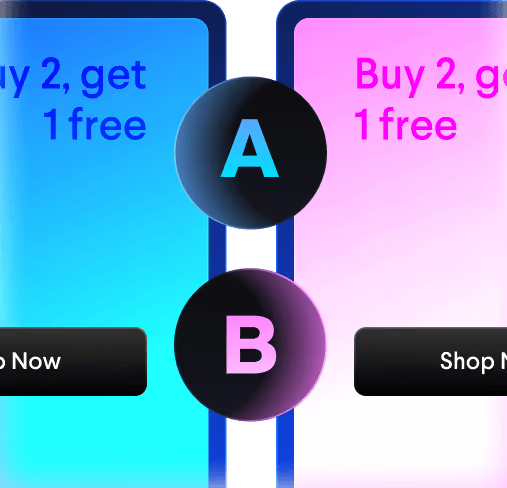
Run A/B and multi-variate tests to find your highest converting offers
quiz funnel report

All the features you need to create embed forms

Powerful features to build and optimize embed forms, from one funnel builder.

Quizzes

Quiz shoppers to make personalized recommendations

Funnel Logic

Guide visitors through funnel paths based on answers and activity

Add To Cart

Add multiple products to cart from products feed and heros

Landing Pages

Create landing pages and sales pages

Sticky Bars

Sticky bars are banners that appear from the top or bottom of the page

Embeds

Embed forms, buttons, and sections

Secured Custom Domains

Display your landing pages on HTTPS custom domains

Custom Scripts Manager

Add custom HTML, CSS, javascript and pixels.

Contact Segmentation

Segment contacts into email and SMS campaigns

Funnel Conversion Reports

Report on your funnels from one dashboard

A/B Split-Testing

Allocate traffic percentages between variants to experiment

Product Recommendations

Conditionally recommend products to shoppers

Verify Email & Phone

Real-time email & phone verification form fields

Form Submission Profiles

Review contact profiles of form submissions

UTM Source Reports

Capture UTMs to contact form fields for reporting

Saved Template Library

Save templates for pages, campaigns and content

Events Stream

Stream events to GA4, tag managers, APIs and custom scripts

Multi-Variate Experiments

Go beyond A/B testing with multi-variate experiments

Multi-Site

Manage for multiple websites from one account

Team Permissions

Invite team members with role-based permissions

Custom Webhooks

Build custom integrations by adding custom webhooks to ConvertFlow.

Funnel Scoring

Calculate funnel scores based on their answers. Save to CRM.

Consent Checkboxes

Pre-configured checkboxes to collect marketing and privacy consent.

Email Validation

Prevent fake emails & phone numebrs from submitting.

Export to CSV

Filter your form submissions and bulk export them to CSV.

Progressive Profiling

Never ask for the same info twice. Pre-fills fields and optionally hide them.

AI Agent

Vibe build funnels quickly with AI chat in the builder. Ask the agent for stats and ideas to test.

MCP

Add ConvertFlow to any AI agent that supports custom MCP connectors

Use Free Plan →Watch DemoInstall App

embed form templates

Launch fast with 400+ funnel templates, ready to remix with AI. Style with 1-click. Turn-key installation.

No items found.

See how it works

See ConvertFlow's form builder in action

Watch the tutorial

See step-by-step how to build a embed form in ConvertFlow

Where embedded forms belong

An embedded form lives inside your page content rather than on top of it. It's always visible, never interrupts, and converts a lower share of views than a popup while costing nothing in goodwill.

That trade-off decides where each belongs. Popups earn attention you didn't have; embeds capture intent you already earned.

The placements that work hardest:

  • Below or partway through a blog post — someone reading to that point has already shown interest
  • On a resource or pricing page — where visitors arrive with intent
  • In the footer — low yield, zero friction, worth having as a fallback
  • Inside a sidebar — persistent without interrupting

Step 1: Choose the embed format

When creating a campaign, choose the embedded format so the form renders inline rather than as an overlay.

Adding a form element to a ConvertFlow campaign

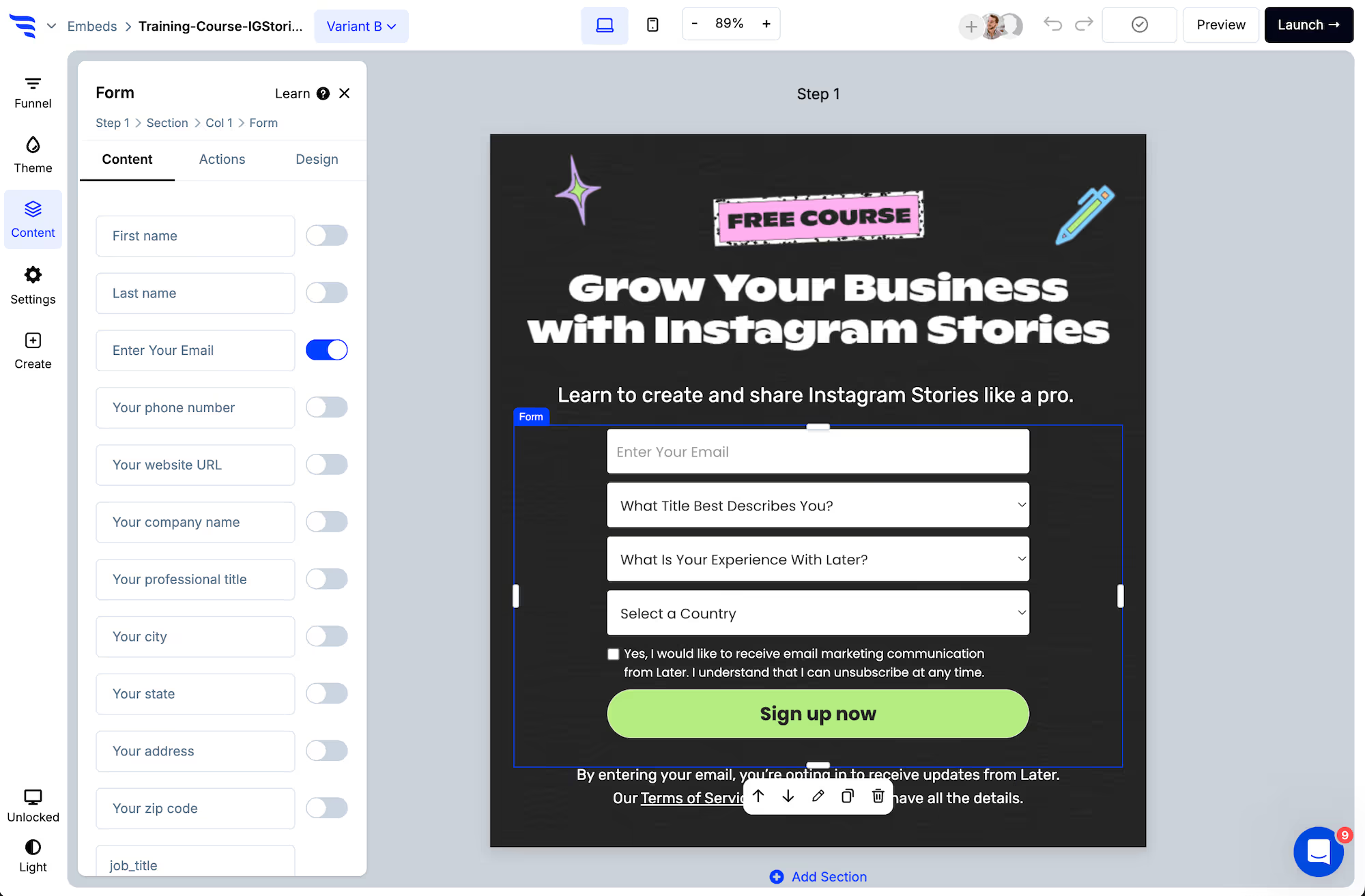
Step 2: Add your fields

Toggling contact fields on a ConvertFlow form element

Keep embedded forms shorter than you would a landing page form. Nobody navigated here to fill this in — it's an interruption they chose to notice, and a long field list turns that back into an interruption.

Editing form field settings in the ConvertFlow builder panel

Step 3: Match your site exactly

This matters more for embeds than any other format. A popup is understood to be a separate layer; an embed sits inside your content, so anything that doesn't match reads as a third-party widget.

Styling a ConvertFlow form in the Design tab

Set the theme to your site's fonts, colours and button styling, then check the width behaves inside your content column.

Step 4: Verify the email
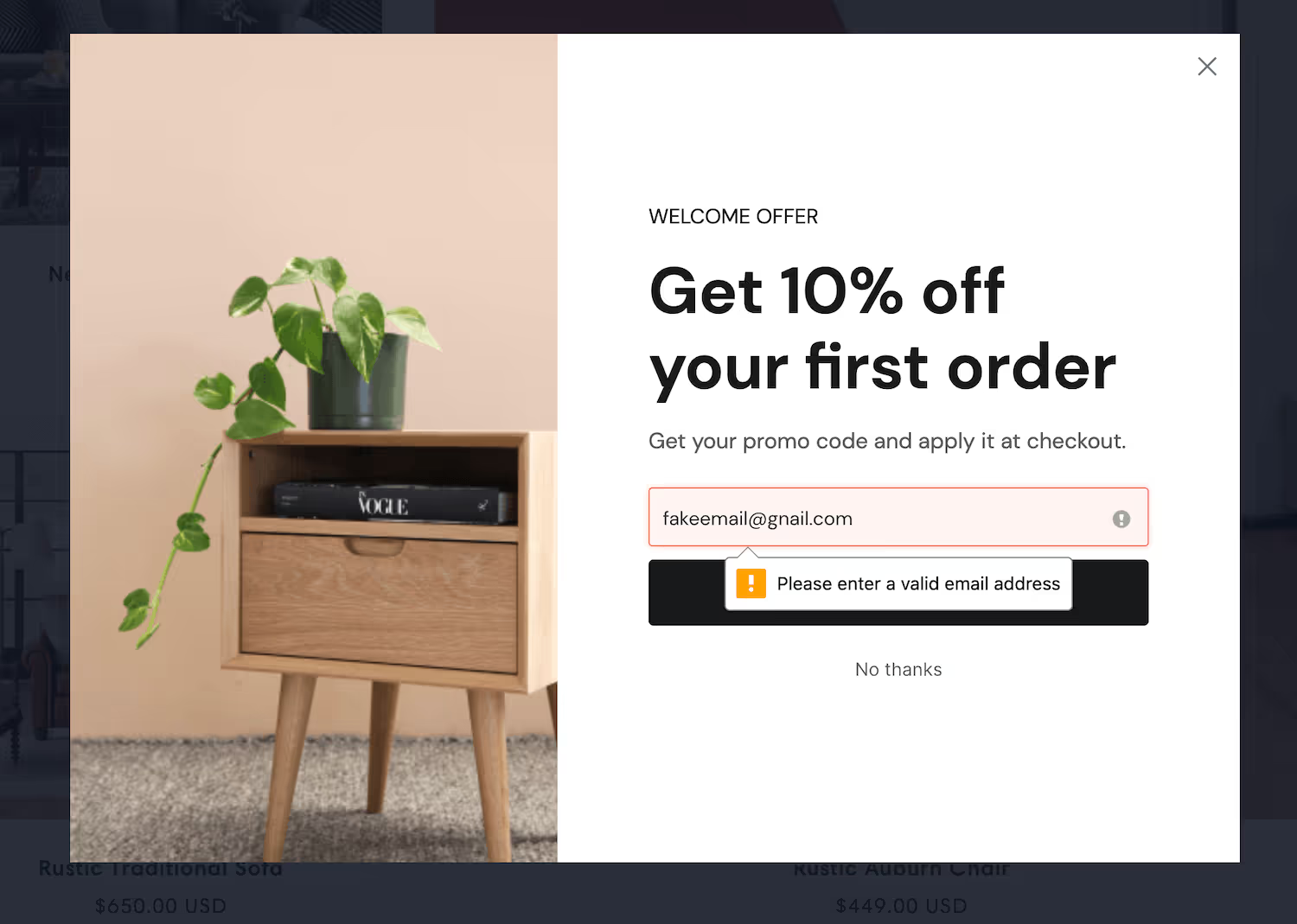
Real-time email verification on a ConvertFlow form

Step 5: Sync the submission

Configuring form submission actions in ConvertFlow

Add the automation that sends the contact to your email platform or CRM, and use a distinct list or tag per placement — a footer subscriber and a mid-article subscriber are different people.

Step 6: Two ways to place it

Paste the embed code where you want the form to appear. Simple, and fine when the placement is fixed.

Or install the snippet and use an area snippet. You add ConvertFlow's script once, drop an area snippet where forms should render, and then control which form appears there — and to whom — from ConvertFlow, without editing the page again.

The second is worth the extra setup on a content site. It means changing the offer across two hundred posts is one change rather than two hundred.

Step 7: Target the embed

With an area snippet, the same slot can show different forms by page, category or audience — and be hidden entirely from people already on your list.

An embed shown to existing subscribers isn't just wasted, it's a permanent fixture reminding your best readers that you don't know who they are.

Step 8: Measure it against the popup

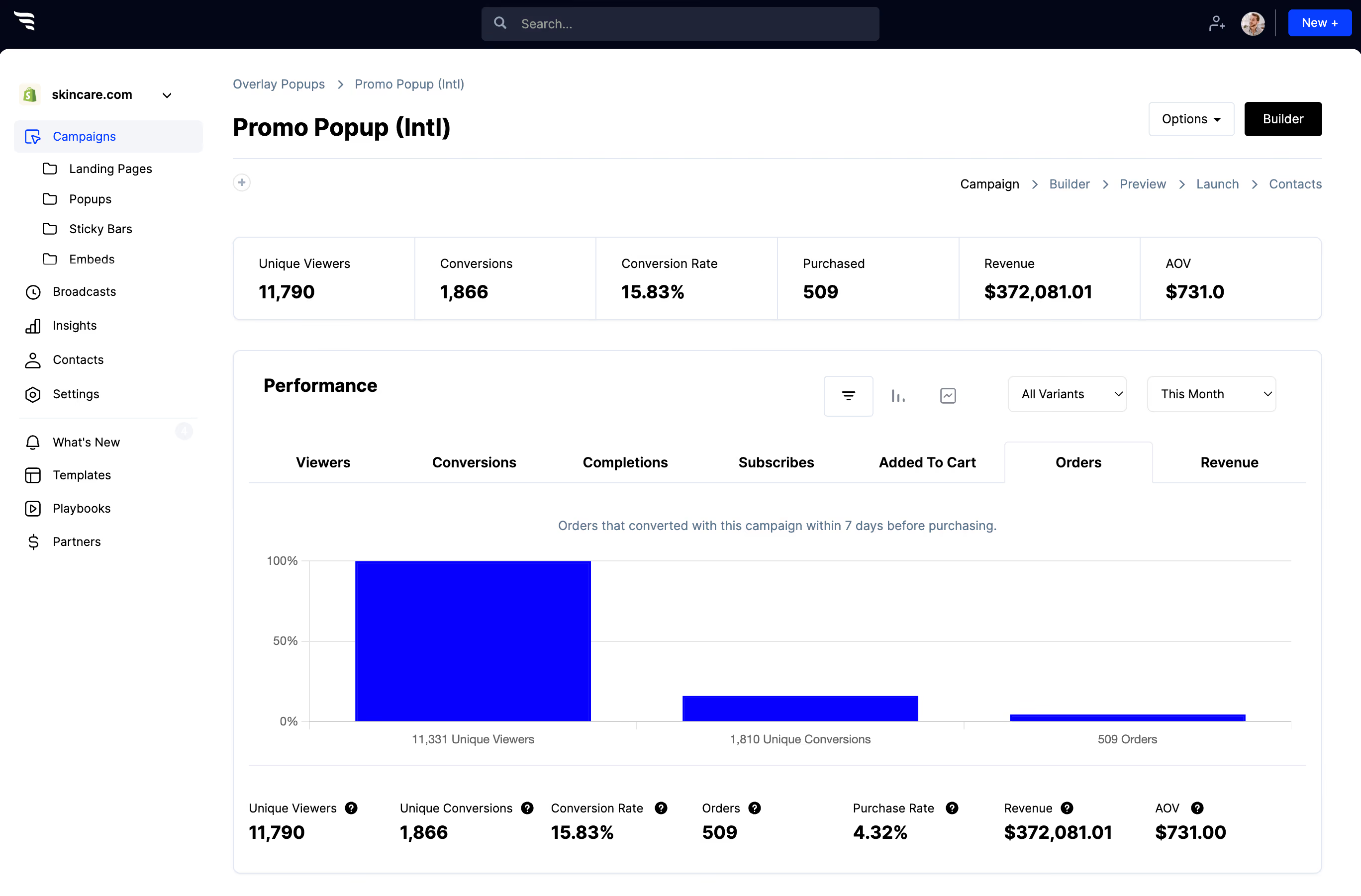
ConvertFlow funnel breakdown report for form submissions

Read views, submissions and per-field drop-off. Compare the embed's conversion rate against your popup honestly — embeds almost always convert lower per view, and that's expected. The question is total subscribers gained across both, not which rate is higher.

Frequently asked questions

Have questions? We've got answers to the top questions listed below.

Embedded form or popup?
How do I embed the form?
Does it work on any website?

ConvertFlow is easy for beginners, powerful for pros

Fast & easy for busy entrepreneurs, while powerful for marketing pros & agencies. ConvertFlow gives you the power to quickly launch funnels for any product, brand or offer

Build with freedom

Add as much content as you want with drag-and-drop elements

Designed for mobile

Effortlessly create the perfect experience for mobile & desktop

Pre-built sections

We've done 99% of the design work for you. Build swiftly by adding pre-built sections

Funnel steps

Guide shoppers from visit to checkout through multiple funnel steps

Sell products

Connect an ecommerce platform like Shopify, display your products, and drive shoppers to purchase from your funnels

Publish in a click

Publish your pages and campaigns to your own domain, or directly to Shopify, Wordpress, or any other CMS

Automate actions

Sync contact fields, map custom fields, track events & trigger actions in your tools

Funnel logic

Personalize product recommendations and next funnel steps using quiz answers & logic

Targeted audiences

Personalize on-site offers for targeted audiences based on visit history, cart activity, custom fields, and contact segments in your CRM

Split-tests

Experiment and run split-tests to find your best performing offers

Remix with AI

Chat with Remix AI to build your next funnel using 400+ funnel templates

Multi-site

Manage funnels for multiple websites or clients. Invite team members and clients to collaborate

Plus, integrations with your favorite tools

embed form builder reviews

Thousands of fast-growing brands and 30,000+ websites use ConvertFlow's funnel builder to launch landing pages, forms, quizzes, popups and multi-step funnels. See real results below.

Nate Morse

Founder, JourneyConvert

"AI features have cut down our time by about half since we started."

"ConvertFlow has the tools, the support, and the team we need to help RV dealerships connect with more shoppers and move more units. It's become core to how we build for our dealer clients... We're sitting at like 10x average lead increase. ConvertFlow support and constant development of AI features have cut down our time by about half since we started."

Chachi Flores

Head of Ecommerce, Peacock Alley

"ConvertFlow enabled Peacock Alley to unlock advanced personalization and conversion optimization, driving a +32% increase in AOV"

"What excites me most is that we've barely scratched the surface of this platform's capabilities. ConvertFlow will remain an invaluable partner as we scale our luxury bedding and bath business throughout 2026 and beyond."

Scott McLeod

Co-Founder, Nectar Sleep

"I recommend using a tool like ConvertFlow…"

"We’re constantly trying to find offers that work. Once we find a winner, we roll it out to the maximum... All this makes it simple to test out different theories you might have about your messaging. Meaning you’ll be able to quickly find out which one resonates best, and run with the winner."

Jack L.

Product Manager

"Its quick and easy to create new components for your website. "

"You can learn a lot about the lead funnel of your business by quickly creating simple A/B test and optimisations. One of the main benefits is the ease of integration to your site. The customer support is great and the dev team are extremely fast are finding solutions to technical issues."

Berk D.

Marketing Manager, Growth Hacker

“The flexibility is nothing short of amazing”

“We're primarily using Convertflow to promote webinars and seasonal offers (e.g. Black Friday), and integrate it with our CRM platform, which in turn allows us to accurately nurture the captured leads."

Jay Vasse

Digital Marketing Manager, Cuddle Clones

"Has helped us get over 150,000+ email and SMS subscribers in the past year"

"ConvertFlow has been an invaluable tool for us. It's flexibility has allowed us to use it for way more than just a simple pop-up to collect emails and phone numbers. We've used it for surveys, review generation and even specific cart-based messaging that's unique to each user. With their HubSpot integration we've been able to easily segment users and target messaging. Whenever we've had an issue or question their support has quickly responded, and their development team has even made changes to fit our specific needs. Would definitely recommend ConvertFlow to any store that is in need of a great lead gen tool with excellent support!"

Elliot Kovac

Retention, Ready. Set. Food!

"ConvertFlow has given us higher opt-in rates right off the bat compared to our last platform."

“The ability to seamlessly plug into Klaviyo, Attentive, Shopify, and pull the data – I mean it goes both ways – pulling data in, exporting data out – has been very seamless.”

Jacob Forrest

Owner, simple-shot.com

"Our short list of must-have apps: Shopify, Klaviyo, and ConvertFlow"

"Truly outstanding support. Lightning fast. More features than you can imagine. Fair pricing. Top-notch Klaviyo integration (with events!). We created a popup on literally day one that has been a consistent 35% add to cart boost since the day we made it."

Launch your embed form

Getting started takes just a minute and you can build your next funnel for free.

Embeddable Form Builder — Inline Forms AnywhereEmbeddable Form Builder — Inline Forms AnywhereEmbeddable Form Builder — Inline Forms Anywhere

Build more than just forms

Forms are just one tool in ConvertFlow's all-in-one funnel builder.

Landing Pages

Drive traffic to focused landing pages that sell products

Popups

Grow your email & SMS list faster with targeted popups

Quizzes

Guide shoppers to recommended products using quiz funnels

Forms

Collect more contact fields using multi-step forms

Surveys

Survey visitors to gather valuable customer insights and segment your audience

A/B Split Tests

Split-test to find the offers & messaging that converts

Upsells & Cross-Sells

Boost sales with 1-click cart upsells and post-purchase offers for shoppers

Browse Abandonment

Boost checkouts by engaging shoppers before they leave

Funnel Analytics

Get conversion funnel analytics and multi-step A/B tests results all from one dashboard.

Landing Page Hosting

Host, launch & optimize high-converting landing pages

Client Funnels

Build quiz funnels, landing pages & popups for your clients

Real-Time Email & SMS Field Validation

Block fake email and phone leads in real time

Real-time email and SMS field validation on a ConvertFlow lead form
All Form Tools