



Where AI actually helps with forms
"AI form builder" covers three different things, and they're worth separating because they deliver very different amounts of value.
1. Generating the form
Describe what you want, get a draft. Genuinely useful for a blank-page start.
It's also the least valuable of the three, because building a form was never the slow part. Deciding what to ask, and what to do with the answers, is the work.
2. Personalizing what each visitor sees
Adapting questions, offers and results to the individual. This is where the return is — and most of it doesn't require inference at all, just rules applied to data you already have.
3. Interpreting the results
Reading drop-off patterns and answer distributions to work out what to change. Underrated, and the part most teams never get to because the reporting doesn't show them.
Why rules beat inference for most of this
A rule is predictable and auditable. You can see exactly why a visitor saw what they saw, and you can explain it to whoever asks.
That matters when the form feeds a CRM your sales team works from. A lead routed to a booking page by a rule can be traced; one routed by a model can't, easily.
The practical approach: rules for anything consequential — qualification, routing, what gets shown — and save inference for lower-stakes decisions.
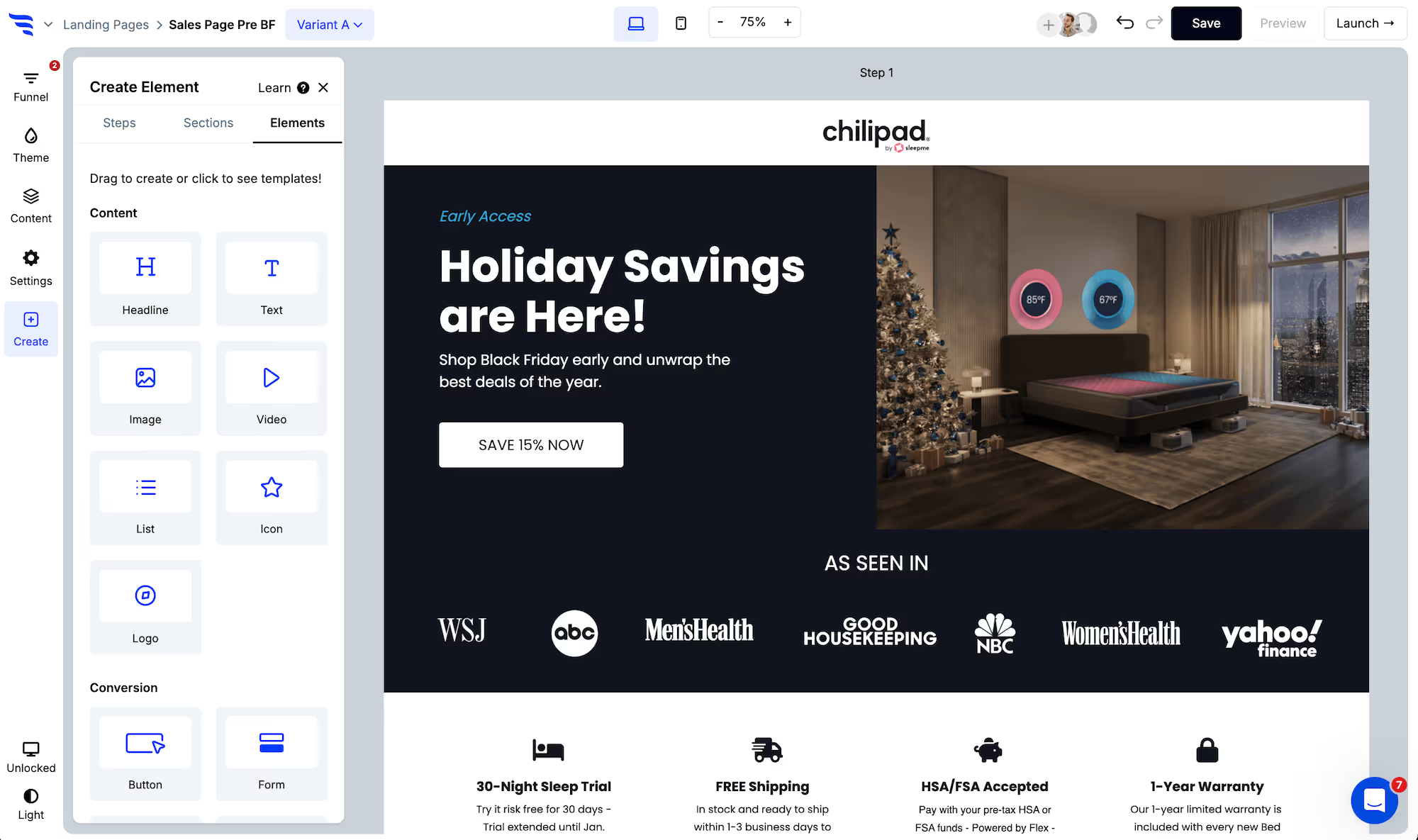
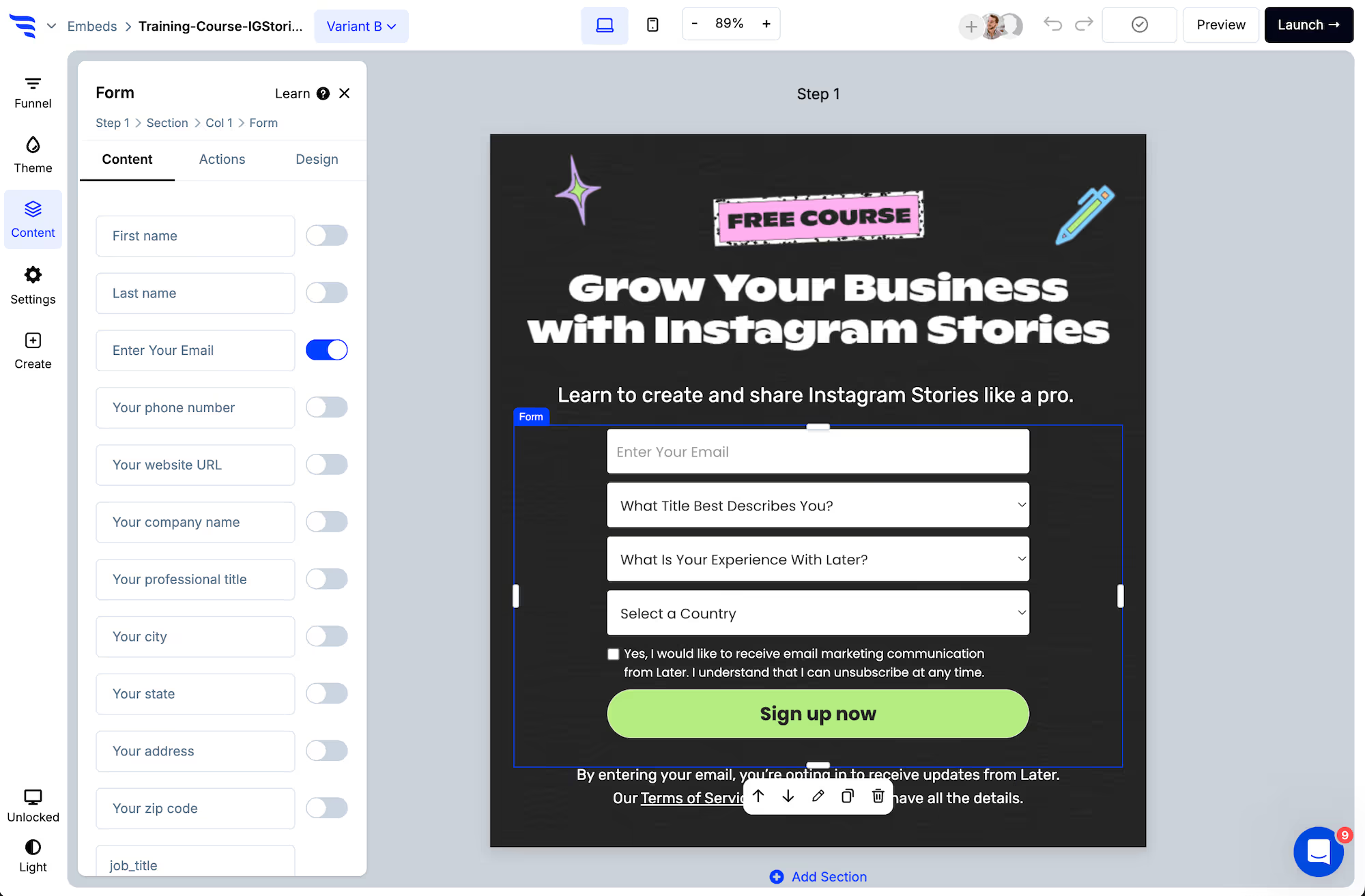
Step 1: Build the form
.avif)
.png)
Step 2: Personalize with what you already know
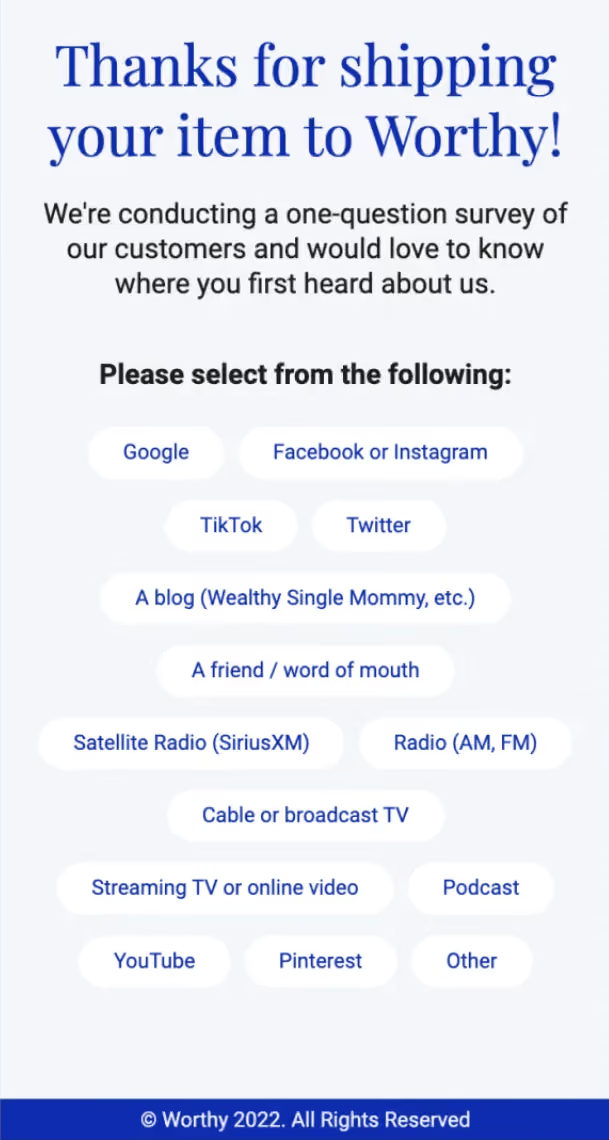
Before reaching for anything clever, use the data you have. Connect your email platform or CRM and the form can recognise returning contacts, prefill known fields, and skip questions you already have answers to.
.avif)
Not asking a returning customer for their name again is worth more than any generated headline.
Step 3: Adapt the questions
.avif)
Conditional actions show a follow-up only when the earlier answer makes it relevant. Conditions can match answers, scores, page URL, UTM parameters, visit history and contact fields.
.avif)
Step 4: Score rather than branch endlessly
.avif)
Give answers point values and route on the total. This handles the combinatorial problem that makes people reach for a model in the first place — five questions with four answers each is over a thousand paths, and three score ranges covers it.
Step 5: Personalize the result
.avif)
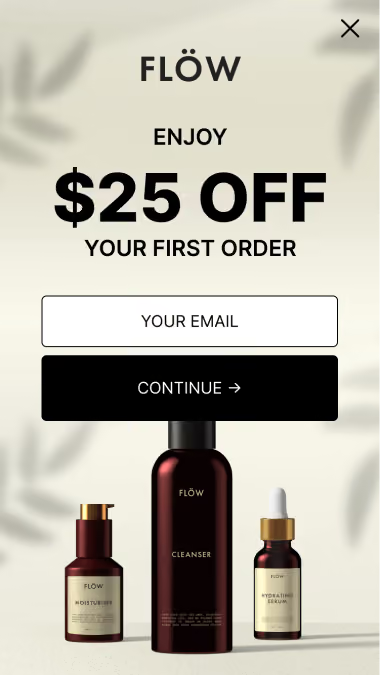
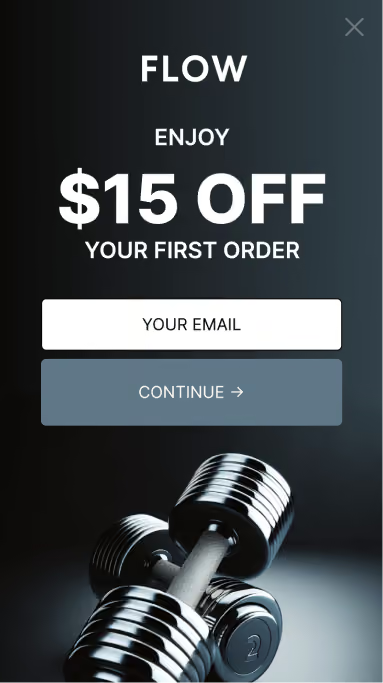
The end of the form can change with the answers — a different message, redirect or recommendation.
Step 6: Let testing do the optimizing
.avif)
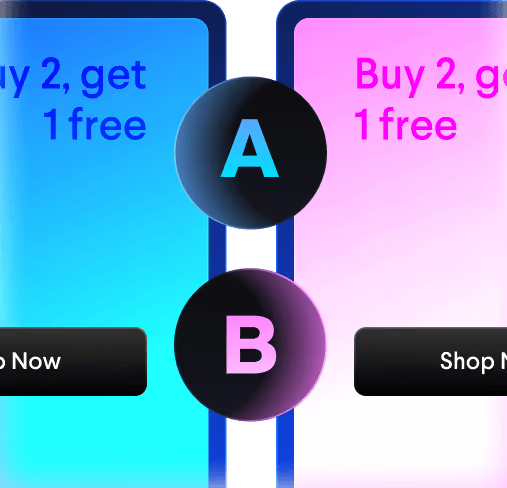
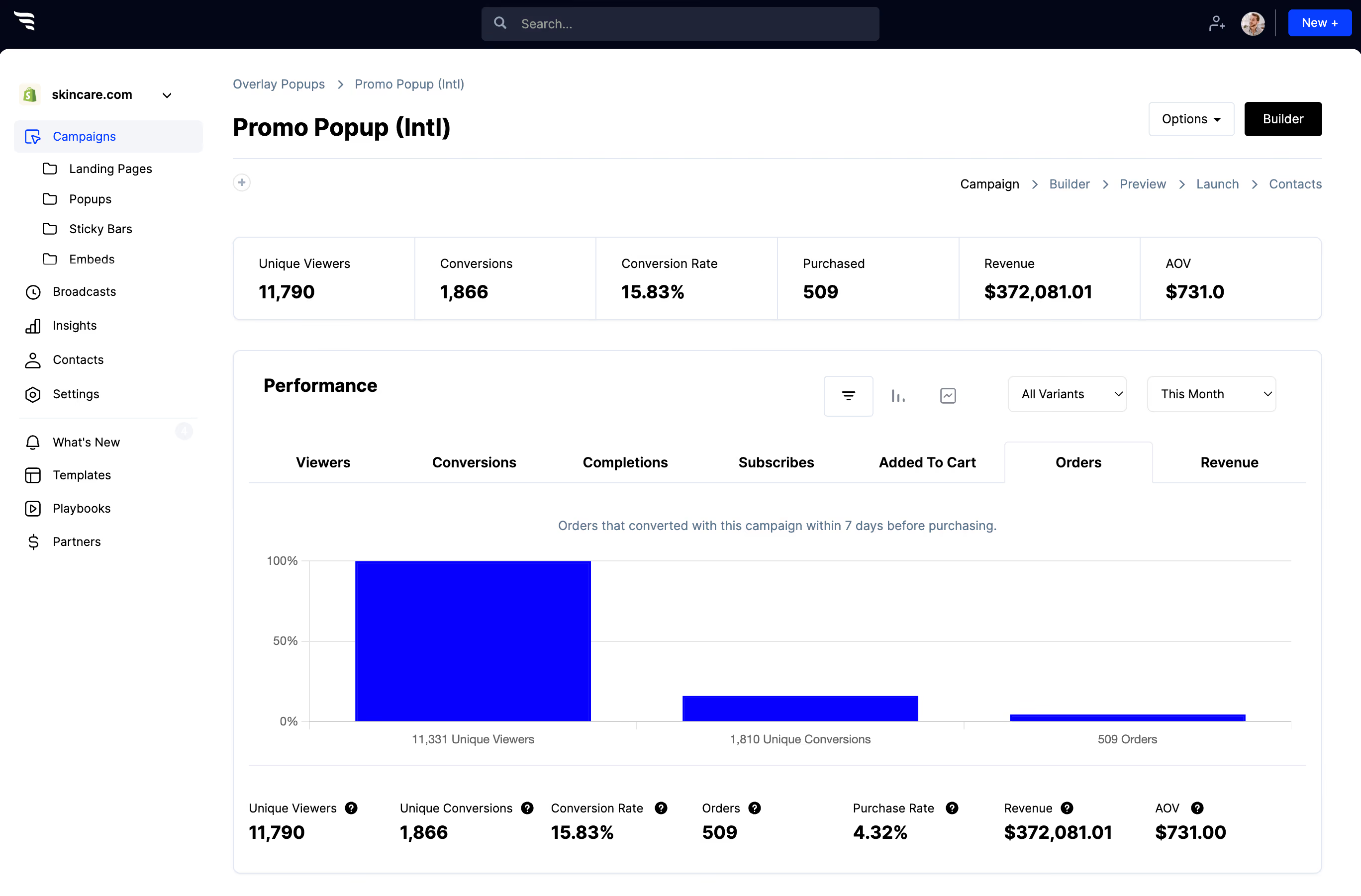
Split-test variants and read per-question drop-off and answer distribution.
This is the "interpretation" part, and it doesn't need to be automated to be valuable. Two patterns tell you almost everything: a question with a steep drop is badly placed or too personal, and a question where one answer takes nearly everybody isn't dividing anyone.
A reasonable position
Use generation to get a first draft faster. Use rules for anything that decides where a lead goes, because you'll need to explain it. Use testing to find out what's working.
Most of what people want from an "AI form" is a form that responds to who's filling it in — and that's a data and rules problem before it's a model problem.



%20(1).avif)







.svg)
