



What separates a lead gen form from a signup form
A signup form collects an address. A lead generation form collects enough for someone to decide what to do next — and ideally decides it automatically.
That means three things a plain form doesn't do: it asks qualifying questions, it scores the answers, and it routes on the result.
Step 1: Decide what qualifies a lead
Before building, write down what makes a lead worth a sales conversation. Company size, budget, timeline, use case — whatever your team actually uses.
Then only ask those. A question nobody references when working the lead is costing you completions for nothing.
Step 2: Build across steps
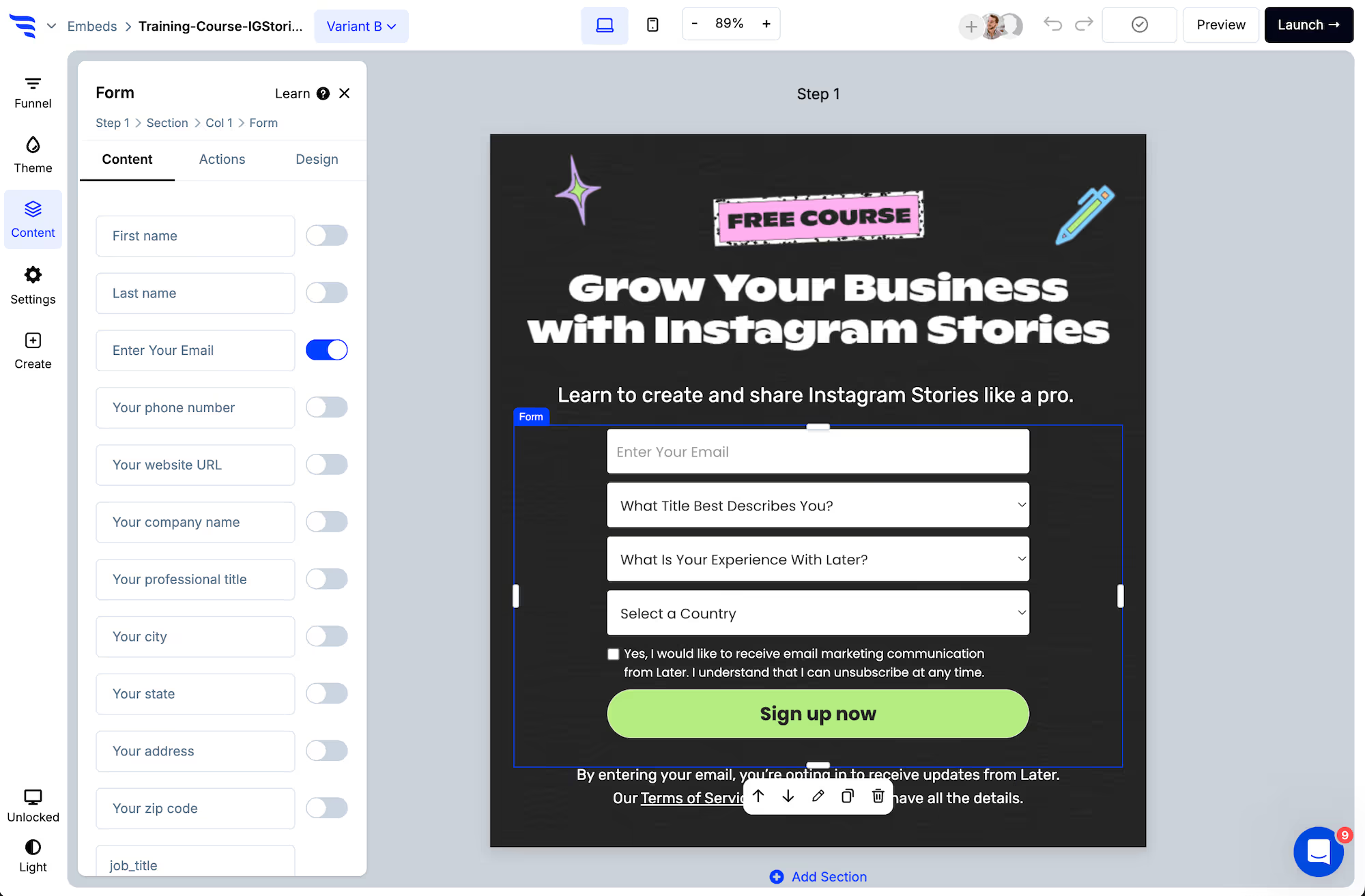
Add a form or quiz element and split the questions across steps rather than stacking them.
.avif)
.png)
Put the email on an early step. A half-finished multi-step form has still captured a contact; a half-finished single-step form gives you nothing.
Field types include dropdown, radio, paragraph, hidden and range sliders for headcount or budget.
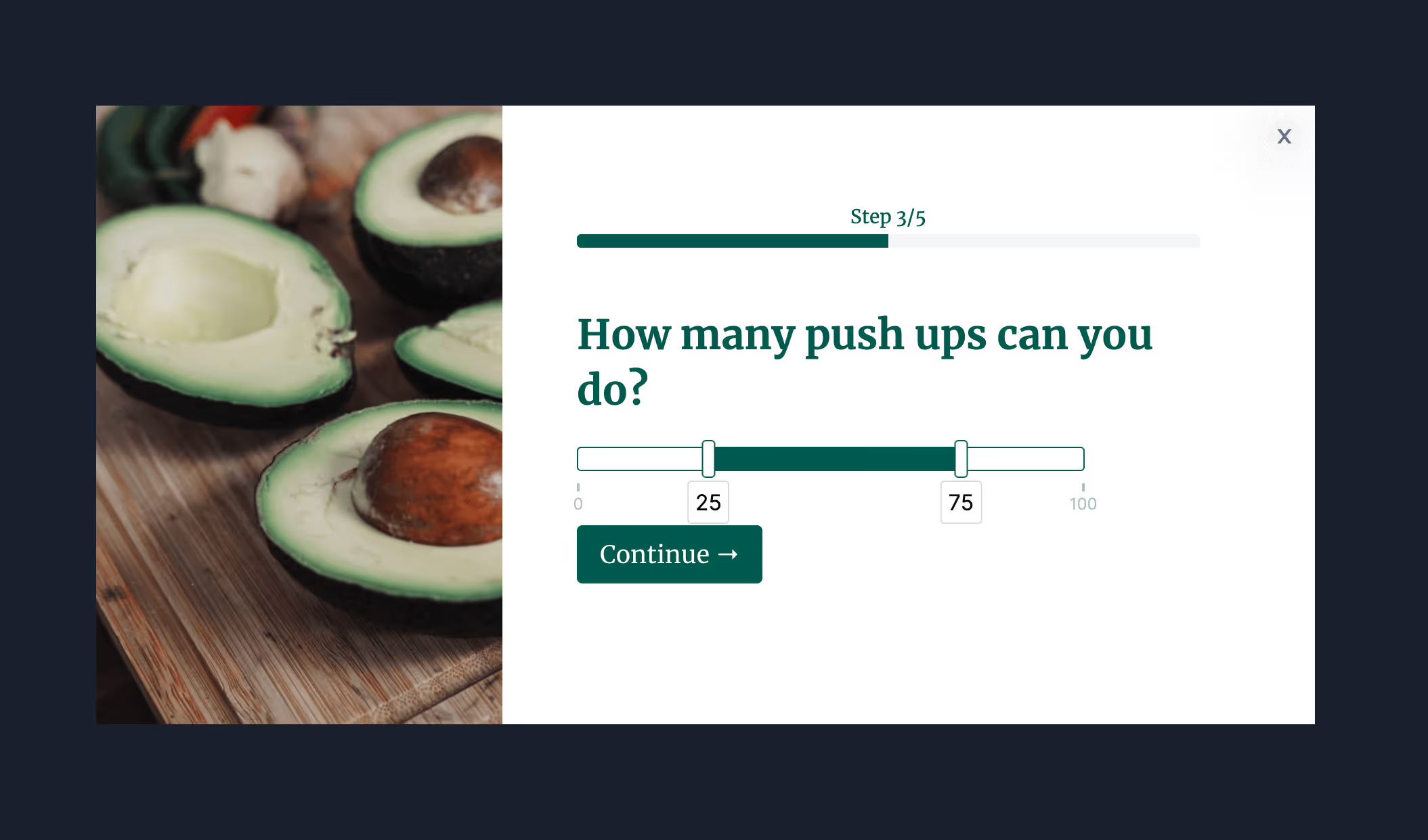
Step 3: Score the answers
Dropdown and radio options can carry point values, so the form produces a qualification score rather than a longer record.
.avif)
Scoring also keeps the logic manageable. Rather than mapping every combination of answers, you route on ranges.
Step 4: Capture the source silently
Add hidden fields for the page, referrer and UTM parameters. The visitor answers nothing extra, and your team sees what the lead was reading when they decided to fill it in.
.avif)
Step 5: Verify the email
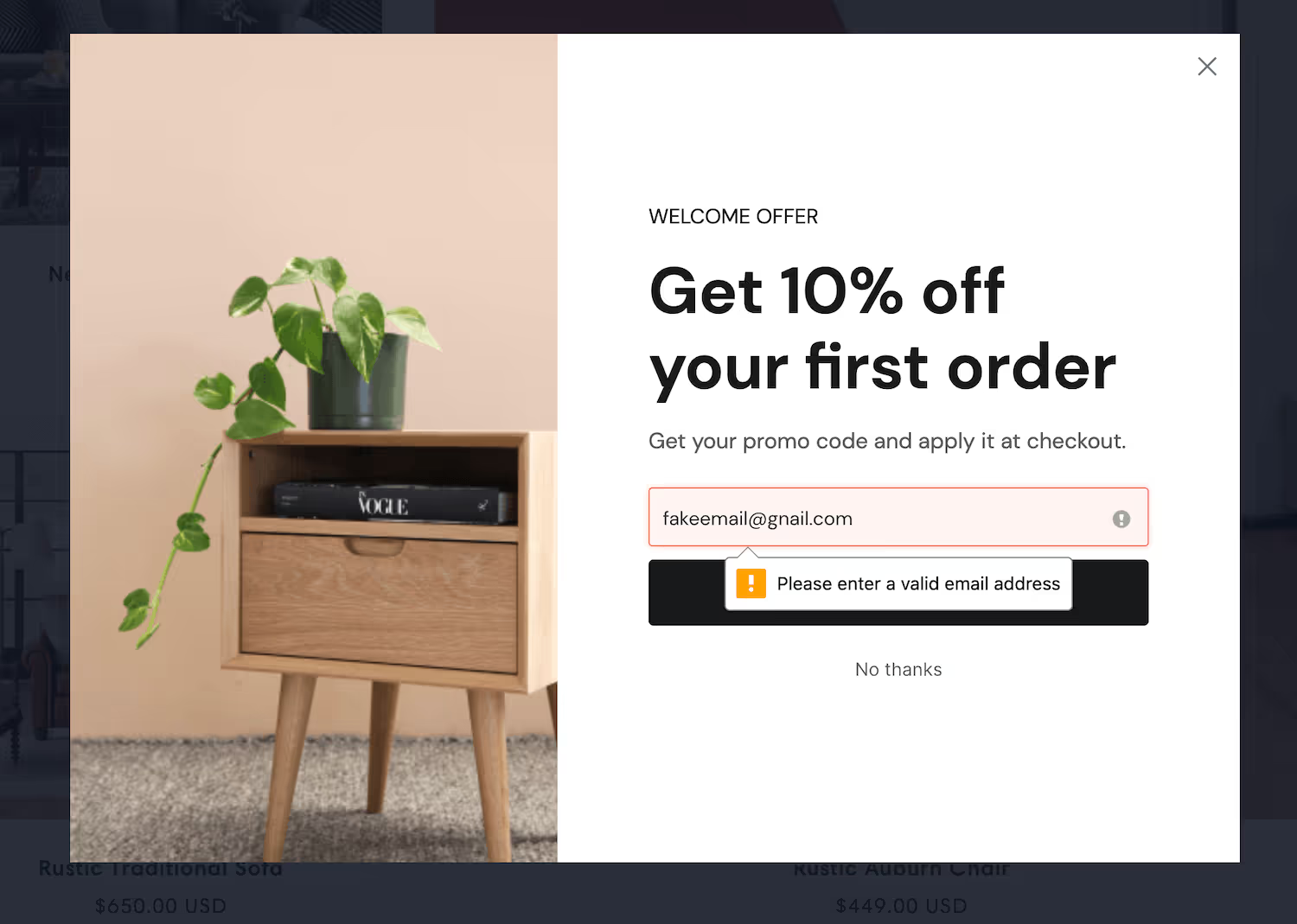
A junk lead in a CRM doesn't sit quietly — it gets assigned to a rep, worked, chased, and counted in pipeline reporting until someone writes it off.
Step 6: Sync and route
.avif)
Add the automation that creates the record in your CRM, then use conditional actions so the score decides what happens.
.avif)
The pattern most teams settle on: above the threshold, redirect straight to a booking page and write the score to the record so the rep sees why. Everyone else gets a thank-you and enters nurture.
Step 7: Cut the questions that don't earn their place
.avif)
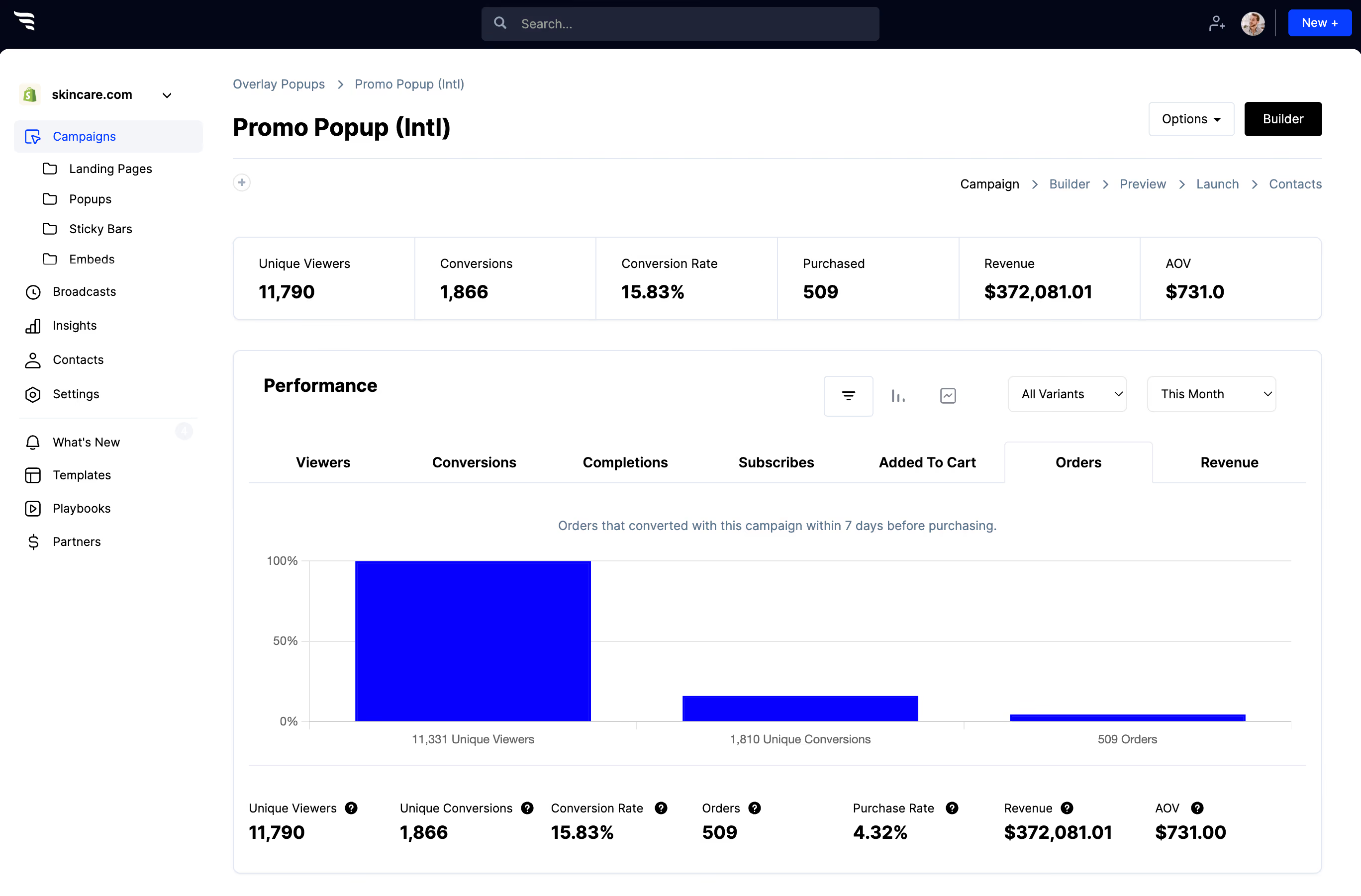
The funnel report shows drop-off question by question. Two rules: cut anything with a steep drop that your team doesn't use, and if one answer takes nearly everybody, that question isn't qualifying anyone.



%20(1).avif)






.svg)
