



What an email form has to get right
An email capture form has one job, and three things decide whether it does it: the offer, the number of fields, and where the subscriber lands afterwards.
The design matters least, which is usually where most of the time goes.
Step 1: Add the form
.avif)
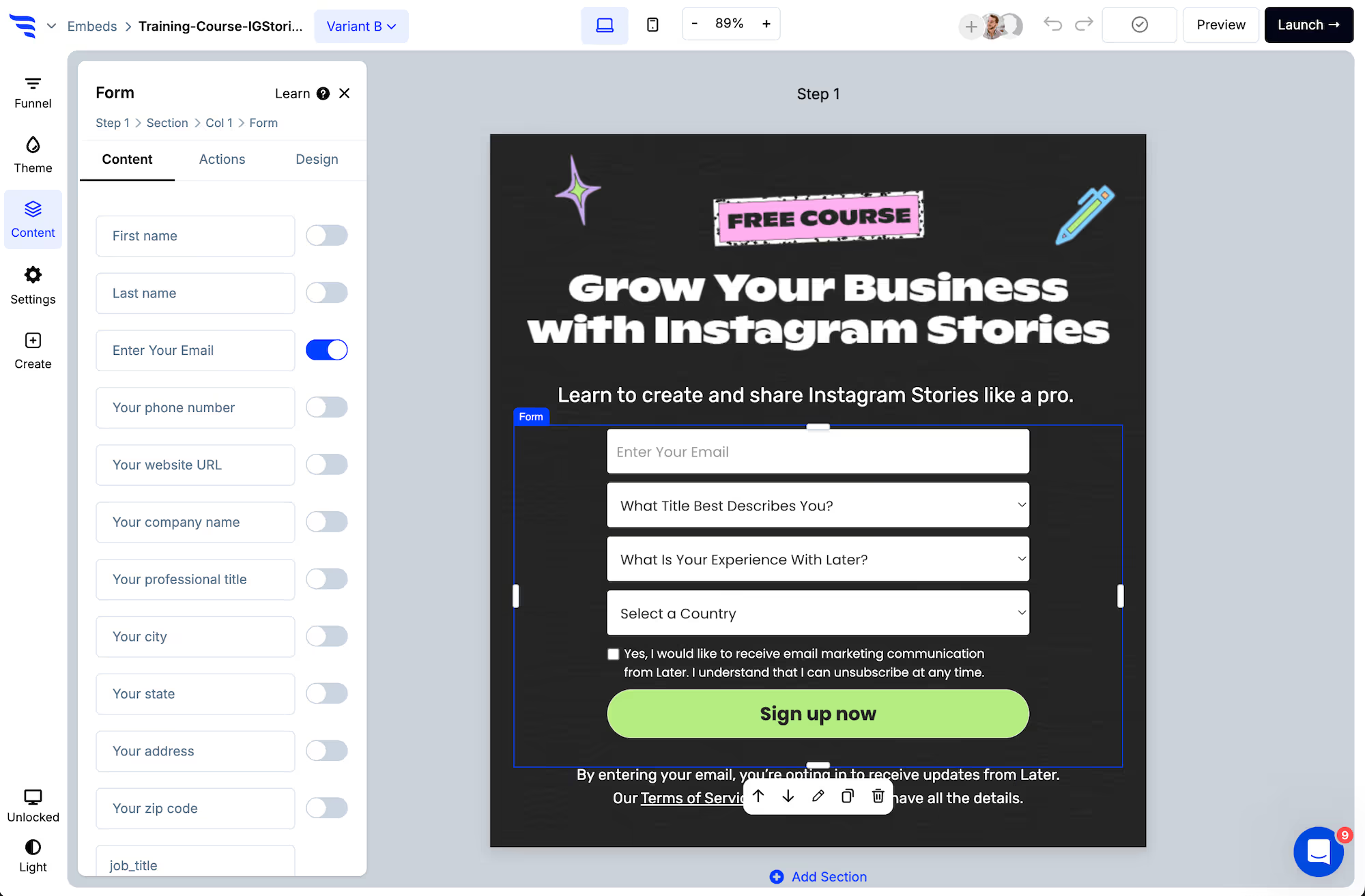
Add it to a landing page, popup or embed, then toggle on your fields.
.png)
Start with the email field alone. Add first name if you'll personalize sends with it. Stop there unless you have a specific use for more.
Step 2: Verify before it syncs
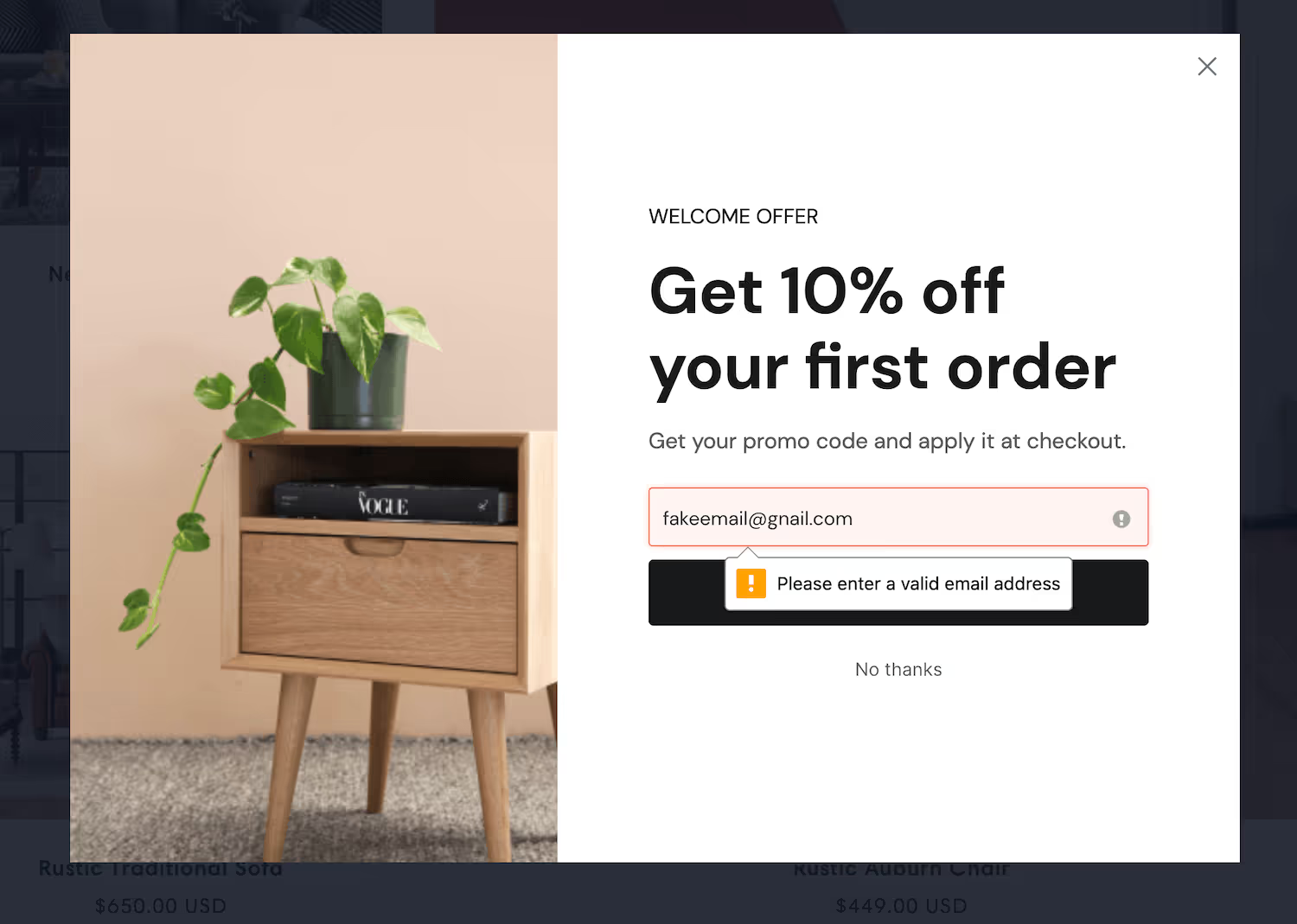
Real-time verification checks the address exists with its provider before the subscriber is created.
This protects the numbers you'll be judged on. Undeliverable addresses drag down open rate, count against your subscriber total, and on some platforms damage your sending reputation.
Step 3: Add consent
Below the preset fields you'll find privacy and marketing consent checkboxes, with links to your policy and terms. Use the wording your obligations require, and make sure it matches what you'll actually send.
Step 4: Style it
.avif)
Step 5: Sync to your email platform
.avif)
Add the automation that adds the subscriber to the right list, and apply a tag recording where they signed up.
Use a distinct list or tag per placement. A footer subscriber and a mid-article subscriber are at different stages, and one welcome sequence for both wastes the distinction.
Step 6: Segment after the signup
This is the pattern that gets you segmentation without paying for it in conversions.
.avif)
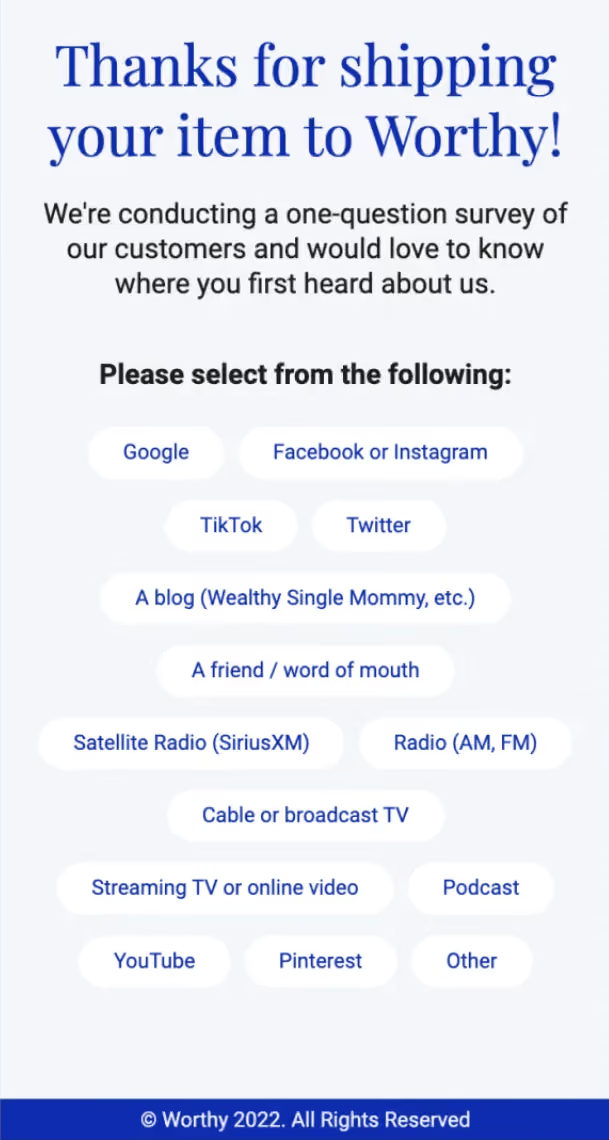
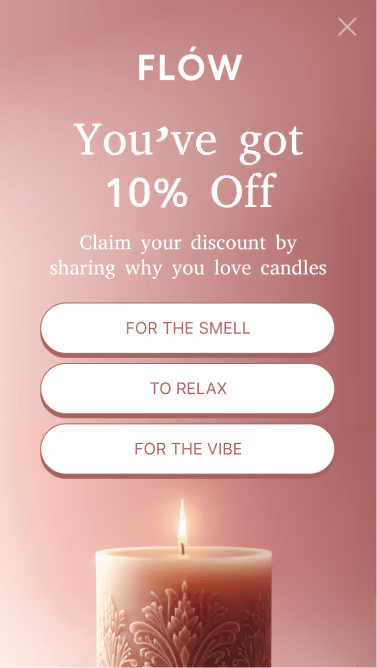
Keep the form to one field, then ask one question on the confirmation step. Map the answer to a field or tag. People who answer give you a segment; people who skip it are already subscribed.
Step 7: Exclude existing subscribers
With your platform connected, hide the form from people already on your list.
Your subscribers are your most frequent visitors, so an untargeted email form is shown disproportionately to people who cannot convert on it — which both wastes the placement and makes your conversion rate look worse than it is.
Step 8: Test the offer first
.avif)
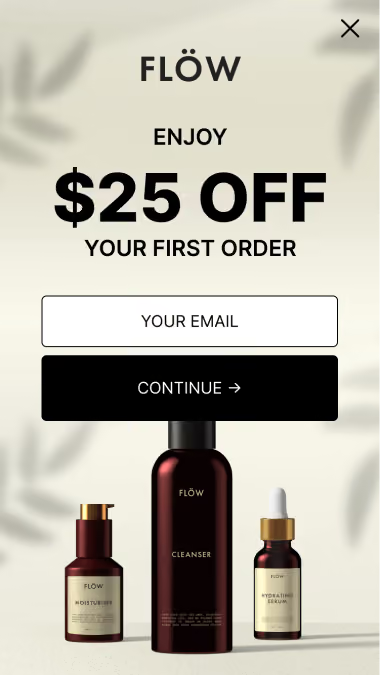
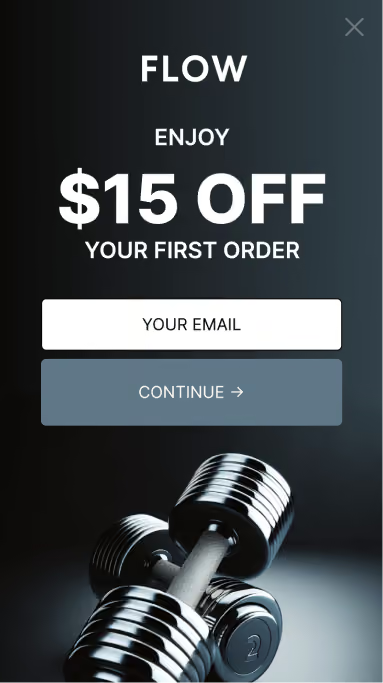
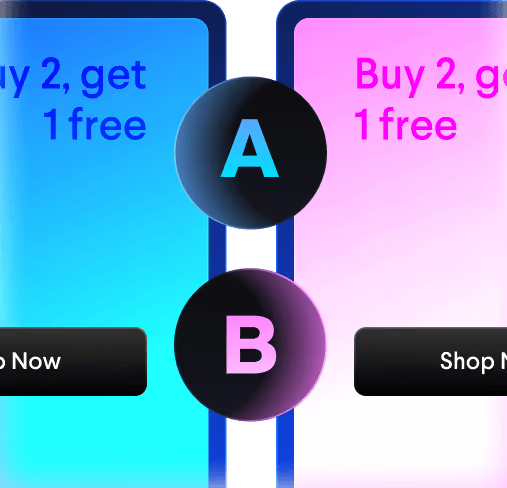
Split traffic between variants. The offer and the field count move the number far more than button colour or headline wording — settle those before testing anything cosmetic.



%20(1).avif)





.svg)
