



What drag-and-drop should actually cover
Nearly every form tool has a drag-and-drop editor for arranging fields. That part is table stakes.
What varies is how far the visual editing goes before you hit a stylesheet or a developer. Three things worth checking:
- Does styling stay visual? Or is "drag-and-drop" only about field order, with appearance handled in CSS?
- Do changes cascade? If you change your button style, does it apply everywhere, or element by element?
- Is logic visual too? Conditional questions and branching, or is that a separate technical step?
Step 1: Start from a template or a blank canvas
.avif)
Step 2: Set the theme before you touch elements
This is the step that saves the most time, and the one people skip because it isn't the fun part.
.avif)
Theme-level styling covers headings, buttons, fields and spacing across every element and every step. Set it first and everything inherits it — including elements you add next month.
Style element by element instead and you get a form that drifts out of alignment as it grows, and a restyle that takes an afternoon.
Step 3: Arrange the fields
.png)
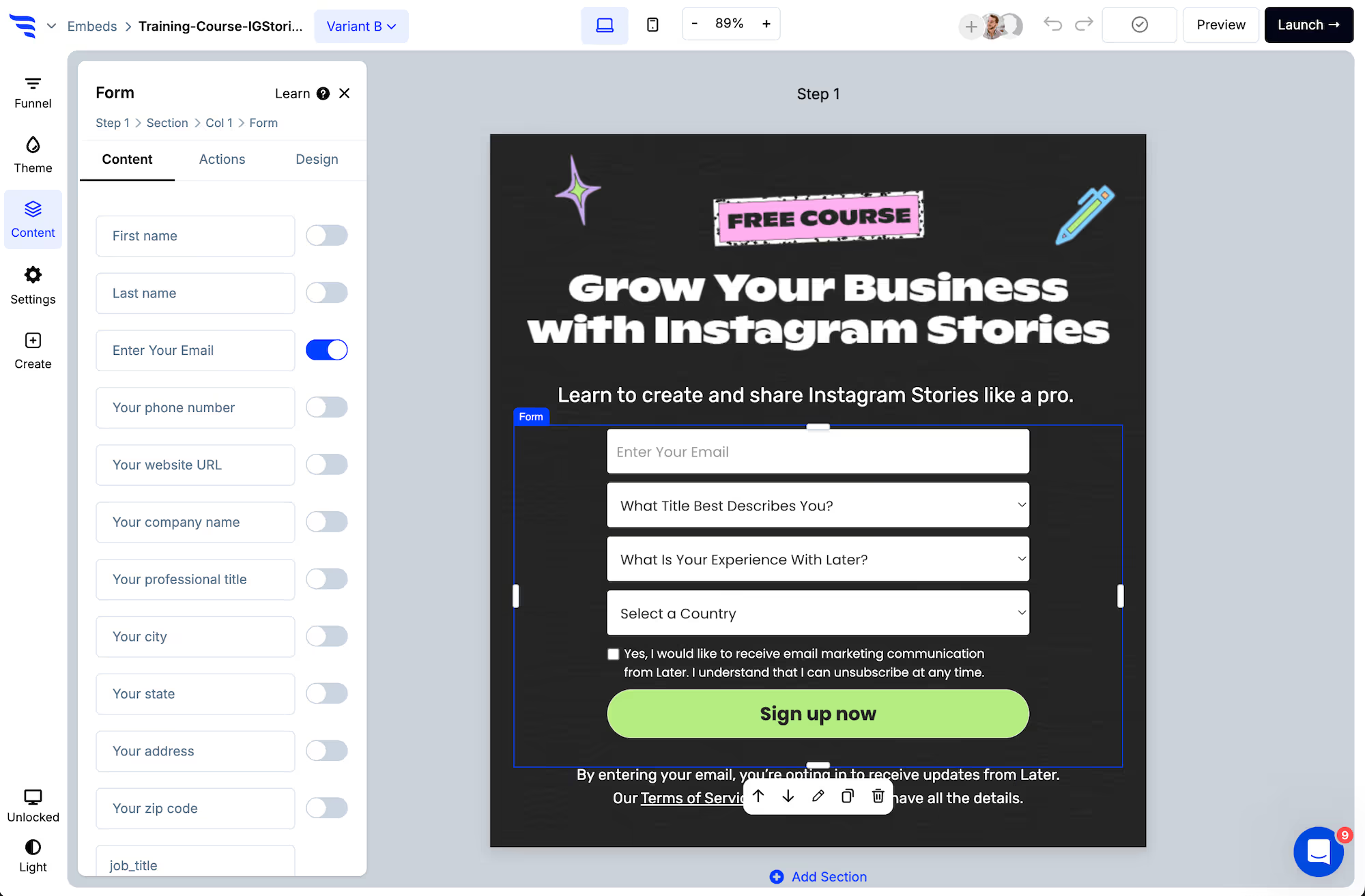
Toggle preset contact fields on and off, and add custom fields at the end of the list.
.avif)
Each field's label, placeholder, required state and character limits are set in a panel.
.avif)
Step 4: Add other elements
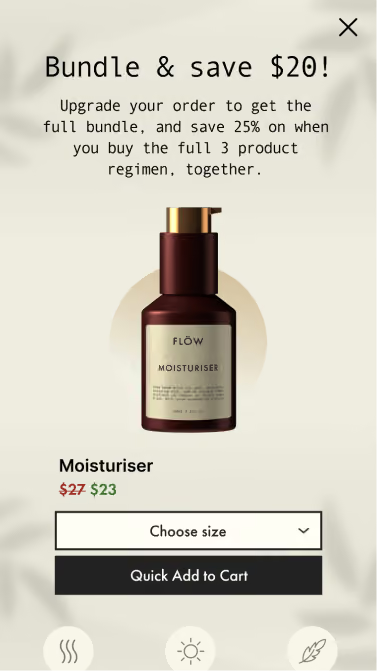
Forms don't have to be only fields. Drag in text, images, timers, progress bars and product blocks to build the whole experience in one place.
Step 5: Fine-tune per element
.avif)
The Design tab overrides the theme where you need an exception — spacing, field layout, width, colours and shadows.
Use it sparingly. Every override is a place the form won't follow a future theme change.
Step 6: Add logic without leaving the builder
.avif)
Conditional actions are set by picking a condition and an outcome — the same visual approach as the layout.
Step 7: Connect and publish
.avif)
Add the automation that syncs the contact, then publish with one snippet — or one click on Shopify.
Step 8: Reuse rather than rebuild
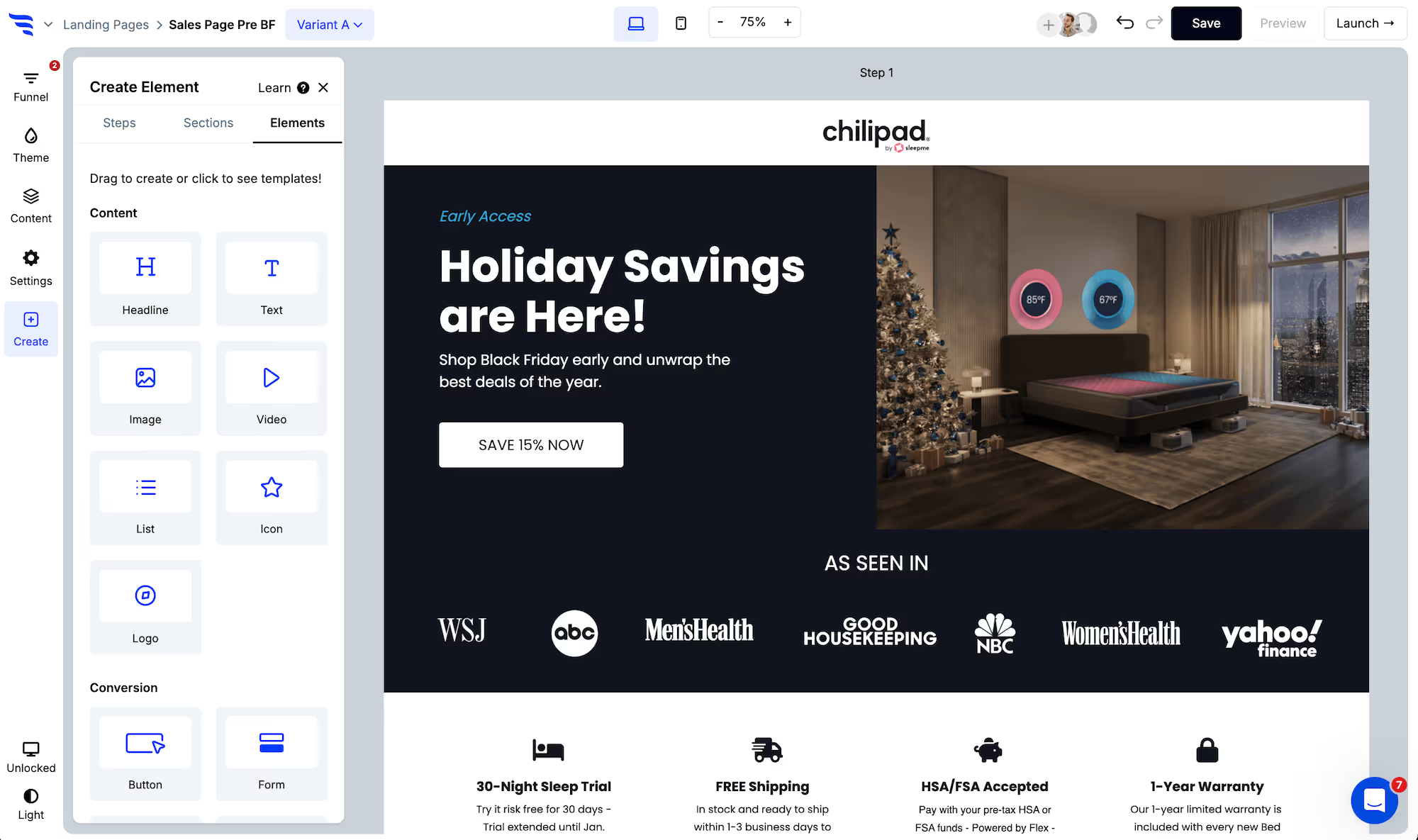
The same campaign can run as a landing page, a popup or an embed. Build the form once and change the format, rather than maintaining three versions that drift apart.
.avif)
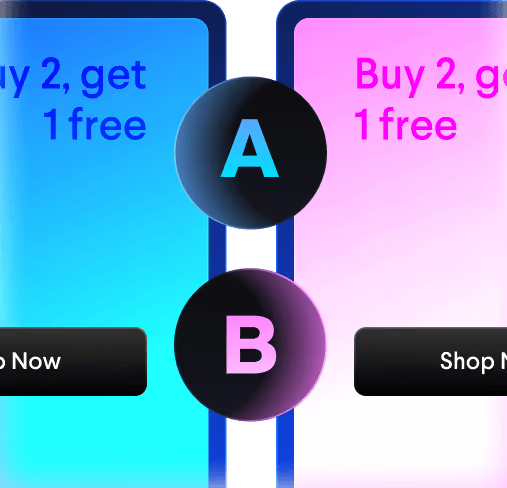
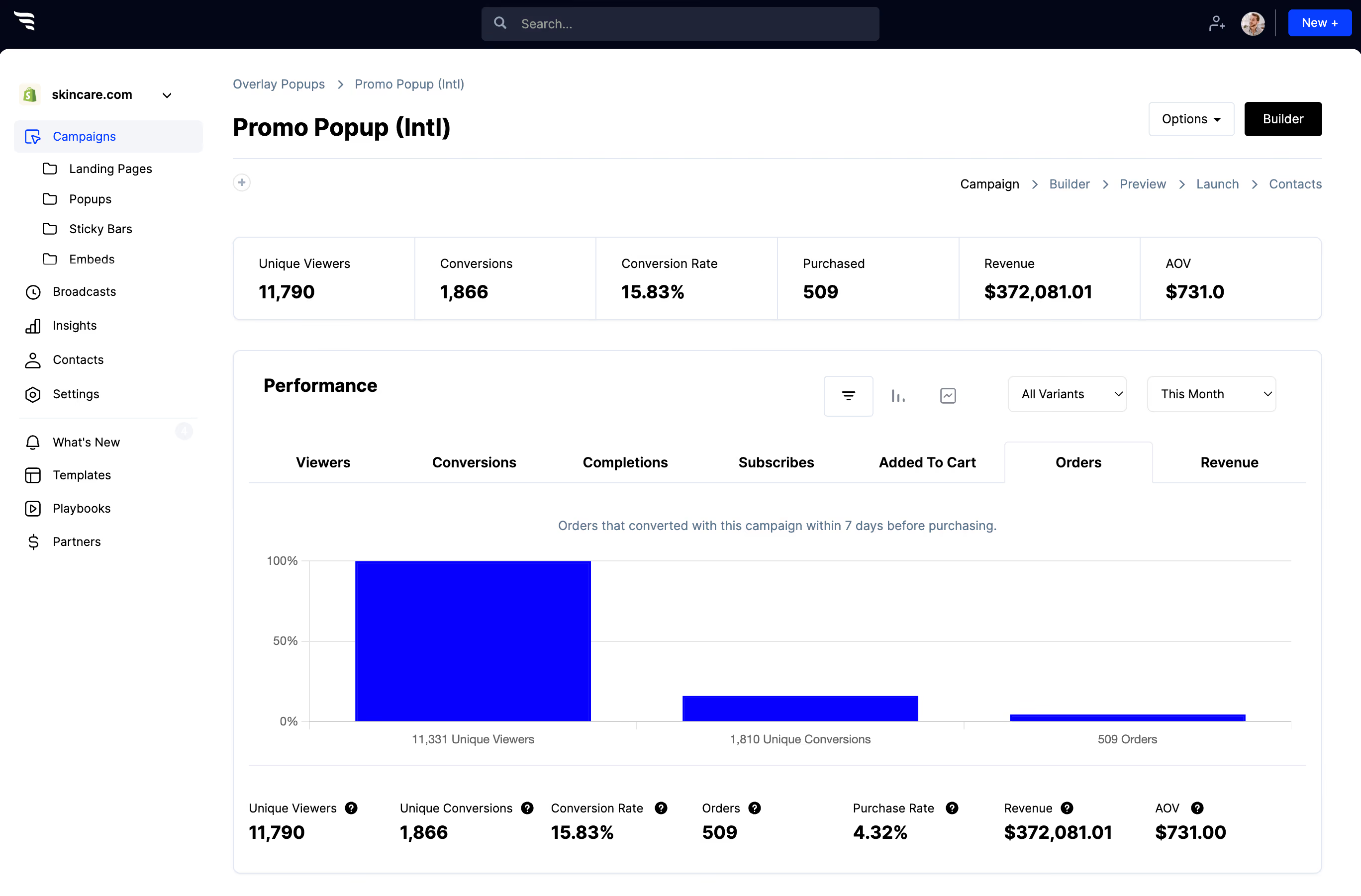
Then split-test variants and read per-field drop-off to find which fields are costing completions.



%20(1).avif)






.svg)
