



What a quote request form is really for
A quote form has two jobs at once, and they pull against each other.
It has to collect enough detail to price the job or brief the person who will. And it has to stay short enough that a high-intent enquirer doesn't abandon it — which matters more here than on most forms, because someone requesting a quote is usually requesting several at once.
Multi-step and conditional logic are how you resolve that tension.
Step 1: Ask only what changes the quote
Before building, list the things that genuinely affect the price or the decision to take the job. Type of work, scope, timeline, location.
Anything that doesn't change either is costing you enquiries. "How did you hear about us" belongs on the confirmation step, not in the middle of a pricing form.
Step 2: Build across steps
.avif)
.png)
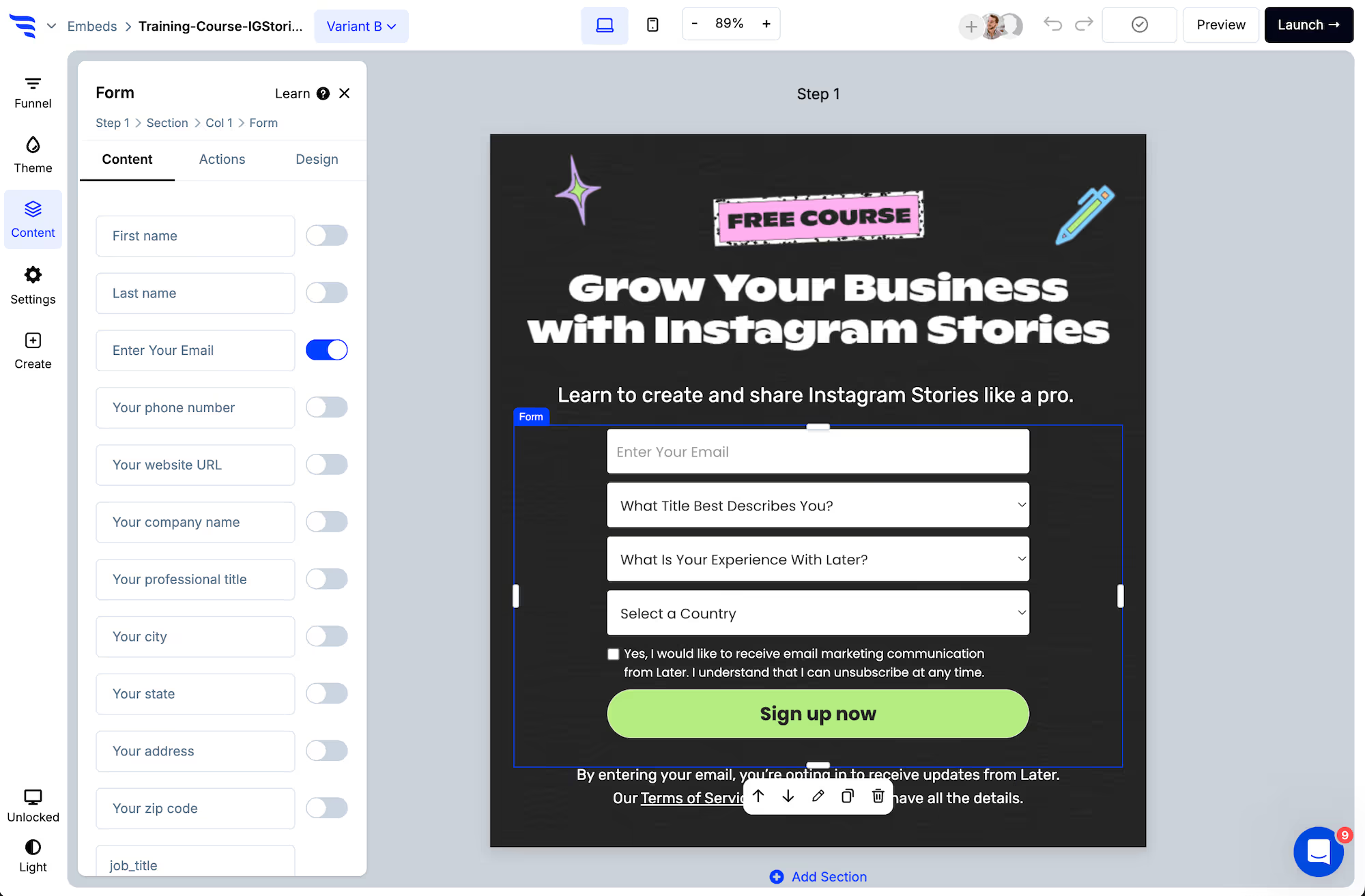
Put contact details on an early step. Someone who abandons at the scope question is still an enquiry you can chase.
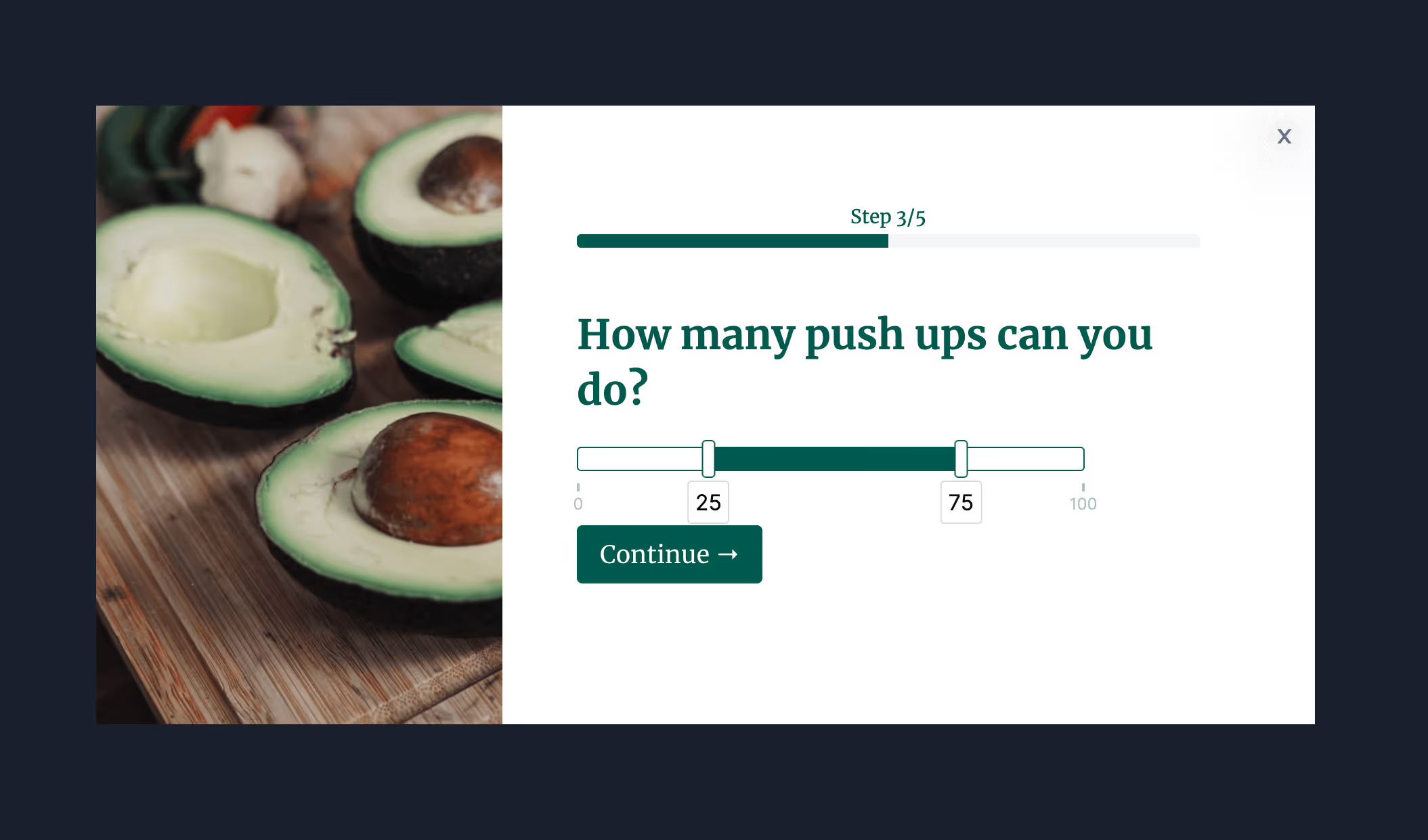
Use range sliders for size, quantity or budget — they're faster to answer than typing a number and give you a usable value.
Step 3: Ask follow-ups only when relevant
.avif)
Different job types need different details. Conditional steps mean someone requesting one service never sees the questions that only apply to another — which keeps the form short without losing the detail you need.
Step 4: Score and route
.avif)
Give answers point values so job size produces a score, then route on it.
.avif)
A large enquiry can go straight to a booking link with a priority tag on the record. A small one gets a standard reply. The distinction is made at submit rather than by whoever opens the inbox next.
Step 5: Verify the contact details
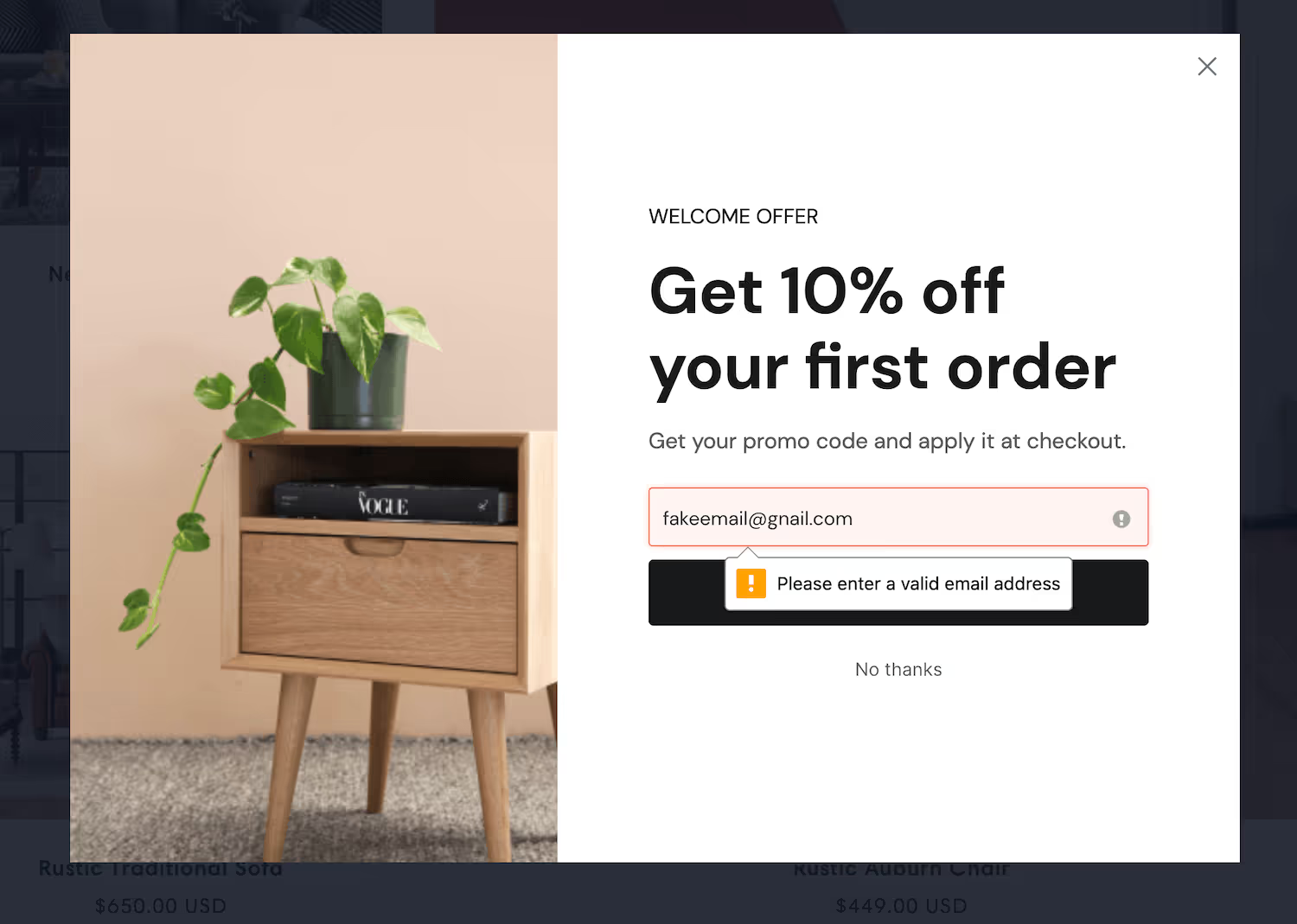
Verification matters more on a quote form than almost anywhere else. A mistyped address on a high-intent enquiry is a job you've lost without ever knowing you had it.
Step 6: Set expectations on the confirmation
Say when they'll hear back and from whom.
Quote requests usually go to several suppliers at once. The first useful reply tends to win, and a confirmation that says "we'll be in touch" competes badly against one that says when.
Step 7: Sync it
.avif)
Push the enquiry into your CRM with every answer mapped to a field, so whoever picks it up has the brief rather than a paragraph of free text.
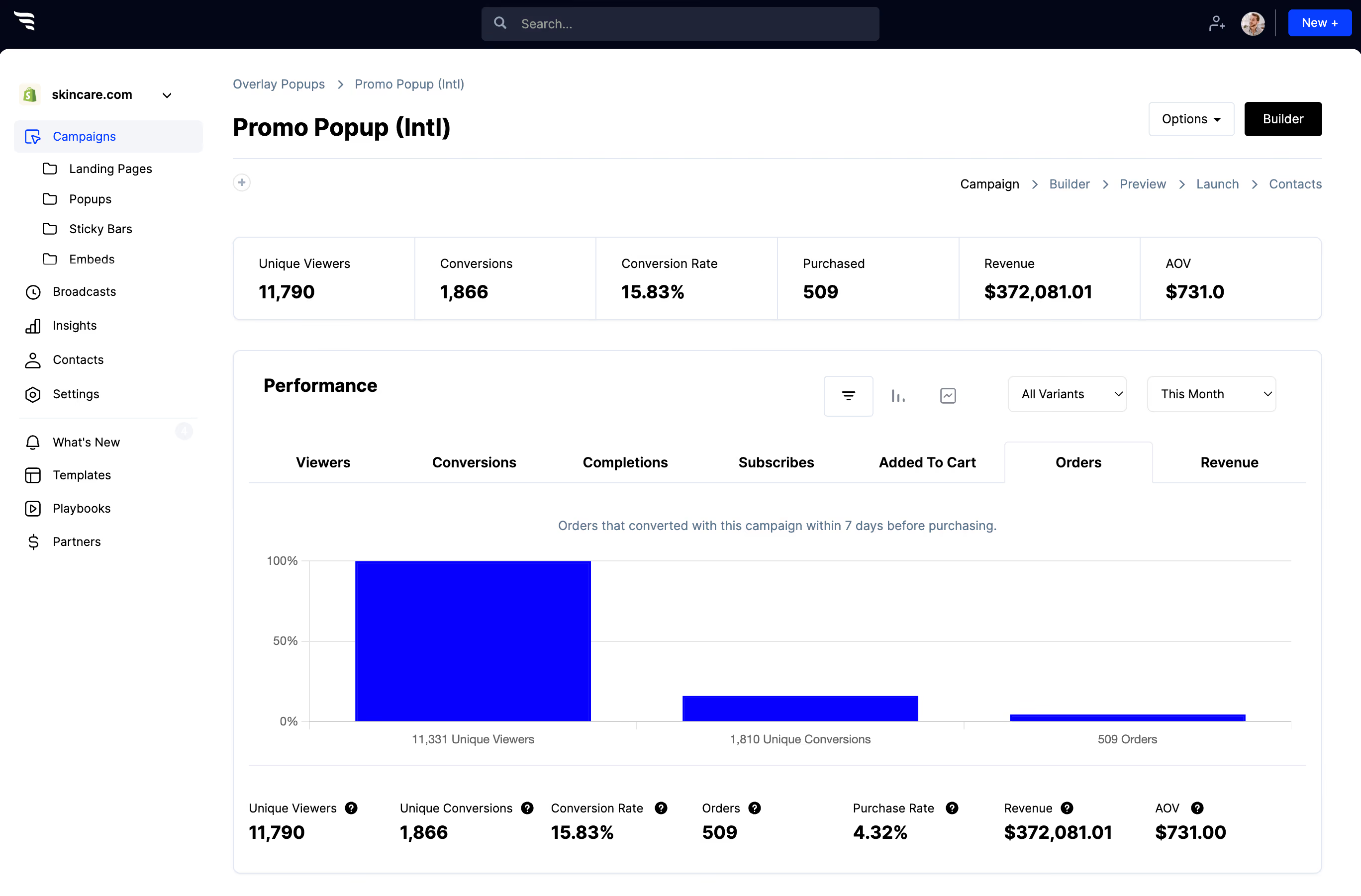
Step 8: Read the drop-off
.avif)
The question with the steepest drop is usually budget. If it's costing you more enquiries than it saves in time, move it later or remove it and ask on the call instead.



%20(1).avif)





.svg)
