



When Squarespace's own form is enough
Squarespace includes a form block. It collects submissions, emails you a notification, and connects to a handful of destinations. For a contact page on a small site, that's the right tool and you don't need another.
People look elsewhere for four reasons: multi-step flows, conditional questions, syncing to a platform the form block doesn't reach, and A/B testing.
Step 1: Build the form
.avif)
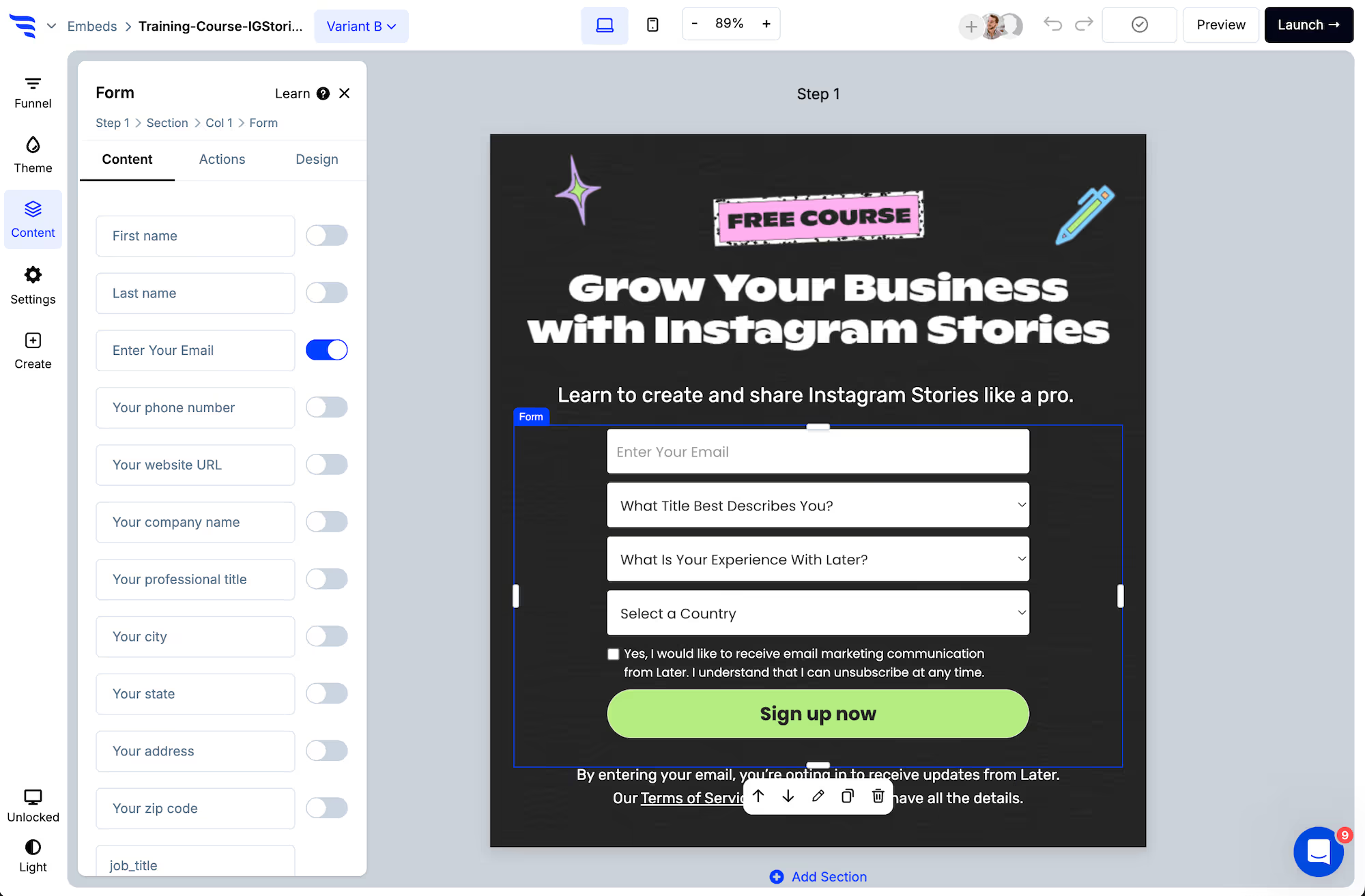
Toggle on the fields you want, then add custom fields at the end of the list.
.png)
.avif)
Step 2: Match your Squarespace template
Squarespace sites tend to be design-led, so a form that doesn't match is conspicuous.
.avif)
Set the theme to your template's fonts, colours and button styling first — every element inherits it, including ones you add later.
Step 3: Verify the email

Step 4: Install via code injection
Add ConvertFlow's snippet through Squarespace's code injection settings. That single script then covers every form, popup and landing page you build — you don't repeat this step per form.
Place the form with an embed code where you want it, or use an area snippet so you can change which form appears there later without editing the page again.
Step 5: Sync submissions
.avif)
Add the automation that sends the contact to your email platform or CRM. Custom field answers map to properties, so they arrive as segment conditions rather than text in a notification.
Step 6: Branch on the answers
.avif)
An enquiry-type dropdown routed conditionally is the highest-value addition on most Squarespace contact forms — it turns one inbox into categorised, routable enquiries.
Step 7: Test it
.avif)
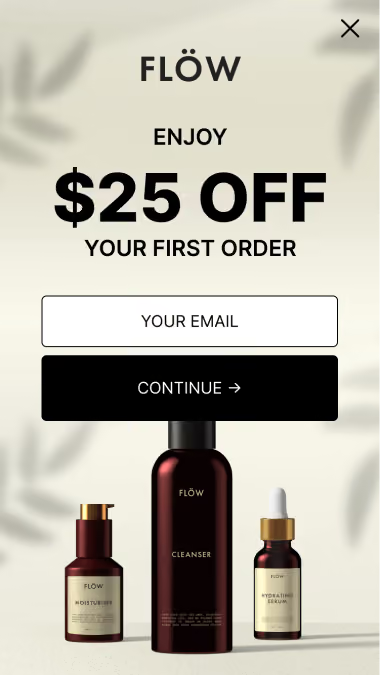
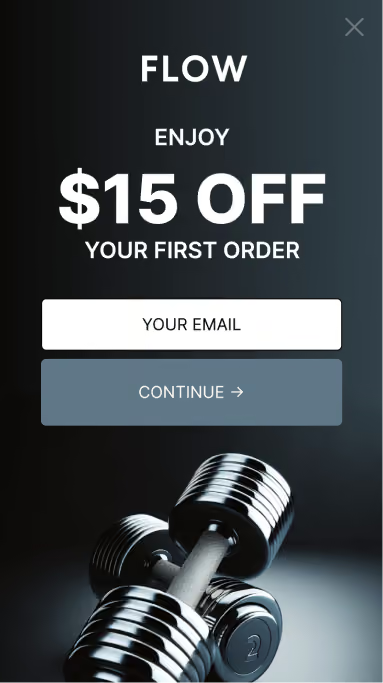
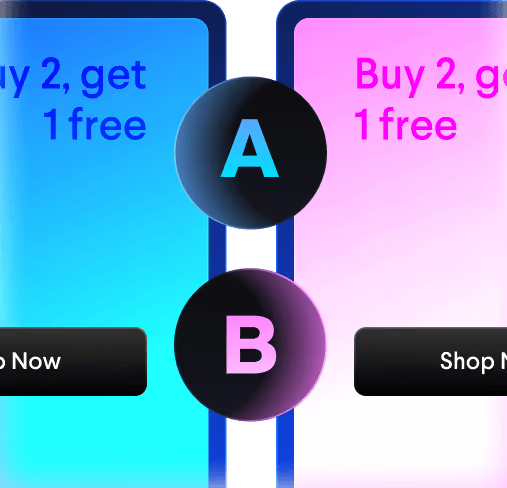
Split traffic between variants and read per-field drop-off — something the built-in form block can't tell you, since it only records completions.



%20(1).avif)










.svg)
