



When Zapier is the right route
ConvertFlow connects directly to most major email platforms and CRMs. Where a direct integration exists, use it — fewer moving parts, and fields map straight across.
Zapier earns its place for everything else: a project management tool, a spreadsheet, a Slack channel, an internal database, an accounting system. Anything without a native connector.
The other common use is fan-out — one submission triggering several unrelated things at once.
Step 1: Build the form
.avif)
.png)
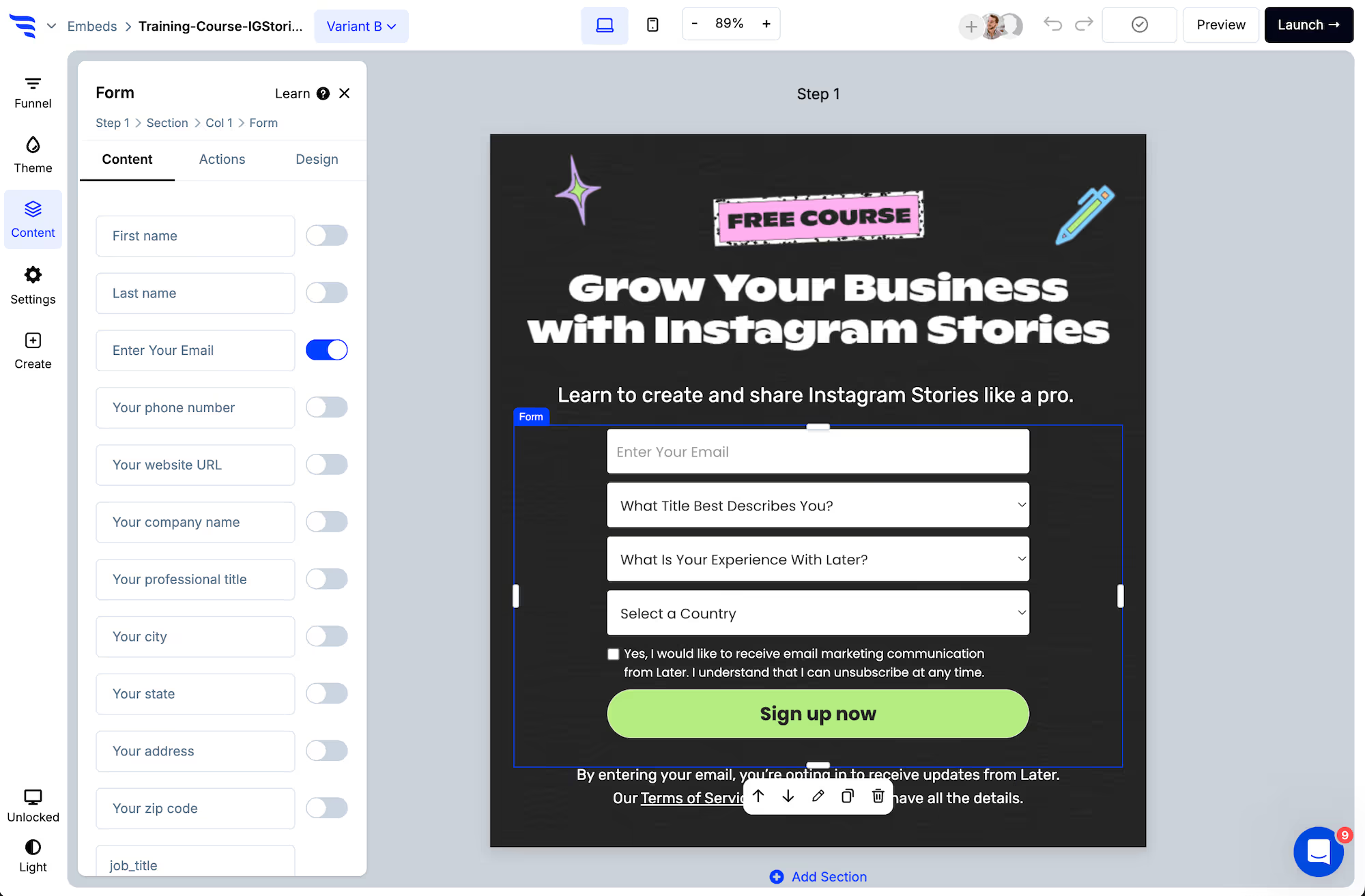
Step 2: Name your fields for the Zap, not for you
This is the step that saves the most time later, and it's the one people rush.
.avif)
Every field you collect becomes something you map inside the Zap. Two rules:
- Name fields descriptively. "Field 3" is unmappable six months later.
- Keep answer values short and consistent.
enterpriserather thanWe're a large enterprise business— because those values become the strings your Zapier filters and downstream apps match on.
A sentence-length value works fine as a form label and badly as a filter condition.
Step 3: Verify the email first
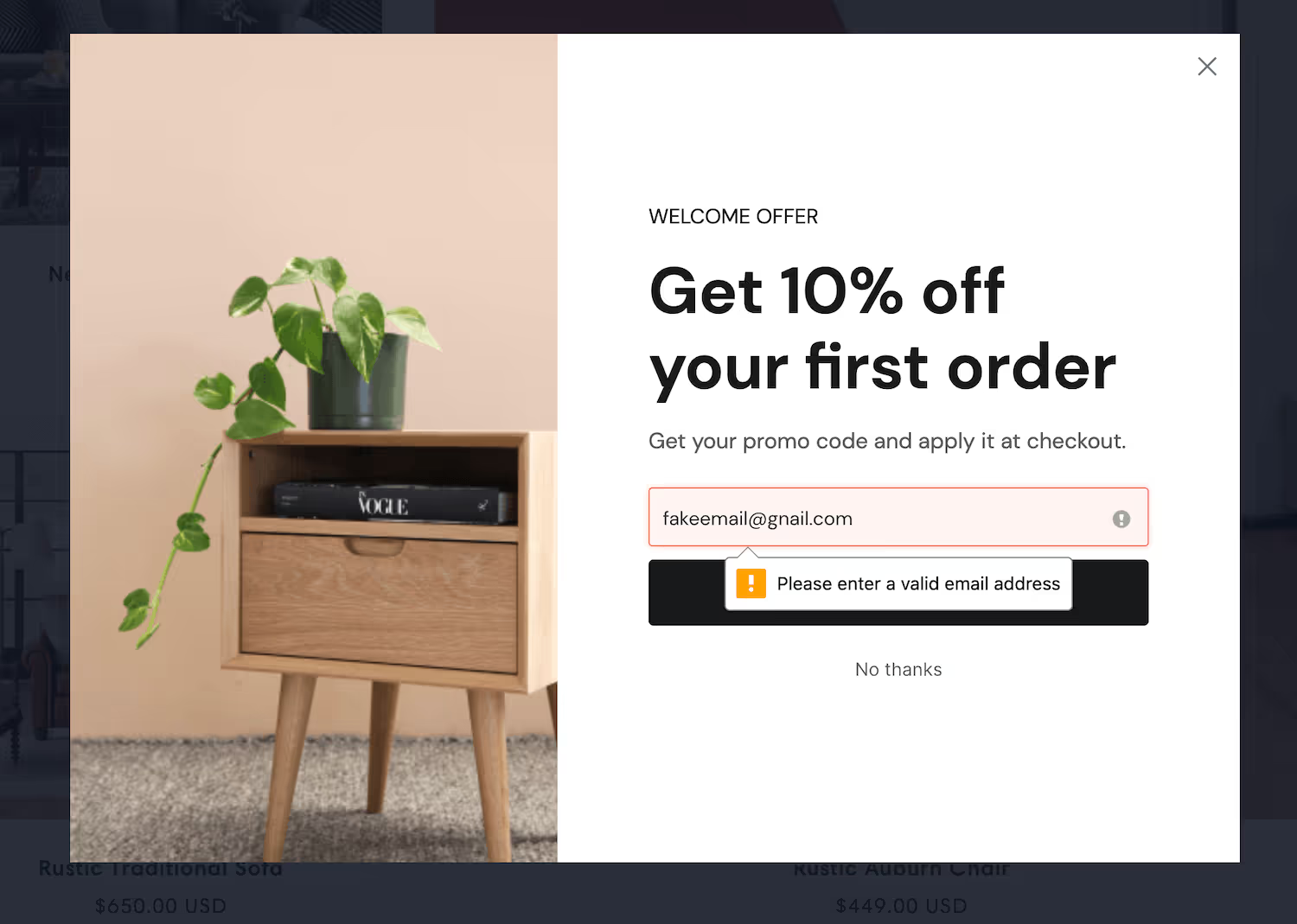
Bad data propagates further through Zapier than through a single integration. One junk submission can create a row in a spreadsheet, a task in a project tool, and a Slack notification — three cleanups instead of one.
Step 4: Style it
.avif)
Step 5: Send the submission to Zapier
.avif)
In the Actions tab, add the Zapier automation. Submissions then flow into your Zap, where you map fields to whatever app you're connecting.
Step 6: Keep anything urgent out of the Zap
Zapier adds a hop, and that hop has latency.
Anything the visitor is waiting for — a discount code, a download link, an instant confirmation — should be handled in ConvertFlow's own confirmation actions, shown on screen or triggered directly. Let Zapier do the work nobody is watching: filing the record, notifying the team, updating the spreadsheet.
The failure mode here is a shopper staring at a blank confirmation step waiting for a code that's queued three systems away.
Step 7: Branch before Zapier, not inside it
.avif)
Conditional actions let a different answer trigger a different automation. Where you can, split the logic at the form rather than building elaborate filter paths inside a single Zap — it's easier to see, easier to change, and easier for someone else to understand later.
Step 8: Test end to end
Preview doesn't fire automations, so run one real submission through and check it lands correctly in the destination app before sending traffic.
.avif)
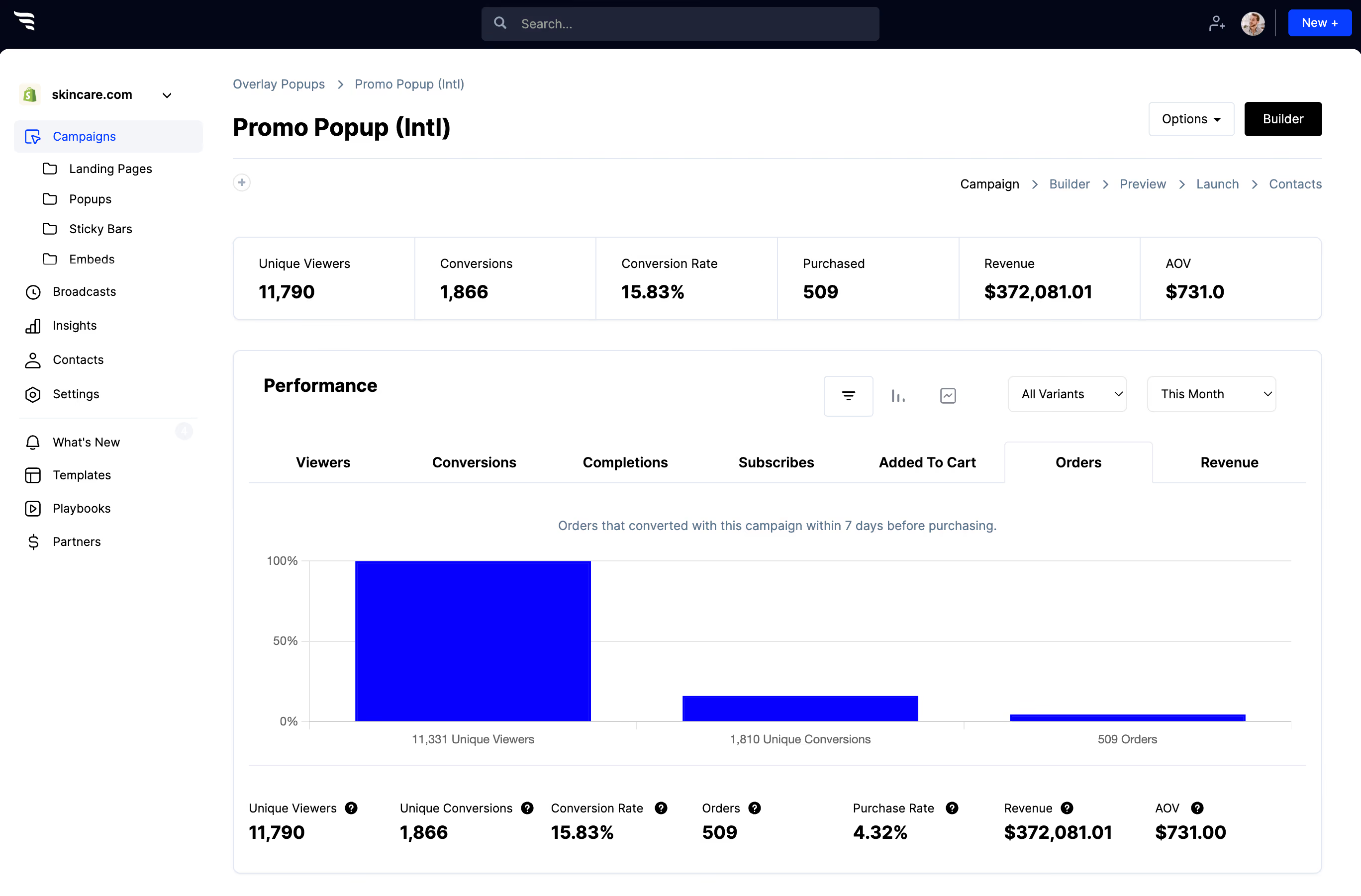
The funnel report still shows views, submissions and per-field drop-off — Zapier handles what happens after the submission, not the form itself.



%20(1).avif)






.svg)
