




What this integration does and doesn't do
Worth being clear up front, because the obvious assumption is wrong.
The Yotpo integration is reviews-only. It pulls your review content into ConvertFlow campaigns. It does not sync contacts into Yotpo, and survey answers don't become Yotpo data.
So a "Yotpo survey" isn't a survey that feeds Yotpo. It's a survey that uses Yotpo — asking a shopper what they care about, then showing them the reviews that speak to it.
That's a narrower thing than it first sounds, and more useful than it sounds too.
Why matching reviews to answers works
A reviews widget shows everyone the same reviews — usually the most recent, which may be about delivery speed when the shopper's actual hesitation is durability.
Reviews are the strongest social proof you have, and showing the wrong ones wastes them. A survey answer tells you which objection to answer, and the reviews feed can be filtered to answer exactly that one.
Step 1: Connect Yotpo
In ConvertFlow's Integrations area, connect Yotpo with the API key and secret from your Yotpo account.
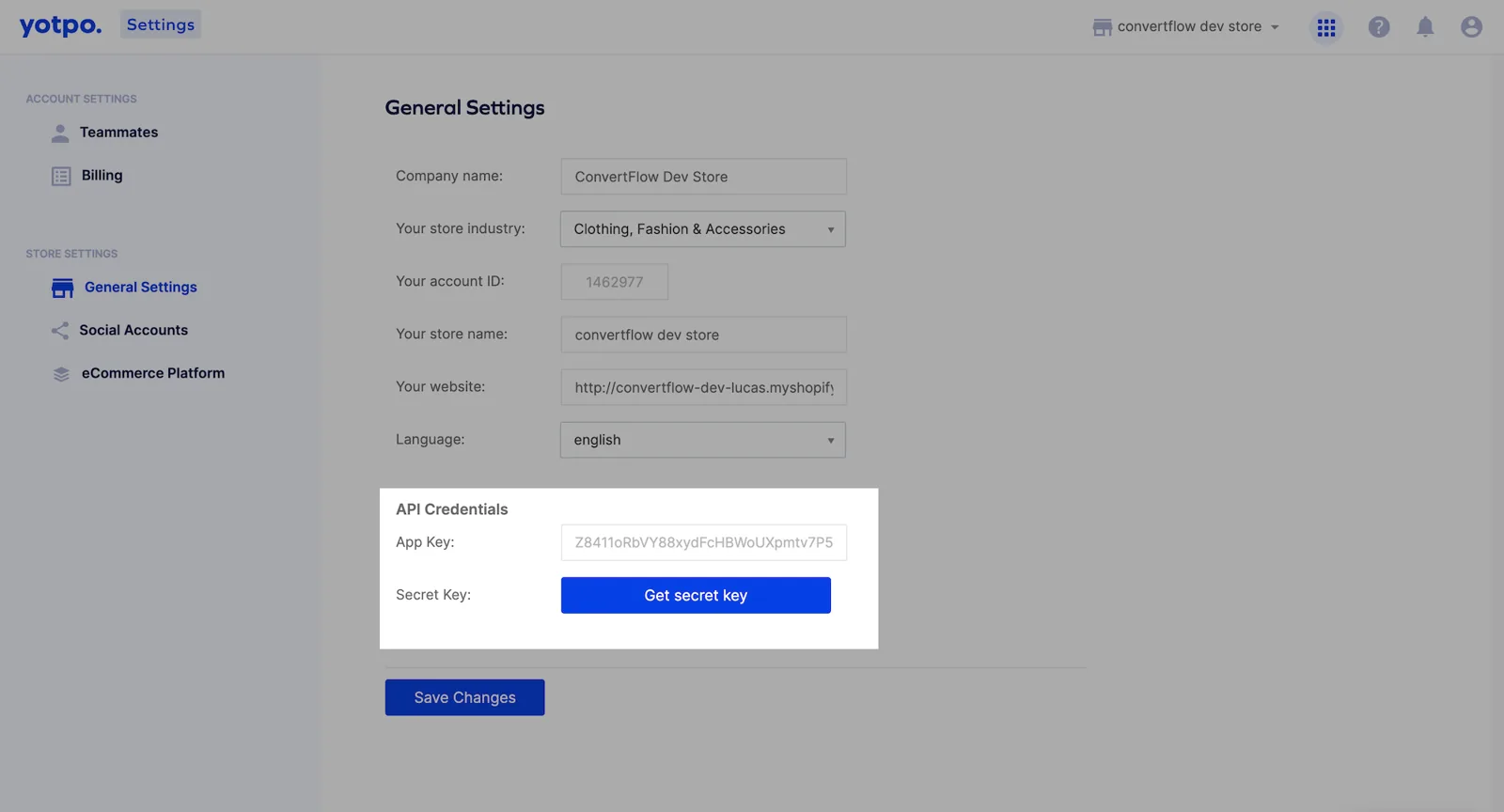
ConvertFlow can then pull your review content into campaigns.
Step 2: Add the survey question
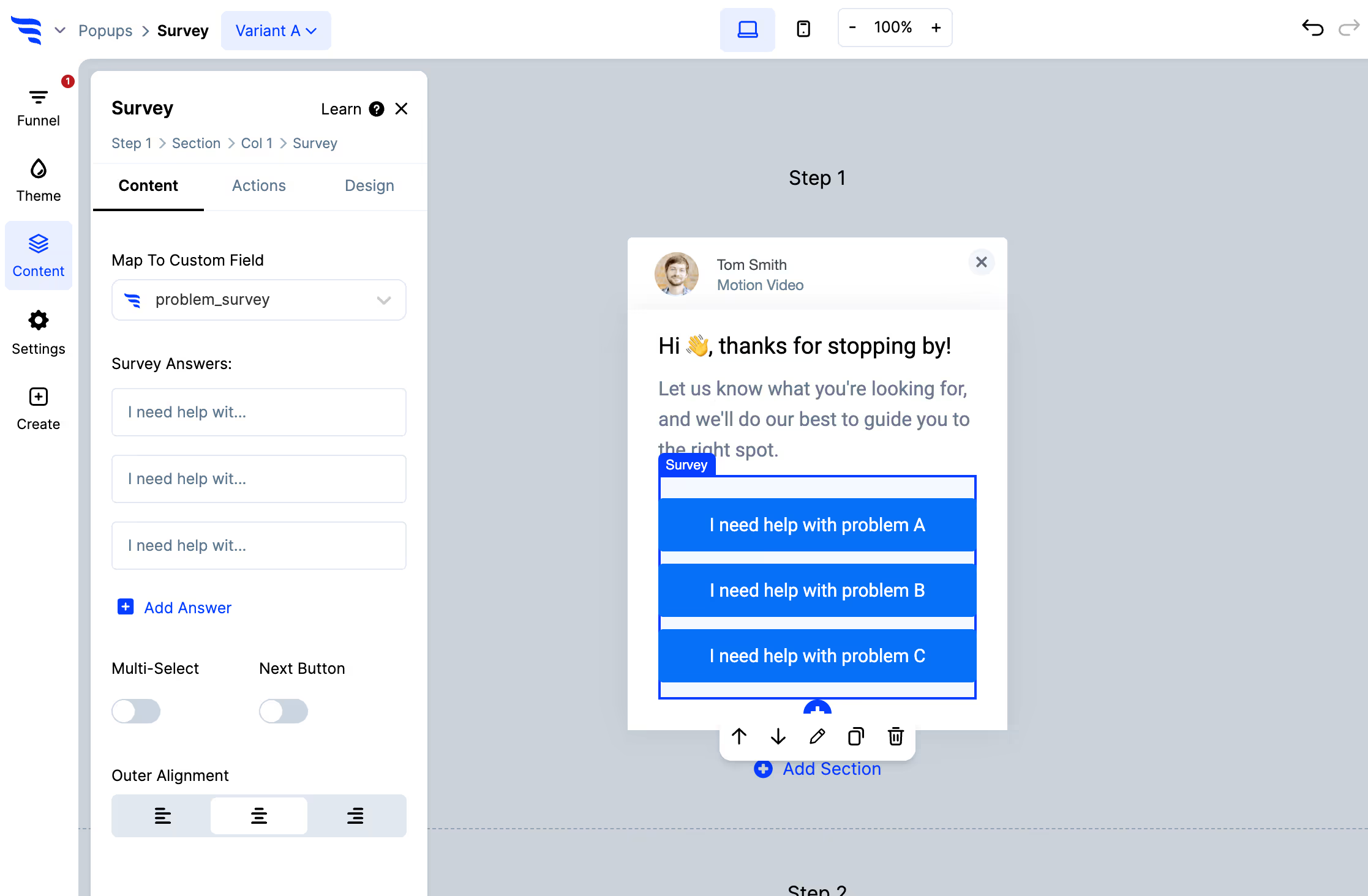
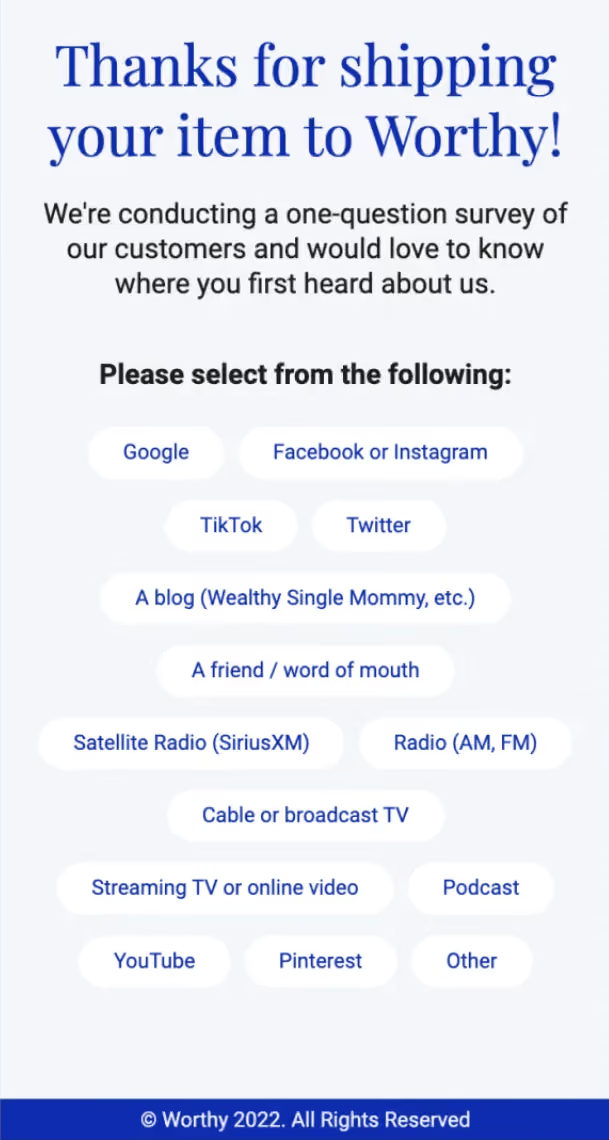
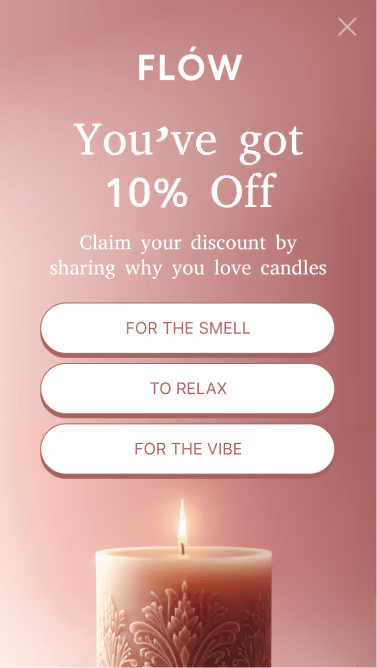
Ask one question, and make it about the thing that decides the purchase — "what matters most to you?" with options covering your real differentiators: durability, value, ease of use, results.
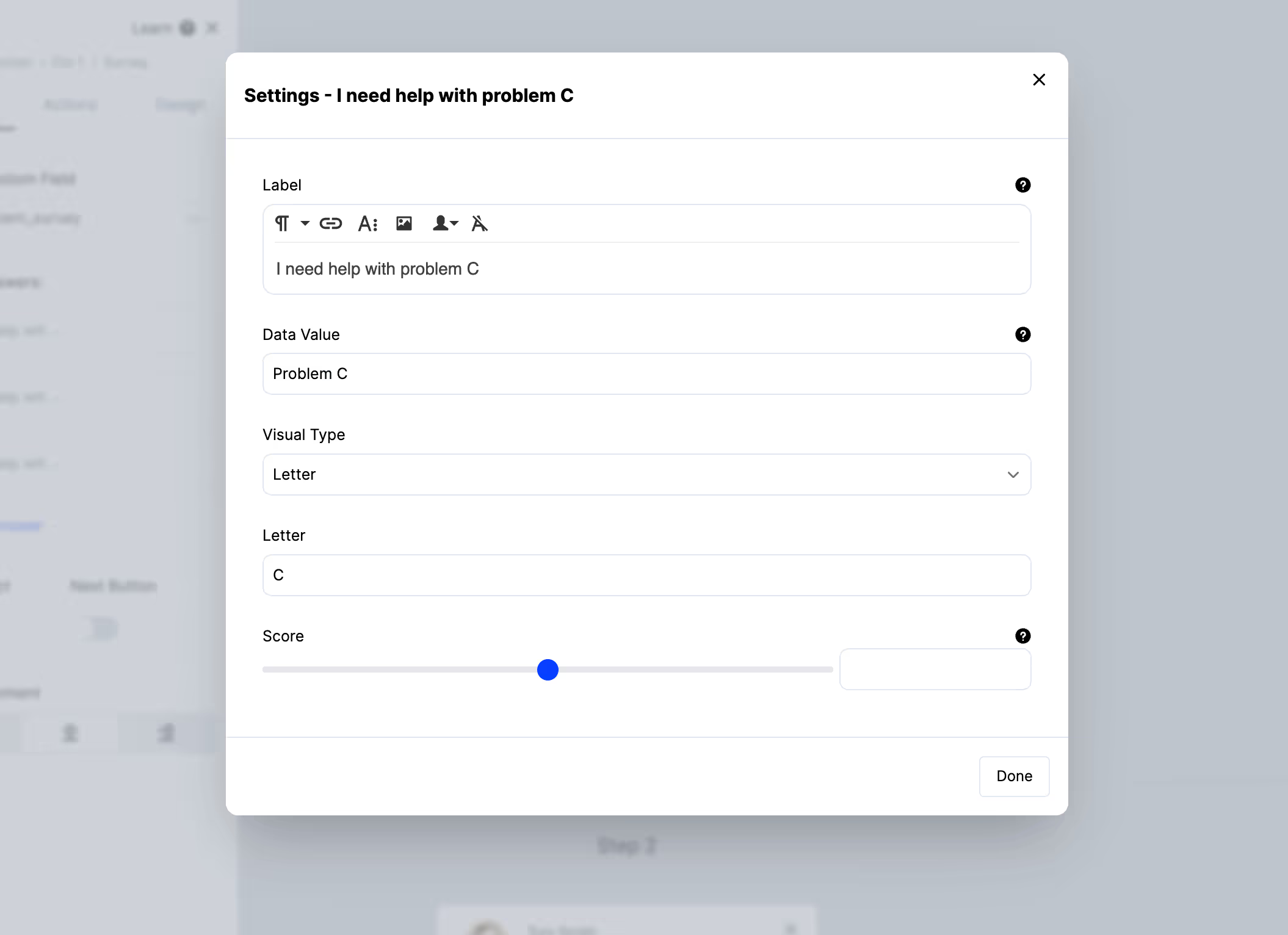
Set the data value separately from the label, and make the values match words your reviewers actually use — that's what the filtering in step 4 matches against.
Step 3: Add a reviews element
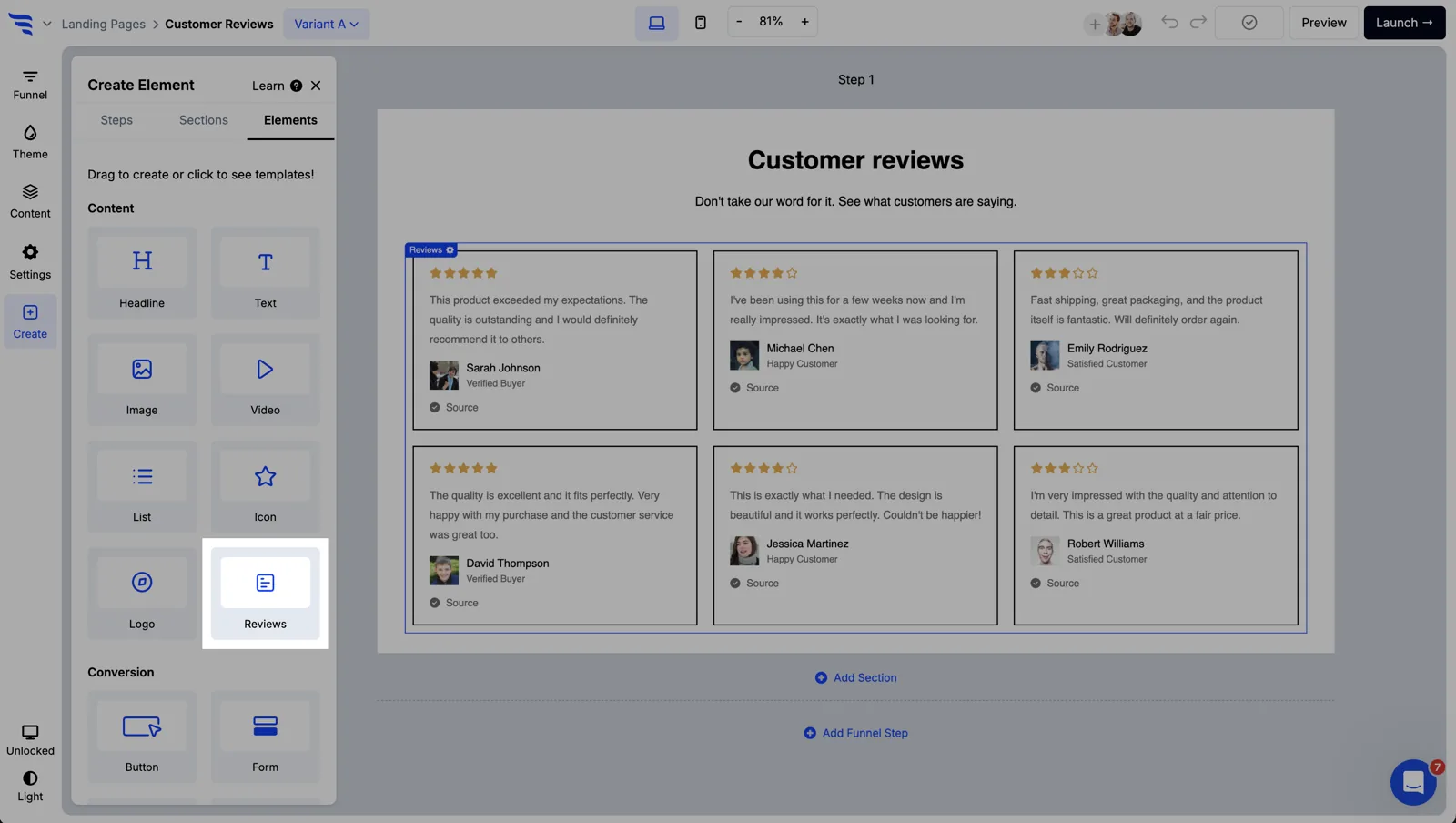
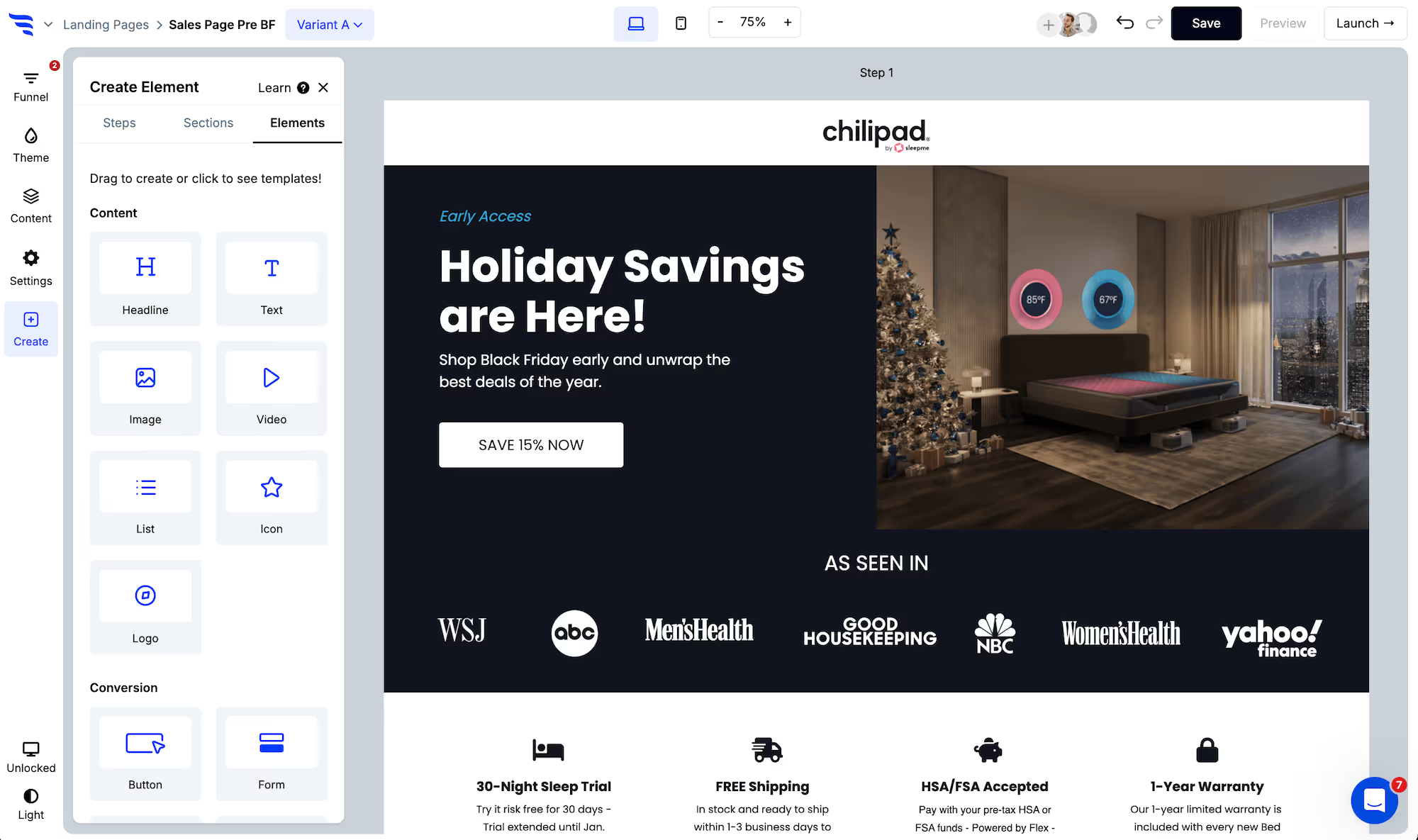
Add it to the step that follows the question, and set the source to Yotpo.
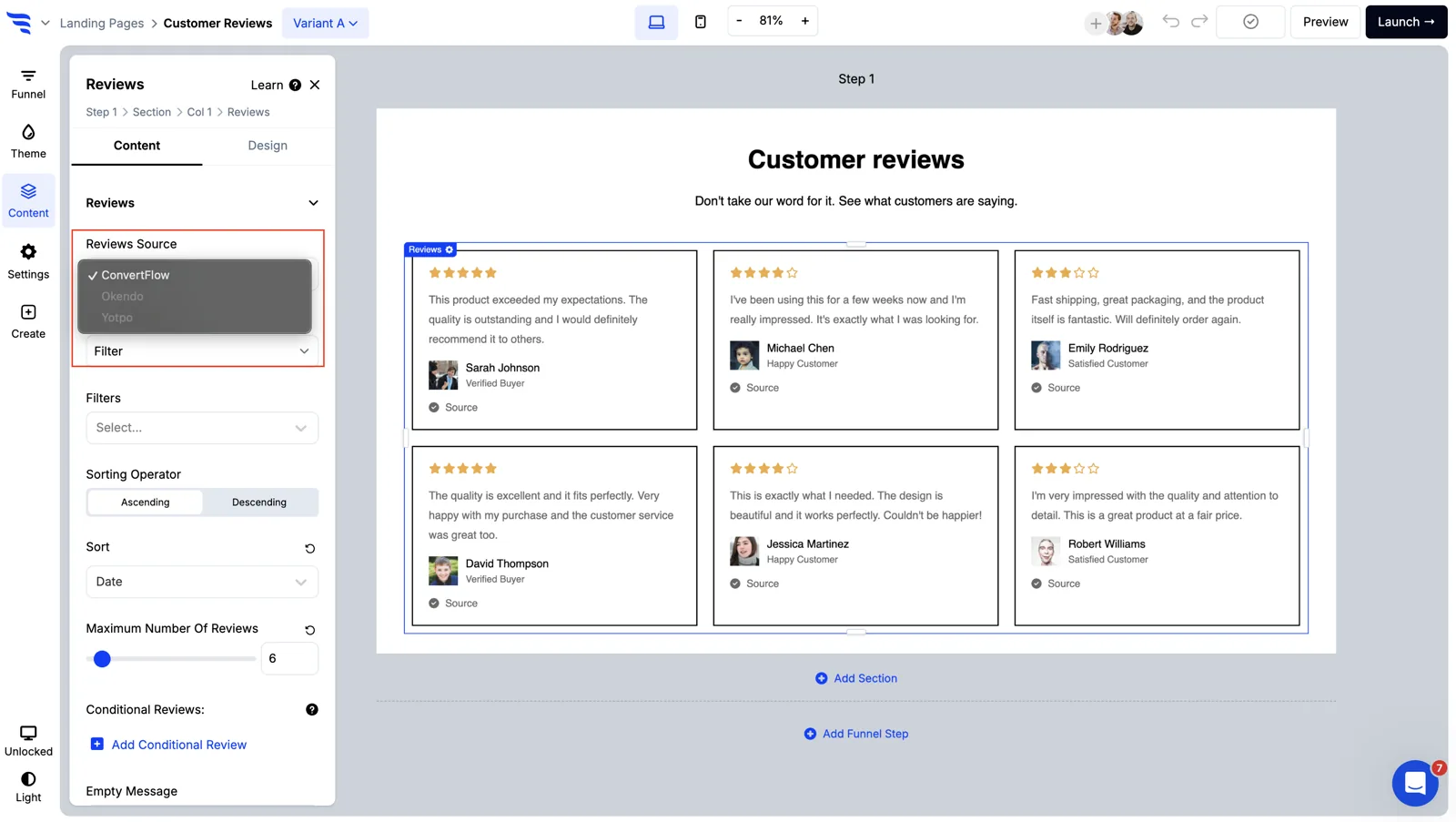
Step 4: Filter the reviews by the answer
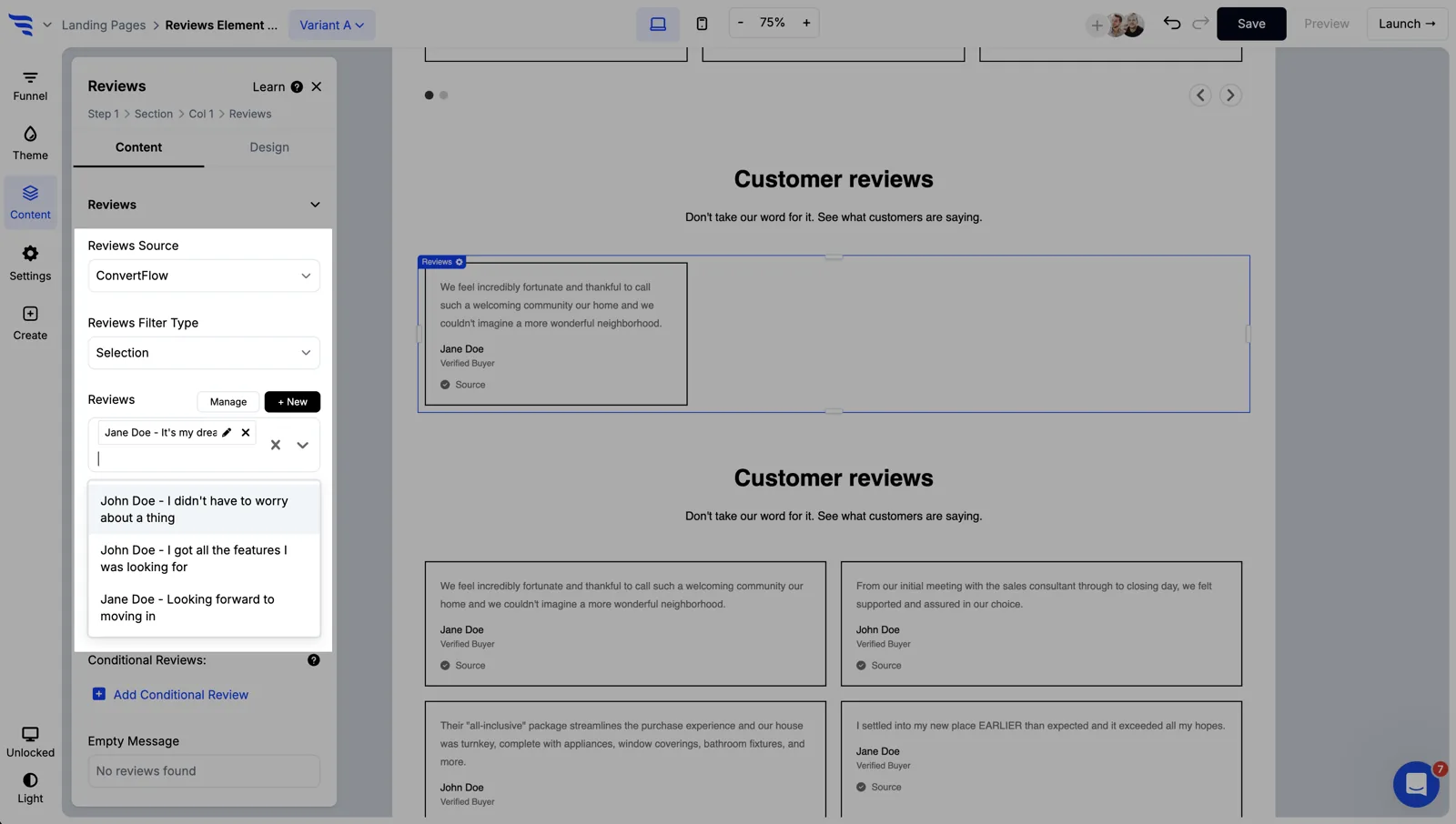
The reviews feed can be filtered by keyword, date or rating. Keyword is the one that matters here.
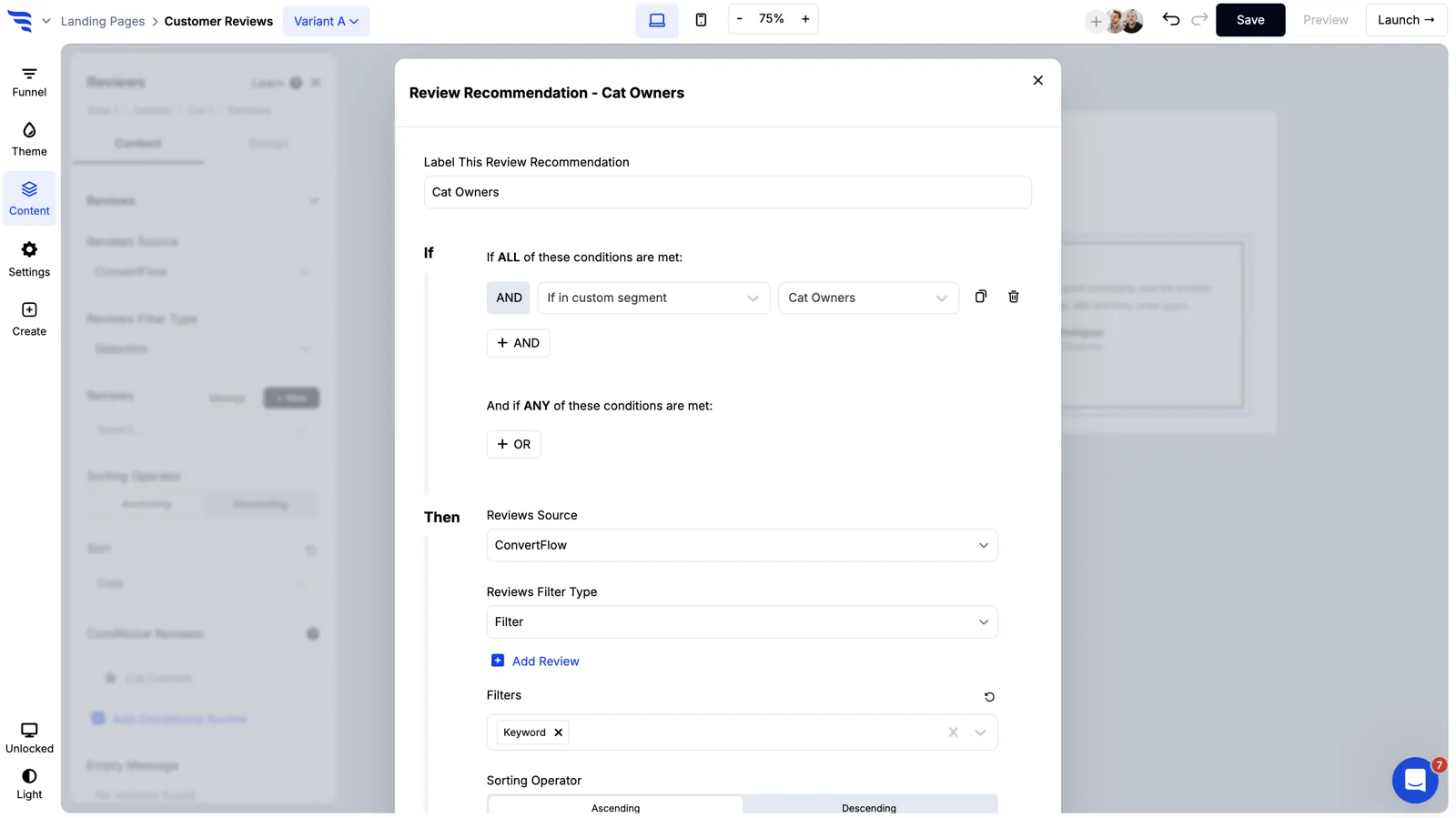
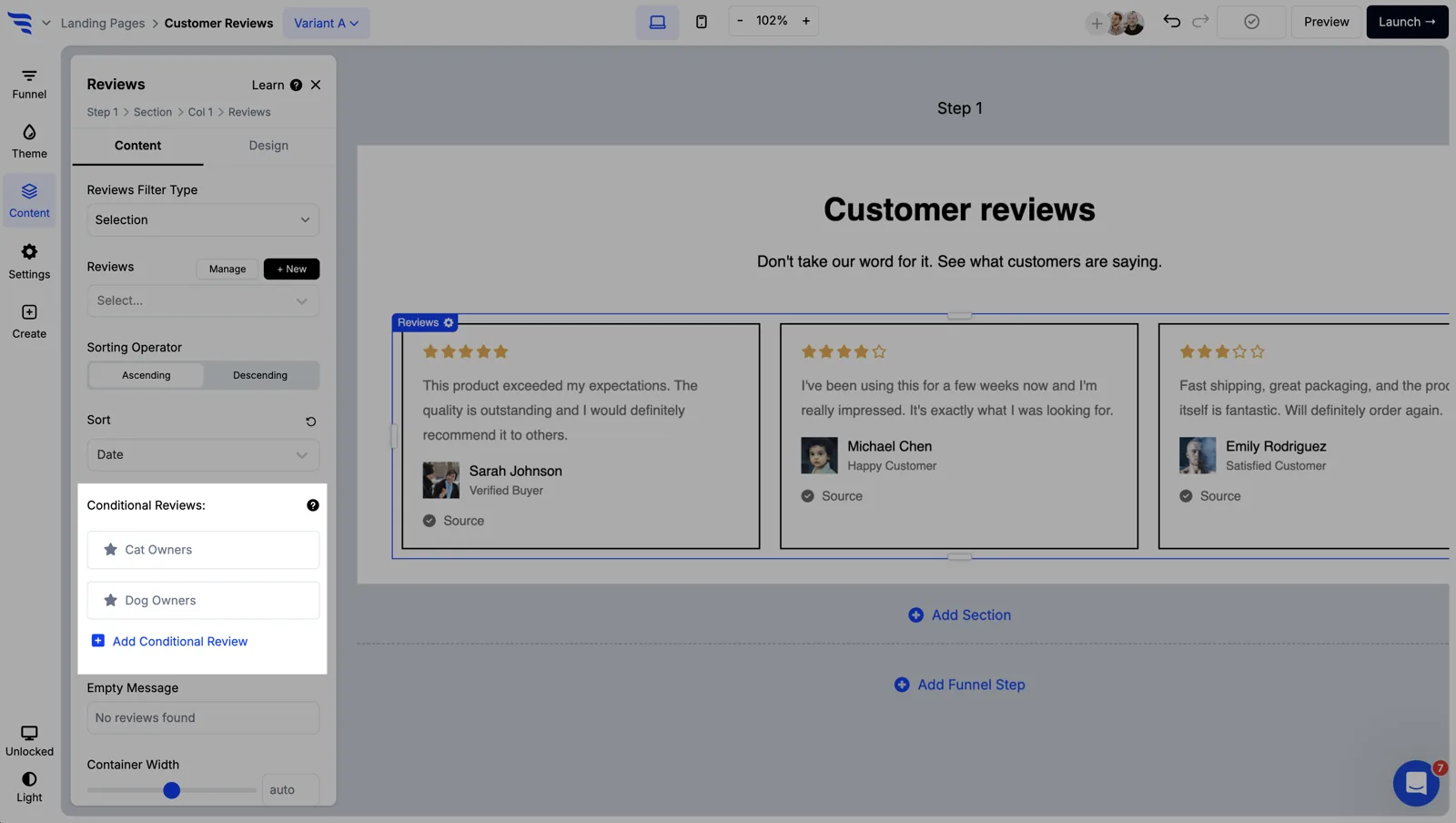
Then make the display conditional on the answer, so the same step shows different reviews to different shoppers.
One caution: check you have enough reviews mentioning each keyword before relying on it. A filter that returns two reviews looks worse than an unfiltered feed of ten.
Step 5: Send the answer somewhere useful
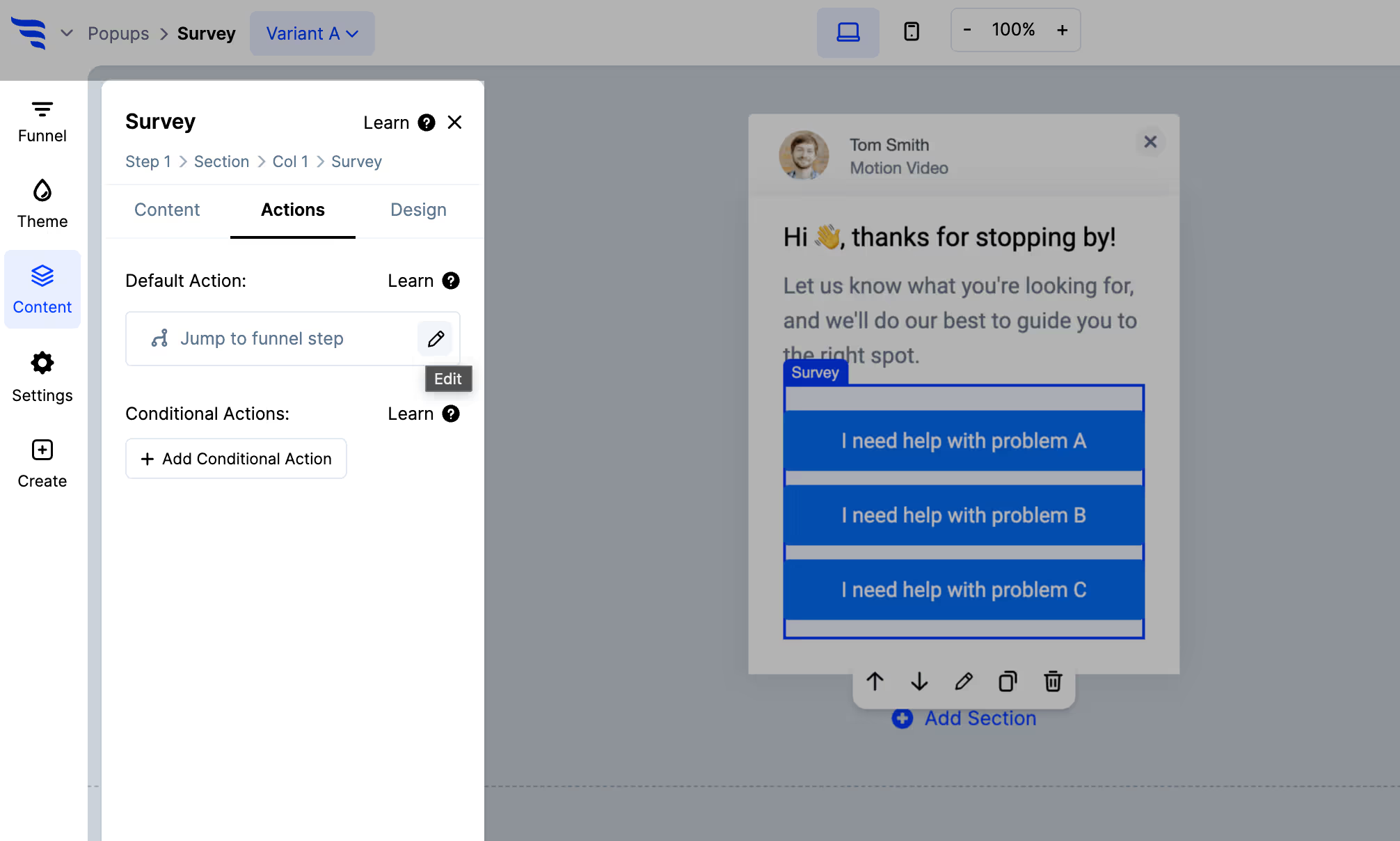
Since the answer can't go to Yotpo, map it to a field or tag in your email platform — Klaviyo, Postscript, Omnisend or wherever you send from.
A shopper who told you durability is what matters should get durability-led emails afterwards, not a generic sequence.
Step 6: Add star ratings to product elements
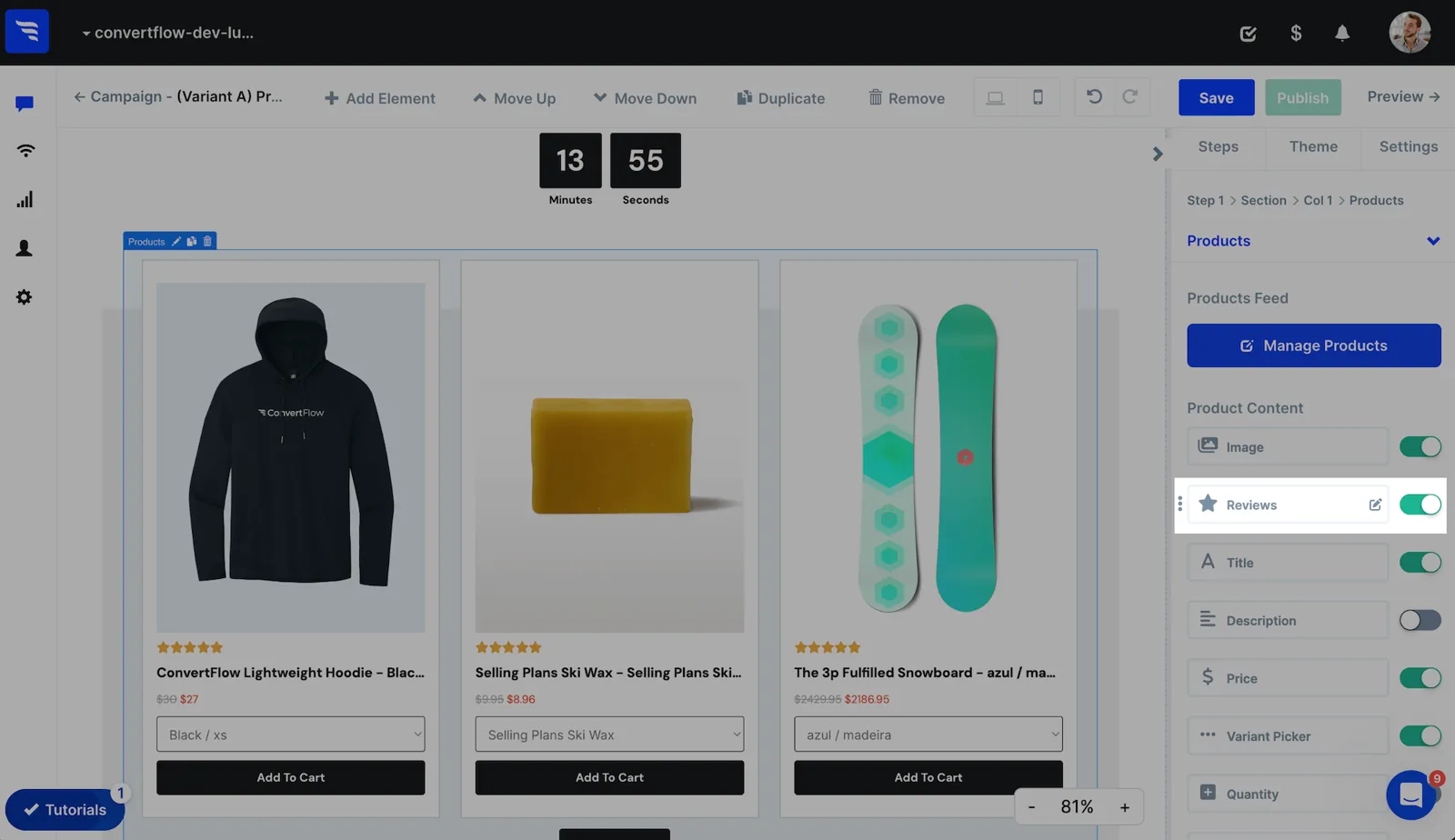
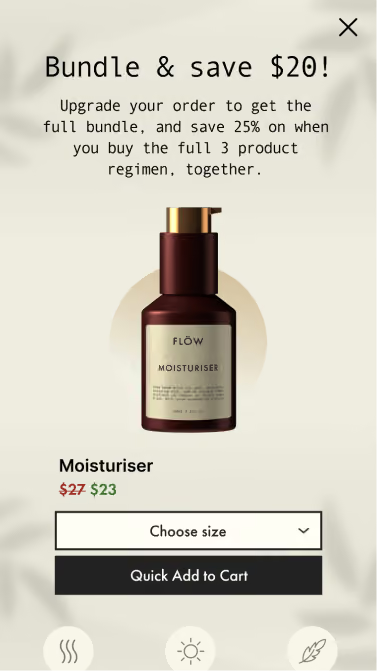
Product elements can show Yotpo star ratings directly, which matters on headless Shopify builds where the native widget isn't straightforward to place.
Step 7: Read what shoppers say they care about
.avif)
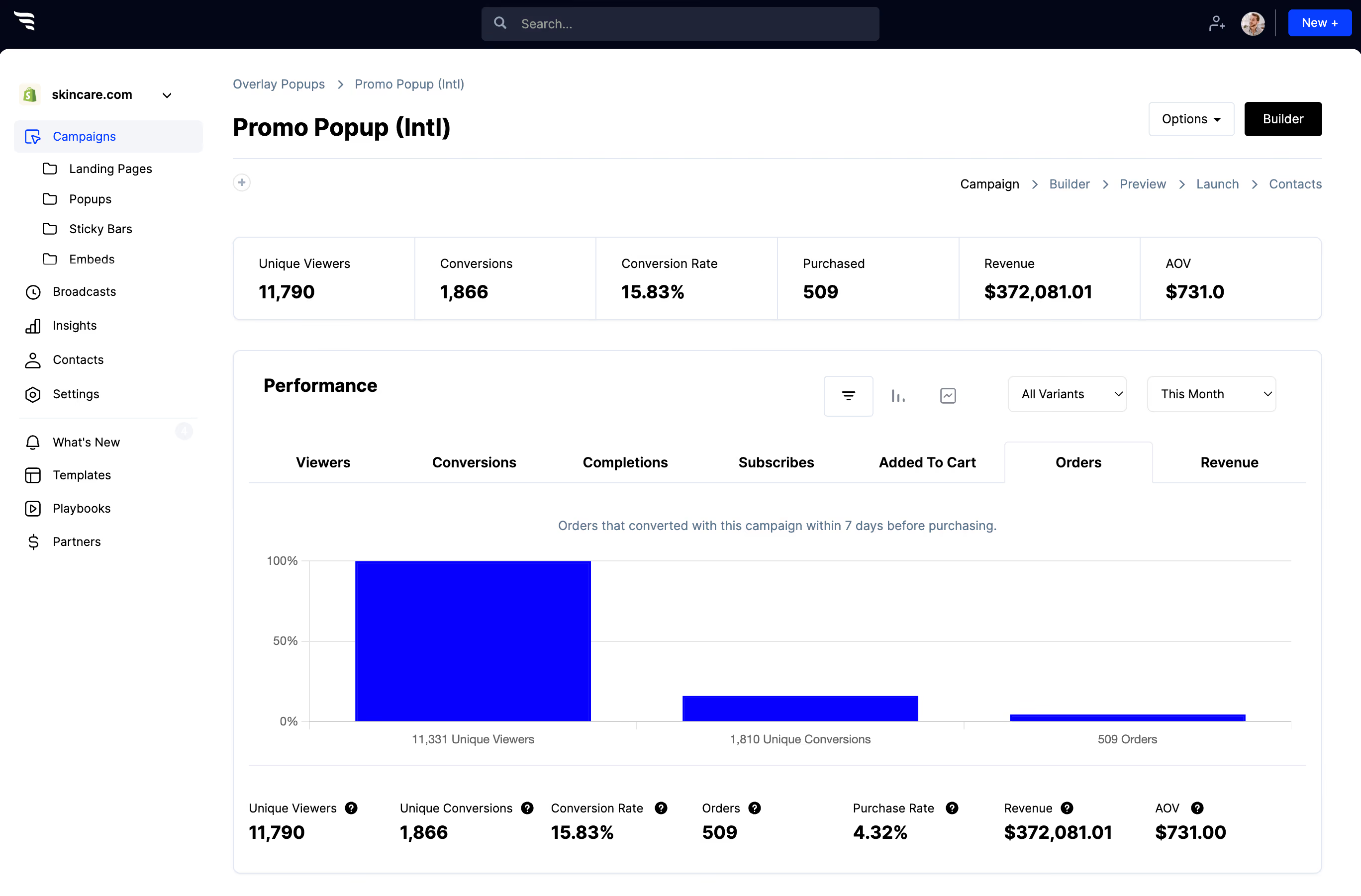
The answer distribution is useful beyond the campaign. If most shoppers pick one concern, that's the thing your product page should lead with — and the thing to ask reviewers to talk about.


%20(1).avif)





.svg)
