




A programme, not a survey
Most teams run one customer survey — an annual or quarterly email asking a dozen questions. It gets a low response rate, a biased sample, and produces a report that's read once.
The alternative is a handful of one-question surveys placed at the moments that already exist in the customer lifecycle. Each is trivial to answer, so response rates are far higher, and each answers a question the others can't.
The four moments
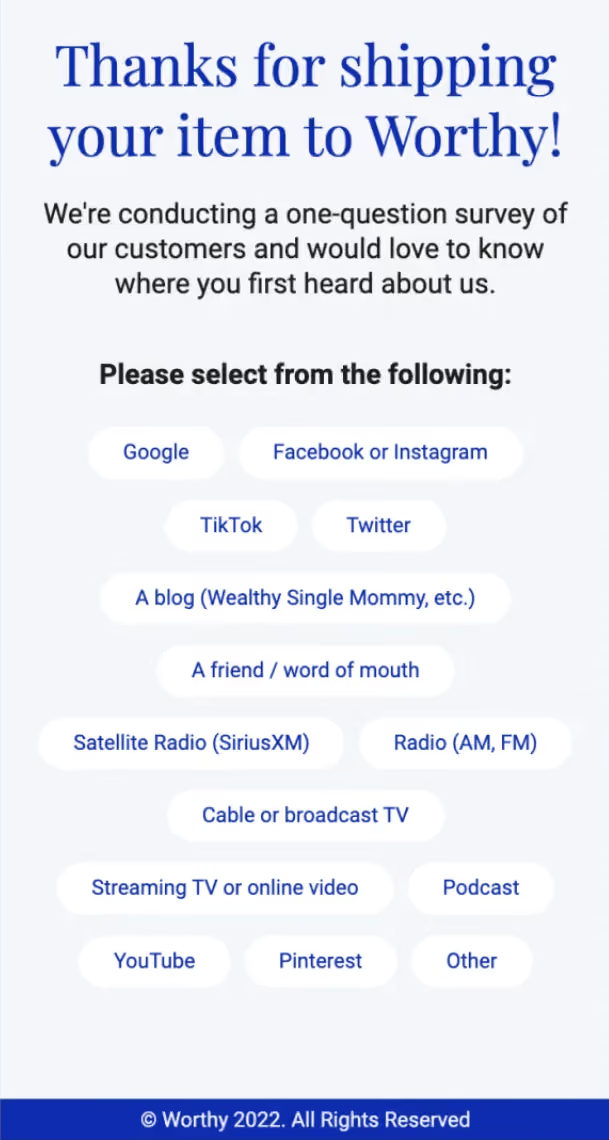
1. Just after signup or first purchase
Ask what brought them, or what they're trying to achieve. Engagement is at its highest and the answer segments every campaign that follows.
2. Just after an interaction
Ask about that specific experience — the order, the support ticket, the onboarding. Asked in the moment it's accurate; asked a week later it's recall.
3. Mid-relationship
Ask how things are going overall. This is the relationship measure, and it's the one that gives you warning before a customer leaves.
4. On the churn or cancellation path
Ask why. The most valuable answer you can collect and the one most often skipped, because nobody wants to build the cancellation flow.
Over time the fourth separates price, missing features, and having got what they came for — three completely different problems that a single satisfaction score would blur into one number.
Step 1: Add a survey element
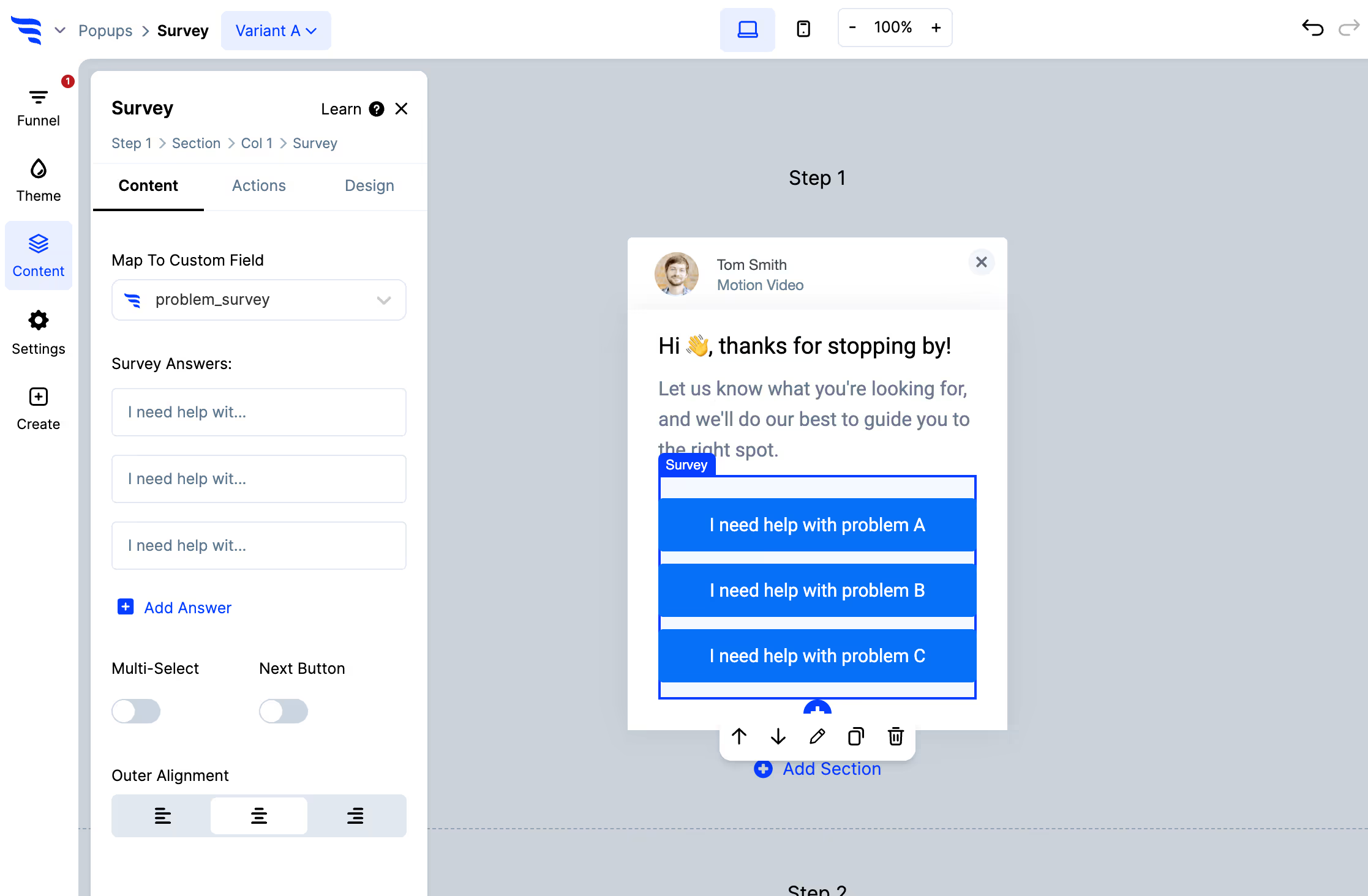
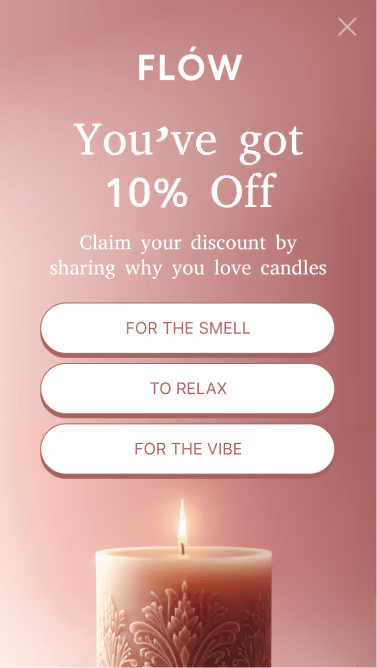
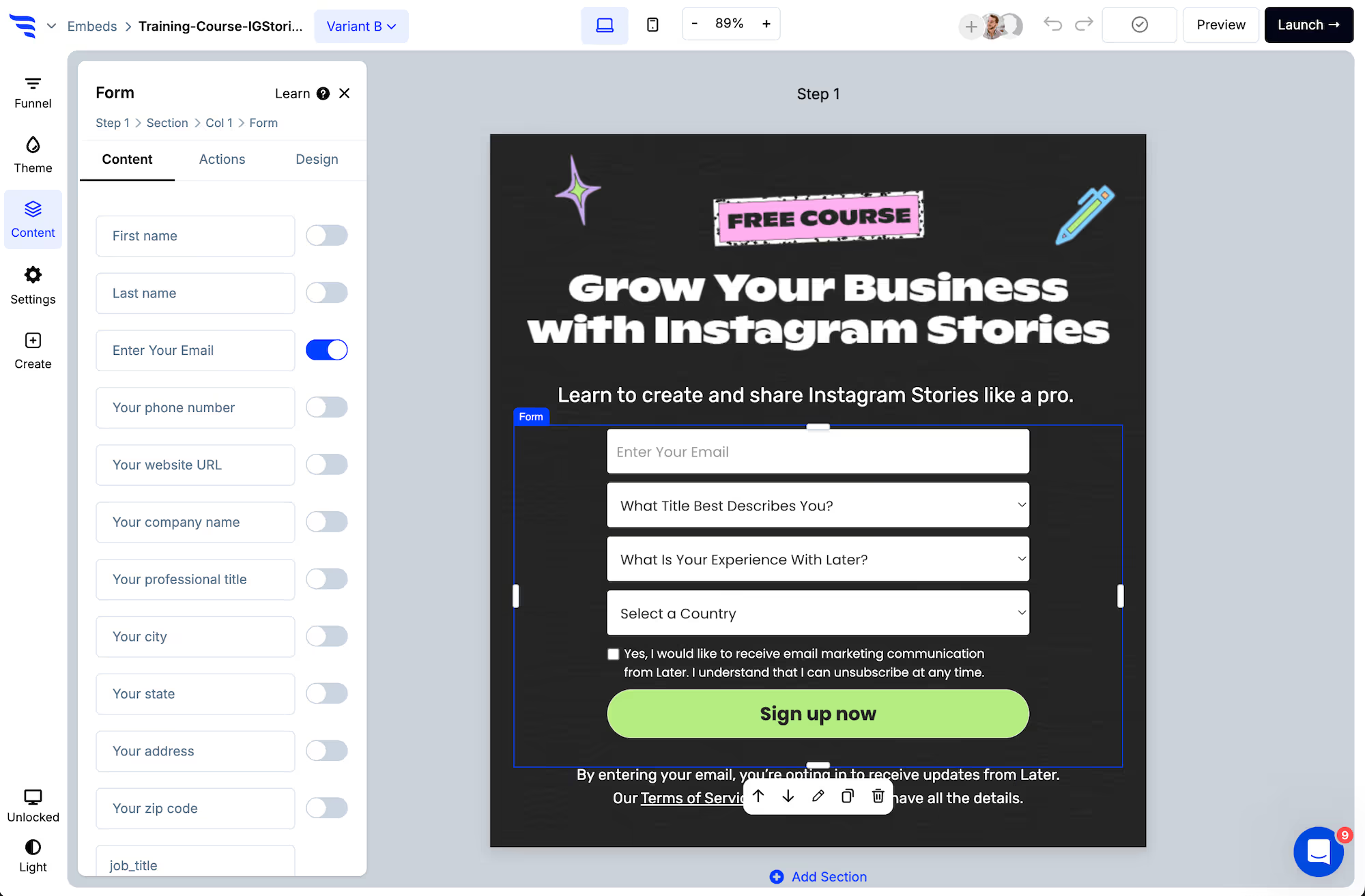
Add it to a page, popup or embed at the relevant moment. Fixed options rather than free text — they get answered, and they aggregate.
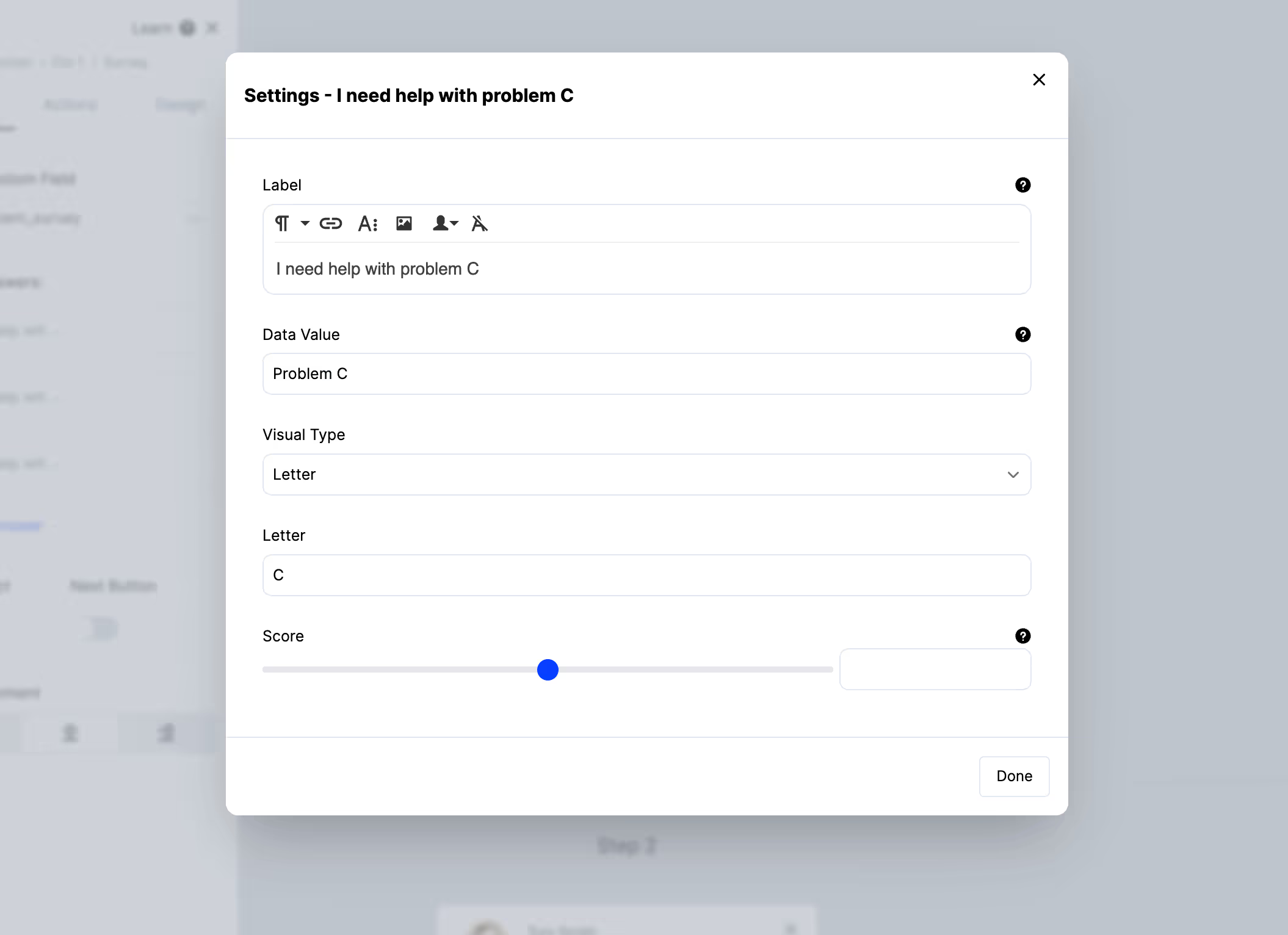
Set the data value separately from the label so an option reading "It was too expensive" stores as price.
Step 2: One question per moment
This is the whole method. A one-question survey in context gets answered by people who would never open an emailed form.
If you need more, ask the follow-up conditionally after the first answer — not by adding a second question up front.
Step 3: Style it quietly
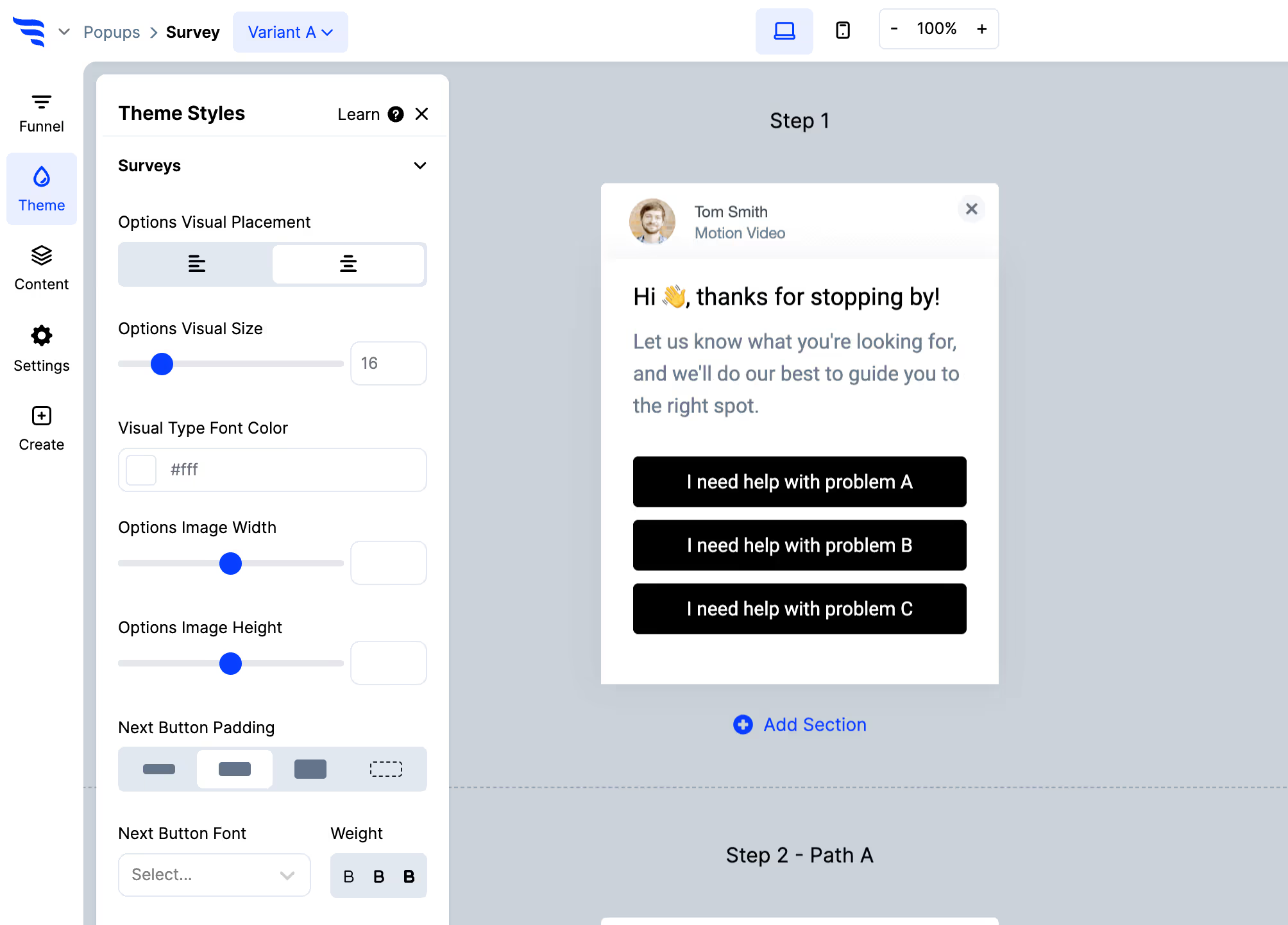
You're asking for a favour, not making an offer. A feedback survey styled like a promotion gets dismissed like one.
Step 4: Write answers to the contact record
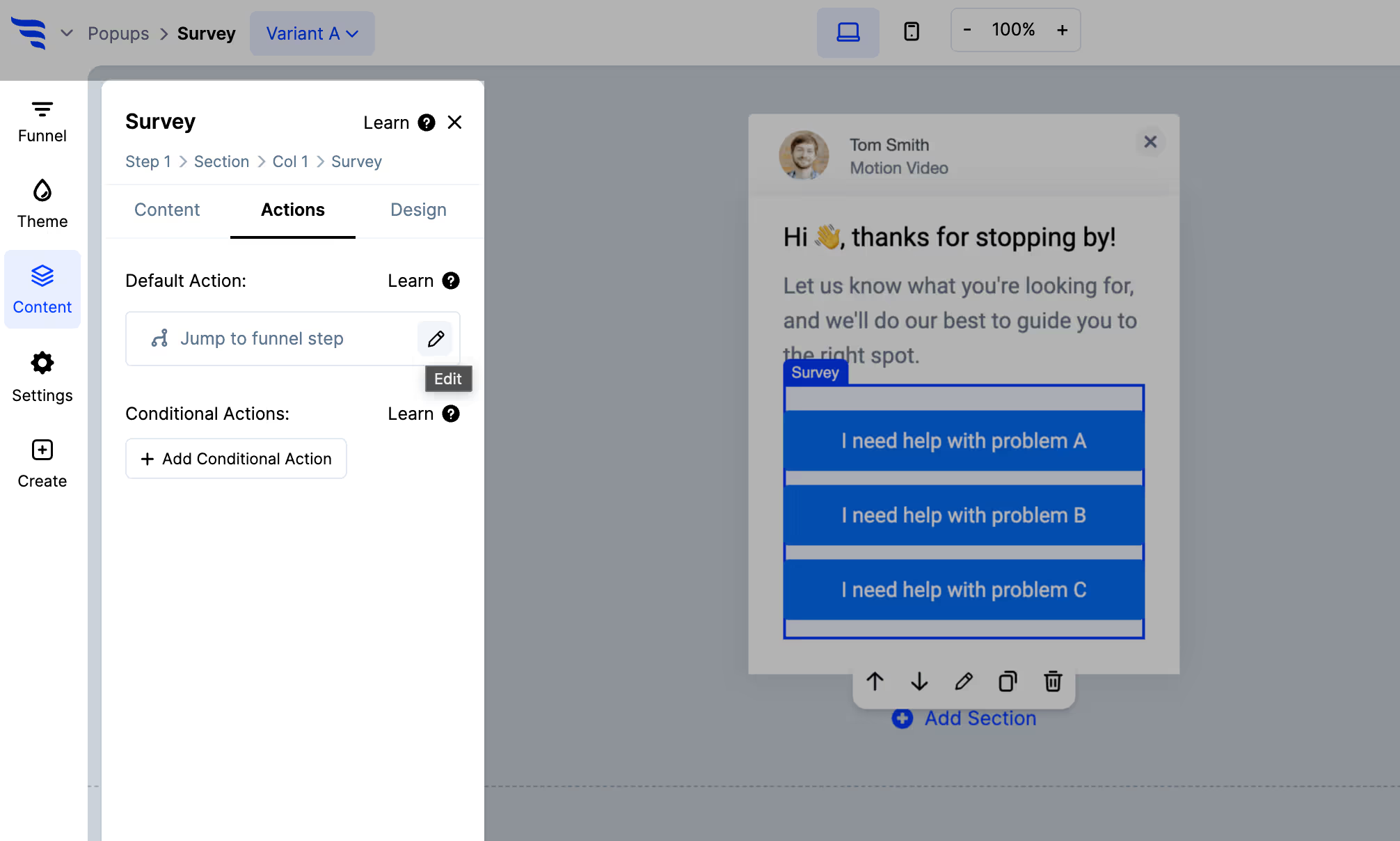
Use Map to custom field to store each answer in your email platform or CRM, and apply a tag.
This is the difference between research and a programme. An answer on the record can exclude an unhappy customer from an upsell campaign or route them into a retention flow. An answer in a survey dashboard can only be read.
Step 5: Branch on the response
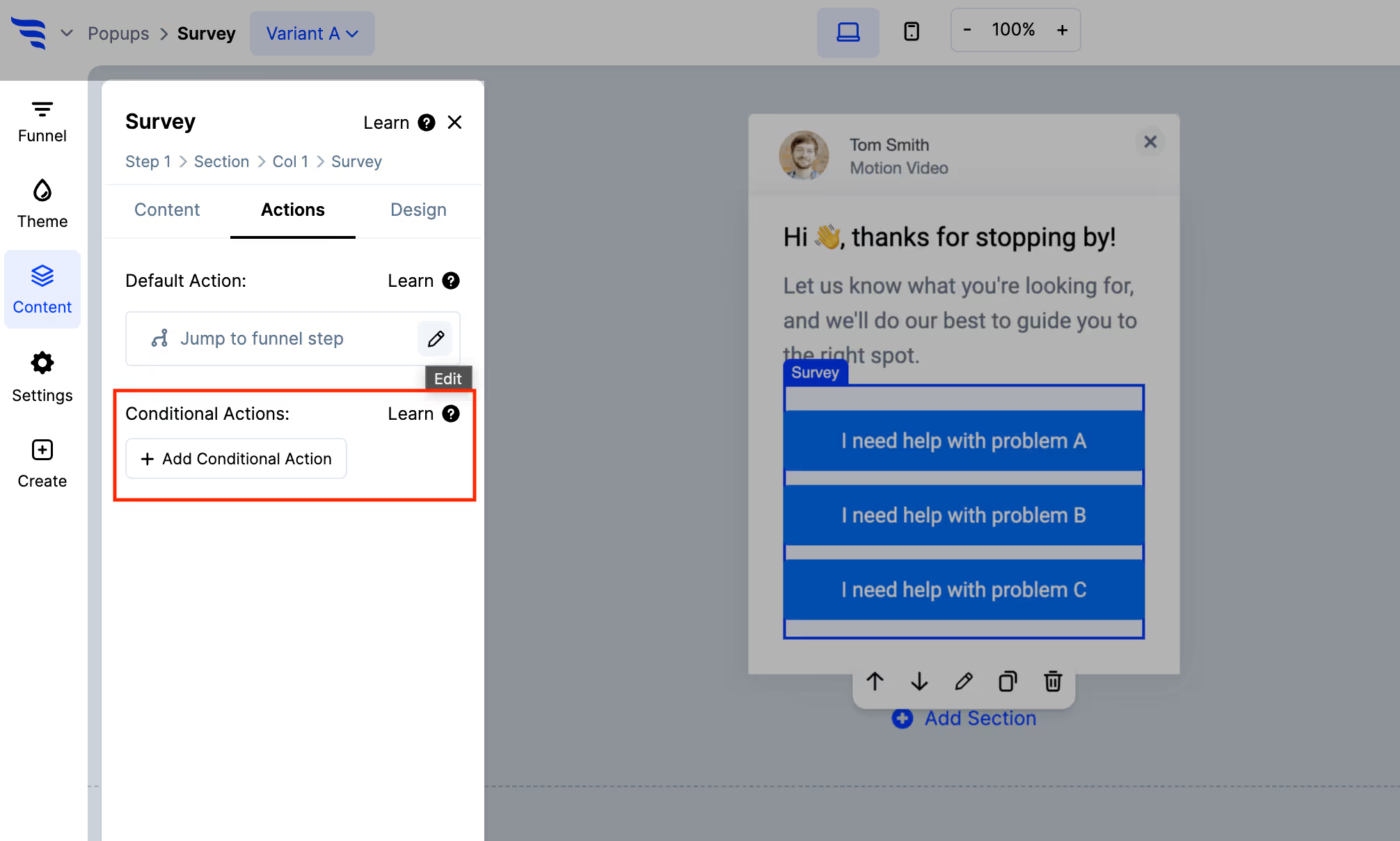
A negative answer should do something — tag for follow-up, offer help, notify an owner. A positive one can lead to a review request or a referral invitation.
Asking a frustrated customer for a review is the mistake this prevents.
Step 6: Target by segment
With your platform connected, show each survey to the cohort it concerns — recent purchasers for a purchase question, long-tenure customers for a relationship one.
Answers then land on records you already have context for, which is what makes them worth collecting.
Step 7: Read it over time
.avif)
A single month's answers are noisy. The value is in the movement — a churn reason climbing over a quarter, or a complaint disappearing after a fix.
Read the distribution rather than an average, and read the free-text follow-ups from negative answers. That's where the specifics are.



%20(1).avif)





.svg)
