




What makes a B2B survey different
The instinct is to treat it as a consumer survey with different questions. The structure is genuinely different, for one reason: your sample is small and every response is attached to an account that matters.
A consumer survey with a 2% response rate still returns thousands of answers, and the value is in the aggregate. A B2B survey across a few hundred accounts might return forty — too few to average confidently, and each one identifiable.
That changes three things:
- Targeting matters more than volume. An answer from a known account beats ten from anonymous traffic.
- The individual response is the output. A key account saying they're evaluating alternatives is a sales signal, not a data point.
- Follow-up is the point. A B2B survey that produces a chart and no conversations has failed.
Step 1: Connect your CRM first
Do this before building. Without it you can run a survey; you can't target it, and you can't attach answers to accounts.
With Salesforce, HubSpot or your CRM connected, ConvertFlow can read segments and write answers back to the record.
Step 2: Add the survey element
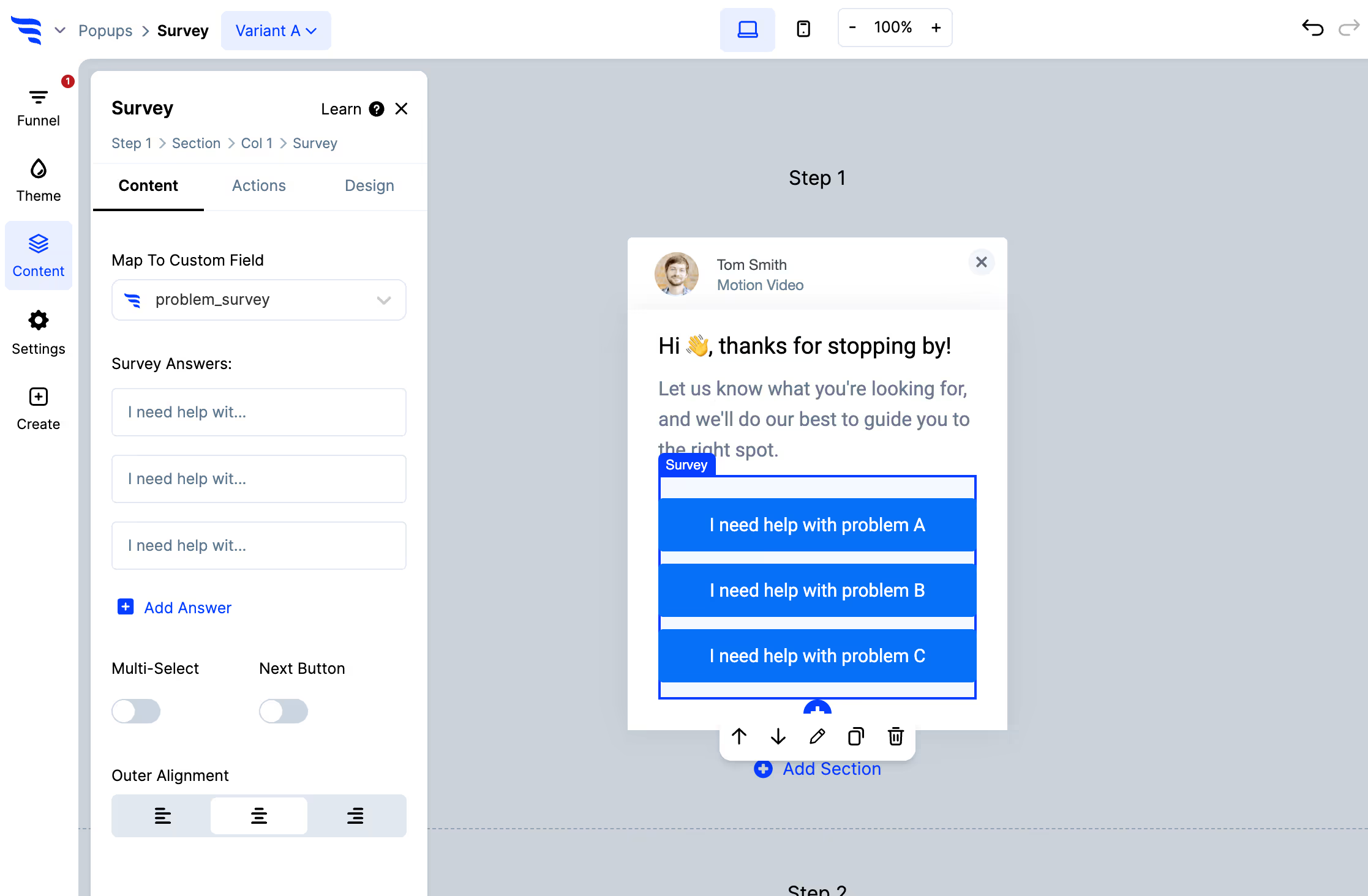
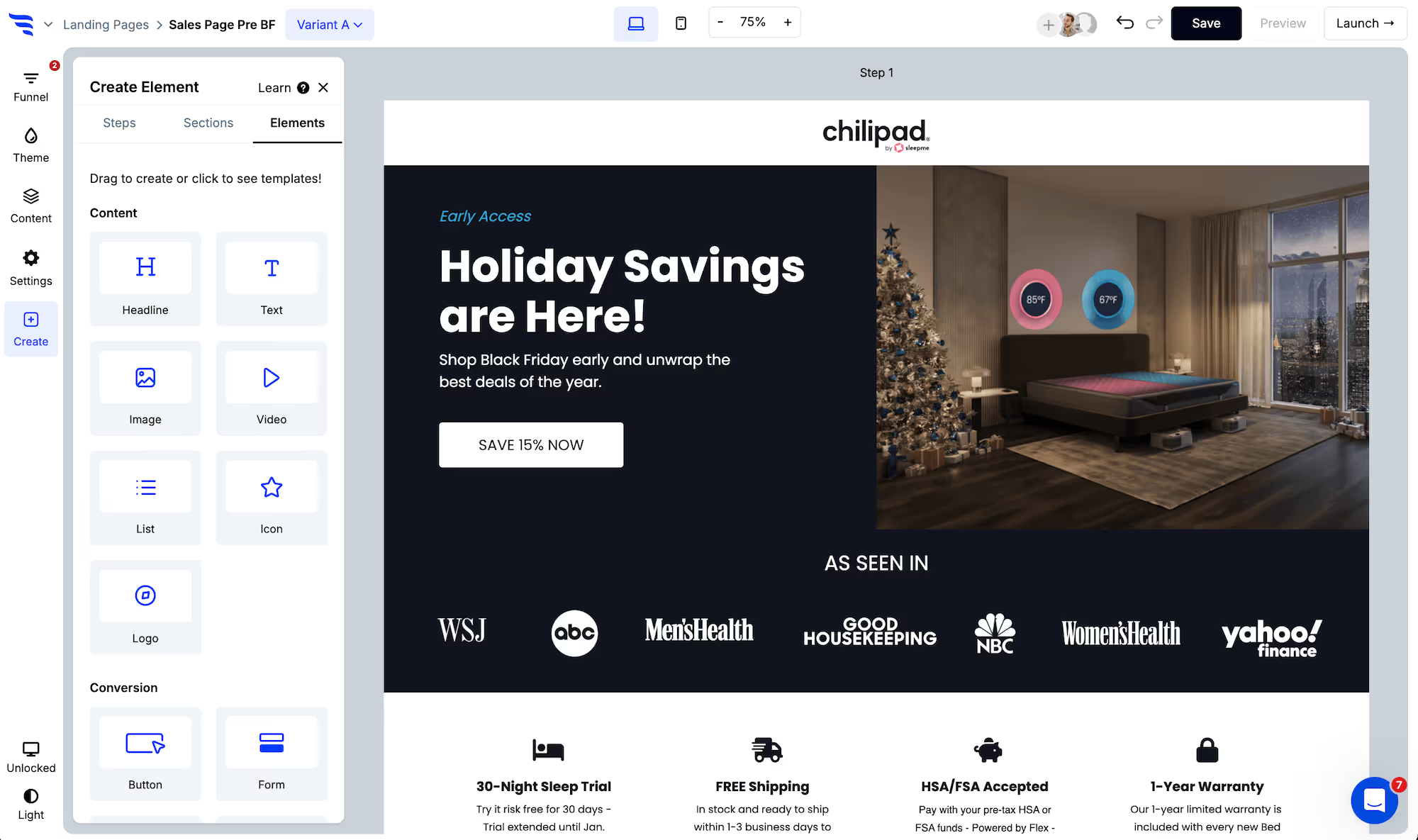
Add it to a landing page, an embed, or a popup targeted at logged-in or known visitors.
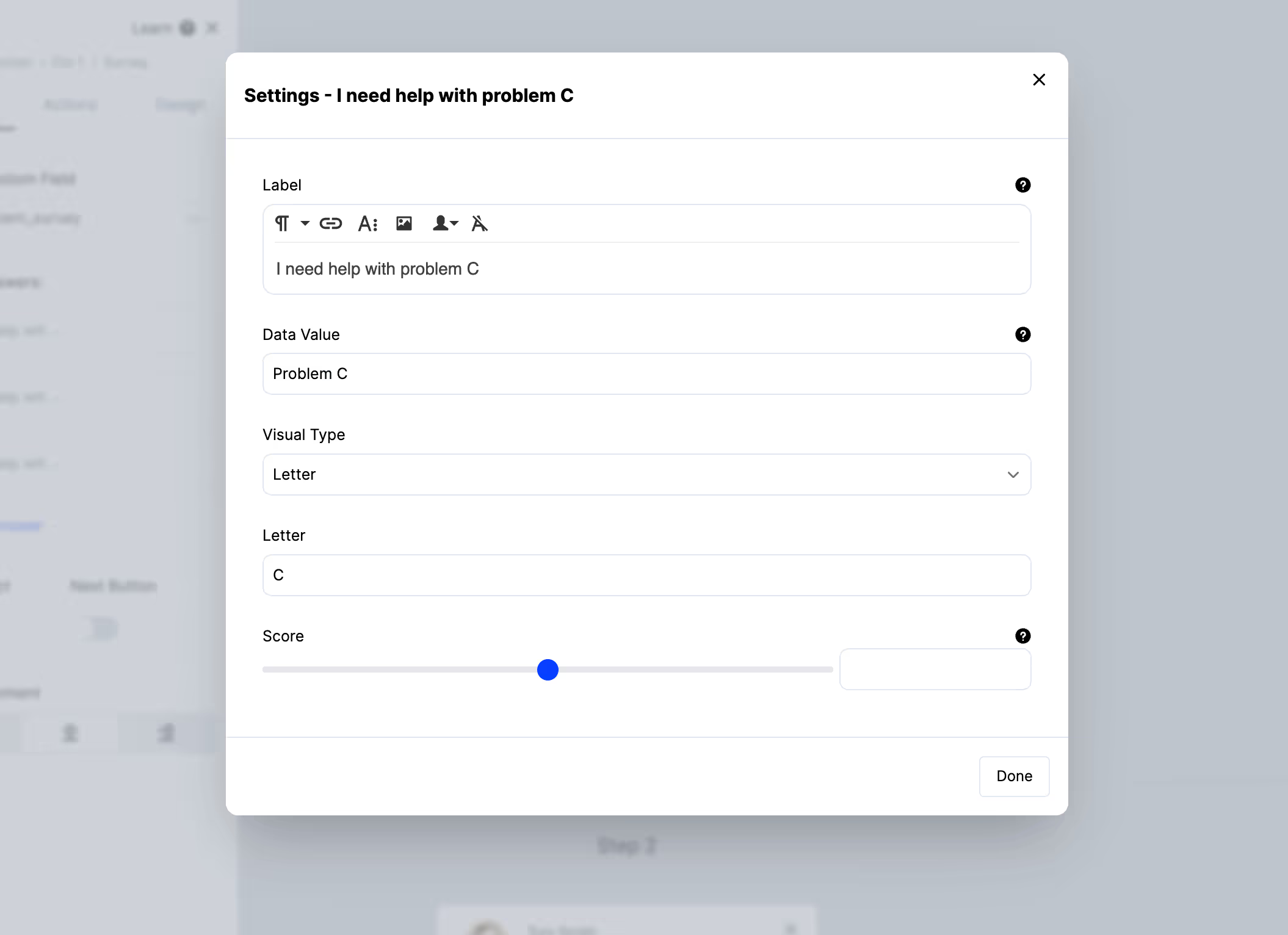
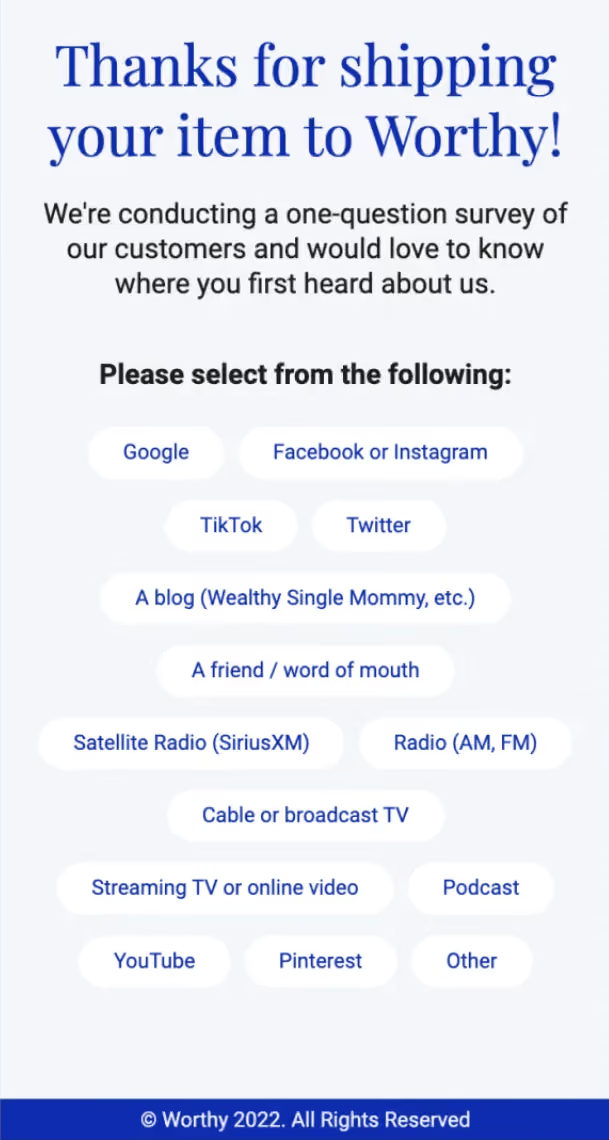
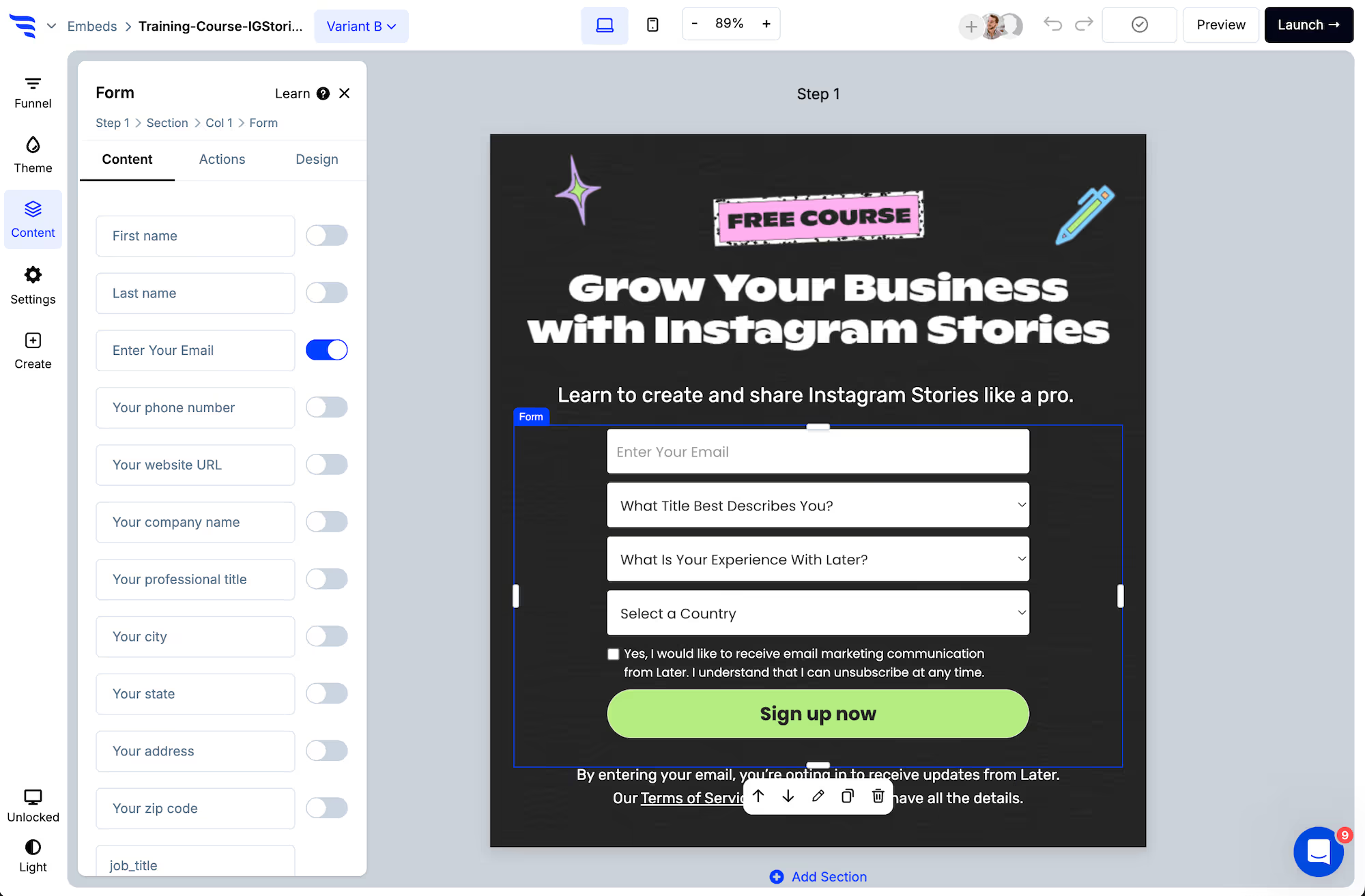
Set the data value separately from the label, and keep values short — they become segment conditions and CRM field values, and a sentence is very hard to filter on.
Step 3: Ask one question, in context
B2B buyers are busy and a long survey from a vendor reads as an imposition.
The questions that earn a response:
- On a pricing page — "what's holding you back?" Objections from people who never spoke to sales.
- On a renewal or account page — "how are we doing?" with a conditional follow-up.
- Post-demo or post-onboarding — friction diagnosis while it's fresh.
- On a churn path — "why are you leaving?" The most valuable and least asked.
Step 4: Target the segment, not the traffic
This is the step that makes a B2B survey work.
Show it to a defined CRM segment — accounts in a particular tier, customers approaching renewal, trials that stalled. The response rate is higher because the question is relevant, and every answer arrives attached to an account you can act on.
Surveying all traffic in B2B mostly collects answers from people who will never buy.
Step 5: Write answers to the account record
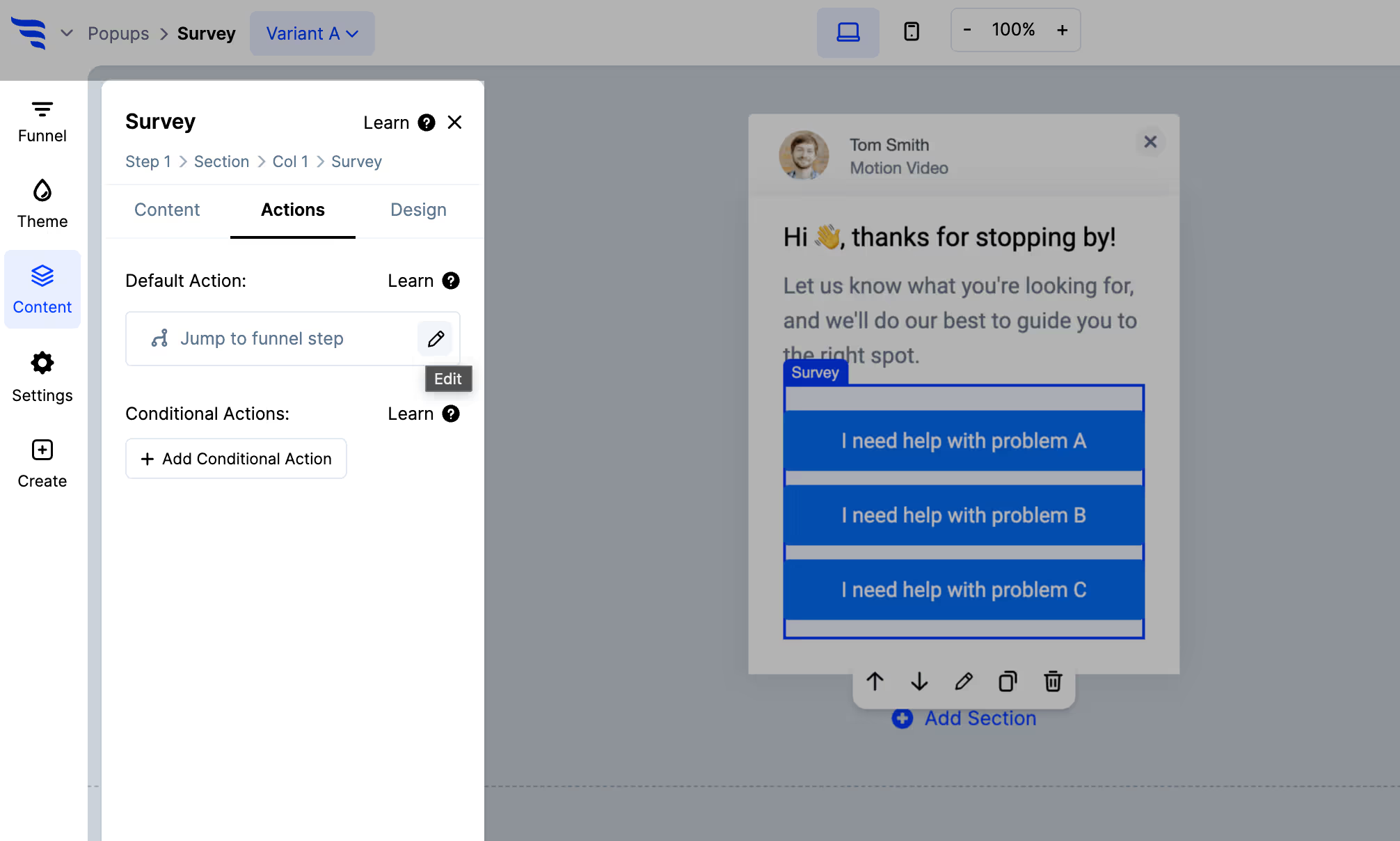
Use Map to custom field to store the answer on the CRM record, and apply a tag.
In B2B this matters more than the aggregate. A rep opening an account should see that this customer said onboarding was difficult — that's context for the next conversation, and it's lost if the answer only exists in a survey tool.
Step 6: Route the ones that need a human
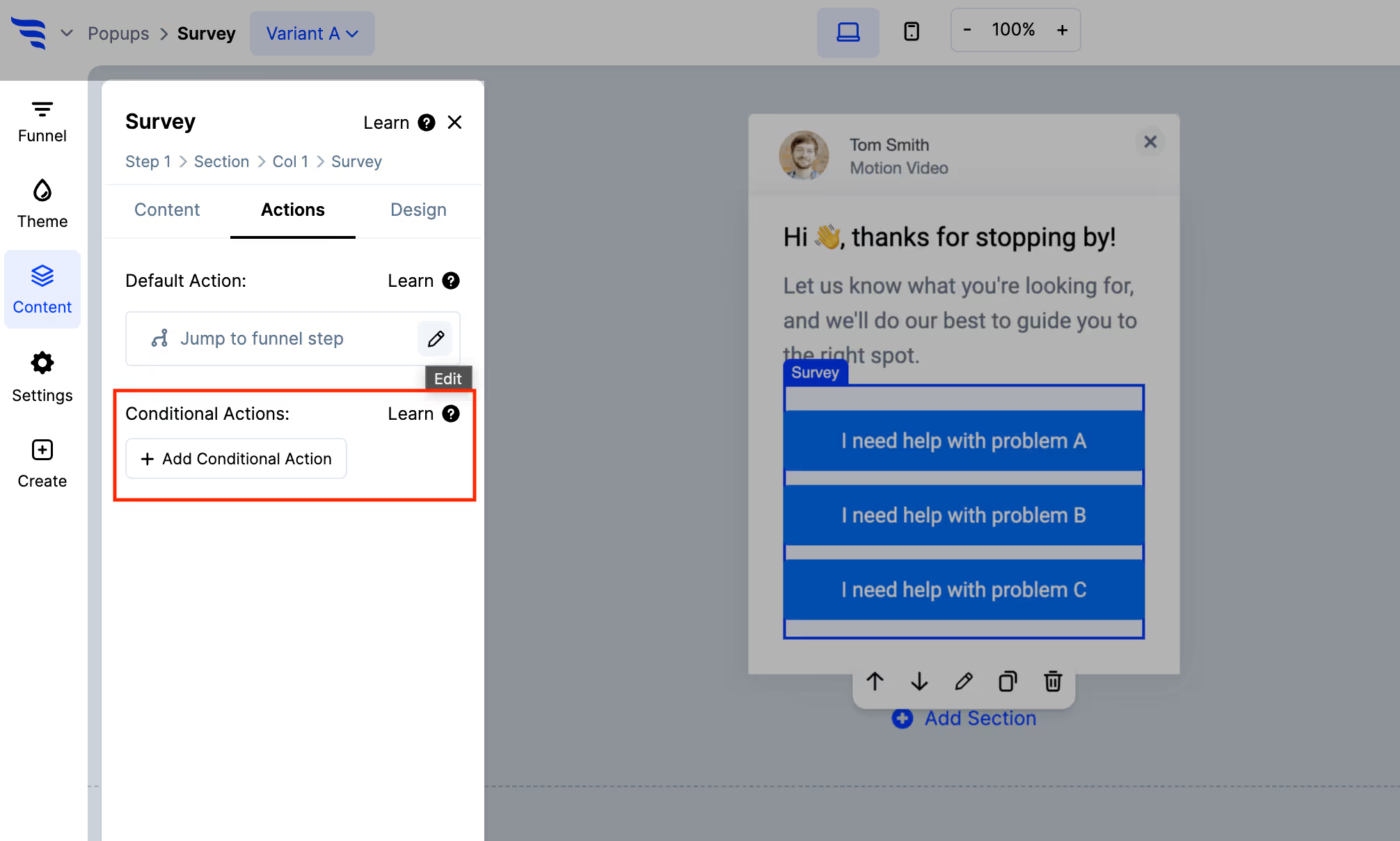
Conditional actions let a concerning answer do something immediately — tag the account, notify the owner, offer a call.
A dissatisfied enterprise customer answering a survey has told you something urgent. If that sits in a report until someone reviews it monthly, the survey has actively wasted a warning.
Step 7: Read responses individually
.avif)
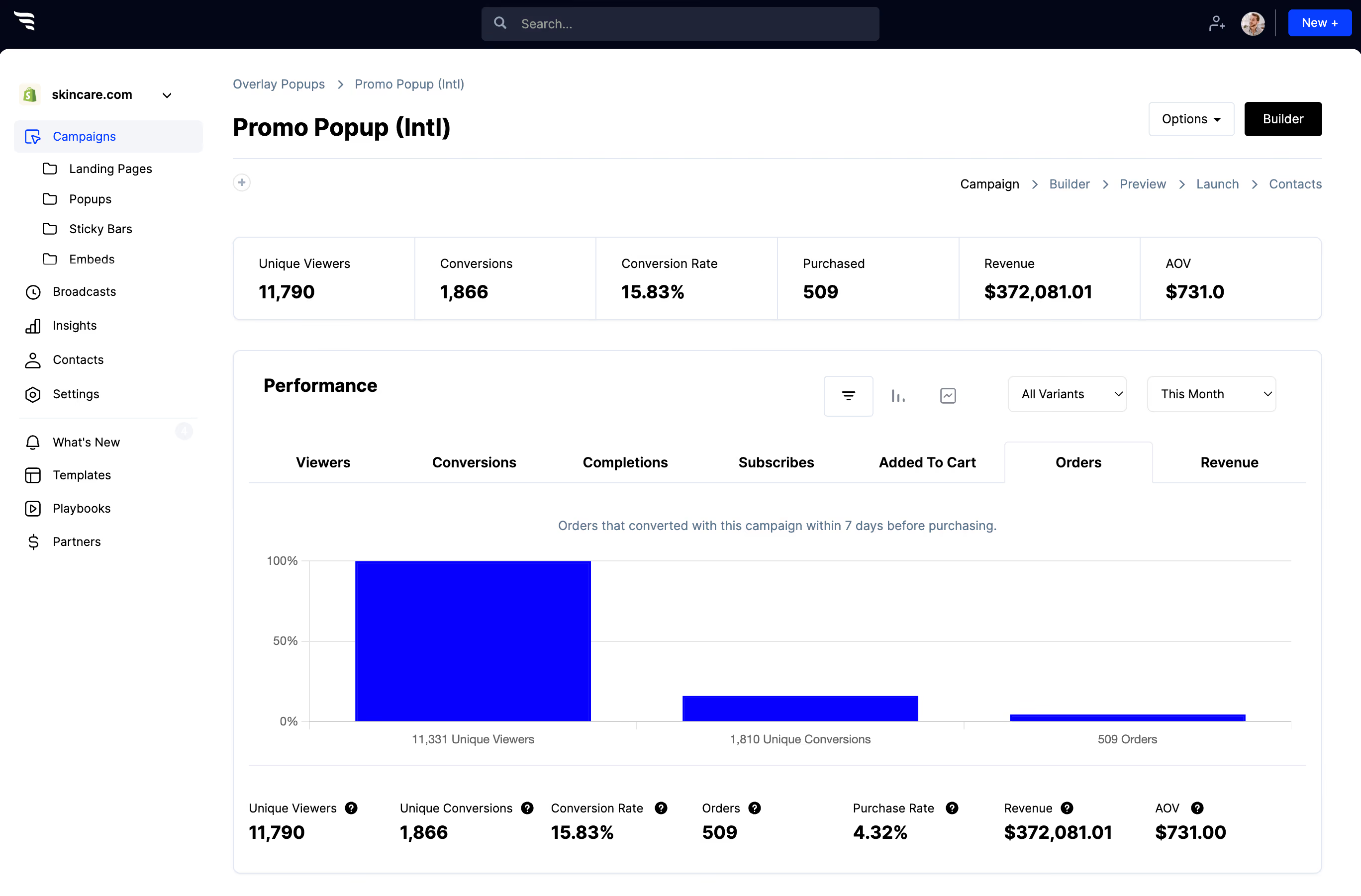
The distribution is worth watching, but with forty responses it's directional at best — don't over-read a shift of three.
Read the responses themselves, account by account. In B2B the outlier is frequently the most important thing in the dataset, and averaging is exactly how you lose it.



%20(1).avif)






.svg)
