




Research and segmentation in one step
Audience research usually produces a document. Someone reads it, a few decisions change, and six months later nobody can find it.
An audience survey that writes answers to contact records does something different. The same question that tells you who your audience is also labels each person — so the research output isn't a report, it's a segmented list.
That's the whole argument for running audience research on-site rather than through a research panel.
What to ask
Four categories cover most of what's useful:
- Who they are — role, business type, situation
- What they're trying to do — the job they're hiring you for
- What they care about — the attribute that decides the purchase
- Where they came from — how they found you and what they'd been using
Don't ask all four in one survey. Ask one per placement and let the picture build.
Step 1: Add the survey element
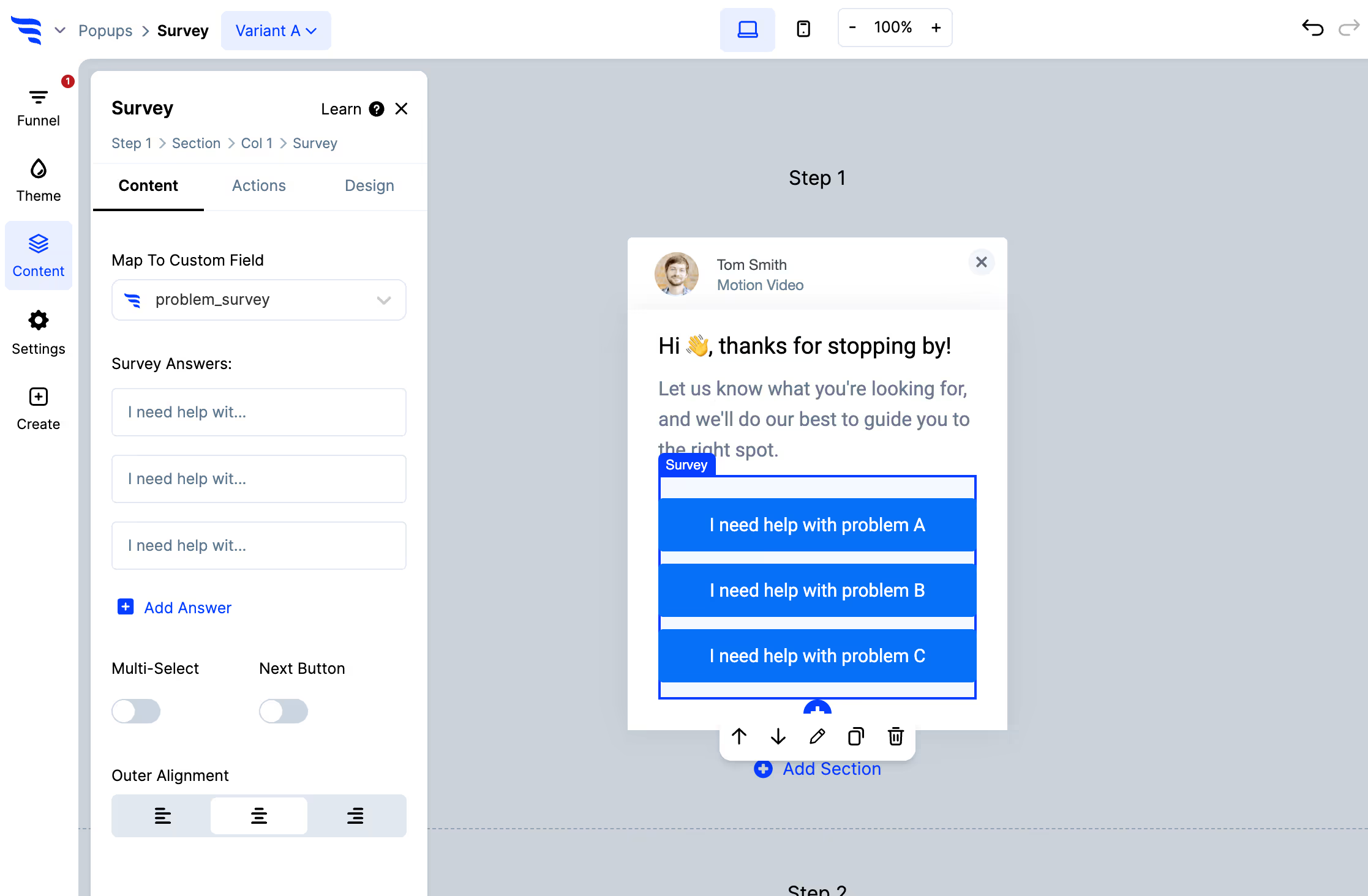
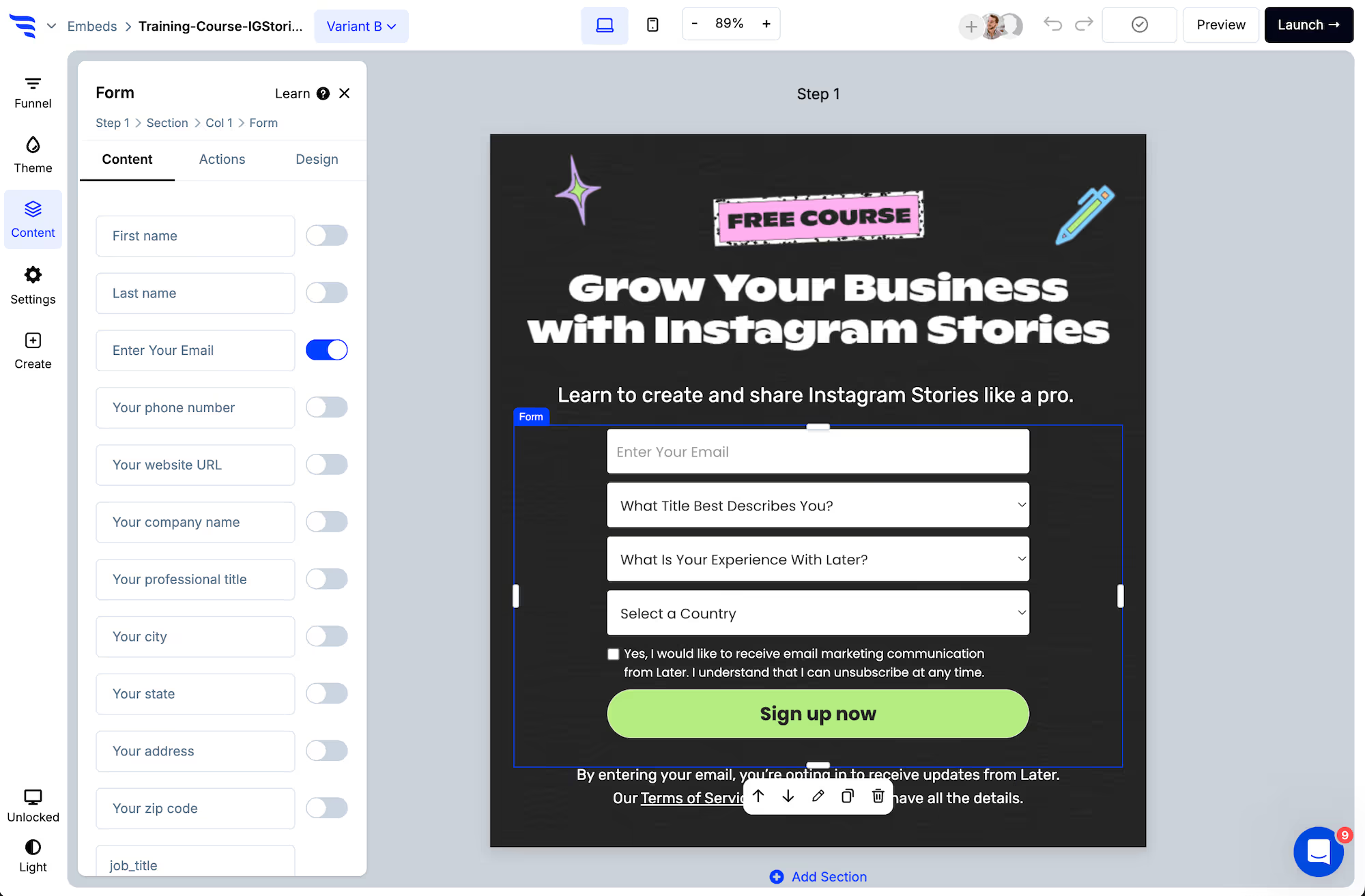
Add it to a page, popup or embed. Fixed options rather than open text — they get answered more, and they aggregate into segments.
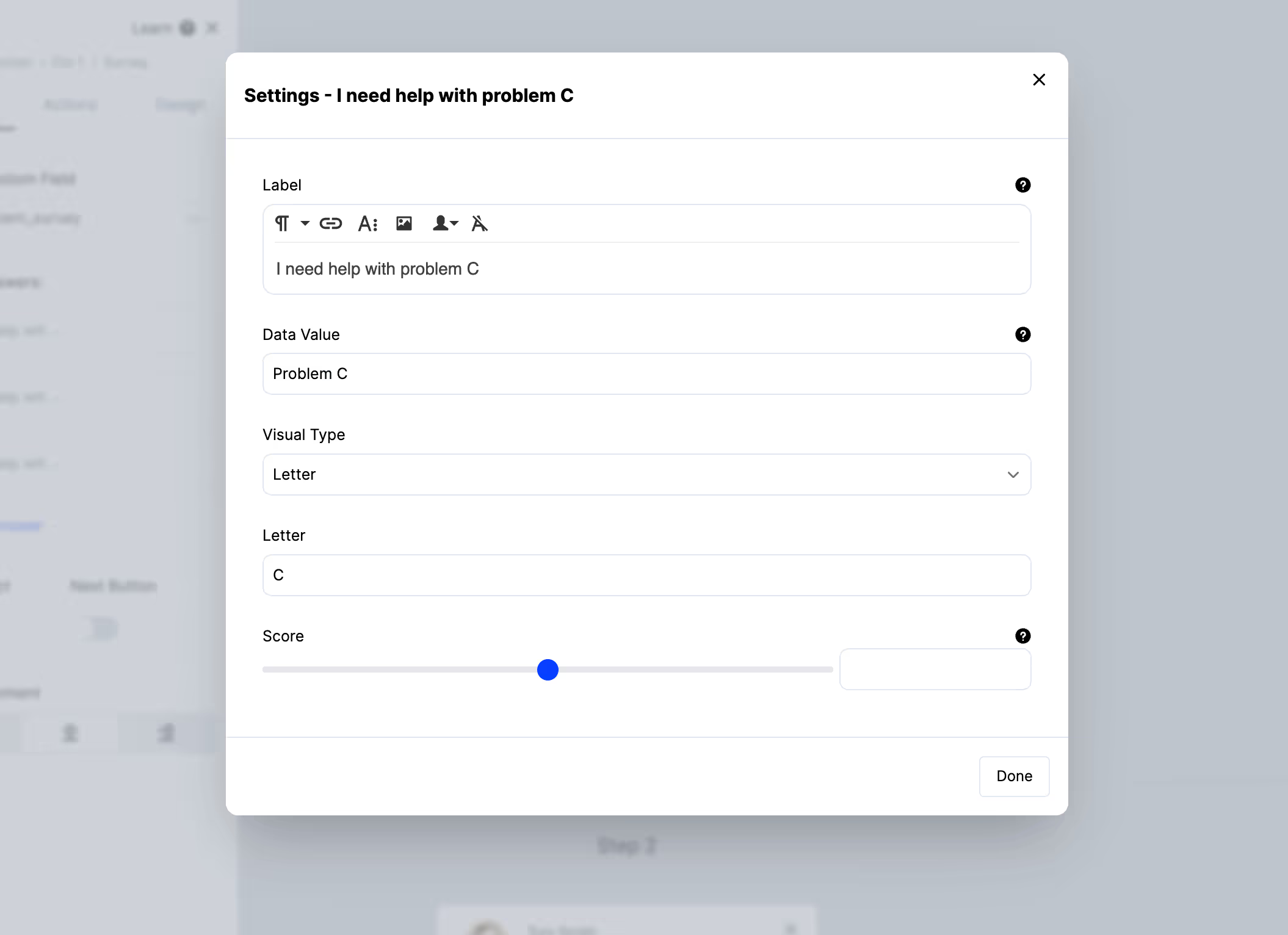
Set the data value separately from the label. The label can read naturally; the value should be a clean segment condition like agency or first-time-buyer.
Step 2: Cover the real range of answers
This is where audience surveys go wrong most often.
If your options reflect who you think your audience is, you'll confirm it — because everyone who doesn't fit will pick the closest approximation.
Include an "other" or "none of these" option, and watch it. A large share choosing it is the most interesting result you can get: it means your model of the audience is missing a group.
Step 3: Ask one question per placement
Rather than a five-question research survey nobody finishes, put one question in each of several places:
- On signup — what they're trying to achieve
- On a pricing page — what they're comparing you against
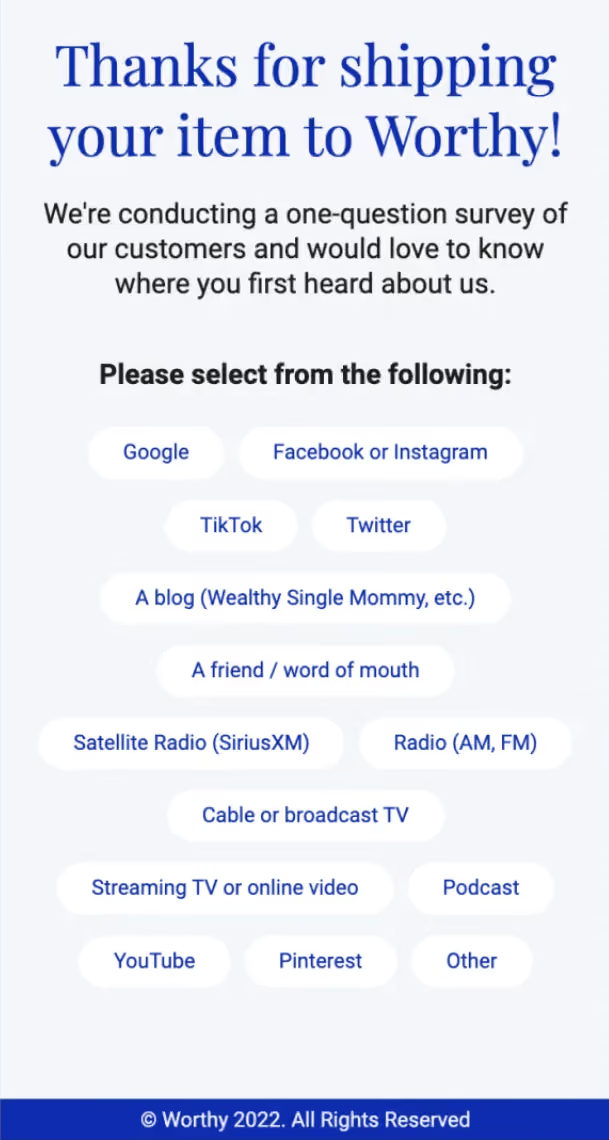
- After purchase — how they found you
- Mid-relationship — what's changed
Each is trivial to answer, so response rates hold up, and over a quarter you have a fuller picture than a single long survey would ever produce.
Step 4: Write answers to contact records
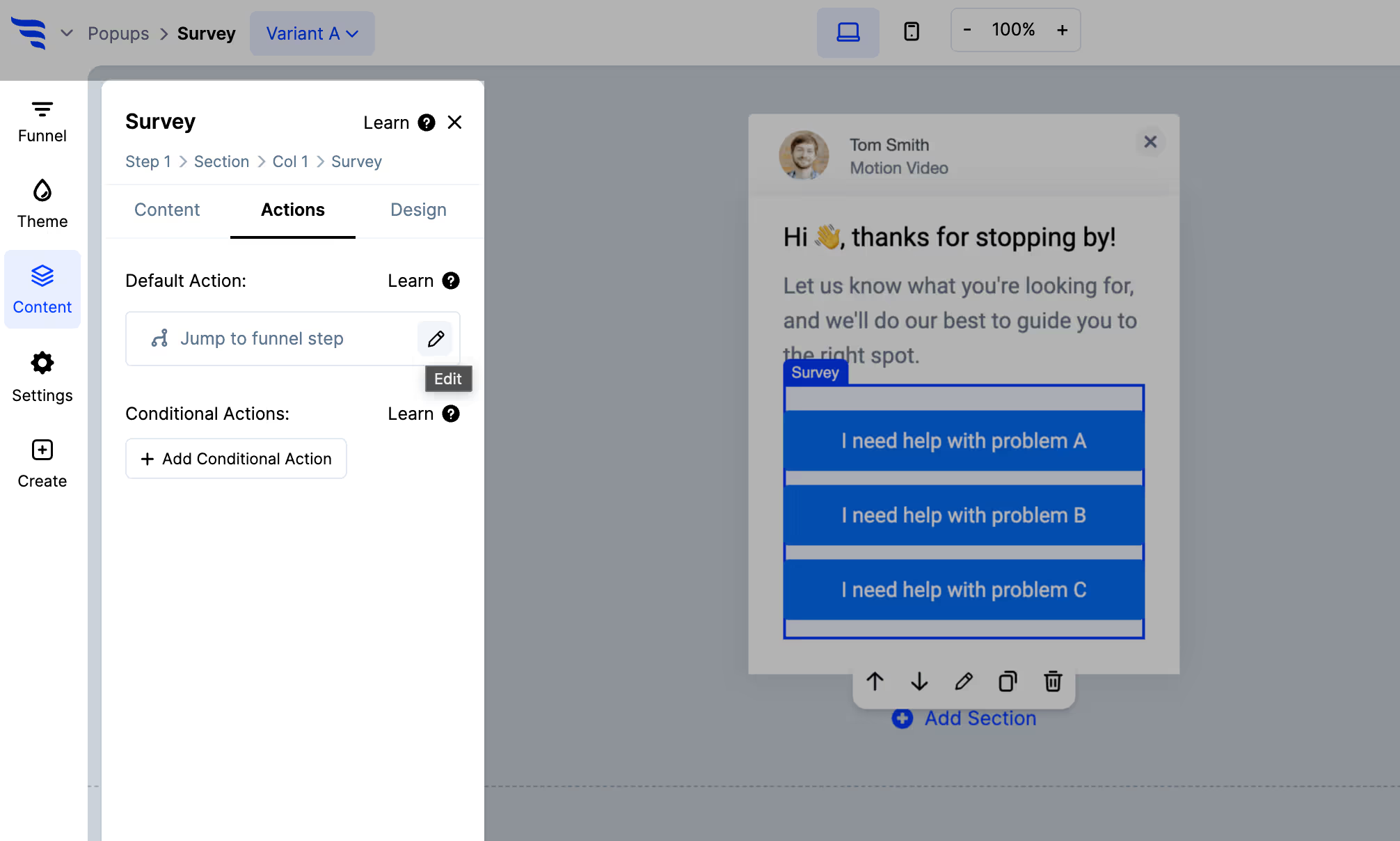
Use Map to custom field to store each answer in your email platform or CRM, and apply a tag.
This is the step that turns research into an asset. Every answer becomes a segment condition you can use in campaigns, on-site personalization and targeting.
Step 5: Personalize on what they told you
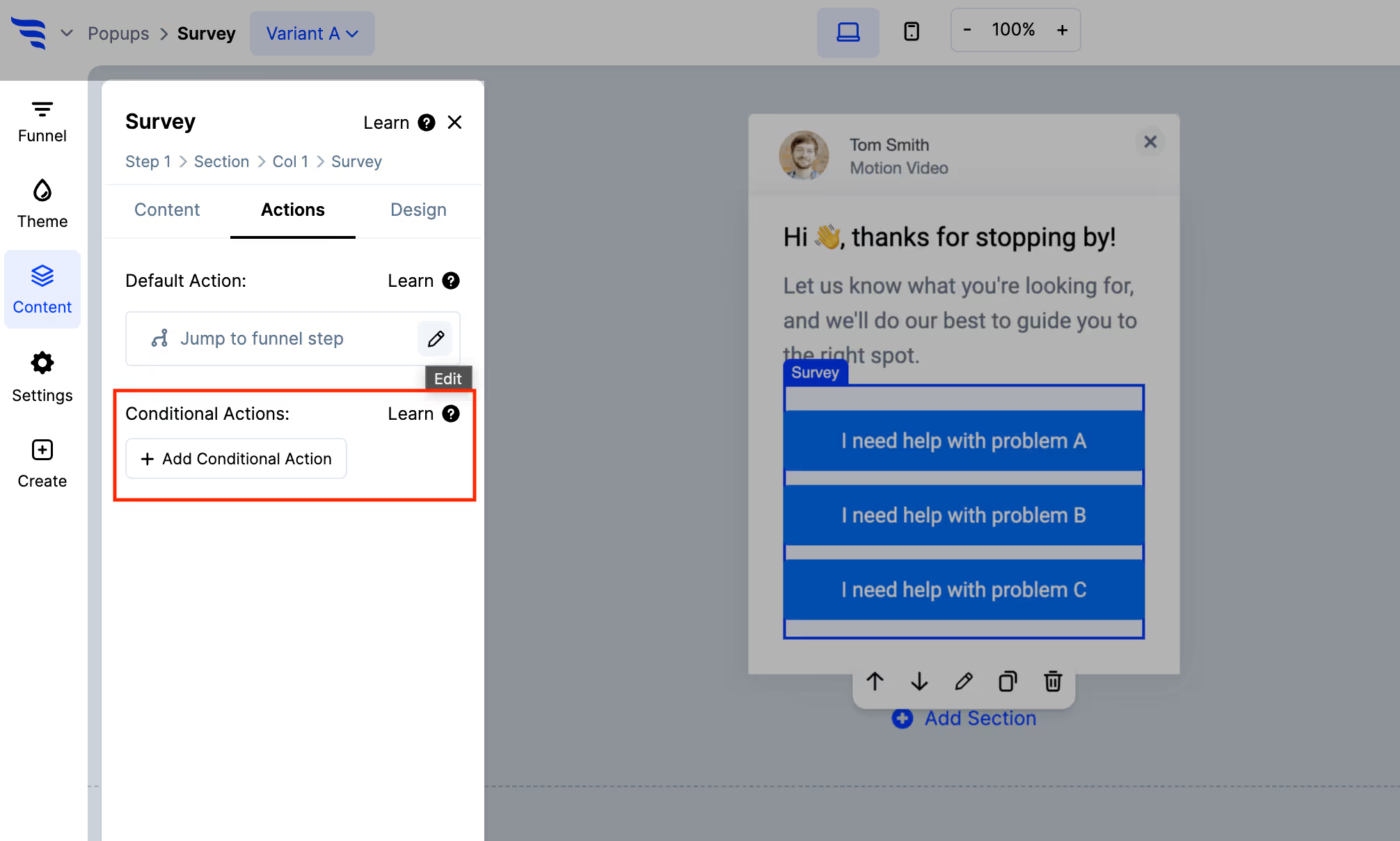
With answers on the record, ConvertFlow can target future campaigns on them — so someone who told you they're an agency sees agency-relevant content on their next visit.
Stated data beats inferred data, and this is where the difference shows.
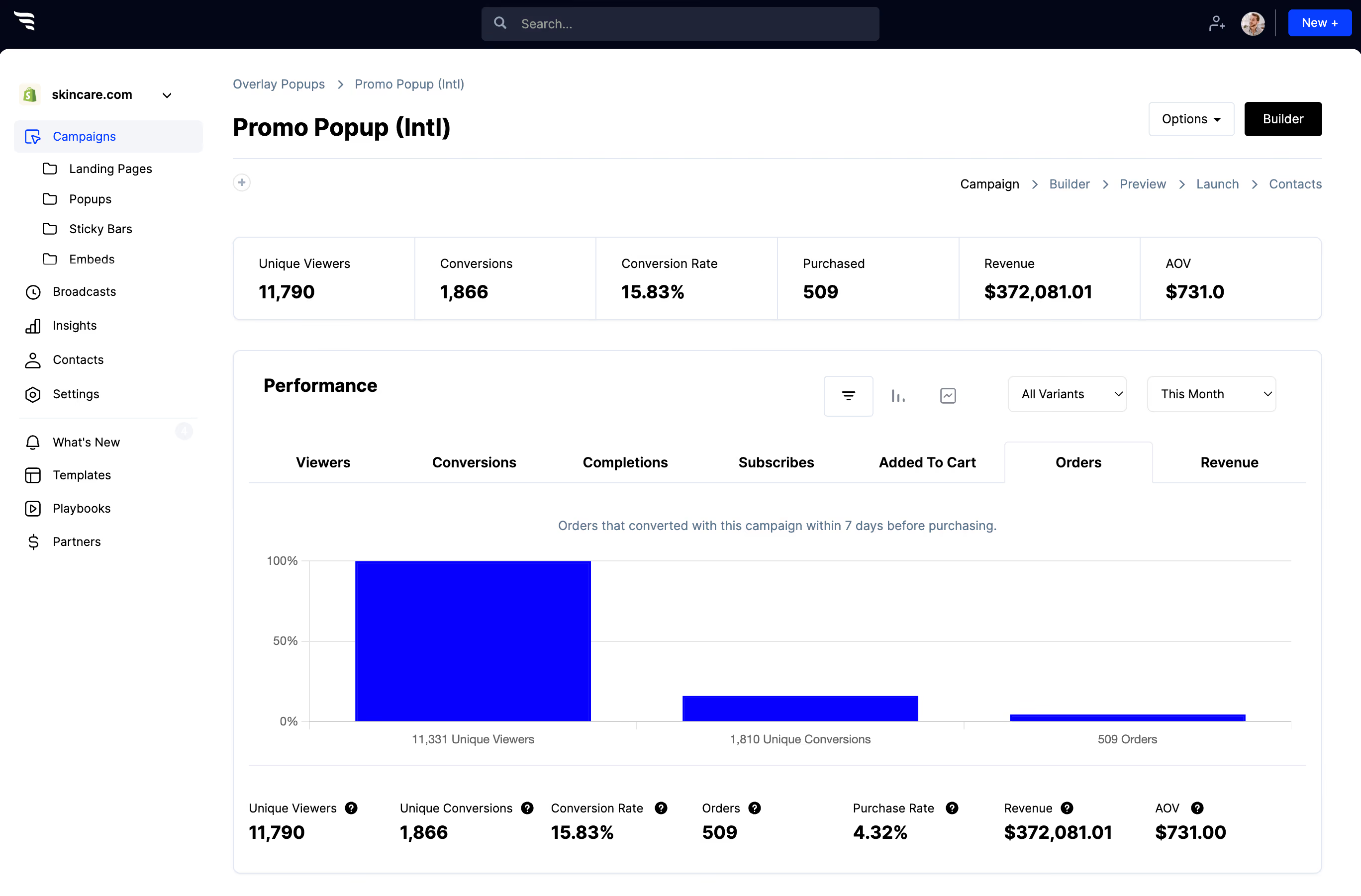
Step 6: Read the distribution honestly
.avif)
Two things to hold in mind:
You surveyed visitors, not your market. The people who never arrived aren't represented, and they're often exactly the group you were trying to understand.
A dominant answer isn't always a finding. Check it isn't just the first option, the most flattering one, or the easiest to tap.
Where answers spread genuinely across several options, you've found a real segmentation axis — and unlike a research report, you already have every contact labelled with it.



%20(1).avif)






.svg)
