


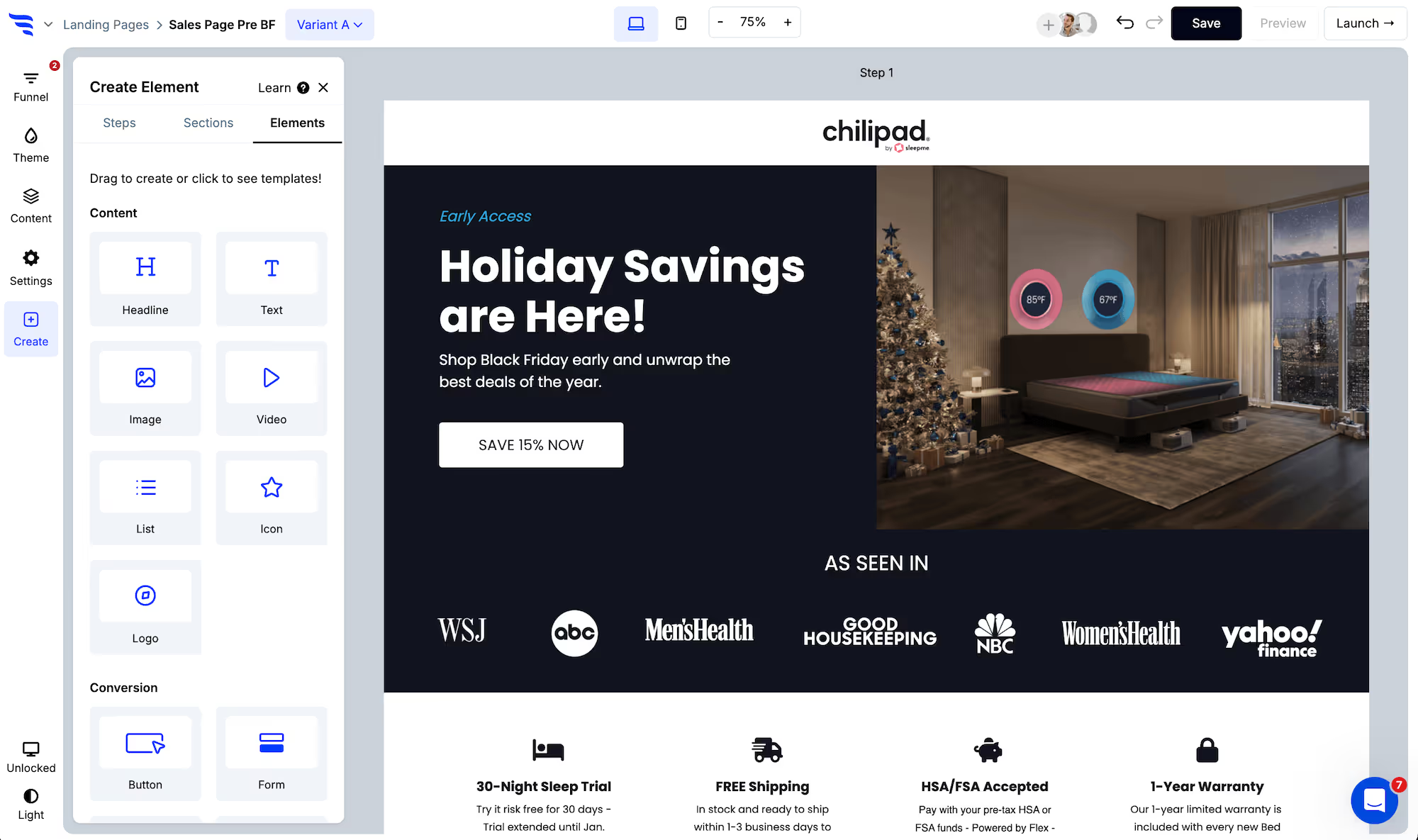



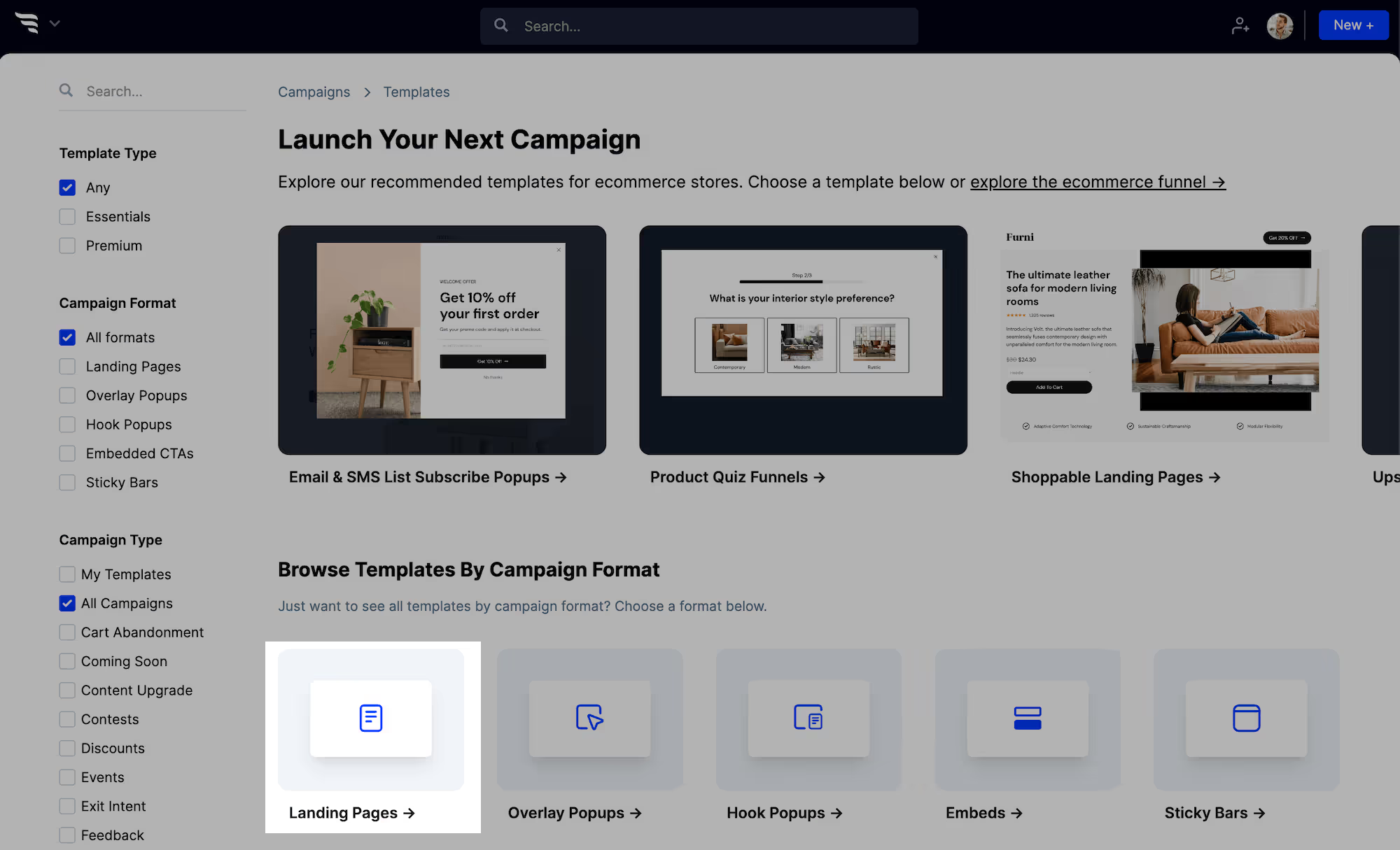
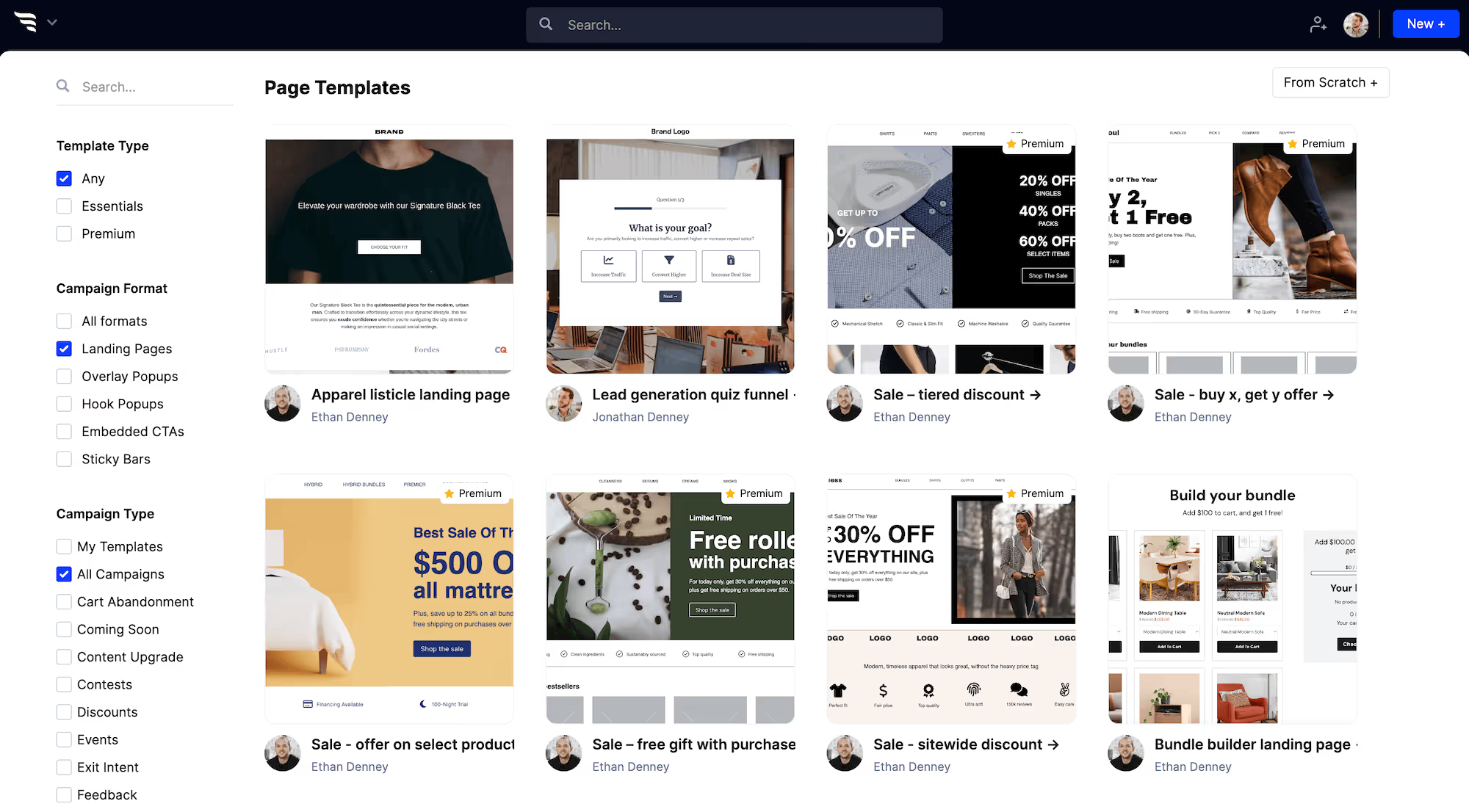
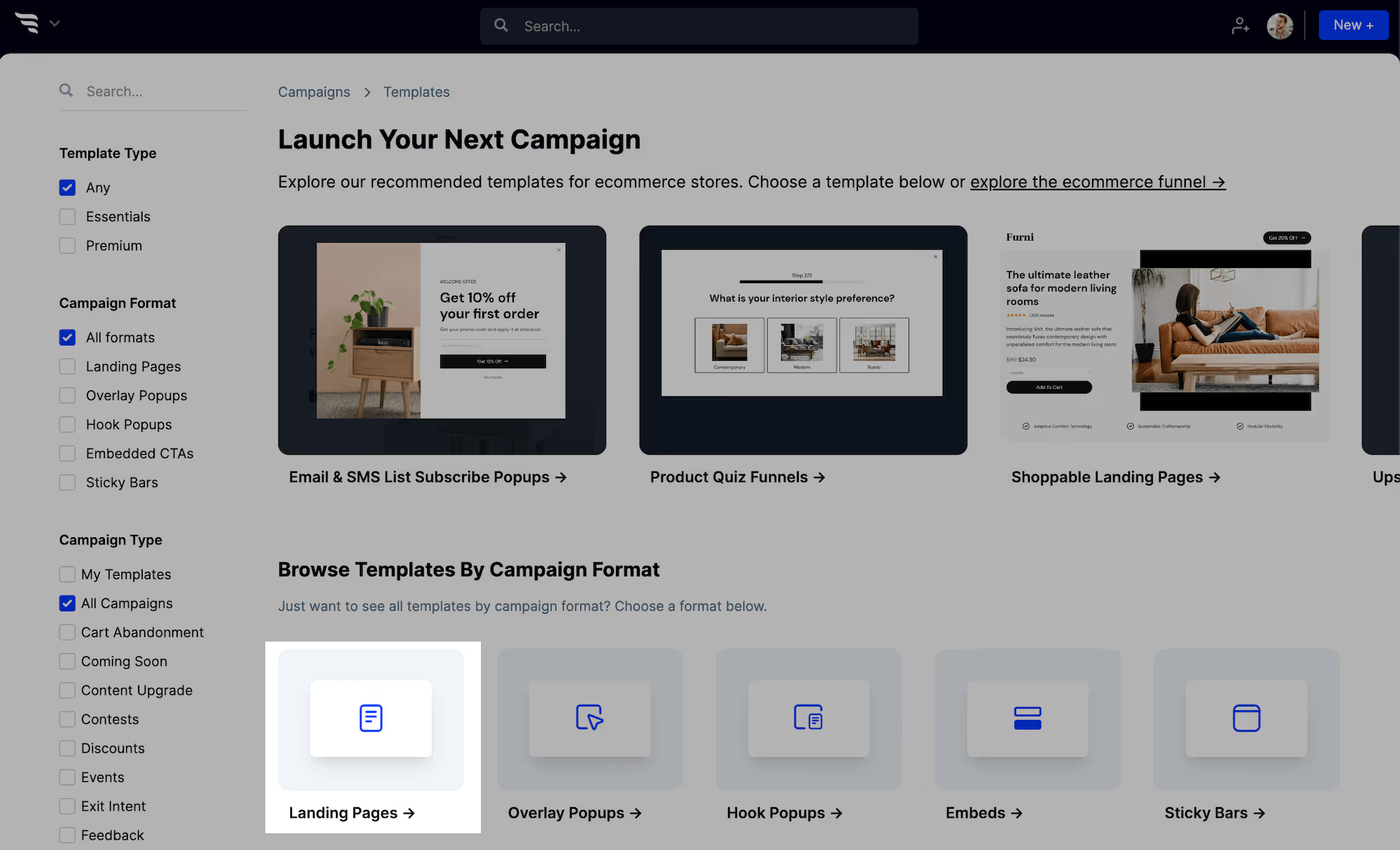
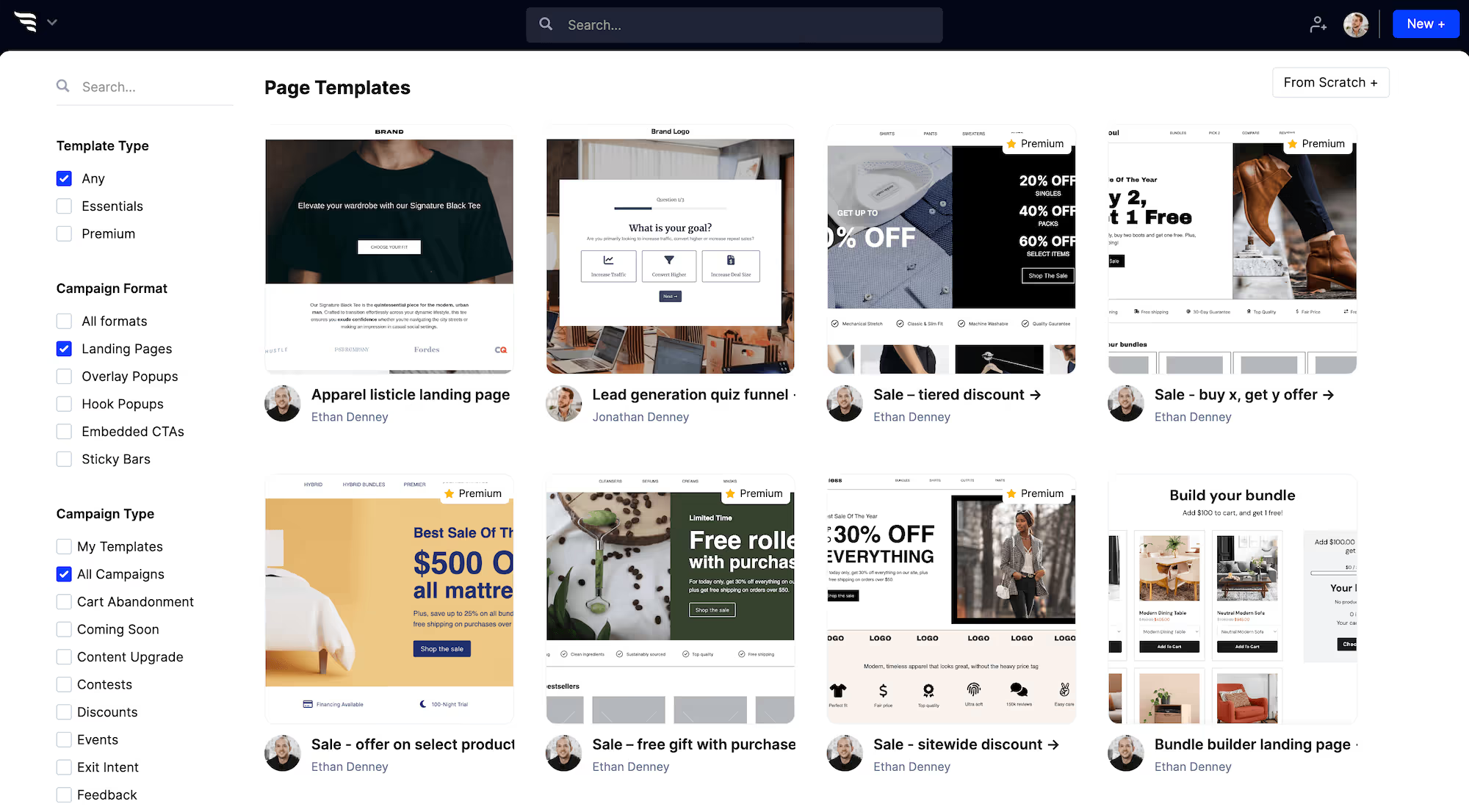
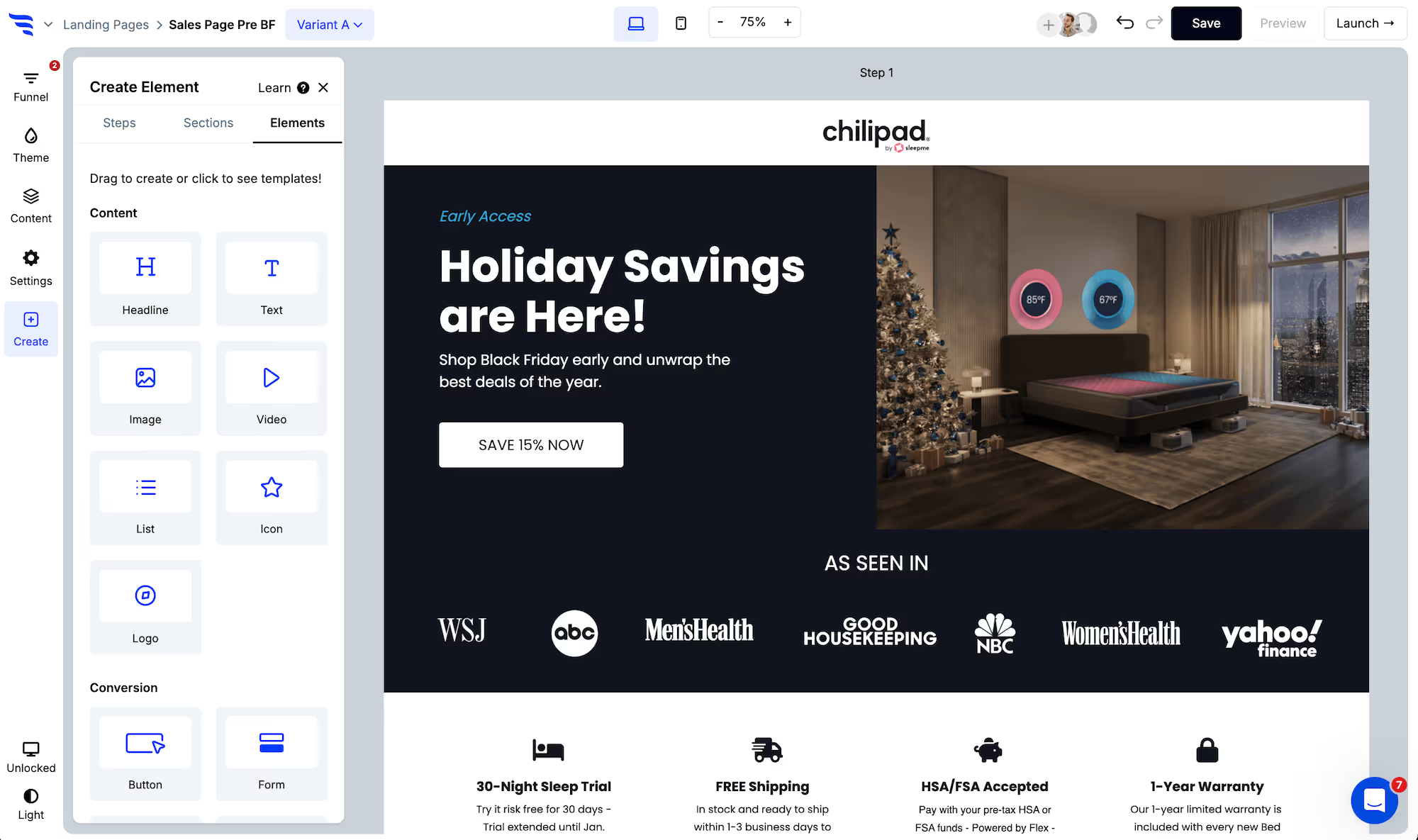
When creating a new campaign in ConvertFlow, choose the "landing pages" campaign format.
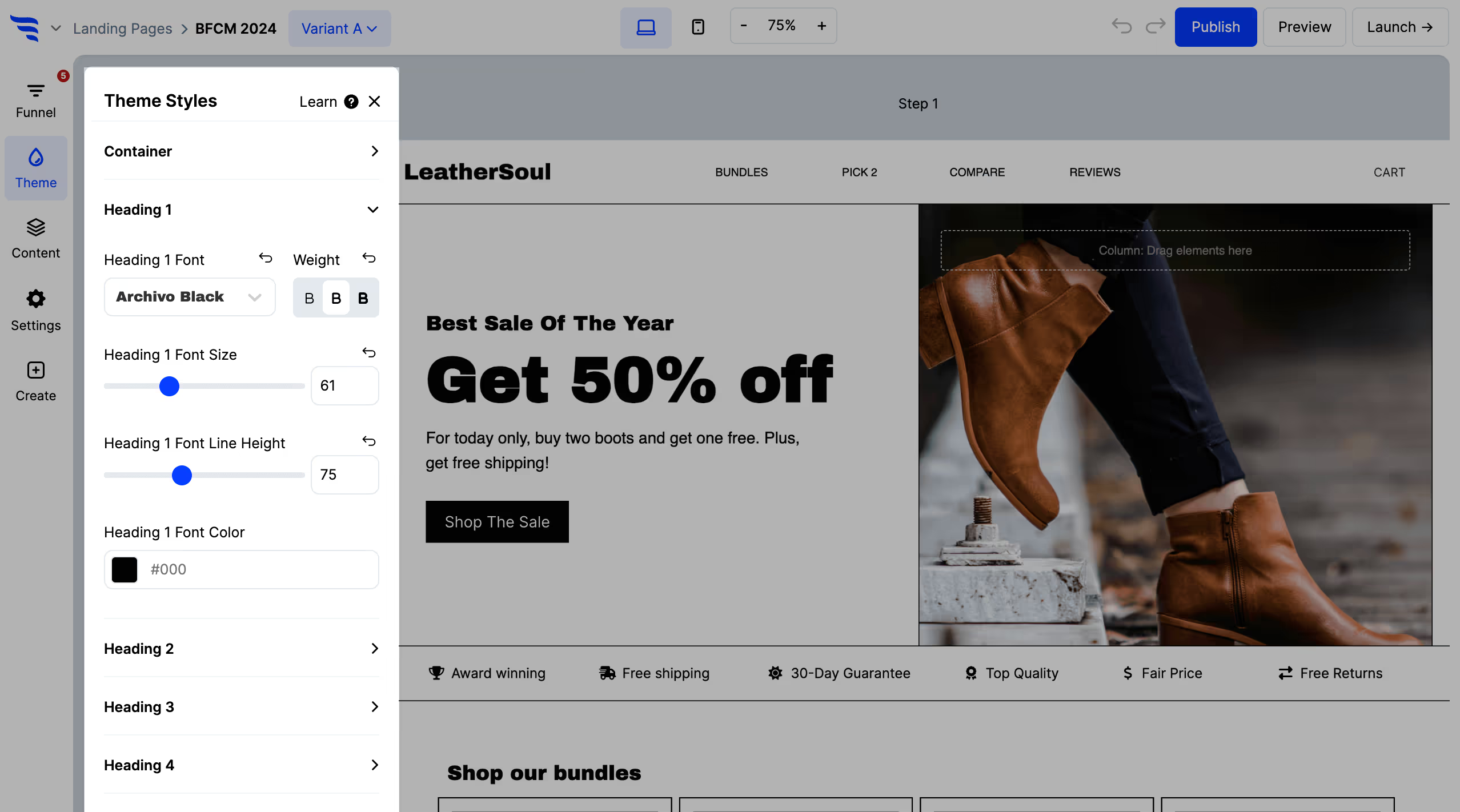
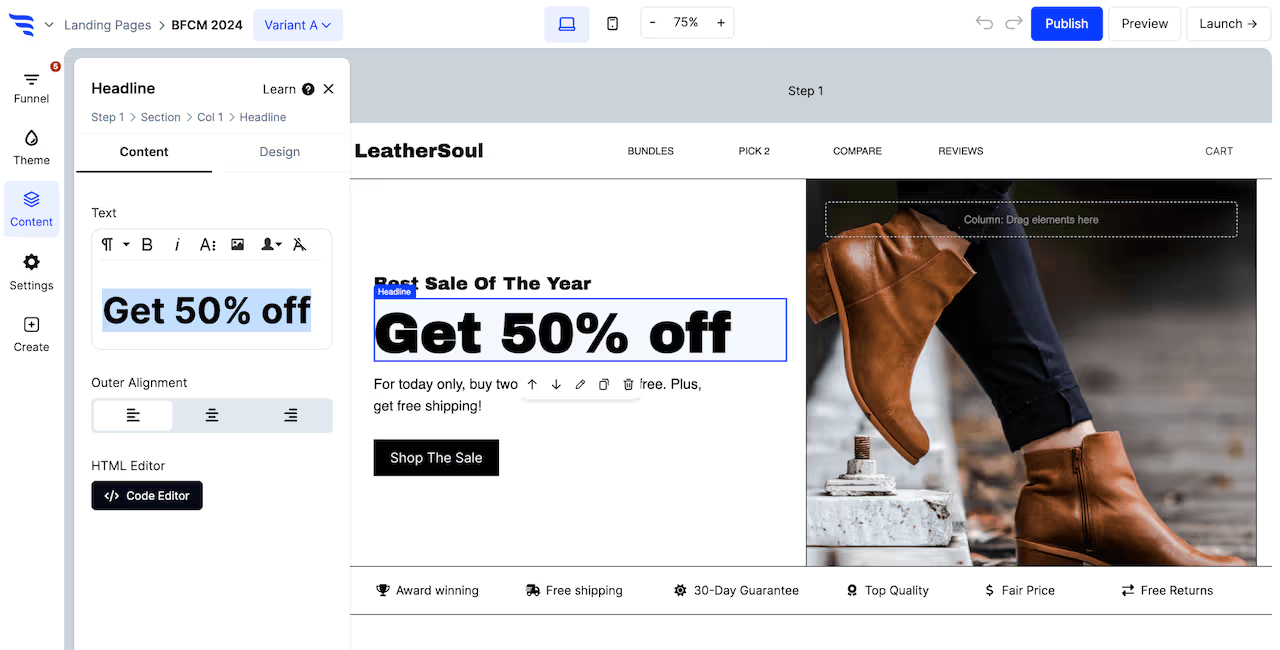
Use the theme settings to customize the theme styles for headlines, buttons, etc.
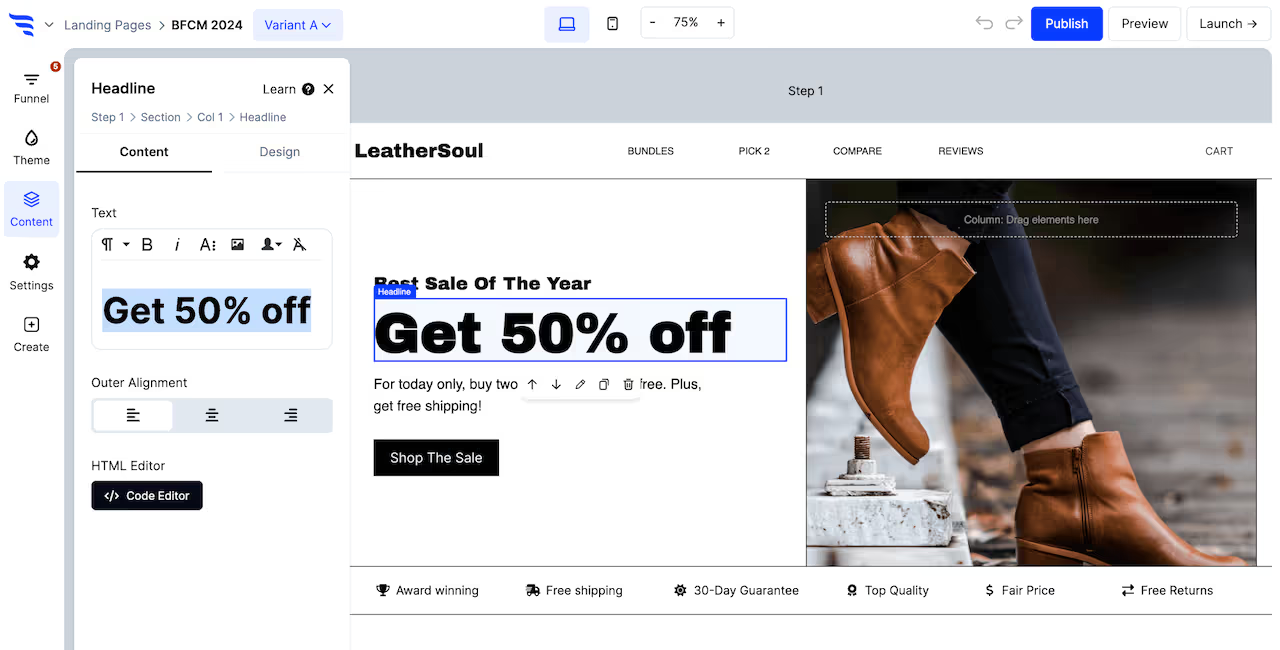
Conversion elements are buttons, forms, quizzes, and product elements.
Customize content
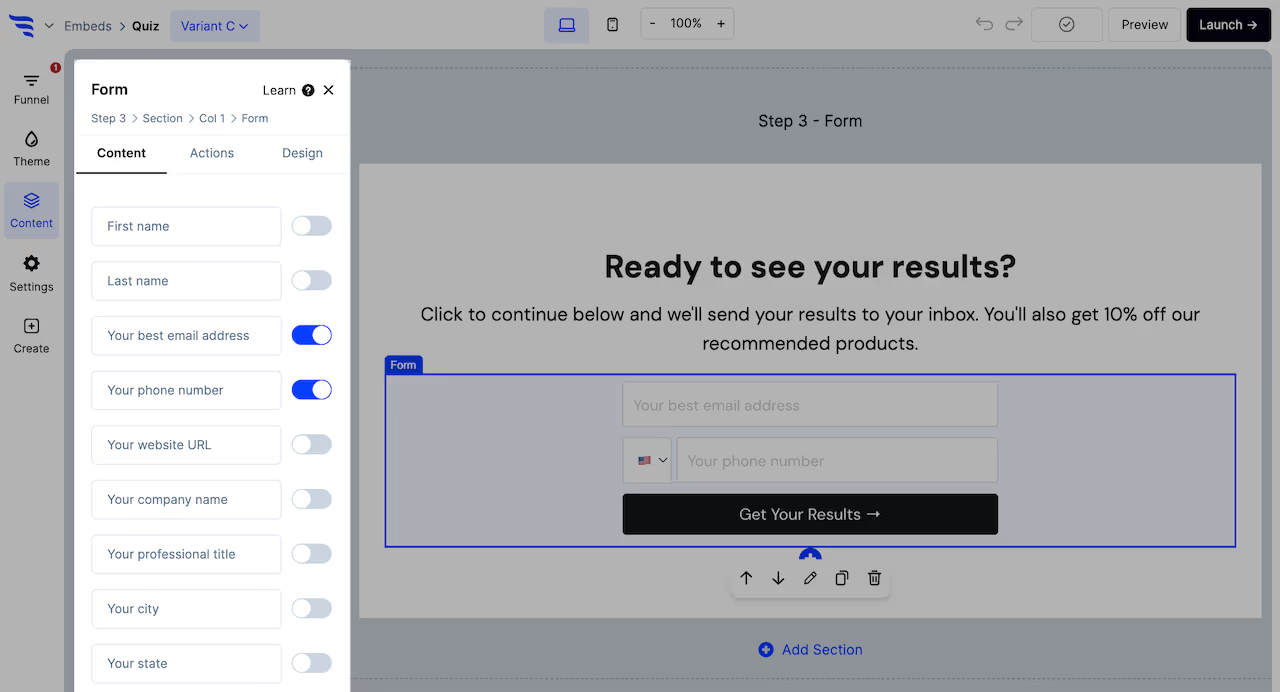
• Edit button element text
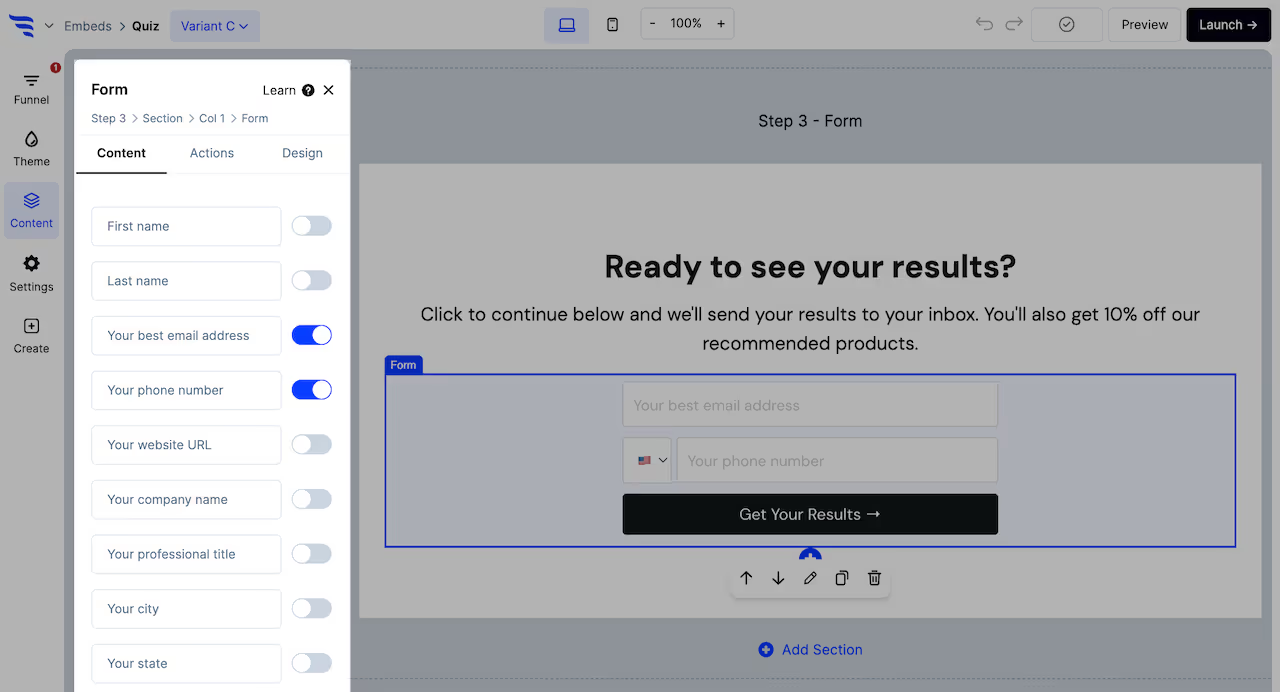
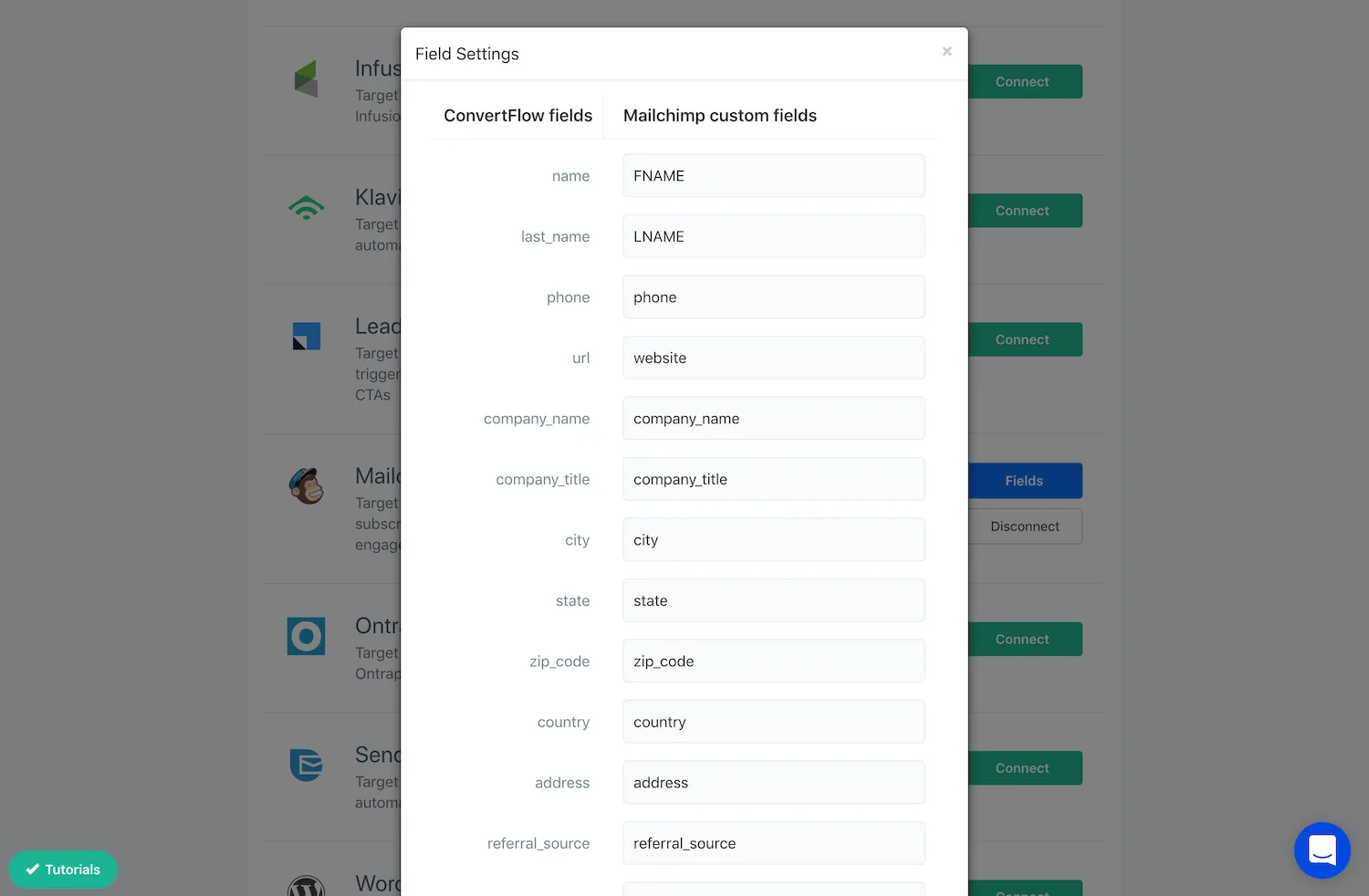
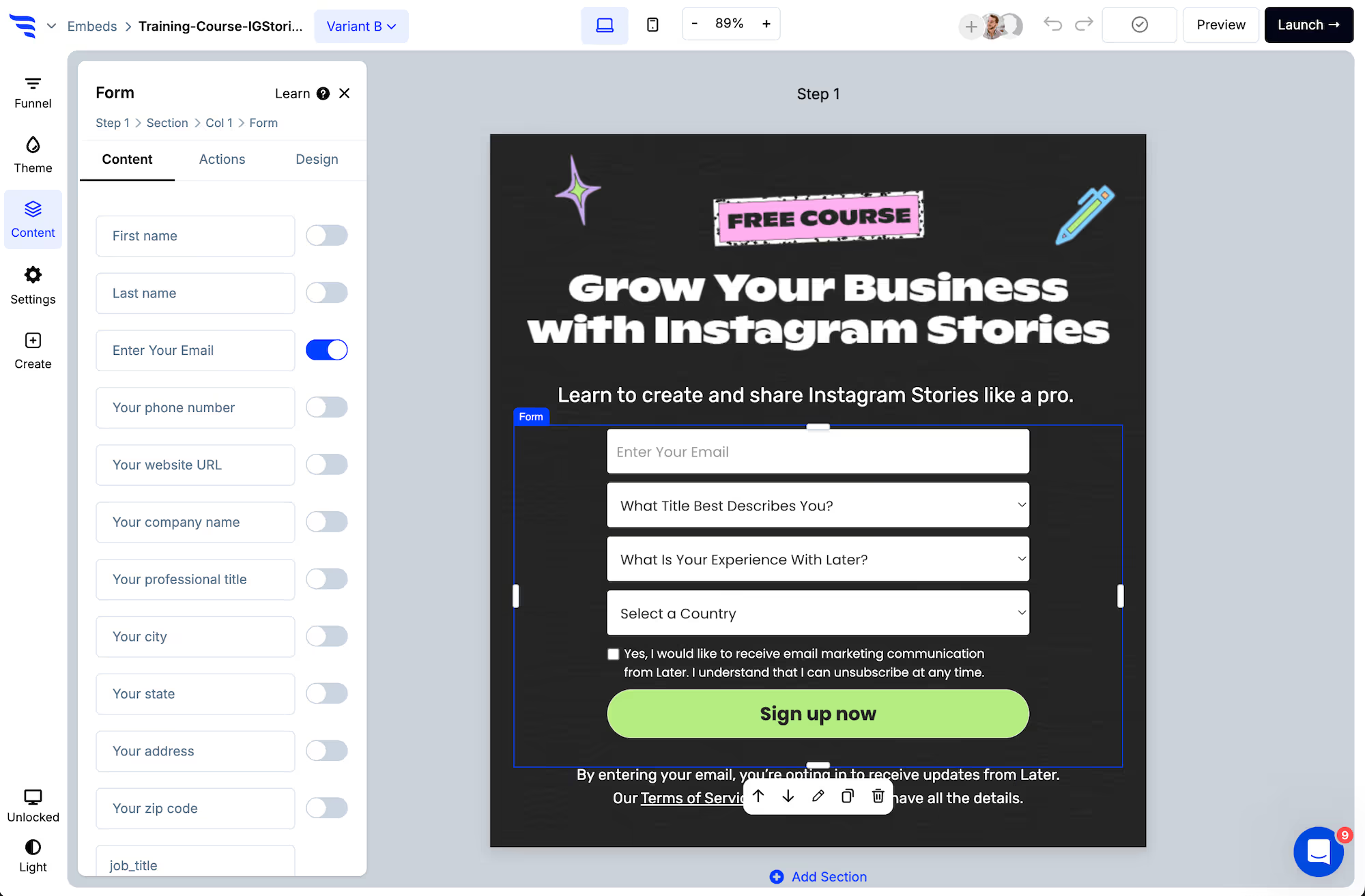
• Toggle contact fields and add custom fields to form elements
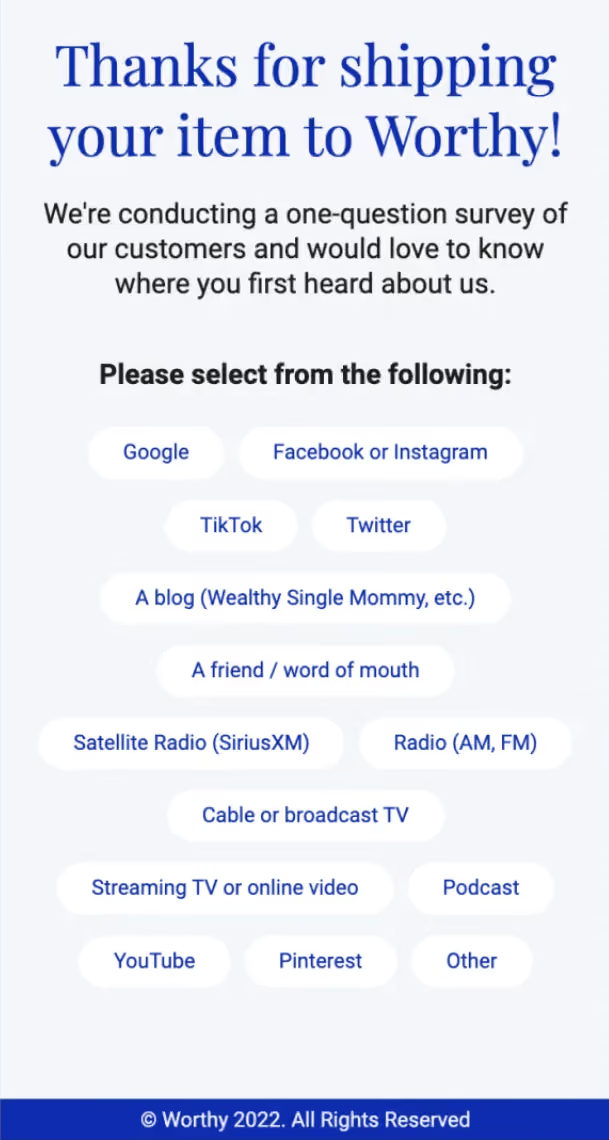
• Add options to survey elements
• Add questions and answers to quiz elements
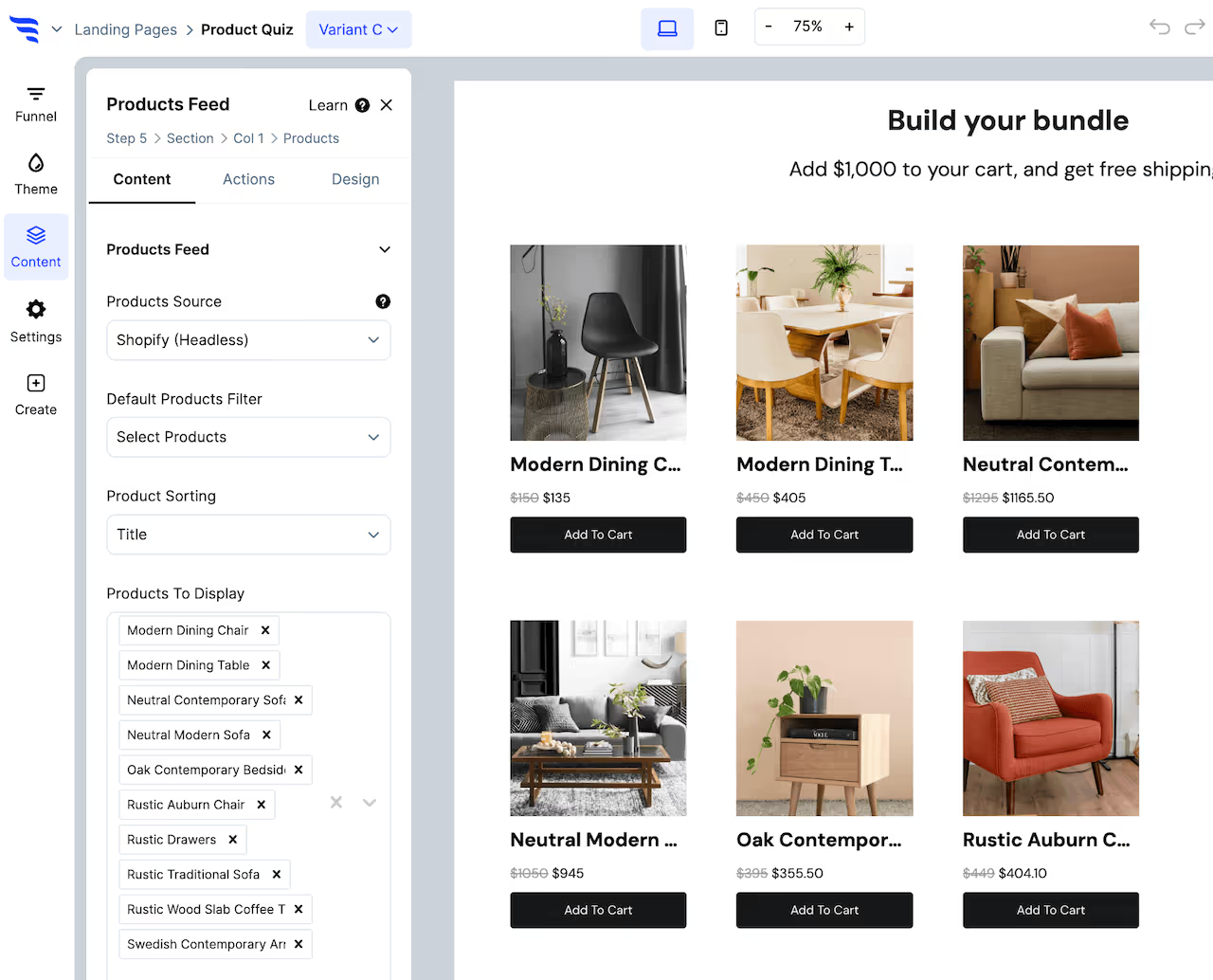
• Filter product recommendations for product feed elements
• Set the product content for product hero elements
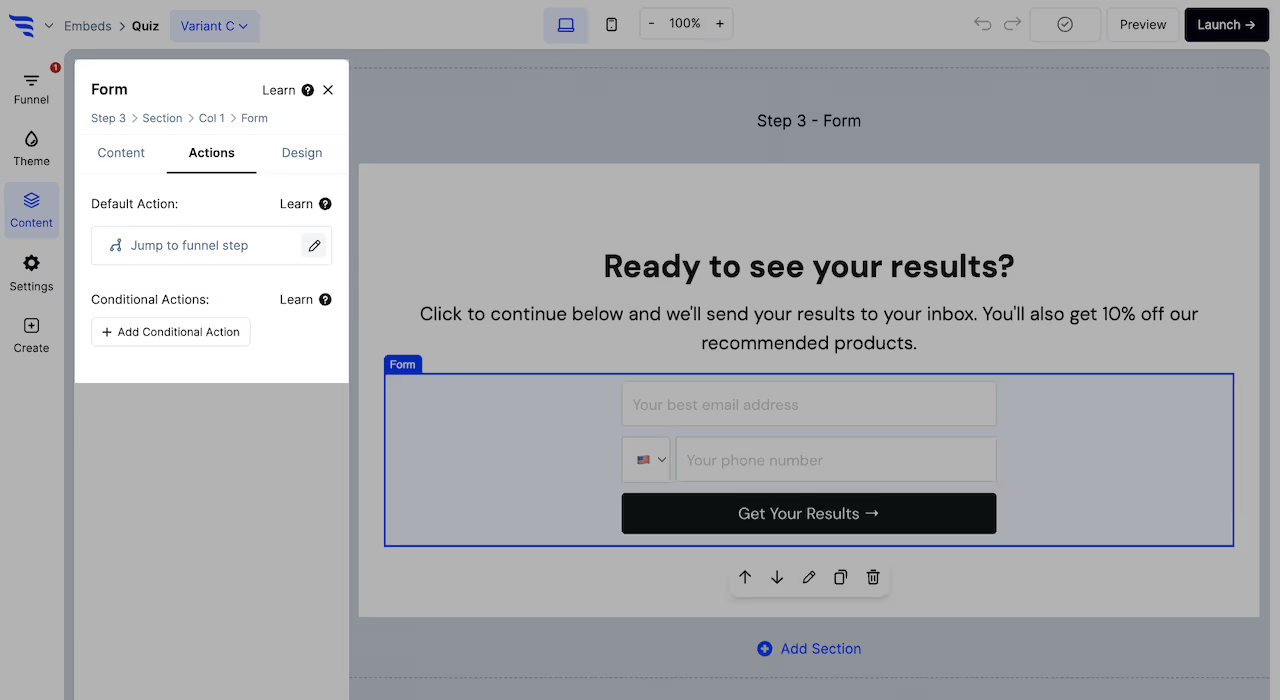
Configure actions
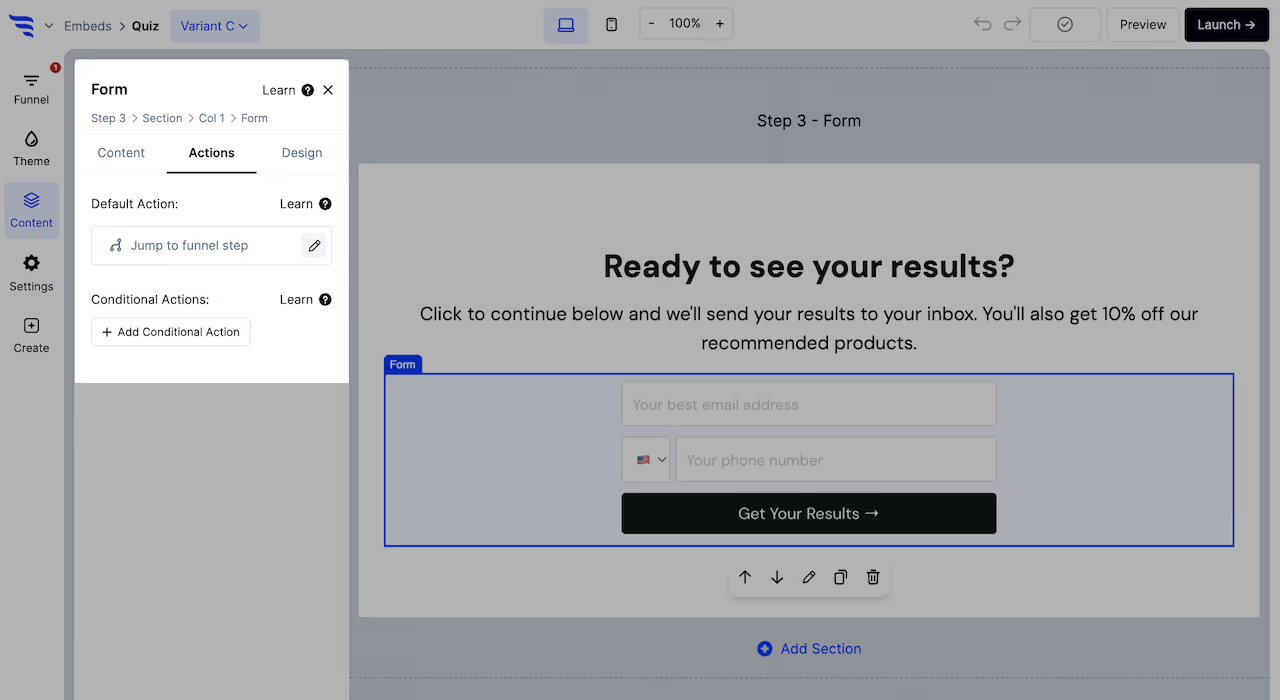
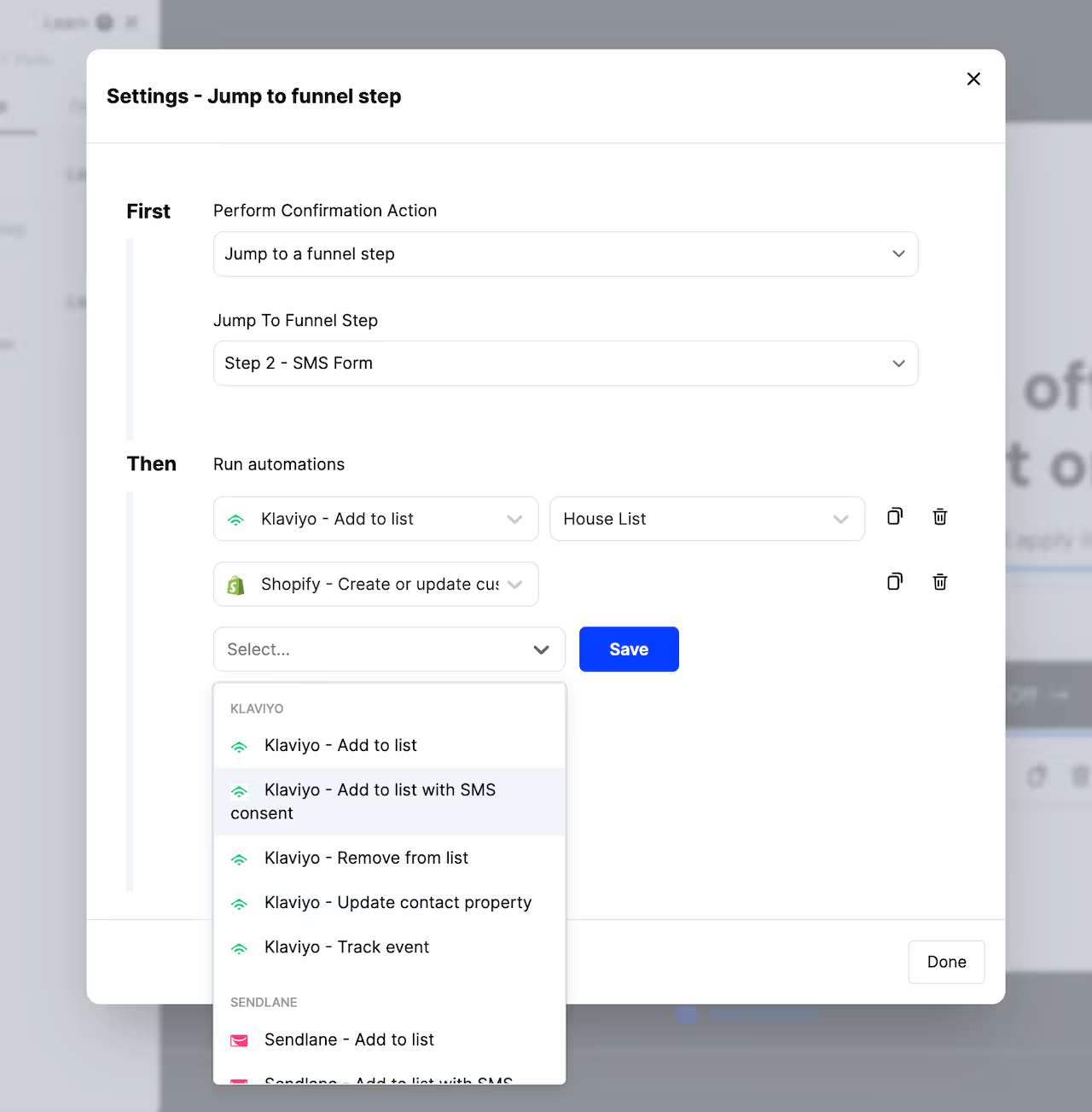
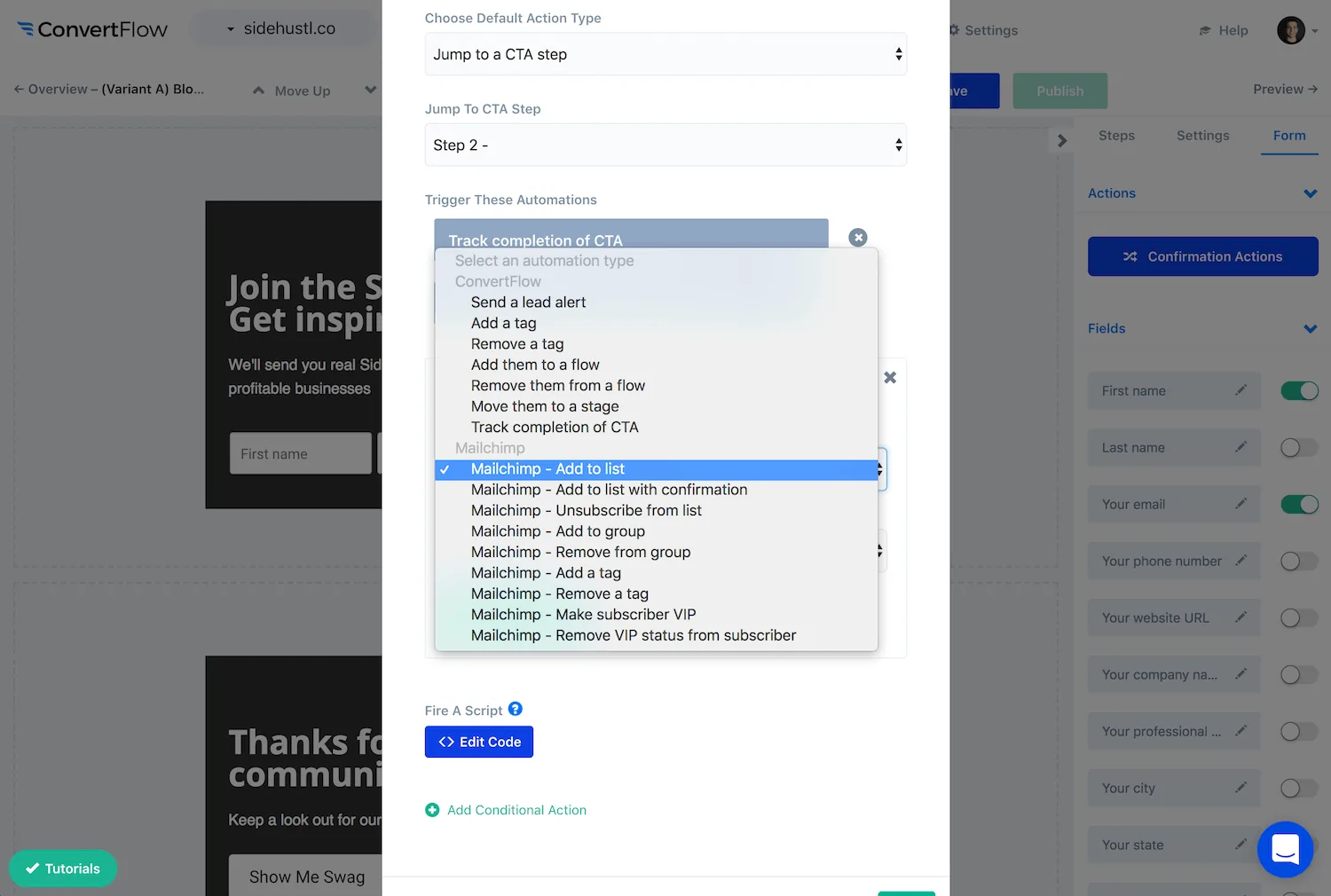
Use these to define scenarios using conditions, where a different confirmation action is displayed and additional automations trigger, such as jumping to a different funnel step and applying an additional CRM tag based on a quiz answer combination.
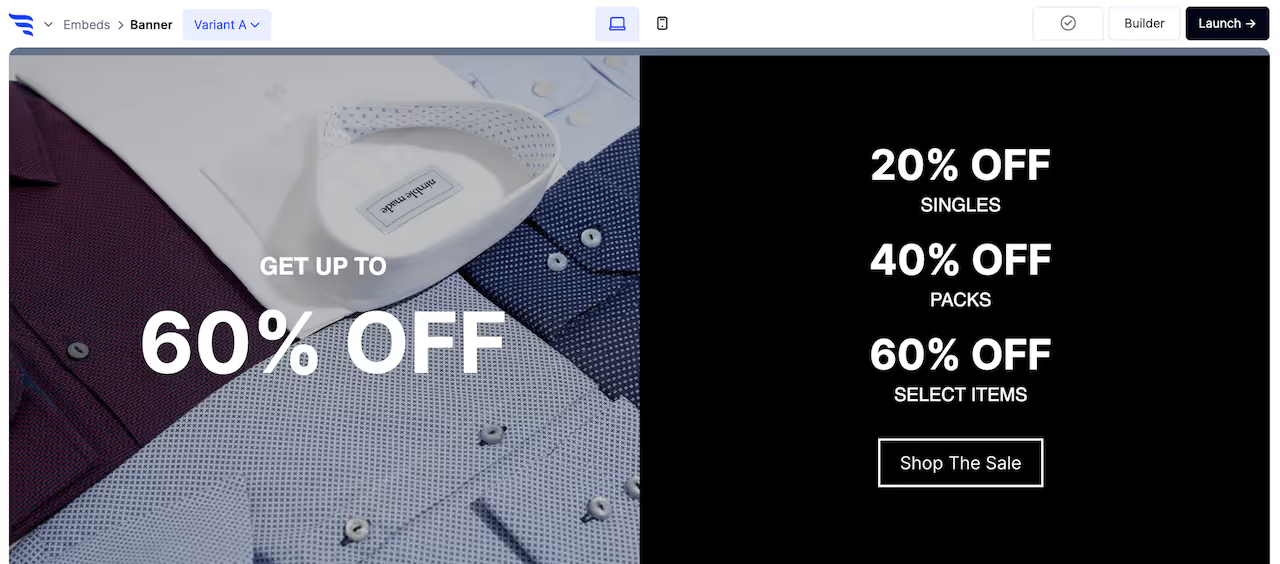
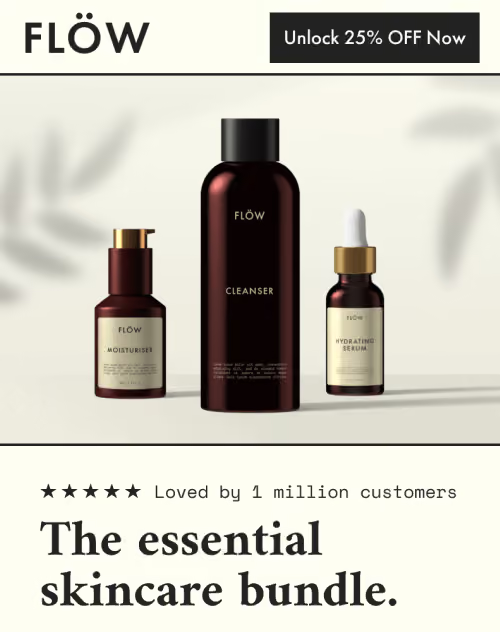
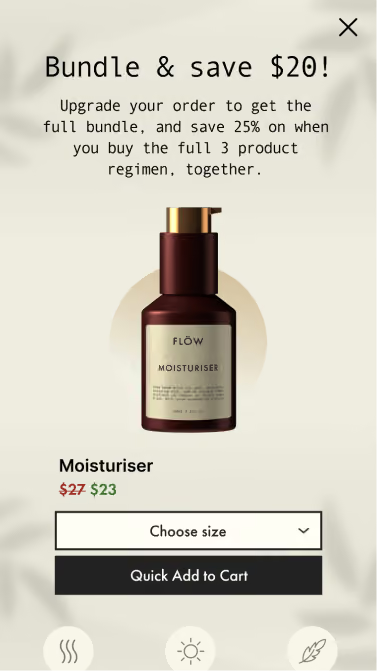
Many templates will use product elements to showcase products.
Configure product filters
Select product elements, and you'll be able to configure the products to showcase in the settings to the left.
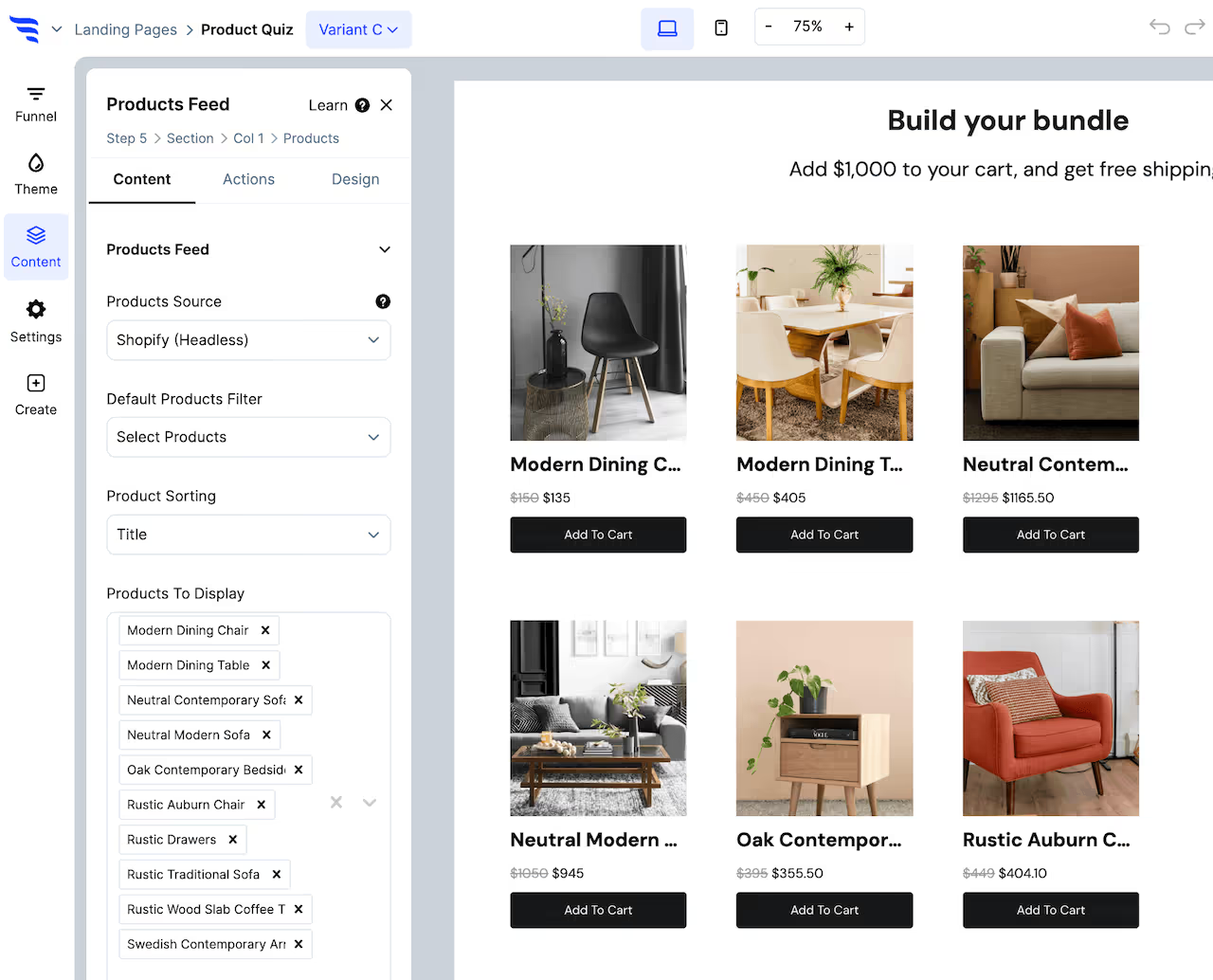
Choose a products source (example: Shopify), then which products to display.
Product feed elements will have settings to configure a products filter, such as products in a certain collection.
Product hero elements have 1 product that shows, so you can select it from the dropdown.
Each type of product element allows for adding conditional product recommendations, which let you use conditions to showcase the right products, based on conditions such as quiz answers, products in the cart, etc.
Set product button actions
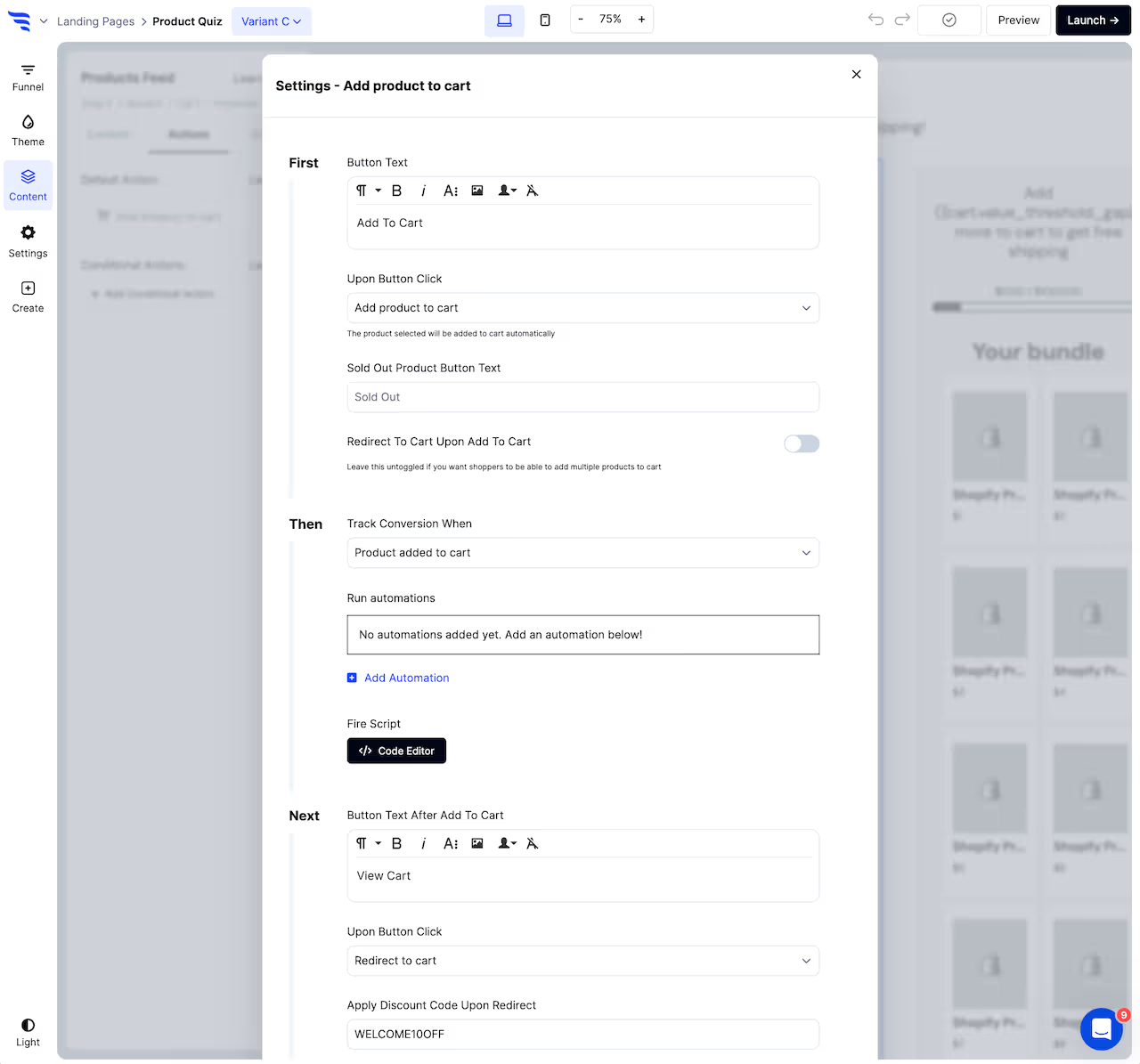
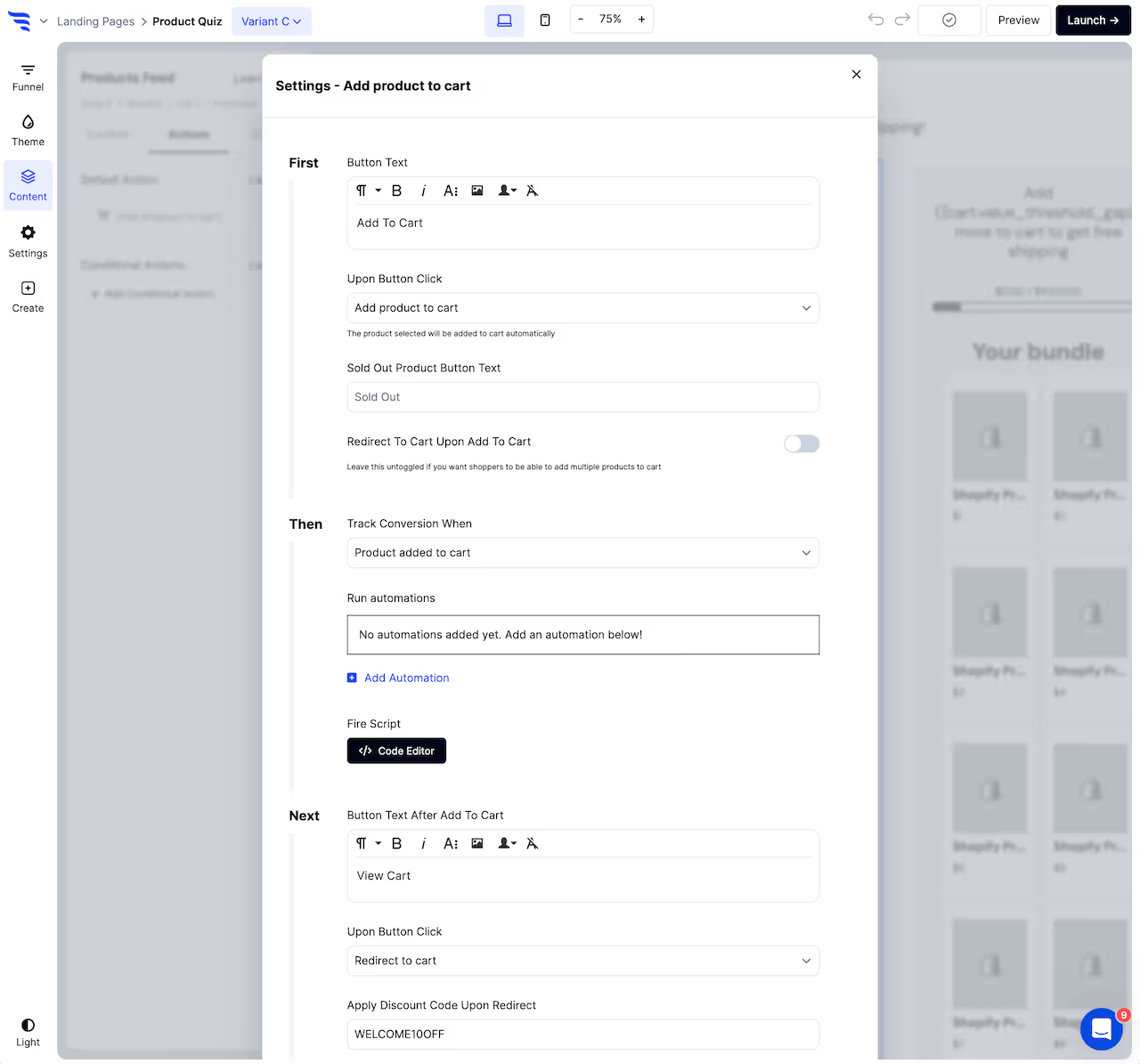
From the Actions tab, you can configure the first button text and the click action, to either redirect to the selected product or add to cart.
If adding the product to cart, you can optionally configure the 2nd button text and what happens upon the 2nd button click, such as whether this 2nd click redirects shoppers to their cart, checkout, another funnel step, a URL, etc.
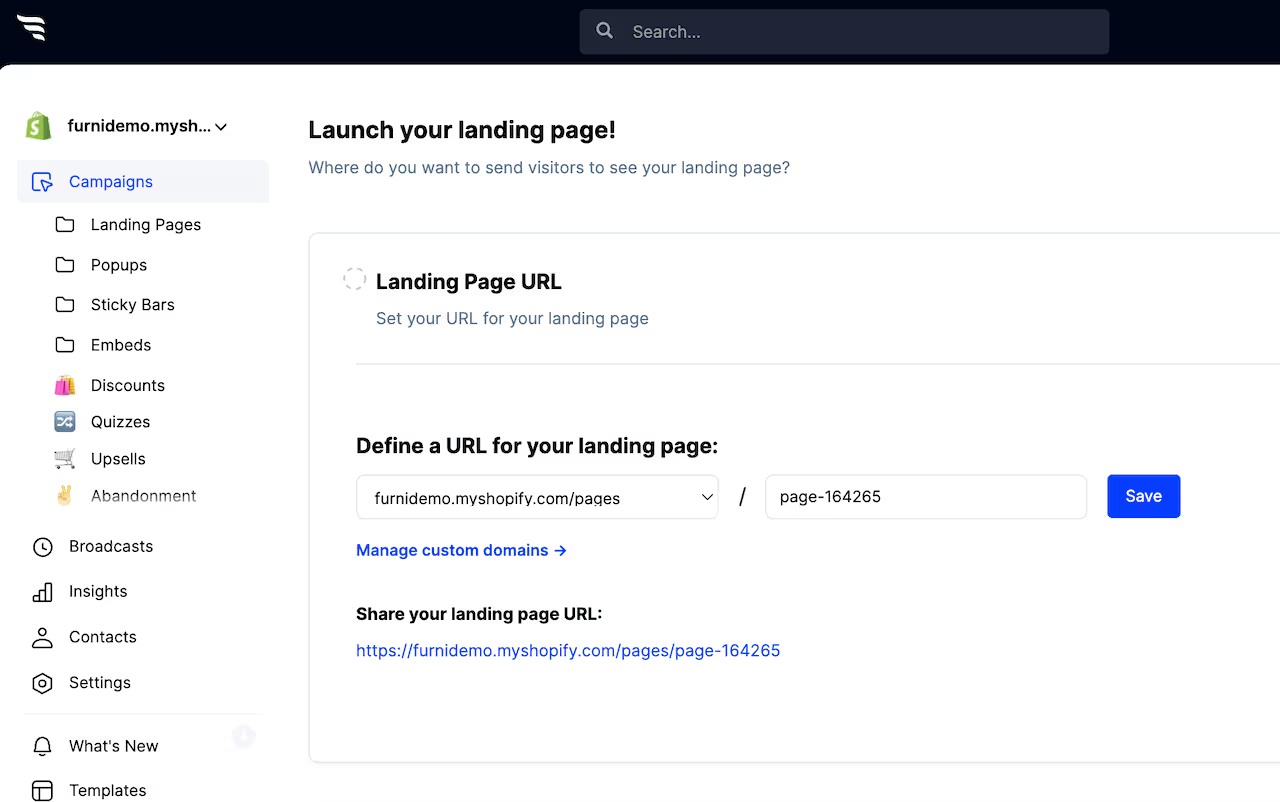
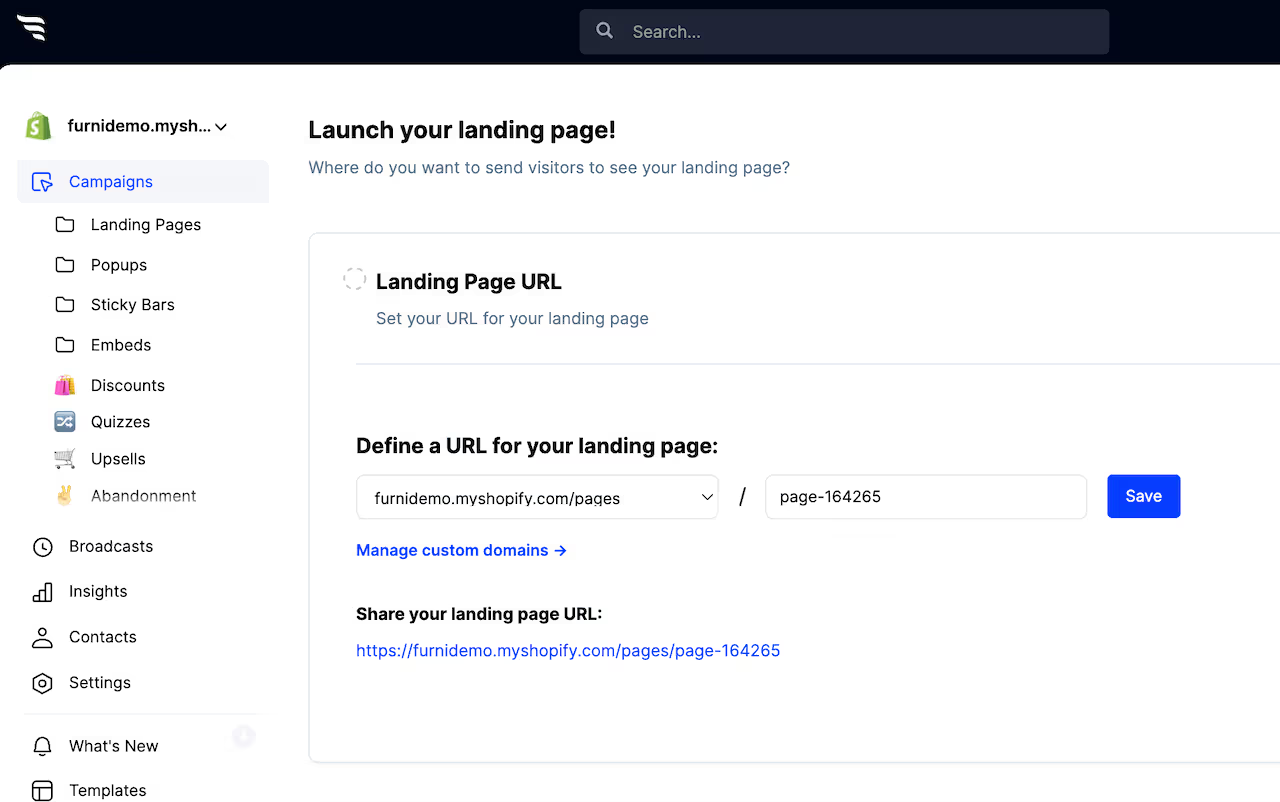
• Your website's reserved subdomain on convertflowpages.com
• Any custom domain you've added in your settings
• As a page on your Shopify store domain



%20(1).avif)





.svg)
