Sync contact fields. Segment people into lists & tags. Personalize your website for Mailchimp subscriber segments.
Connect For FreeMailchimp's surveys live where Mailchimp lives — in your emails and on a hosted survey page. That works well for asking existing subscribers a question after the fact.
What it doesn't do is ask people on your website, at the moment they're browsing, and use the answer to change what they see next.
This guide covers running an on-site survey in ConvertFlow that writes answers straight into Mailchimp as merge fields and tags.
From ConvertFlow's Integrations area, click to connect with Mailchimp and log in to authorize.
ConvertFlow then pulls in your audiences, tags and merge fields.
Add the survey to a ConvertFlow landing page, popup or embed. Click to add an element and choose the survey type.
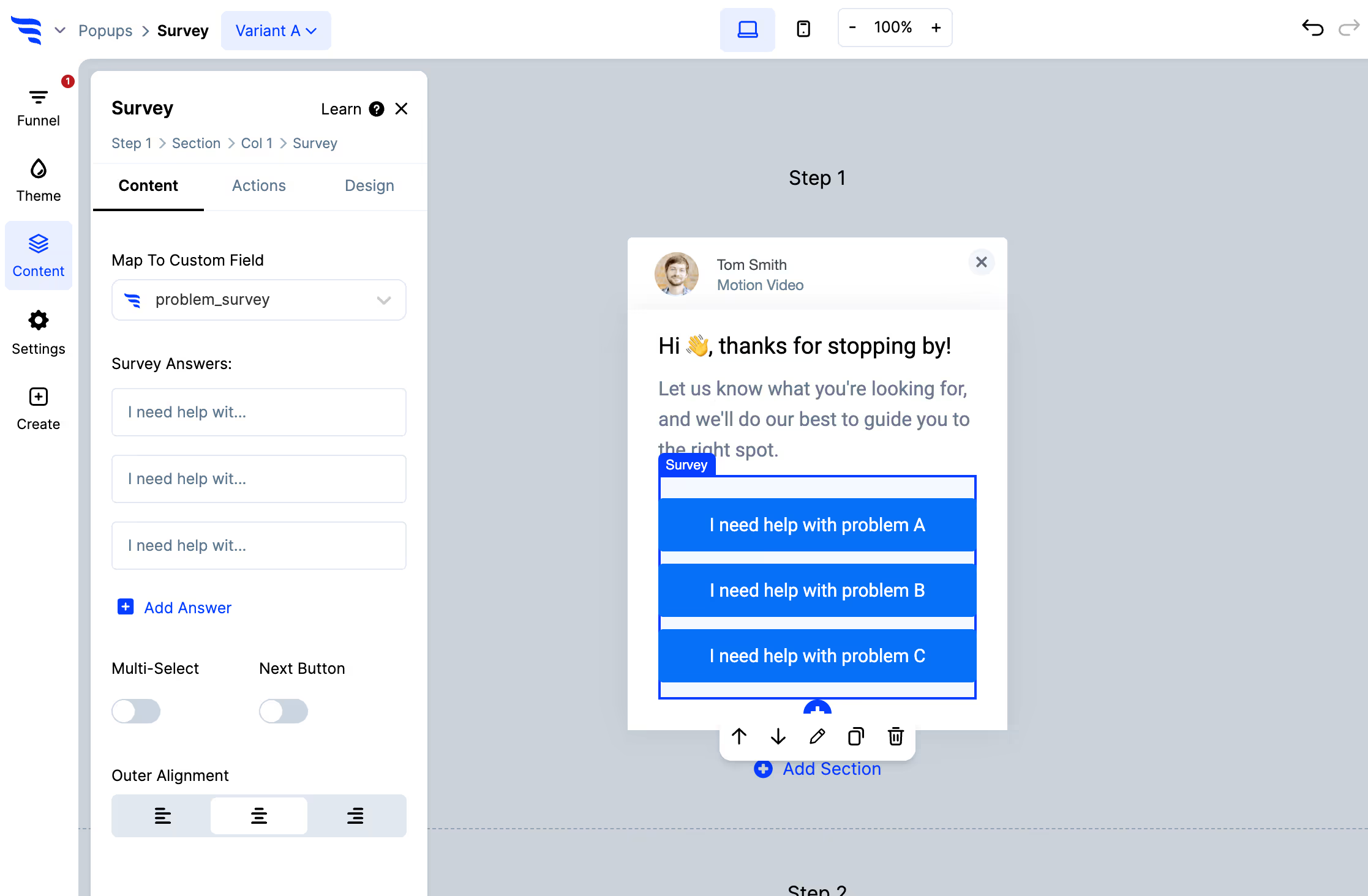
Add your options, arrange them, edit the text, and toggle multi-select if people should be able to pick more than one — multiple values are written separated by commas.
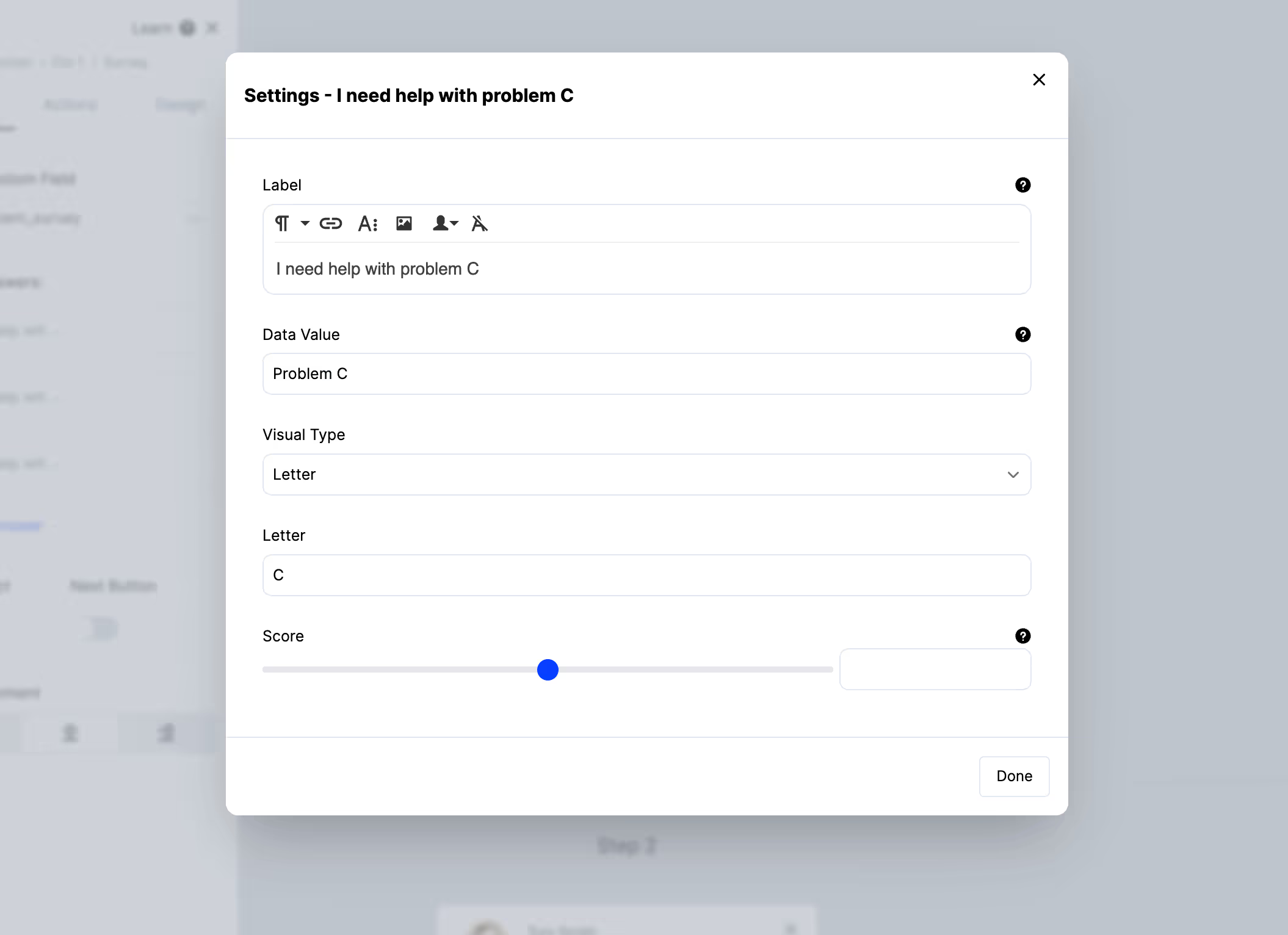
Click an individual option to control its data value separately from its label, attach an image so the survey shows clickable pictures instead of text, or set a score.
Use the Map to custom field setting on the survey element to choose the Mailchimp merge field the answer writes to.
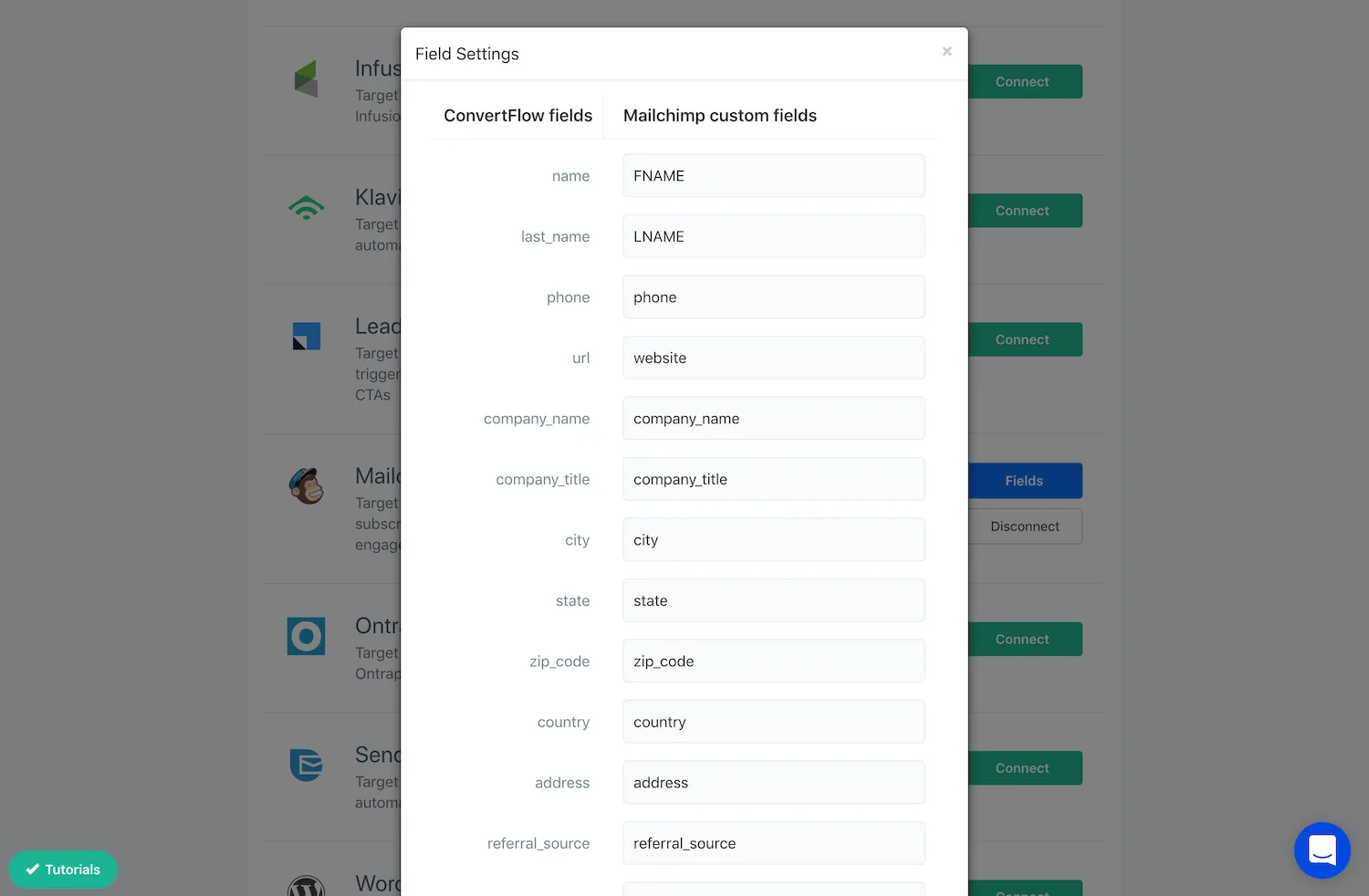
Keep the data values short and consistent — too-expensive rather than It was a bit too expensive. These become segment conditions in Mailchimp, and they may appear inside an email via a merge tag, where a sentence-length value reads badly.
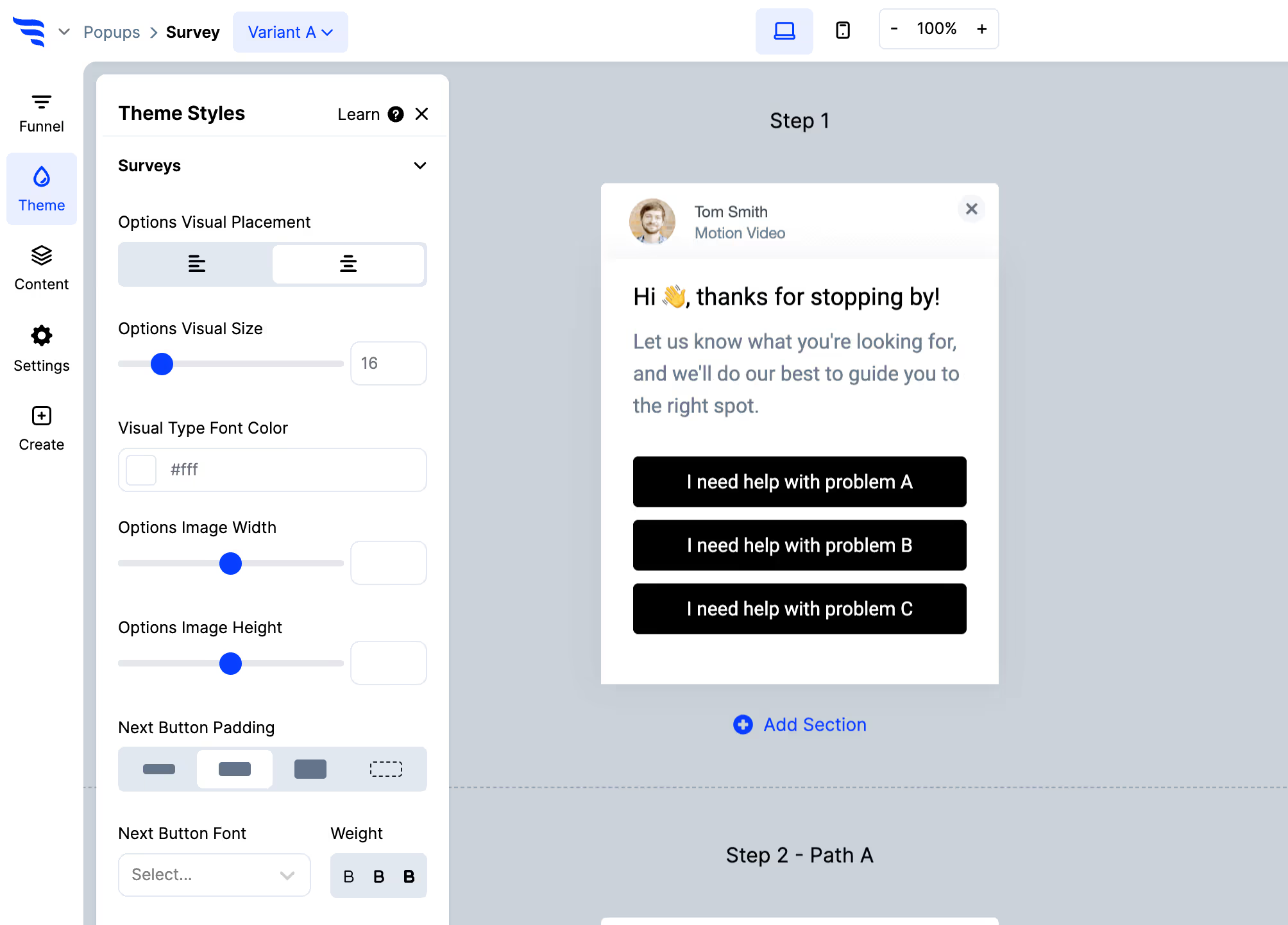
Below the option settings and in the Themes tab you'll find width, alignment, fonts, colours, sizing, stacked or responsive layout, and shadows.
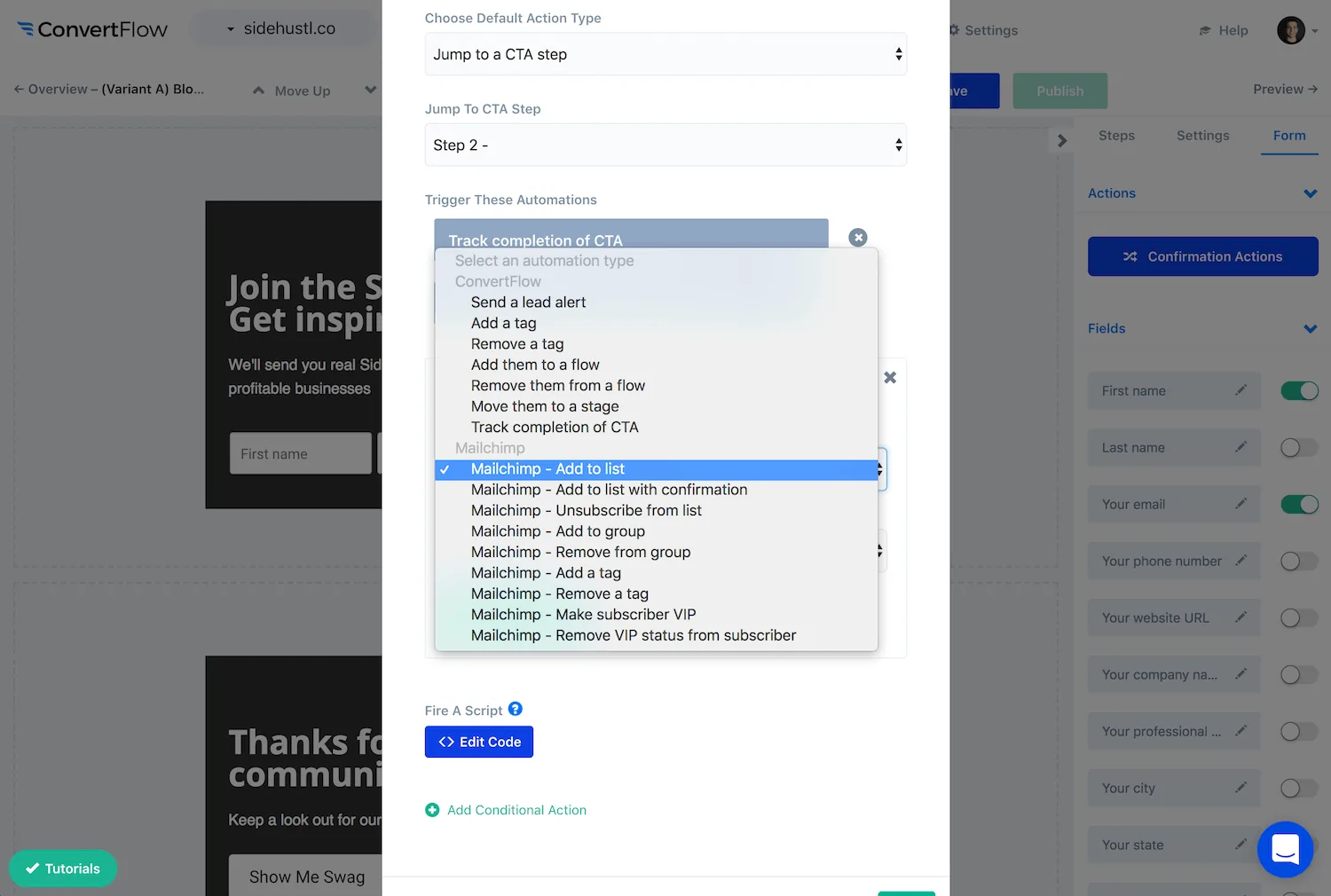
With the survey selected, open the Actions tab.
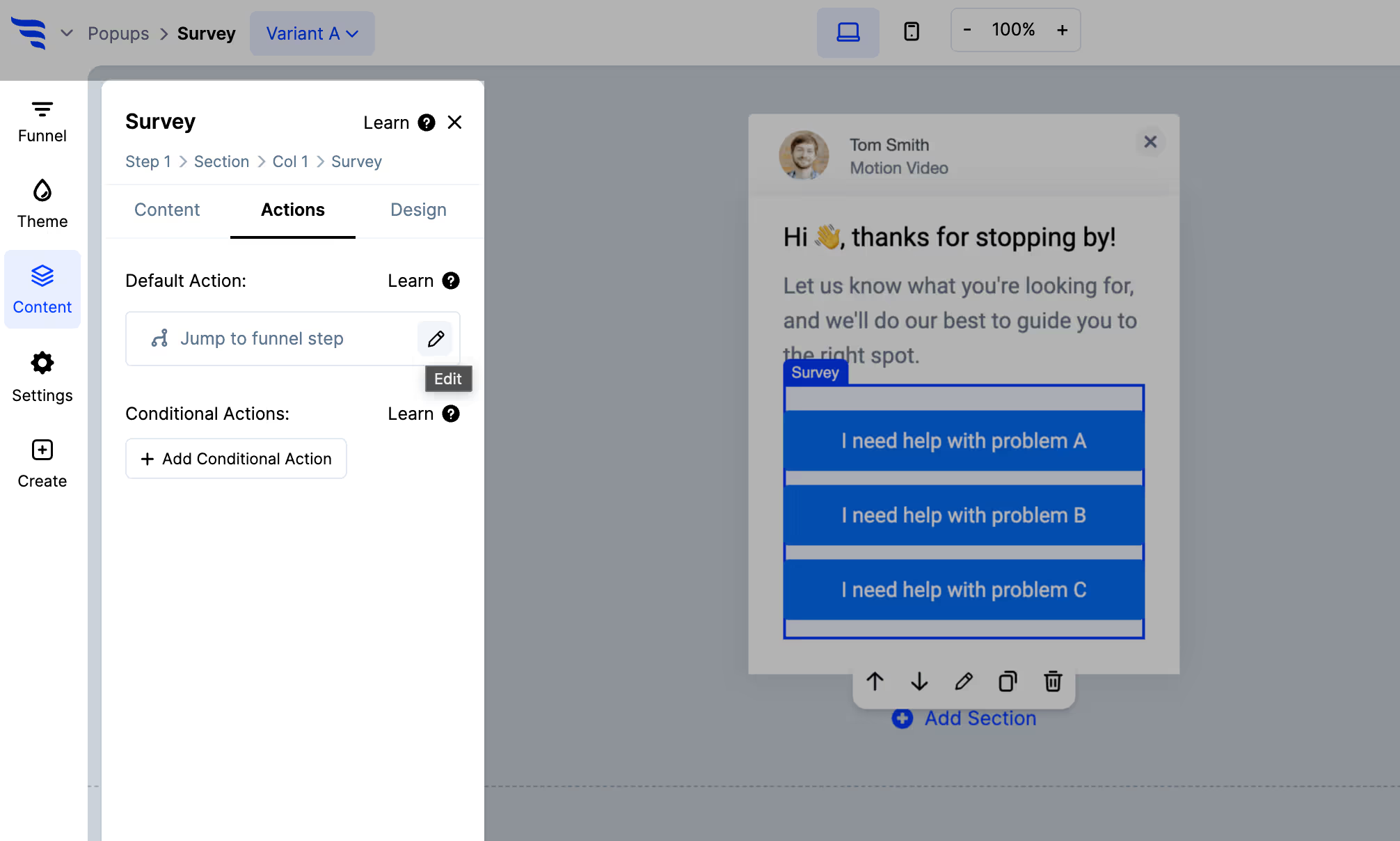
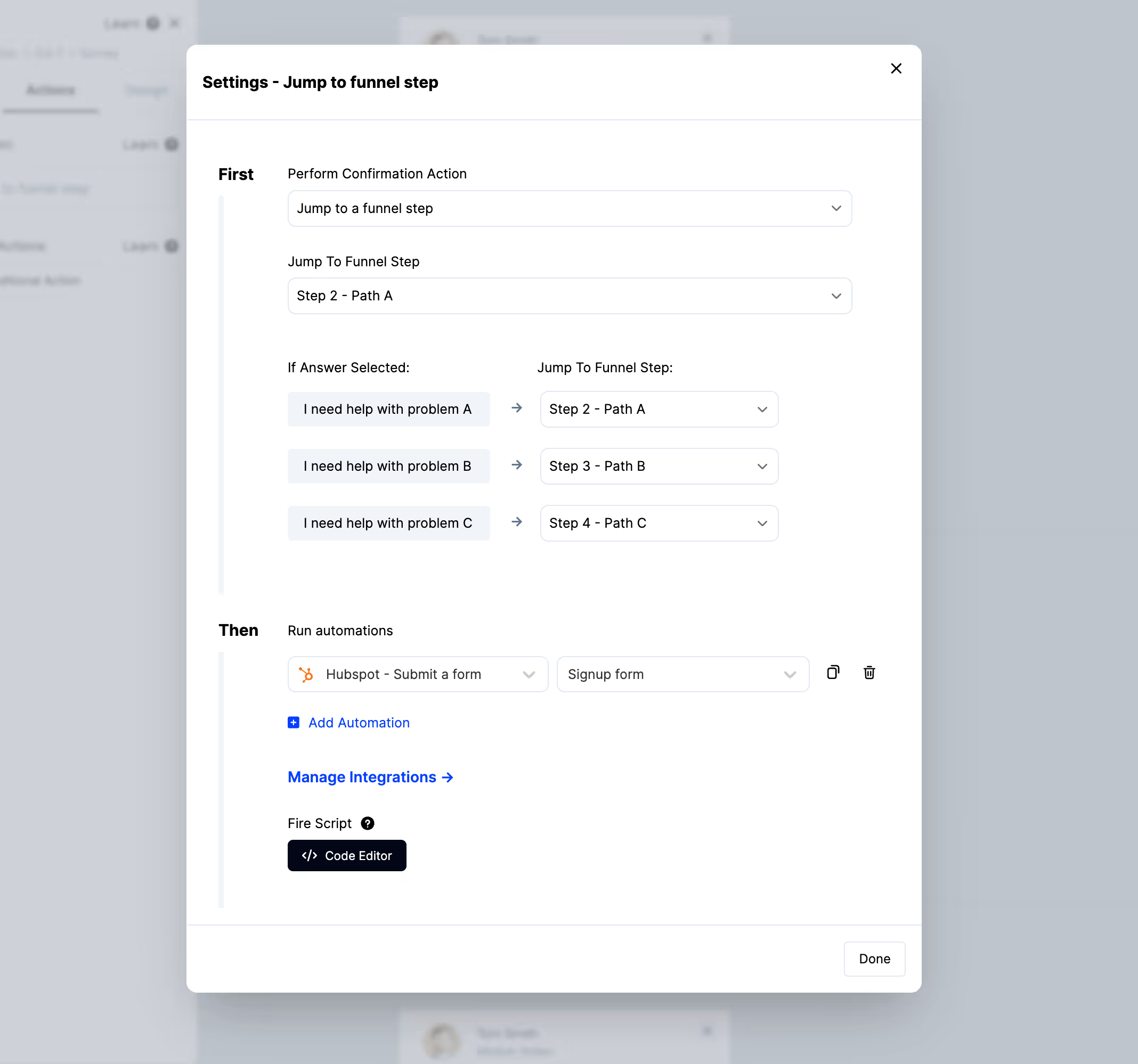
Alongside those, add Mailchimp automations — subscribing the person to an audience, applying a tag, or updating a merge field.
Click + Add Conditional Action to act only on people meeting your conditions.
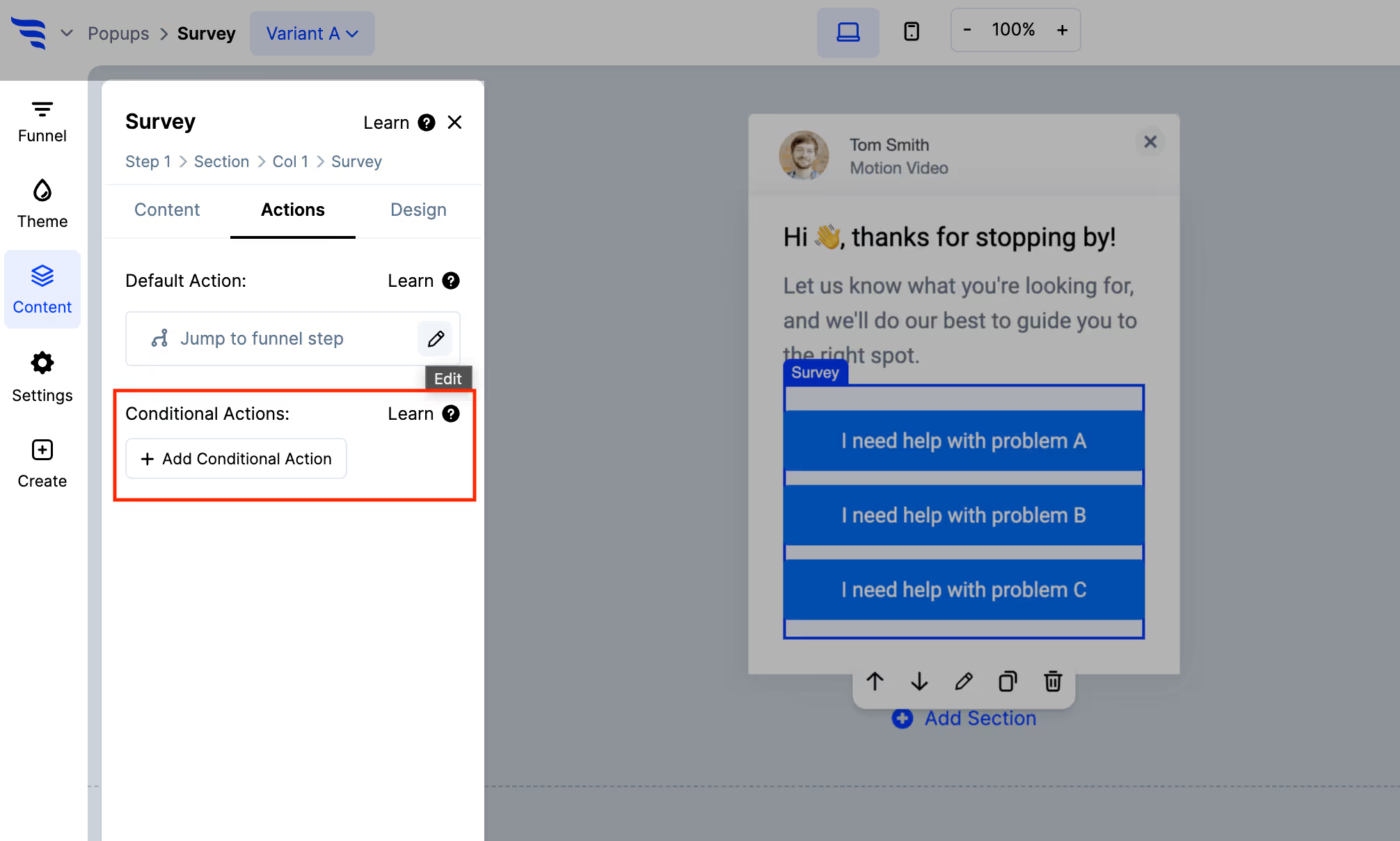
This is where an on-site survey pulls ahead of an emailed one. A different answer can apply a different tag, which puts the subscriber into a different Mailchimp journey — and can show them different content on the page immediately, rather than waiting for the next send.
On the signup confirmation. Ask one question right after someone subscribes, while they're most engaged. You get segmentation without charging for it at the point of signup, and anyone who skips it is still subscribed.
On the unsubscribe path. Ask why. Over time the answers tell you whether people leave over frequency, topic drift, or having got what they came for — three different problems with three different fixes.
With Mailchimp connected, target the survey at specific audience segments rather than all traffic — so a post-purchase question goes to purchasers, and a research question goes to the cohort it's about.
Answers then land on subscriber records you already send to, which is the difference between research and segmentation.
For a straightforward post-campaign question sent to an existing audience, Mailchimp's surveys are the shorter path.
Build on-site when you want to catch people while they're browsing, branch the page on their answer, use images as options, or target the question by segment.
To see templates and the full feature set, visit the Mailchimp survey tool.
Create a free ConvertFlow account and integrate
Mailchimp
in minutes.
Sync contact fields. Segment people into lists & tags. Personalize your website for Mailchimp subscriber segments.
Connect For Free







.svg)