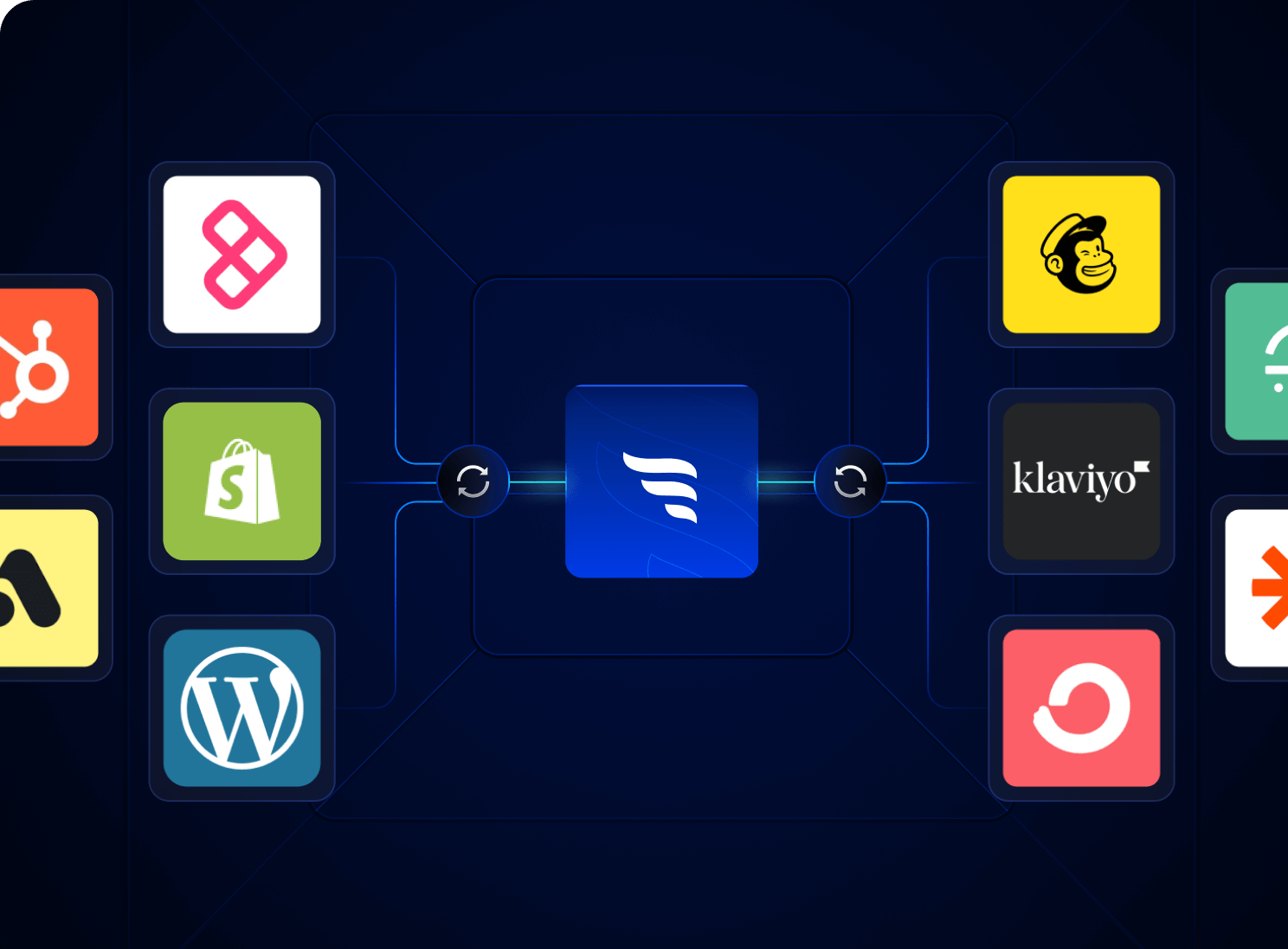
Sync contact fields. Segment people into lists & workflows. Personalize your website for HubSpot contact segments.
Connect For FreeA lead who tells you their budget, timeline and biggest problem has done half your sales team's discovery call for them. Then they get the same "Thanks for reaching out" email as everyone else. Here's how to carry quiz answers into HubSpot so follow-ups, scoring and booking all reflect what each lead actually said.
For service businesses, the expensive part of a lead isn't the click. It's the sales time spent on people who were never a fit. In the lead-gen quiz funnels we build, the first questions are easy (what do you need help with?) and the qualifying ones come next: service area, company size, budget, timeline. By the time someone reaches the contact step, you know which calendar they belong on, or whether they belong on one at all.
HubSpot is the natural home for that data. The trick is structuring it so workflows and emails can use it, rather than dumping answers into a notes field nobody reads.
In HubSpot, create a contact property per question (for example Project type, Budget range, Timeline, Quiz outcome). Use dropdown or radio-select field types where you can, with options that match your quiz answers word for word. Free-text properties are hard to branch on; enumerated ones are easy.
Your quiz tool needs to write each answer to the right property when the lead submits. In ConvertFlow, the HubSpot integration maps quiz selections, survey responses, dropdowns, radios, paragraphs and hidden fields to HubSpot contact properties. Automations can also submit a HubSpot form, add or remove the contact from a list or workflow, update a contact property, or add a note. Hidden fields are worth using for UTM source and campaign, so sales sees where the lead came from.
HubSpot's score properties let you add or subtract points with property rules (fit, such as budget or company size) and event rules (engagement, such as form submissions or email clicks). Contact scores are available on Marketing Hub Professional and Enterprise. Once a score is on, you can use it in workflows, for example to assign an owner when a contact crosses a threshold. If you're on a lower tier, a simpler option is a "Quiz score" property that your quiz tool calculates and writes directly; ConvertFlow supports scoring fields on Prime and above.
Enroll contacts when the quiz outcome property is known (or when ConvertFlow adds them to the workflow directly). Add an if/then branch on the property that changes the follow-up most, such as Quiz outcome or Budget range. Typical branches:
Workflows require a Professional or Enterprise HubSpot subscription. If you don't have one, ConvertFlow can still add contacts to different static lists based on answers, and you can send list-based emails from there.
Personalization tokens pull any contact property into an email, so a subject line can reference the lead's project type and the opening line can restate their main goal. Always set a fallback value. For bigger differences, smart content rules can swap a whole module by list membership or lifecycle stage (smart content is on Professional and Enterprise tiers). Keep the email short: confirm what they told you, explain the next step, and give one link.
The best time to book a call is inside the quiz, right after a lead qualifies. ConvertFlow's Scheduler element natively supports HubSpot, Calendly and GoHighLevel scheduling links, pre-fills known fields in the booking widget, and tracks the booking as a conversion. Use conditional logic so only qualified outcomes see the calendar; everyone else gets a results page or resource. The follow-up email then becomes a confirmation and prep note rather than a chase.
Most quiz and form builders connect to HubSpot, but the depth varies a lot. Check whether answers map to individual properties, whether the tool can enroll contacts in workflows, whether booking is built in, and whether it can read HubSpot data back to personalize what a known contact sees. Our comparison of HubSpot lead qualification quiz and form tools and our guide to quiz funnel software for lead generation go through the options.
ConvertFlow builds quiz funnels, multi-step forms and landing pages that sync answers to HubSpot, with lead scoring and answer-based routing. HubSpot stays your CRM and email platform; ConvertFlow doesn't send email itself. CRM integrations start on Prime, and targeting funnels by HubSpot data (for example, skipping questions a known contact has already answered) is on Pro.

Store each answer in its own contact property, then use personalization tokens in the email and if/then branches in a workflow to send different follow-ups per answer.
Ask qualifying questions (service area, budget, timeline) before the contact step, score or branch on the answers, and only show a booking calendar to leads who qualify.
Yes. HubSpot score properties can add points for specific property values. Contact scores are on Marketing Hub Professional and Enterprise. Alternatively, calculate a score in the quiz and write it to a property.
Workflows, smart content and score properties need Professional or Enterprise. On lower tiers you can still map answers to properties, segment into lists and use personalization tokens.
ConvertFlow, involve.me, Heyflow, Outgrow, Typeform and others connect to HubSpot. Compare how each maps answers, enrolls workflows and handles booking.
Free to install with powered-by links. Paid plans start at $29/mo for 10k monthly views, $99/mo for 30k views and CRM integrations, and $299/mo+ for 100k+ monthly views. The HubSpot integration starts on Prime.
Create a free ConvertFlow account and integrate
HubSpot
in minutes.
Sync contact fields. Segment people into lists & workflows. Personalize your website for HubSpot contact segments.
Connect For Free