Sync contact fields. Segment people into lists & workflows. Personalize your website for HubSpot contact segments.
Connect For FreeHubSpot includes popup forms — what it calls pop-up forms, available alongside embedded and standalone forms. They capture contacts straight into your CRM, and for a simple content offer that's all you need.
This guide covers what they do, where teams hit limits, and how to build a popup that still syncs to HubSpot.
Modal, banner and slide-in formats, basic triggering, and submissions landing directly on the contact record with workflows firing afterwards. No extra tool, no integration to configure.
If you want a gated content offer on a HubSpot-hosted blog, use them.
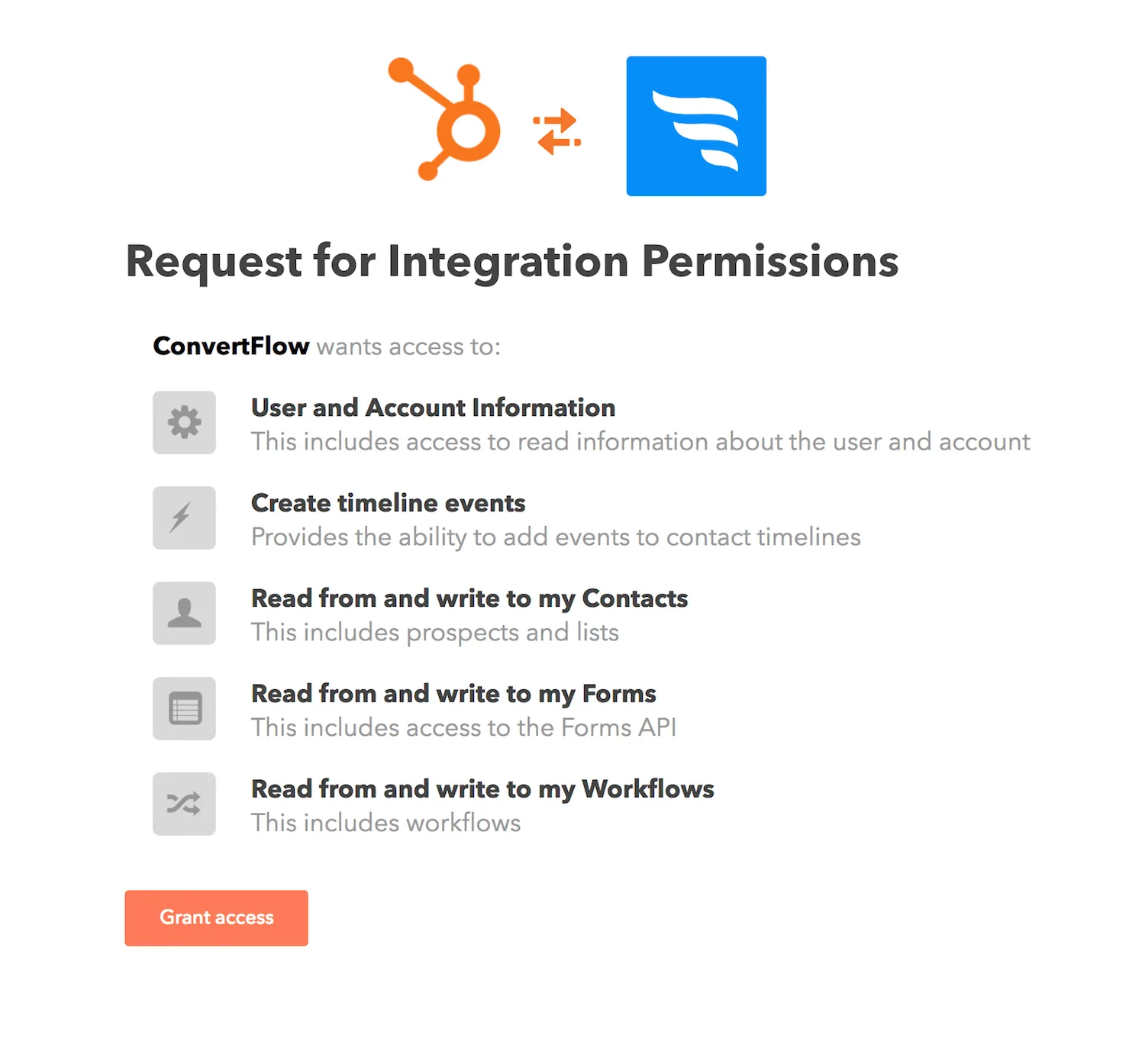
ConvertFlow pulls in your lists, contact properties and workflows.
Overlay popups are centered and command attention. Hook popups sit in a corner, closer to HubSpot's slide-in.
.avif)
.avif)
.avif)
Exit-intent, scroll point, timed delay, click, or a floating button. On a B2B content site, scroll point usually works best — someone deep into a post has shown genuine interest, which is a better moment than a timed interruption.
Set suppression so the popup stays hidden for a number of days after someone closes it.
.png)
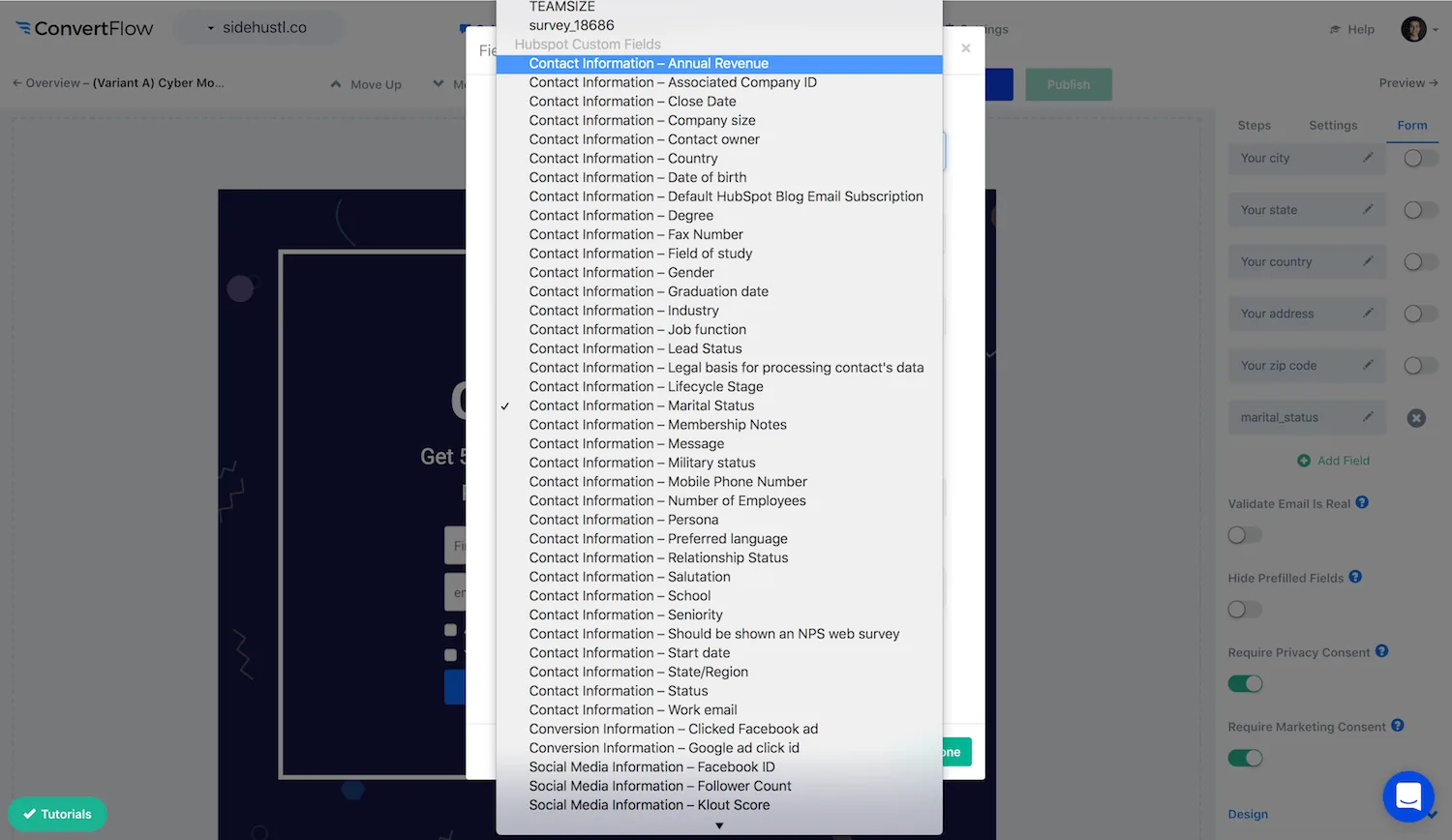
A qualifying question before the email field — role, team size, what they're trying to solve — maps to a HubSpot property and gives your workflows something to route on.
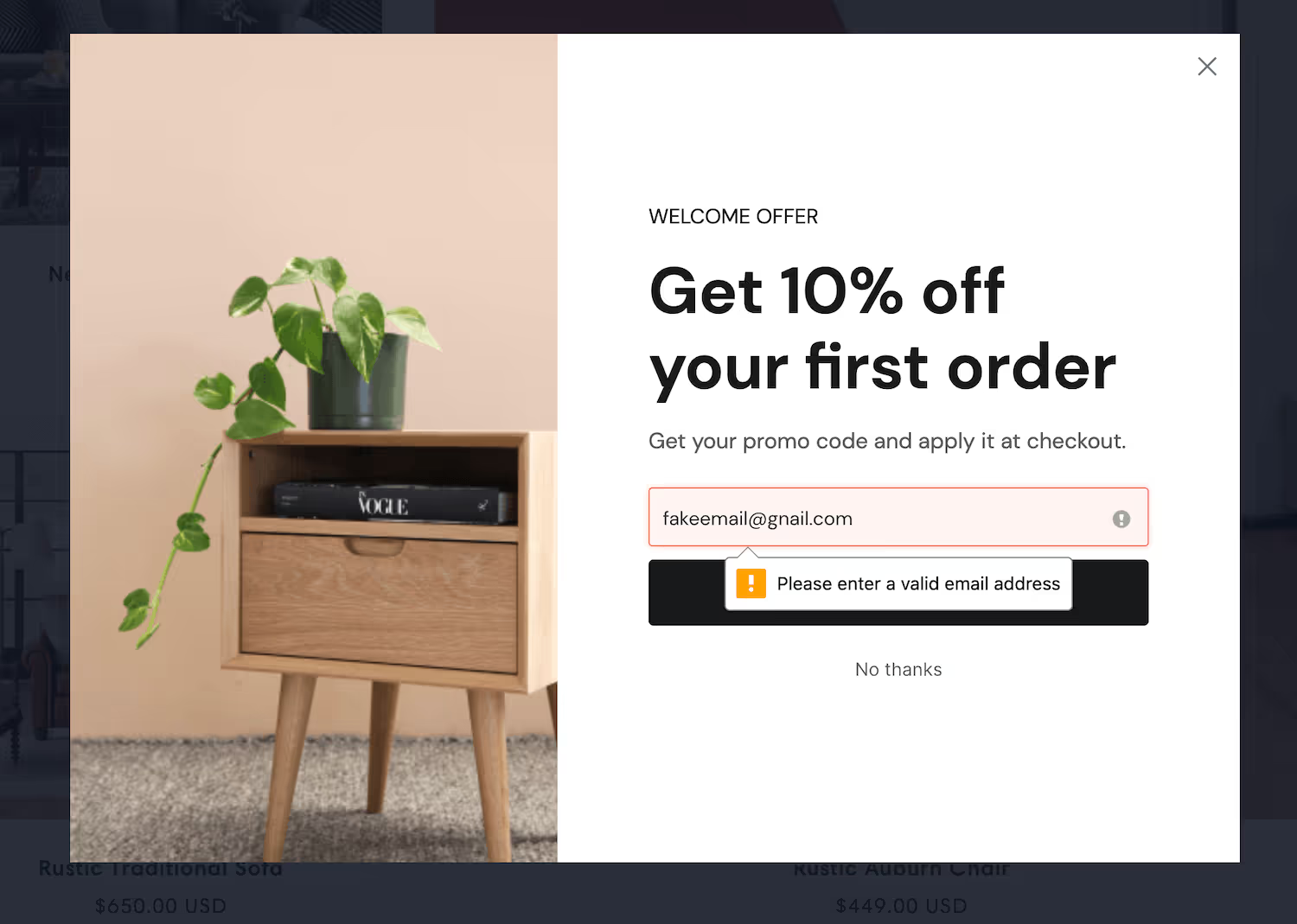
Turn on email verification — a junk contact in a CRM enters workflows and gets worked by a rep.
.avif)
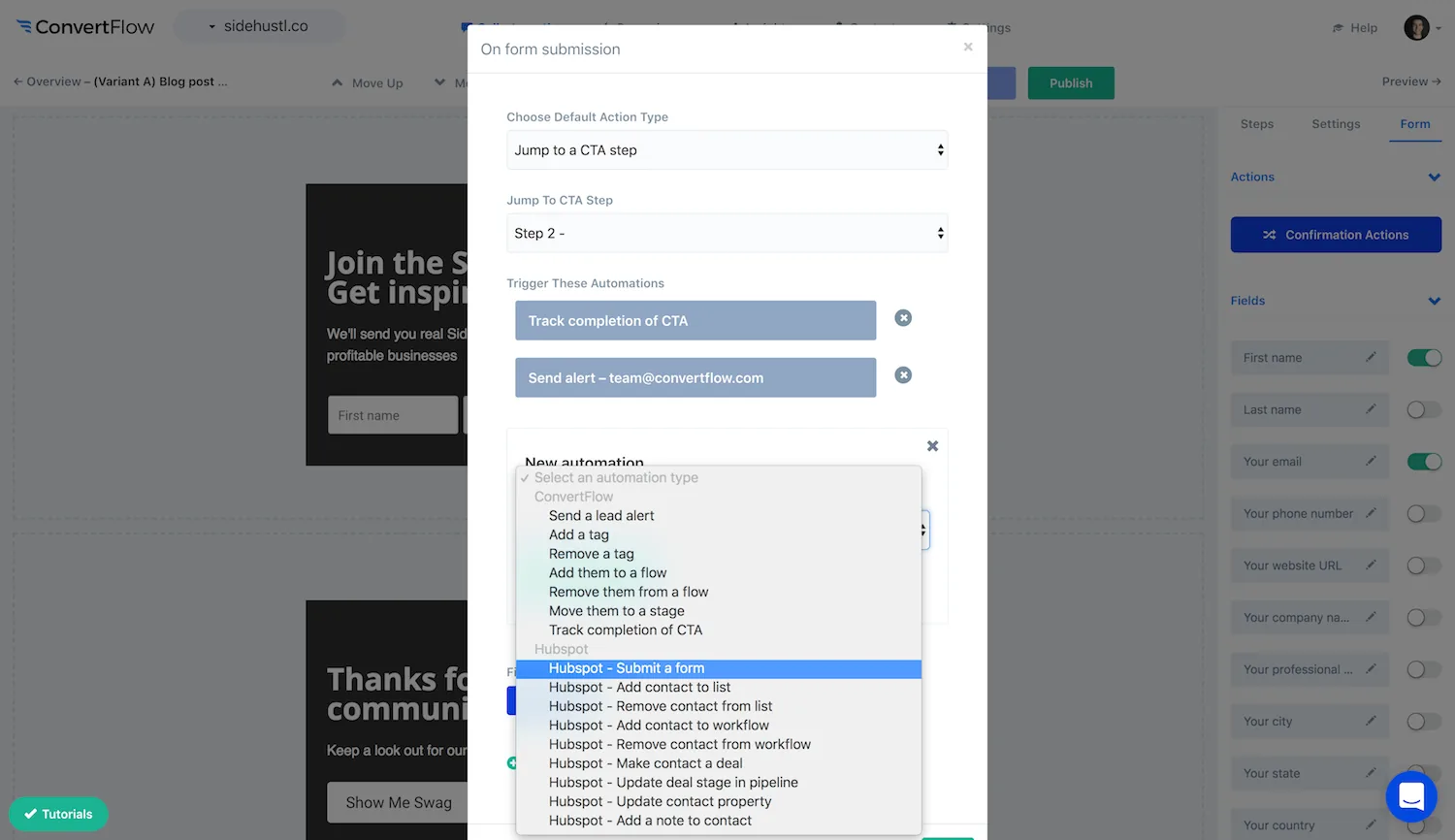
In the Actions tab, add the automation that puts the contact into a list or enrolls them in a workflow, then use conditional actions to route by answer.
.avif)
.png)
Target by page or category, and exclude existing contacts so the popup isn't shown to people already in your CRM. On a content site your returning readers are frequently already contacts, so this is a large share of impressions otherwise wasted.
.avif)
Split traffic between variants and read conversions and drop-off. On B2B popups the offer moves the number more than the design — a genuinely useful resource beats a better-looking newsletter prompt.
To see templates and the full feature set, visit the HubSpot popup builder.
Create a free ConvertFlow account and integrate
HubSpot
in minutes.
Sync contact fields. Segment people into lists & workflows. Personalize your website for HubSpot contact segments.
Connect For Free








.svg)