HubSpot
Partner Website →

Sync contact fields. Segment people into lists & workflows. Personalize your website for HubSpot contact segments.

Connect For Free
ConvertFlow +
HubSpot

HubSpot Landing Page Templates: What to Know

HubSpot's template marketplace has hundreds of landing page templates, free and paid. If you're building inside HubSpot CMS, that's where to start and this guide won't beat it.

It's worth knowing what you're committing to, though, because marketplace templates carry constraints that only show up later.

What marketplace templates give you

A designed page structure you can edit in HubSpot's drag-and-drop editor, built from modules the template author defined. Fast to launch, and no developer needed for the first version.

Where teams hit the edges

  • You're editing within the author's modules. If the template didn't include a module for what you now need, adding one means HubL and a developer.
  • Templates aren't portable. A HubSpot landing page template runs on HubSpot CMS. If some of your campaign pages live elsewhere, you're maintaining two systems and two design languages.
  • A/B testing depends on your tier. Worth checking what's available on your subscription before planning a testing programme.
  • Swapping templates later is disruptive. Module structures differ between templates, so moving a live page from one to another usually means rebuilding it.

None of this argues against the marketplace. It argues for knowing which pages belong in HubSpot CMS and which don't.

The alternative: build the page elsewhere, keep HubSpot as the CRM

Contacts still land in HubSpot, forms still map to HubSpot properties, and workflows still fire. The page just isn't hosted by HubSpot CMS — which matters if your site is on Shopify, WordPress or Webflow and only your campaign pages would be on HubSpot.

Step 1: Connect HubSpot

From ConvertFlow's Integrations area, click to connect with HubSpot.
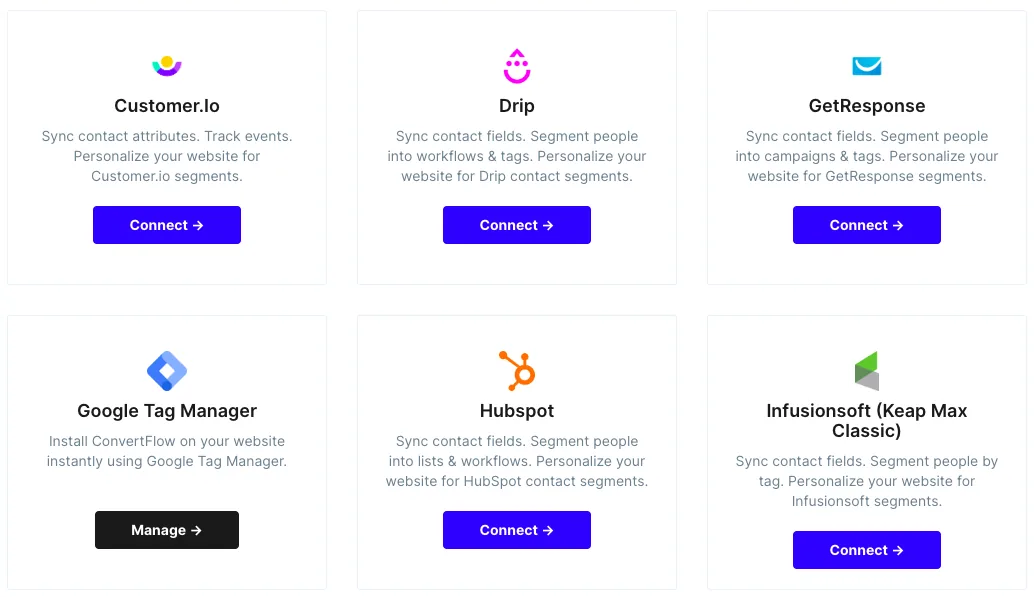
Connecting HubSpot from the ConvertFlow integrations area

Grant the ConvertFlow app access to your account.
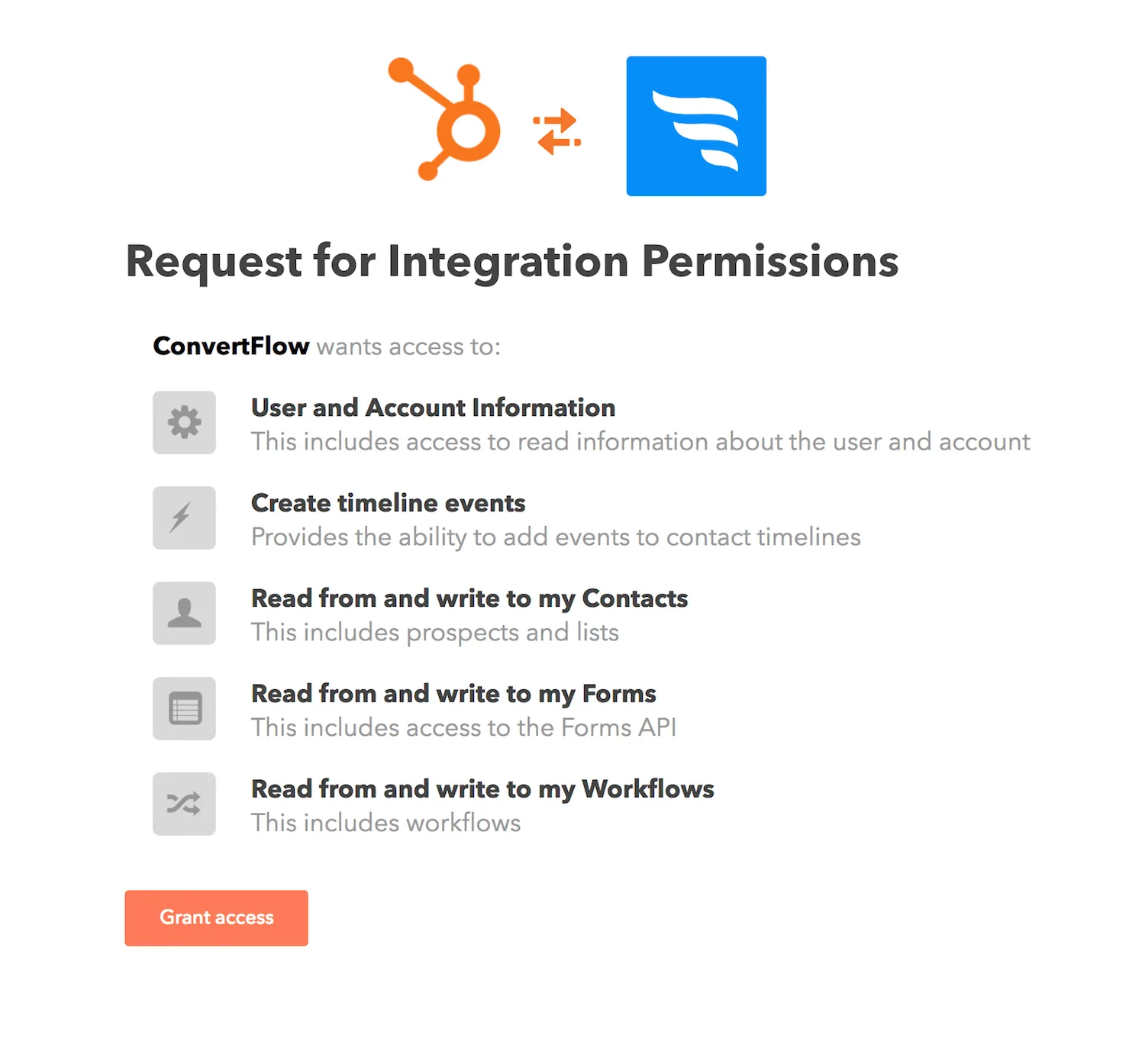
Granting the ConvertFlow HubSpot app access to your account

ConvertFlow then pulls in your HubSpot lists, contact properties and workflows.
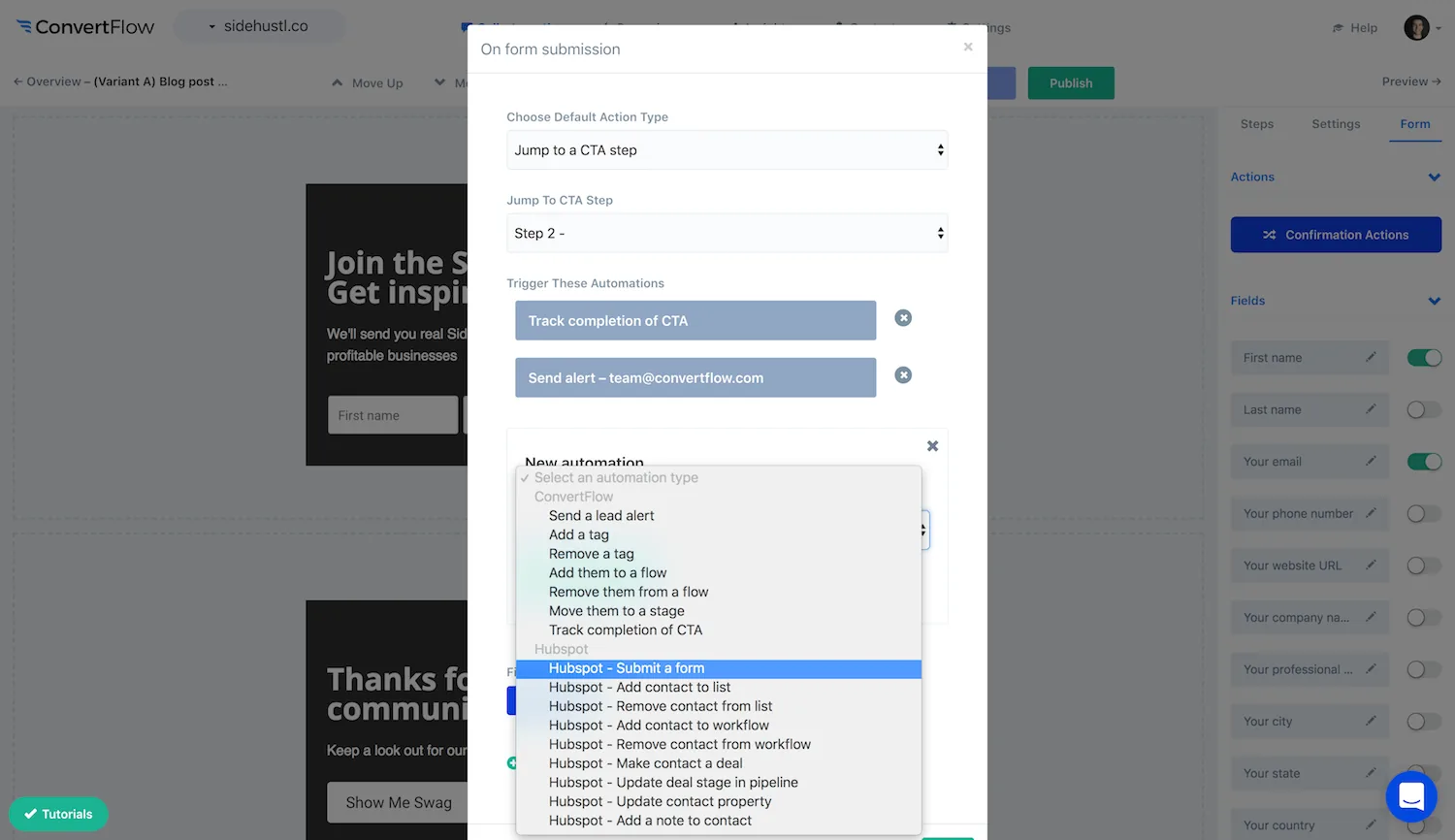
ConvertFlow pulling in HubSpot lists, properties and workflows

Step 2: Pick a template

Choose the "landing pages" campaign format.
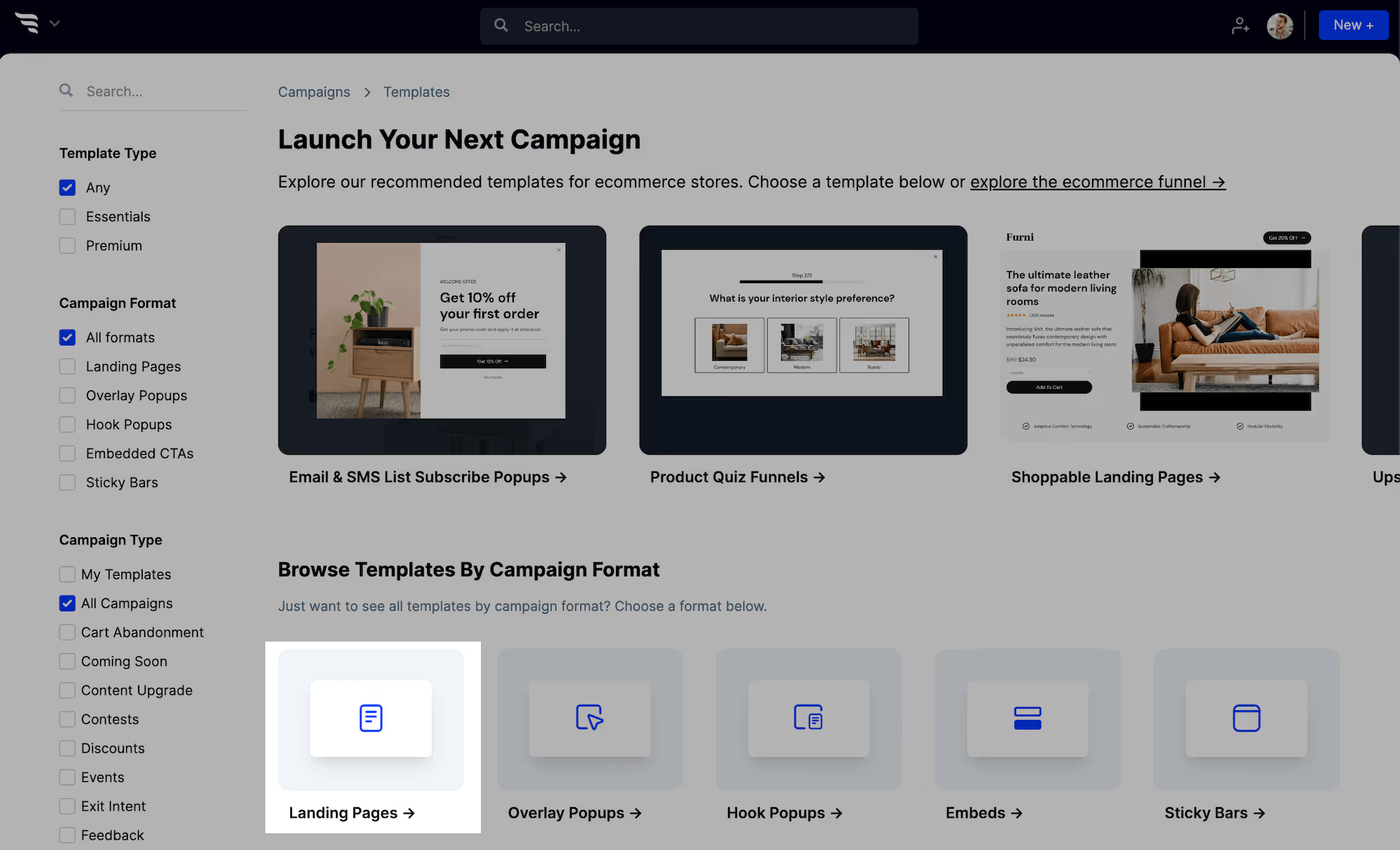
Choosing the landing pages campaign format in ConvertFlow

Then pick the template closest to your campaign, or build from scratch.
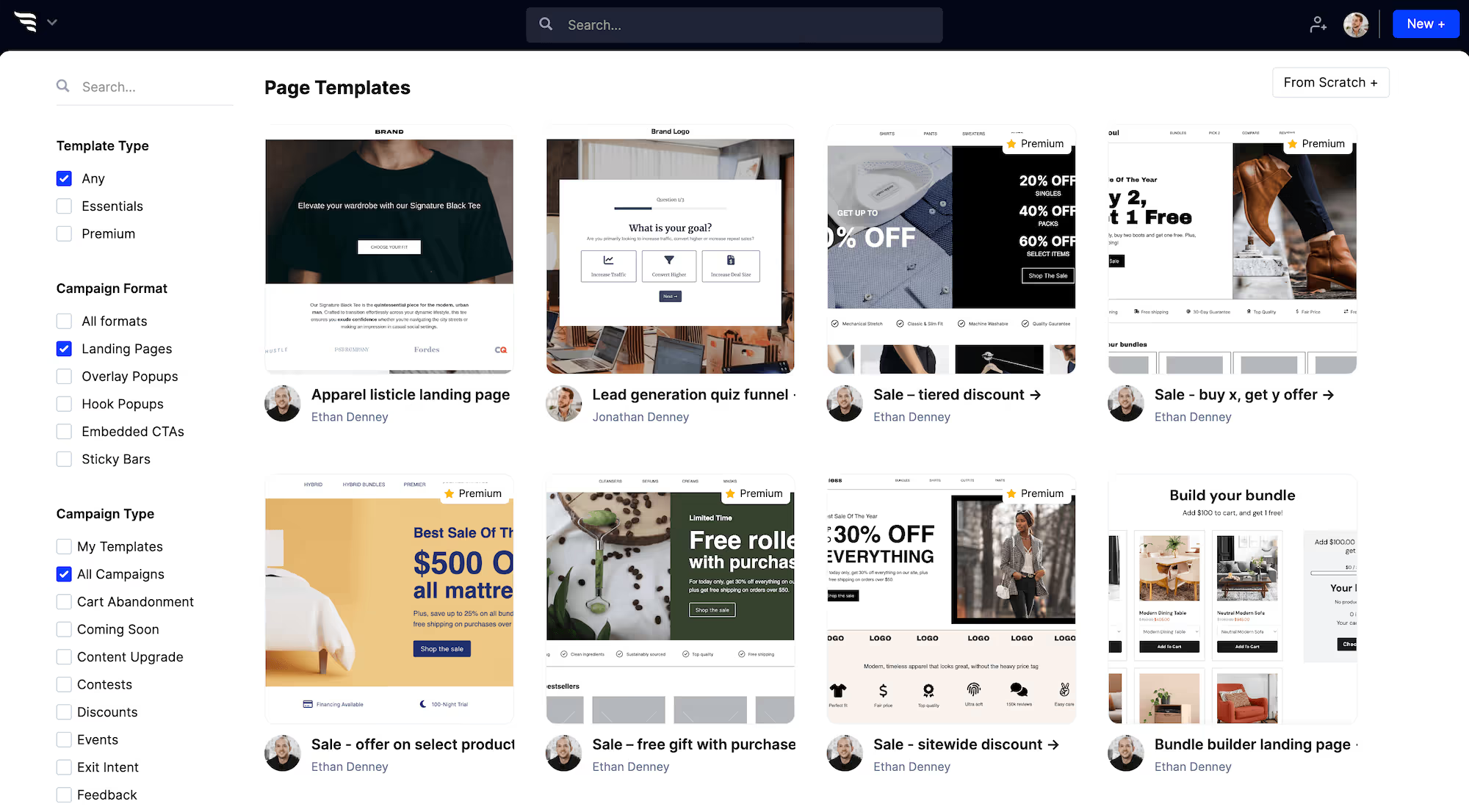
Browsing ConvertFlow landing page templates

Step 3: Style at theme level

Customizing theme styles for a ConvertFlow landing page

Set headline, button and container styles once, and every element inherits them — including elements you add later, which is the practical difference from editing inside fixed modules.
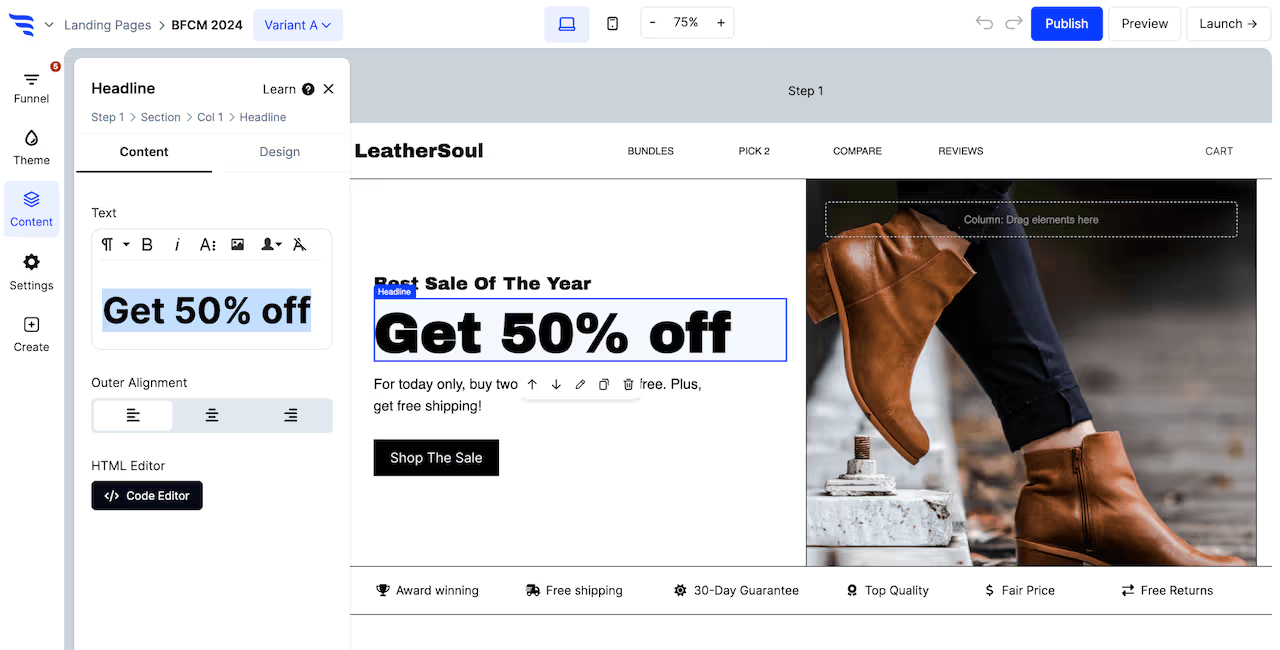
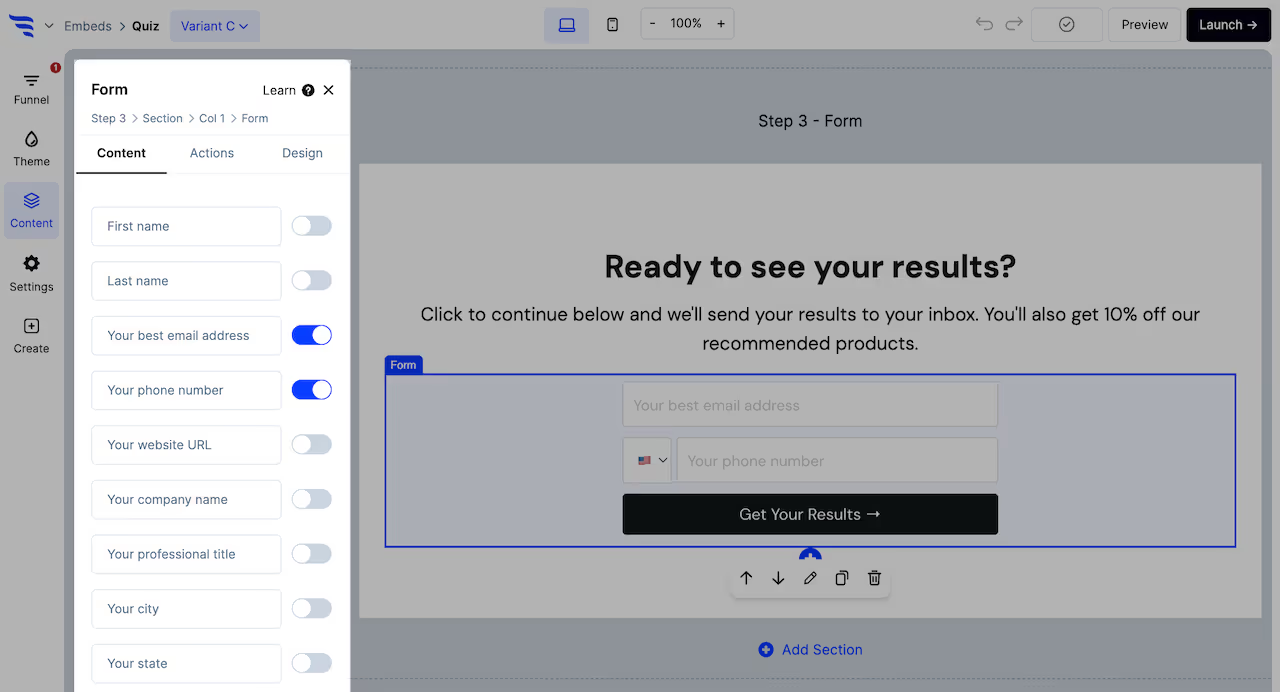
Editing text elements on a ConvertFlow landing page

Step 4: Add the form and map to HubSpot

Configuring a form element on a ConvertFlow landing page

Custom fields map by selecting the HubSpot contact property from a dropdown.
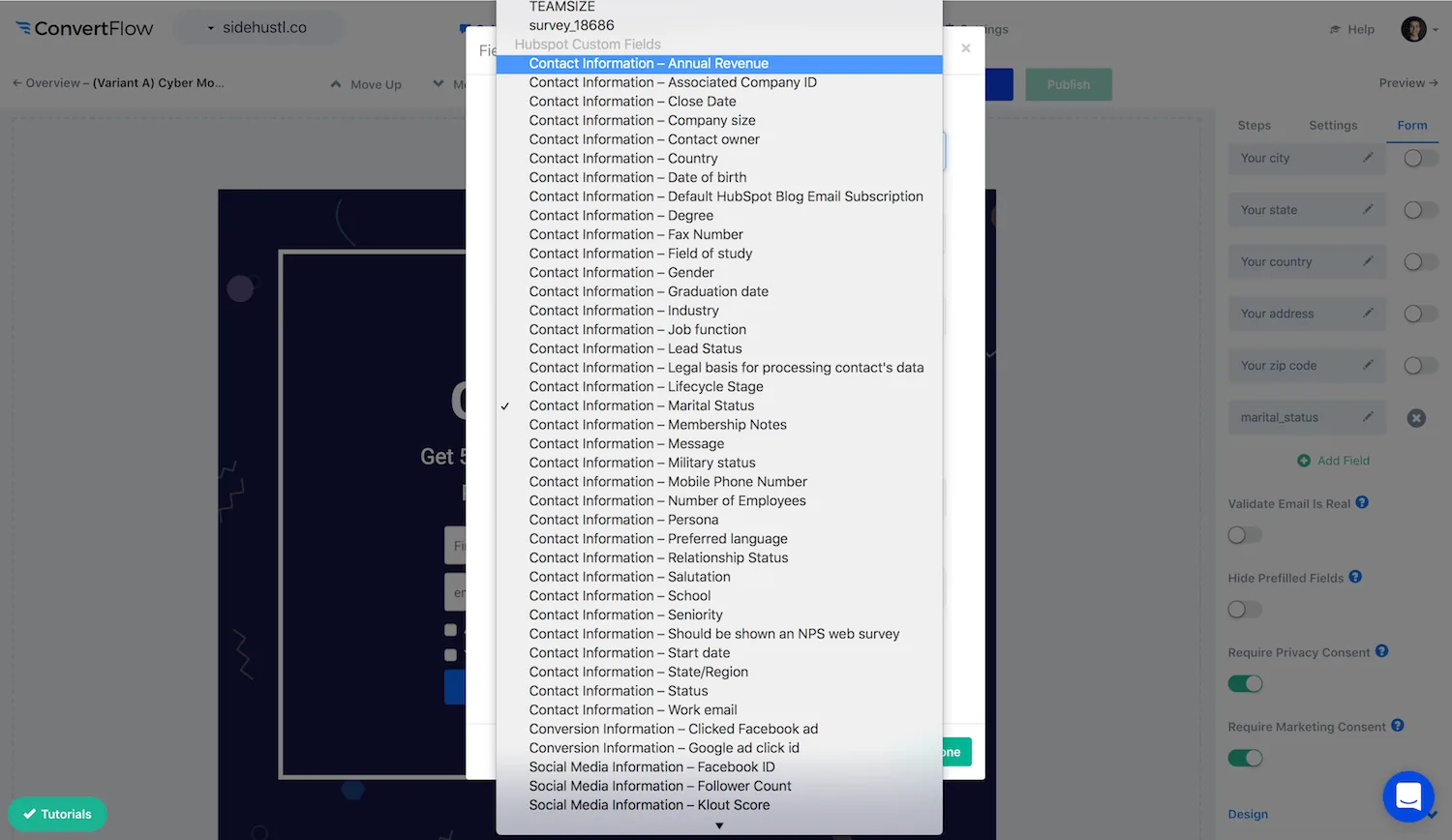
Selecting a HubSpot contact property when adding a custom field
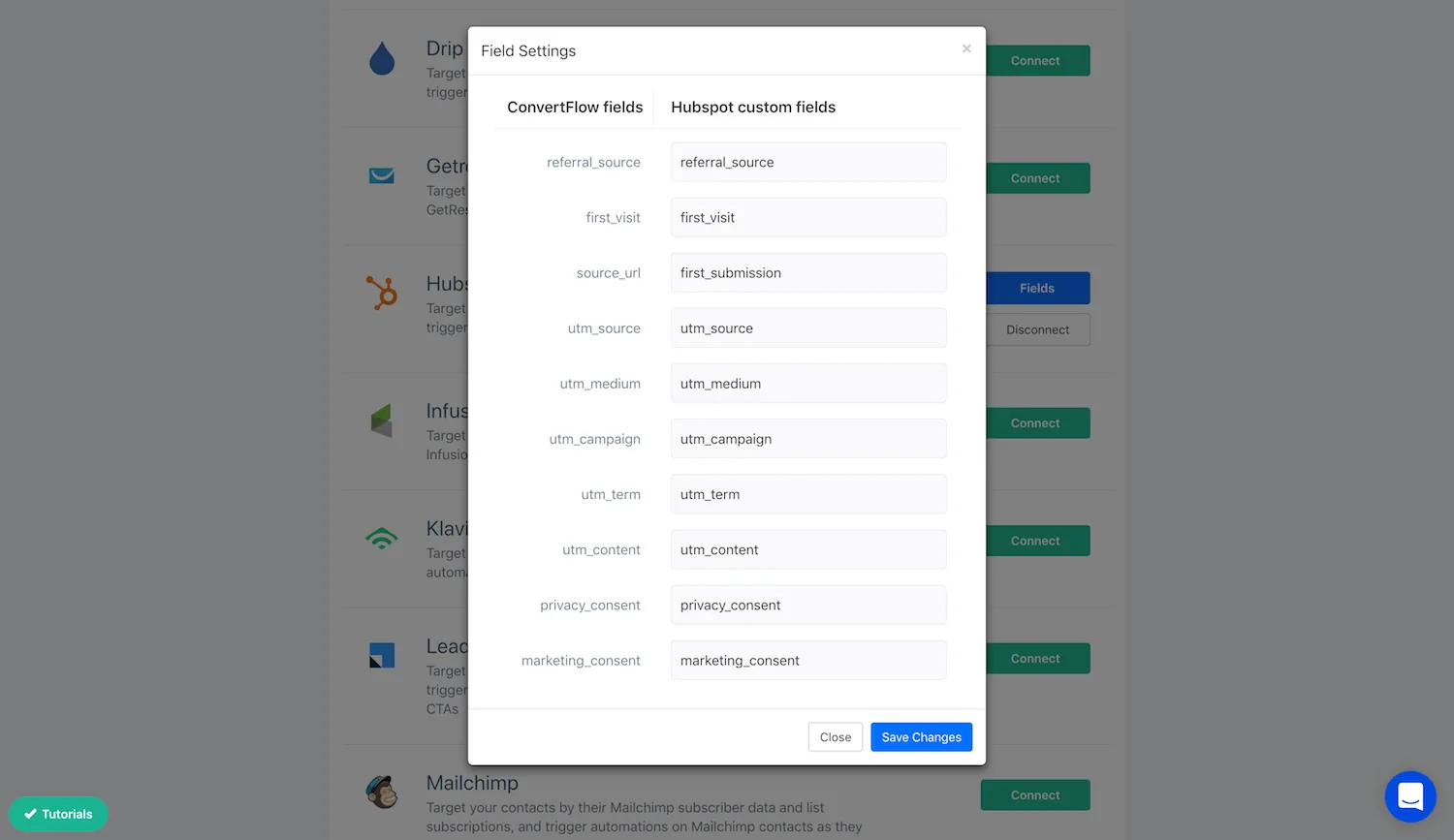
Mapping ConvertFlow preset contact fields to HubSpot properties

Capture UTM parameters into properties too, so campaign source arrives on the contact record.
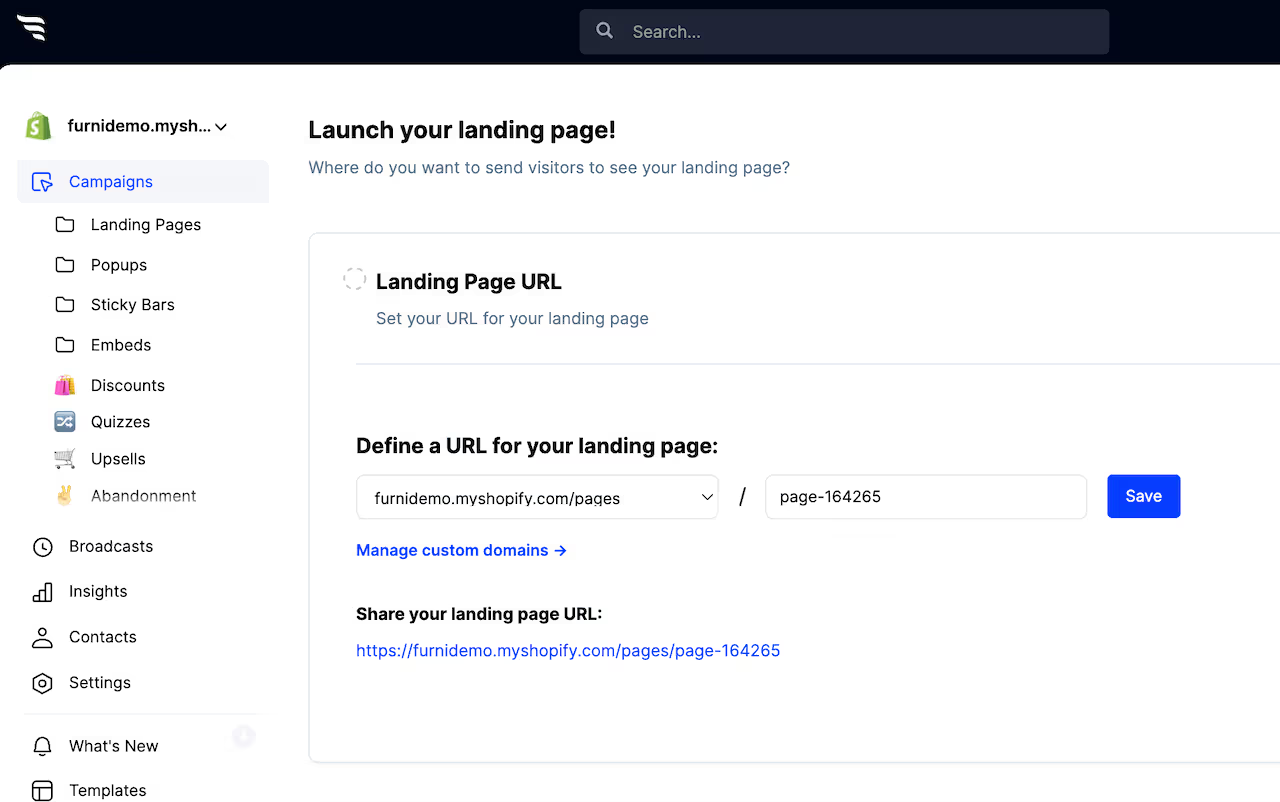
Step 5: Launch on your own domain

Choosing a domain when launching a ConvertFlow landing page

Publish to a custom domain, a Shopify store domain, or your reserved subdomain — without moving your site onto HubSpot CMS.

Step 6: Test it

ConvertFlow funnel breakdown report showing results by variant

Split traffic between variants and read submissions and drop-off per variant.

Which to choose

  • Your website is HubSpot CMS — use marketplace templates. Fewer systems, and everything lives together.
  • Your site is elsewhere and only campaign pages would be on HubSpot — build them where your site is and sync contacts in.
  • You need layouts the template author didn't anticipate — either budget for HubL development or build outside.

To see templates and the full feature set, visit the HubSpot landing page builder.

Convert more website visitors with HubSpot & ConvertFlow

Create a free ConvertFlow account and integrate

HubSpot

in minutes.

HubSpot
https://www.hubspot.com/

Sync contact fields. Segment people into lists & workflows. Personalize your website for HubSpot contact segments.

Connect For Free

Related integrations

See all integrations →