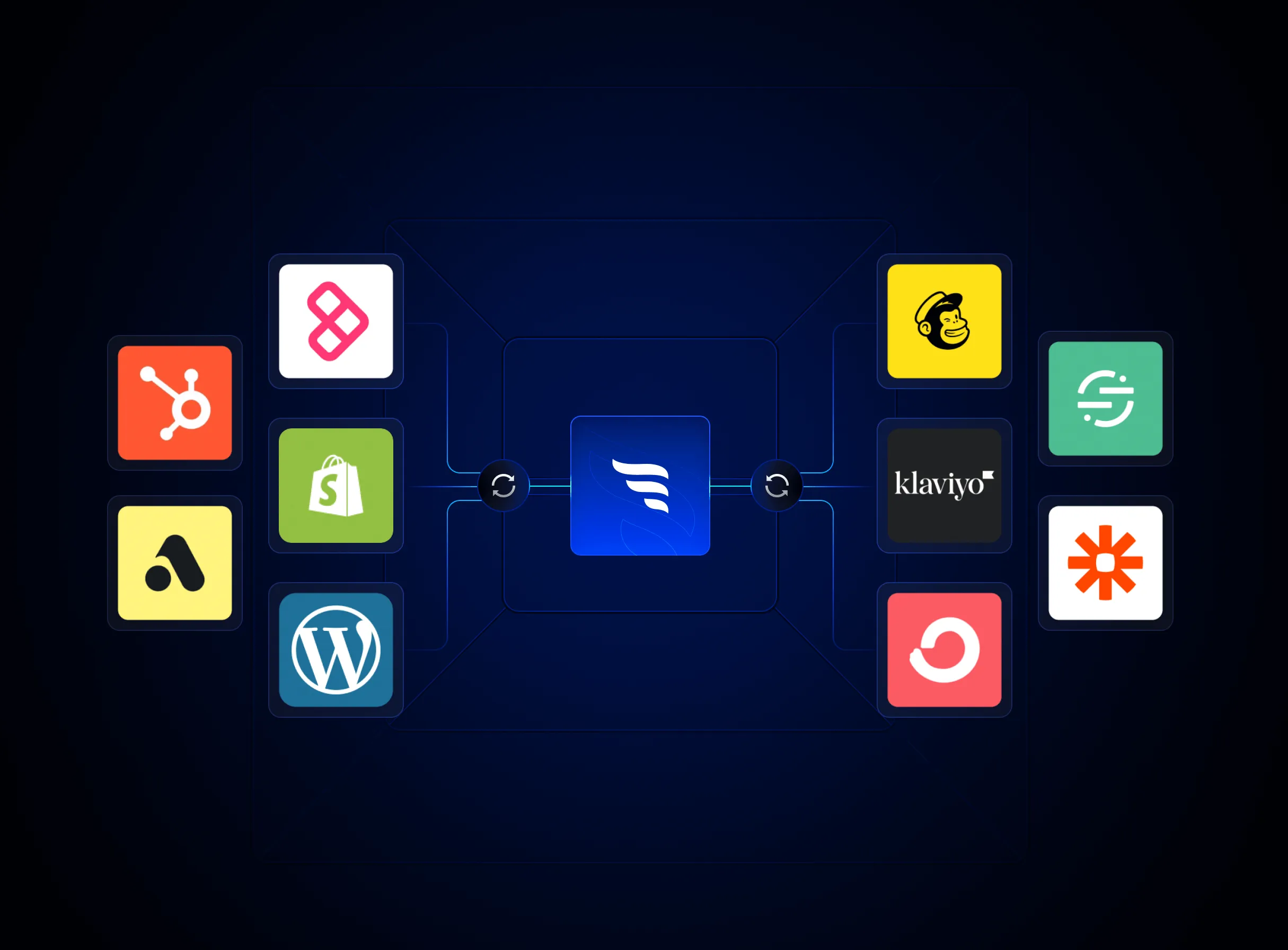
Sync contact fields. Segment people into lists. Personalize your website for Klaviyo contact segments.
Connect For FreeA product quiz tells you more about a shopper in sixty seconds than a year of browsing data: their skin type, their budget, the problem they're trying to fix. Most of that disappears the moment the quiz ends, because the answers never make it into Klaviyo in a form your flows can use. Here's how to set it up so every email and text a shopper gets afterward reflects what they told you.
person|lookup tags to swap content blocks inside one email instead of building a template per outcome.In the quiz funnels we build for Shopify brands, the results page gets most of the design attention. It should. But most shoppers who take a quiz don't buy in that session. They come back days later, usually from an email or a text. If that follow-up is a generic welcome series, you've thrown away the most useful thing the quiz produced.
Klaviyo is built for exactly this kind of data. Every profile can hold custom properties, and those properties drive segments, flow branches and dynamic content. Your quiz tool's job is to get clean answers into those properties. Klaviyo's job is to act on them.
Not every question deserves a property. Pick the two to four answers that would change what you recommend or say: skin type, primary concern, budget range, experience level, the product category they landed on. Write down the exact values each one can take (for example oily, dry, combination). Consistent values matter more than you'd think. Klaviyo's own docs point out that text comparisons are exact, so "Oily" and "oily" are different values to a segment.
Use one property per question, with a clear name like quiz_skin_type or quiz_concern, and also store the outcome itself (quiz_result) and the date. In ConvertFlow, you set a field name on each quiz question; when the shopper submits, Klaviyo creates that field automatically as a custom property on their profile. Name, email and phone are already mapped, and other preset fields can be mapped from the integration settings. Most dedicated quiz apps work the same way, so check that yours writes properties rather than only adding people to a list.

Send every quiz submission to a list such as "Quiz takers" (in ConvertFlow this is a "Klaviyo - Add to list" automation on the quiz form). A dedicated list gives you a clean flow trigger and makes it easy to report on quiz-sourced subscribers separately from your general signup form.
Create segments using "Properties about someone", for example quiz_skin_type equals dry. Segments are where quiz data pays off beyond the first week: you can include "dry skin, hasn't purchased" in a moisturizer launch campaign months later, or suppress people from offers that don't fit them.
Start a flow with the "Added to list" trigger on your quiz list. Add a short delay, then a conditional split on the property that matters most (for example quiz_result equals Hydration Routine). Each branch gets its own recommendation email, and you can nest a second split for budget or experience level. Keep branches shallow; two levels is usually enough before the flow becomes hard to maintain.
For smaller differences, you don't need separate emails. Klaviyo lets you add show/hide logic to a block or a whole section from the block's Display tab, using conditions like person|lookup:'quiz_skin_type' == 'dry'. One template can then show the right hero product, the right routine steps and the right testimonial for each answer. You can also drop answers straight into copy with a lookup tag, such as "Your routine for {{ person|lookup:'quiz_concern'|default:'your skin' }}". Always set a default so profiles with a missing value don't see a blank.
The strongest follow-up email is often a reminder of the shopper's own results, with a button back to them. Store the result name (or a results-page URL) as a property and use it in the button link. If your results live on your site, make the page recognize the returning subscriber. In ConvertFlow, you can turn on Klaviyo's UTM tracking with a klaviyo_id parameter carrying the profile ID, so clicks from campaigns and flows identify the subscriber. The funnel can then skip the email step they've already completed and show recommendations based on their saved answers and Klaviyo segments. The same link works in SMS.
Asking for a phone number at the end of a quiz works well, because the shopper has just seen value. But SMS marketing needs explicit, separate consent. Show clear disclosure copy next to the phone field (who is texting, roughly how often, that message and data rates may apply, and how to opt out), and send phone numbers to a list that's set up for SMS consent in Klaviyo rather than assuming the email list covers it. Check your consent language against Klaviyo's SMS guidance and your own legal advice.
Most Shopify quiz apps can add people to a Klaviyo list. Fewer write every answer as a usable profile property, and fewer still can read Klaviyo data back to personalize the site. When you compare tools, check three things: whether each answer lands as its own property, whether SMS consent is handled separately, and whether the tool can target returning subscribers by Klaviyo list, segment or property. Our comparison of Shopify quiz tools for email and SMS segmentation and our Octane AI alternatives roundup go through those tools in detail.
ConvertFlow's Klaviyo integration works in both directions: quiz answers sync to Klaviyo profiles, and once connected you can target funnels by Klaviyo list, segment or custom field. That's how you skip the quiz form for known subscribers, or show a "Customers" segment different recommendations. Quiz funnels can also flow into product recommendations and bundles on the results page. TrueDark reports a 21% lift in average order value from its ConvertFlow quiz funnel compared with its Shopify store. ConvertFlow doesn't send email or SMS itself; Klaviyo stays your messaging platform. CRM integrations start on the Prime plan, and targeting by CRM data is on Pro.
Use a quiz tool that writes each answer to a named profile property when the shopper submits. In ConvertFlow you set a field name on each question and Klaviyo creates the property automatically. Avoid tools that only add people to a list without saving answers.
Yes. Add quiz takers to a dedicated list and use the "Added to list" trigger, then branch with conditional splits on the quiz properties.
Add show/hide logic to blocks or sections, with conditions such as person|lookup:'quiz_skin_type' == 'dry'. Klaviyo's logic builder supports text, number and list properties.
Store the result as a profile property and link to the matching results page in your flow. If the page runs on your site, pass the Klaviyo profile ID in the link so tools like ConvertFlow recognize the subscriber and show their saved recommendations.
Yes. Collect phone numbers with explicit SMS consent and disclosure copy, and route them to a list set up for SMS consent. Email consent doesn't cover text messages.
Free to install with powered-by links. Paid plans start at $29/mo for 10k monthly views, $99/mo for 30k views and CRM integrations, and $299/mo+ for 100k+ monthly views. CRM integrations, including Klaviyo, start on Prime.
Create a free ConvertFlow account and integrate
Klaviyo
in minutes.
Sync contact fields. Segment people into lists. Personalize your website for Klaviyo contact segments.
Connect For Free