"Lead capture" covers a lot of ground in Salesforce — web forms, imported lists, event scans, chat, partner referrals. This guide is about the web channel: getting leads off your own site and into Salesforce properly.
There are three ways to do it, and most orgs end up needing more than one.
Included with Salesforce. You enable it in Setup, pick fields, and get generated HTML to paste onto a page.
Right choice when you need one plain form, have a developer to style it, and your volume sits under the daily submission cap. Wrong choice when marketing wants to change anything without a ticket. There's a fuller breakdown in the Web-to-Lead guide.
Purpose-built tools that install into your org, often with deeper Salesforce-native features — custom object support, complex assignment rules, Flow integration.
Right choice when the requirement is Salesforce-side complexity: routing logic, duplicate management, writing to custom objects. These live inside your org, which is both the advantage and the constraint.
The form is built and hosted outside Salesforce and writes in through the API. Marketing owns it end to end.
Right choice when the requirement is on the web side: styling, multi-step flows, conditional questions, A/B testing, and capturing across popups and landing pages rather than one embedded form.
The third is what's covered below.
From ConvertFlow's Integrations area, click to connect with Salesforce and authorize.
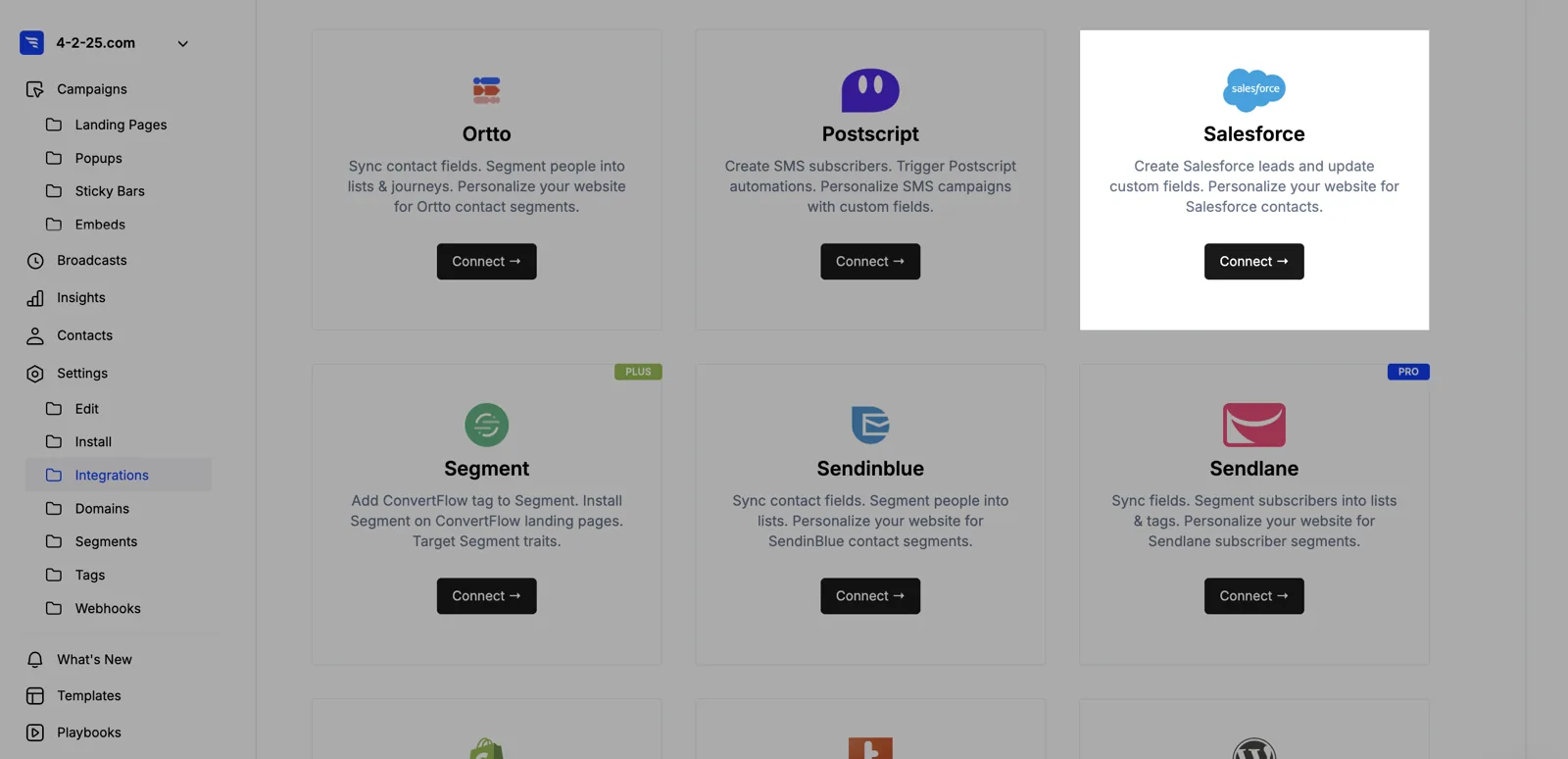
No API key or consumer secret. ConvertFlow then pulls in your Salesforce fields.
Most orgs capture to the Lead object. If yours runs on Person Accounts, switch the toggle and resync.
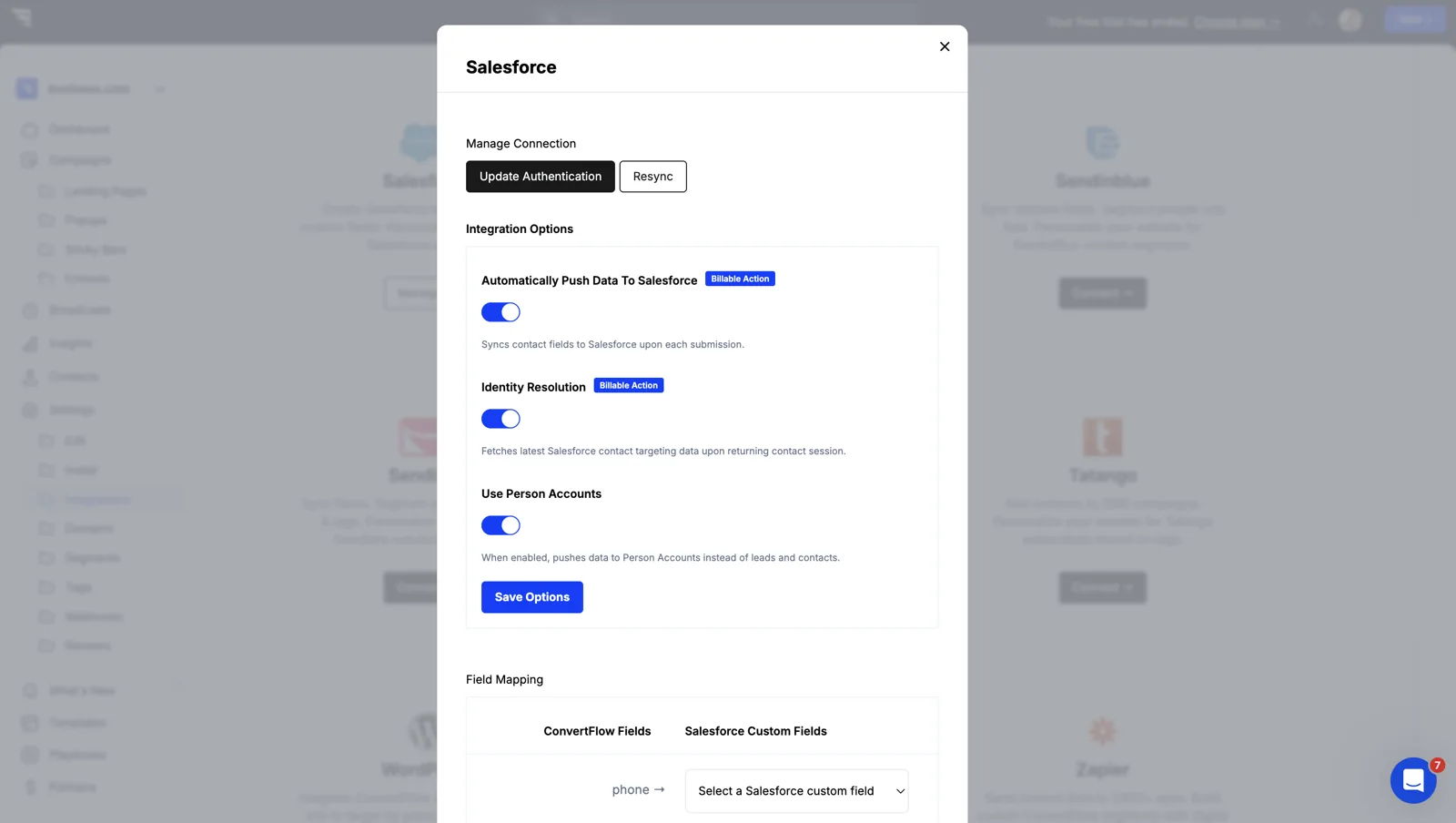
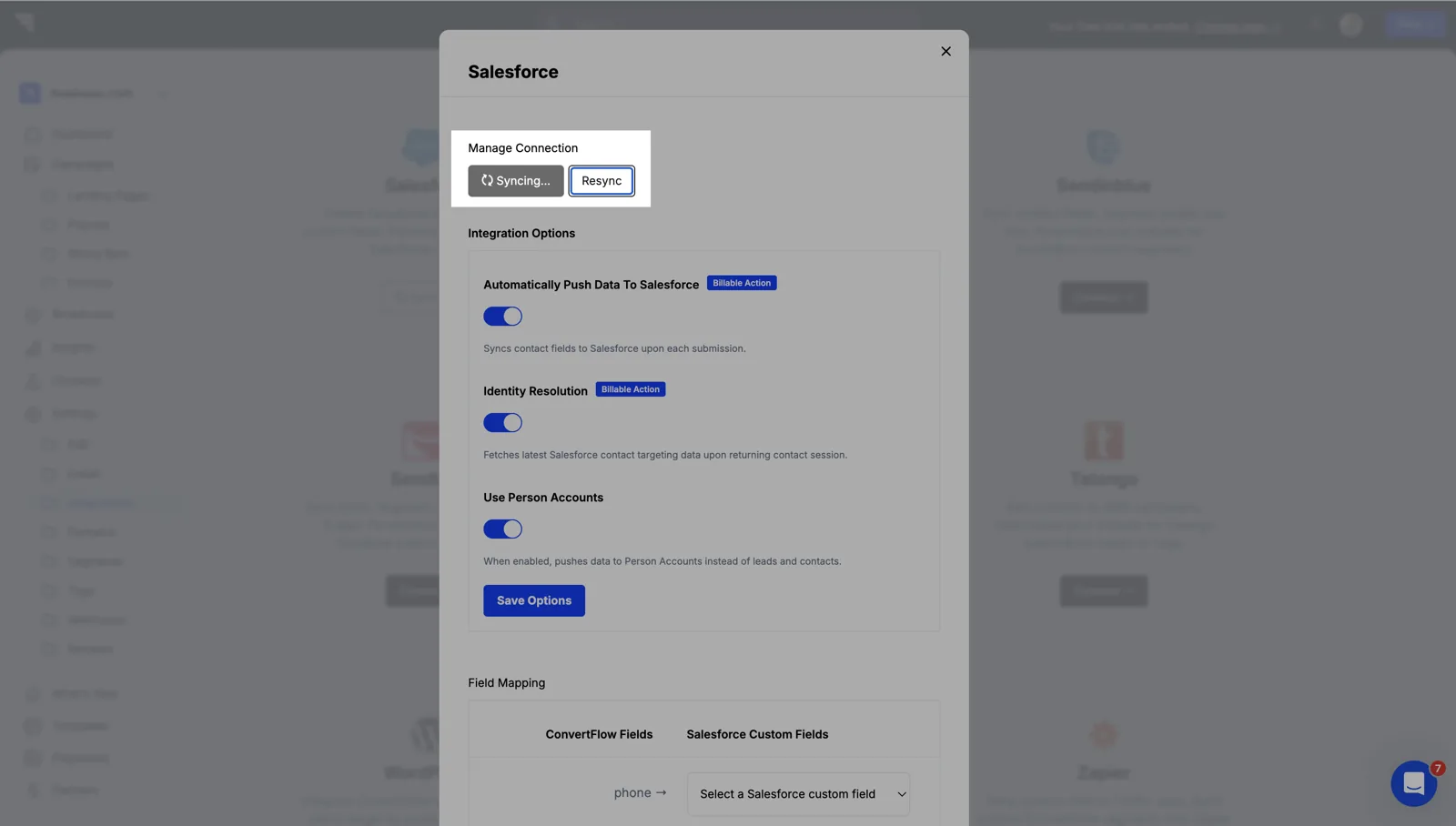
This is where a funnel builder differs from a single embedded form. The same Salesforce connection powers:
Most orgs have one Web-to-Lead form on a contact page and nothing else. Adding capture to the content people actually read is usually a bigger gain than optimising the contact form.
Add a custom field and select the Salesforce field it writes to from a dropdown of fields that already exist.
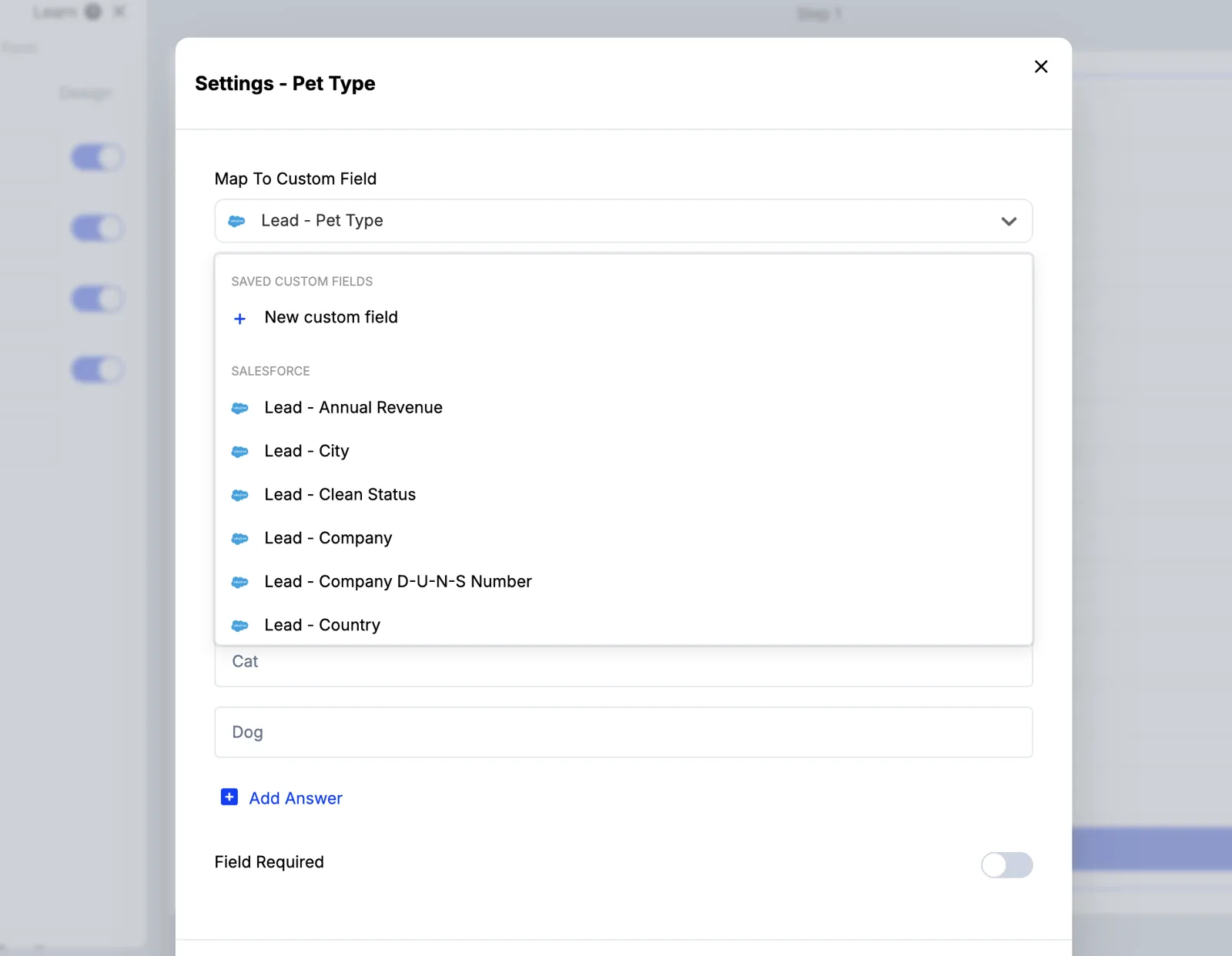
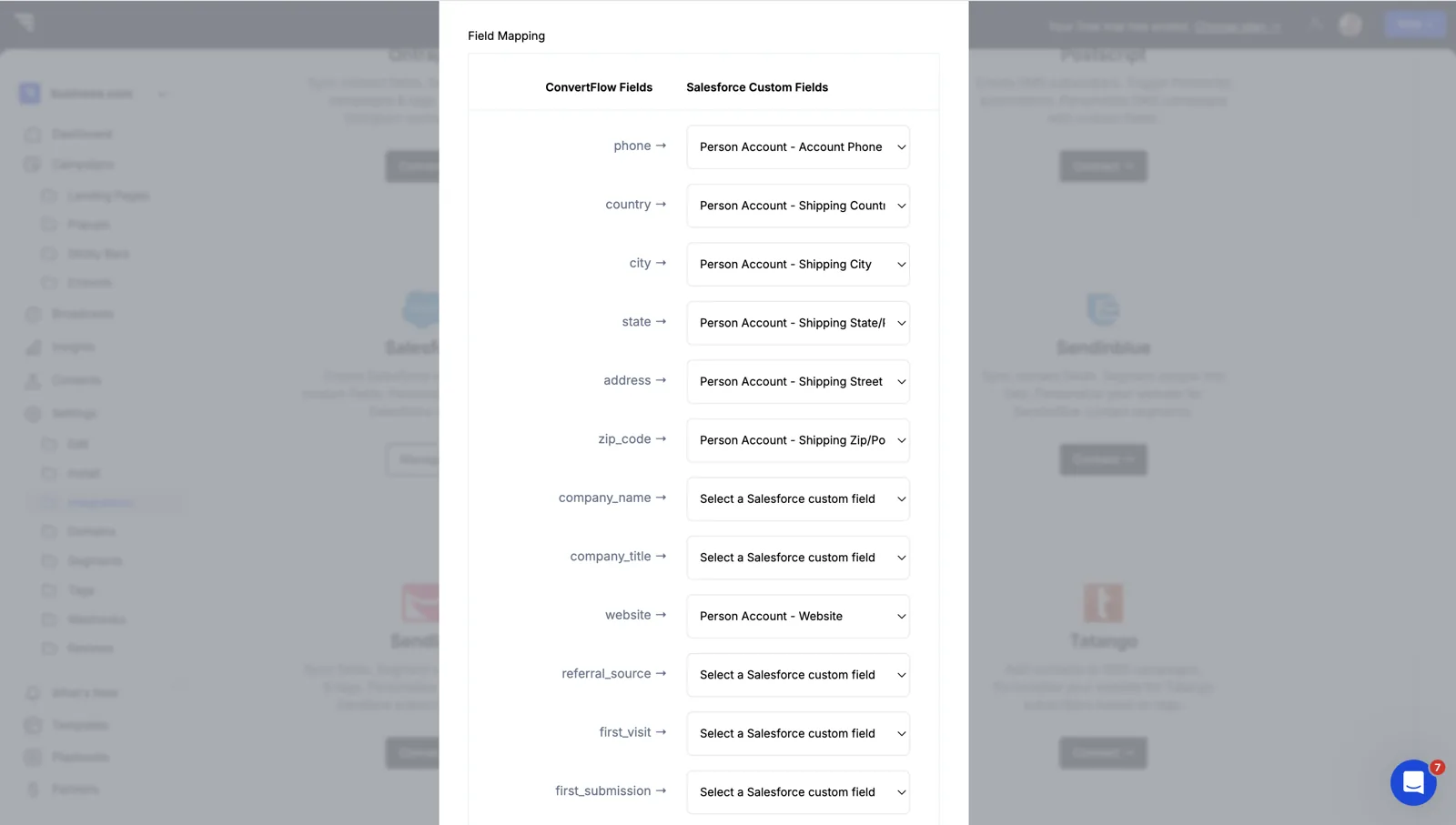
Capture UTM parameters and the source page into hidden fields while you're here. For pipeline reporting that's the difference between attributing revenue and guessing.
Ask what a rep would ask — company size, use case, timeline — across steps rather than in one block, and map each answer to a Salesforce field.
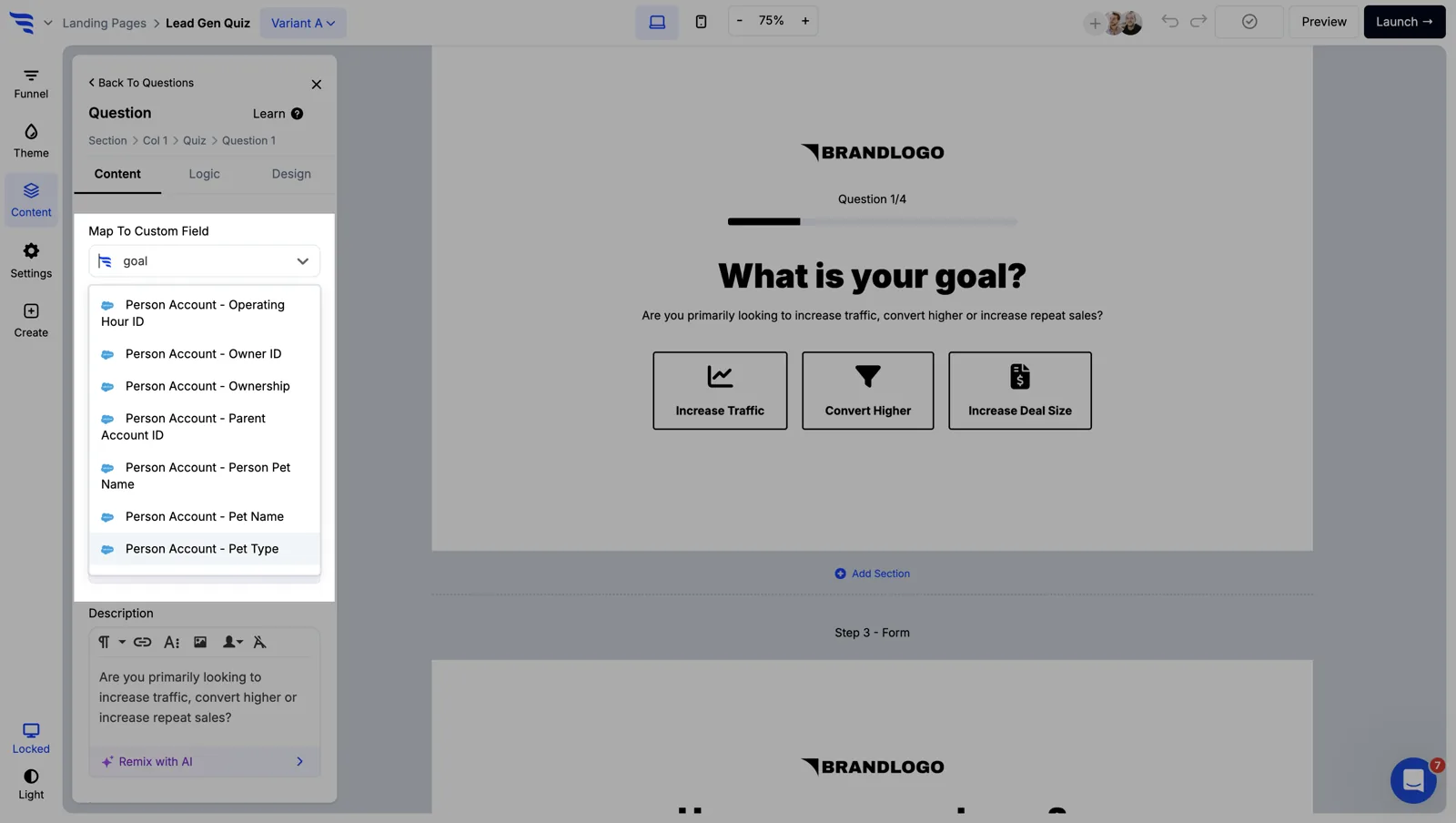
Score the answers, then route on the score — above your threshold goes to a booking page, everything else to nurture.
.avif)
Turn on email verification so an address is checked before a record exists.

Lead capture volume is easy to celebrate and easy to inflate. A junk Lead is worse than no Lead — it gets assigned, worked, and counted in pipeline until someone writes it off.
.avif)
Every qualifying question costs completions. This tells you which ones earn it — and if your reps never reference an answer when working the lead, cut the question.
To see templates and the full feature set, visit the Salesforce form builder.
Create a free ConvertFlow account and integrate
Salesforce
in minutes.
Build & A/B test lead capture funnels for Salesforce.
Connect For Free










.svg)