Install ConvertFlow on your Shopify store instantly. Target visitors by cart data and more.
Connect For FreeShopify form builders mostly do the same core thing: let you add fields to a page without touching Liquid. What separates them is what happens to a submission afterwards.
This guide covers the criteria worth judging on, then how to build a form.
The biggest divide. Some builders store submissions in the app and email you a notification. Others sync the contact into your email platform or CRM as a record you can segment and automate against.
If you're collecting emails to market to, the second is the only one that works. If you're collecting support enquiries, the first may be enough.
Relevant if the form recommends products or takes a wholesale order. A builder that can pull live product data keeps the form accurate as your catalogue changes.
For anything over four fields this matters a lot. Wholesale applications and quiz-style forms lose most of their completions to a single wall of inputs.
Whether a follow-up question can depend on an earlier answer, and whether the submission can route differently based on what was selected.
Rare in form builders, and the difference between guessing at field count and knowing.
Not every store needs all five. A contact form needs the first; a wholesale application needs all of them.
Start from ConvertFlow's form template library, or add a form to a popup or landing page template.

Choose Embedded CTA to place the form inside an existing Shopify page, or a landing page format for a standalone one.


Every element inherits it, including ones you add later. This is what stops the form looking like a third-party widget bolted onto your theme.

Toggle the preset contact fields, then click Add Field for your own — text, dropdown, checkbox, paragraph, numerical or hidden.

Set the label, placeholder, whether it's required, and character limits.

If you're asking more than three or four things, use multiple steps. Two questions twice consistently completes better than six at once — and a partially completed single-step form gives you nothing at all.
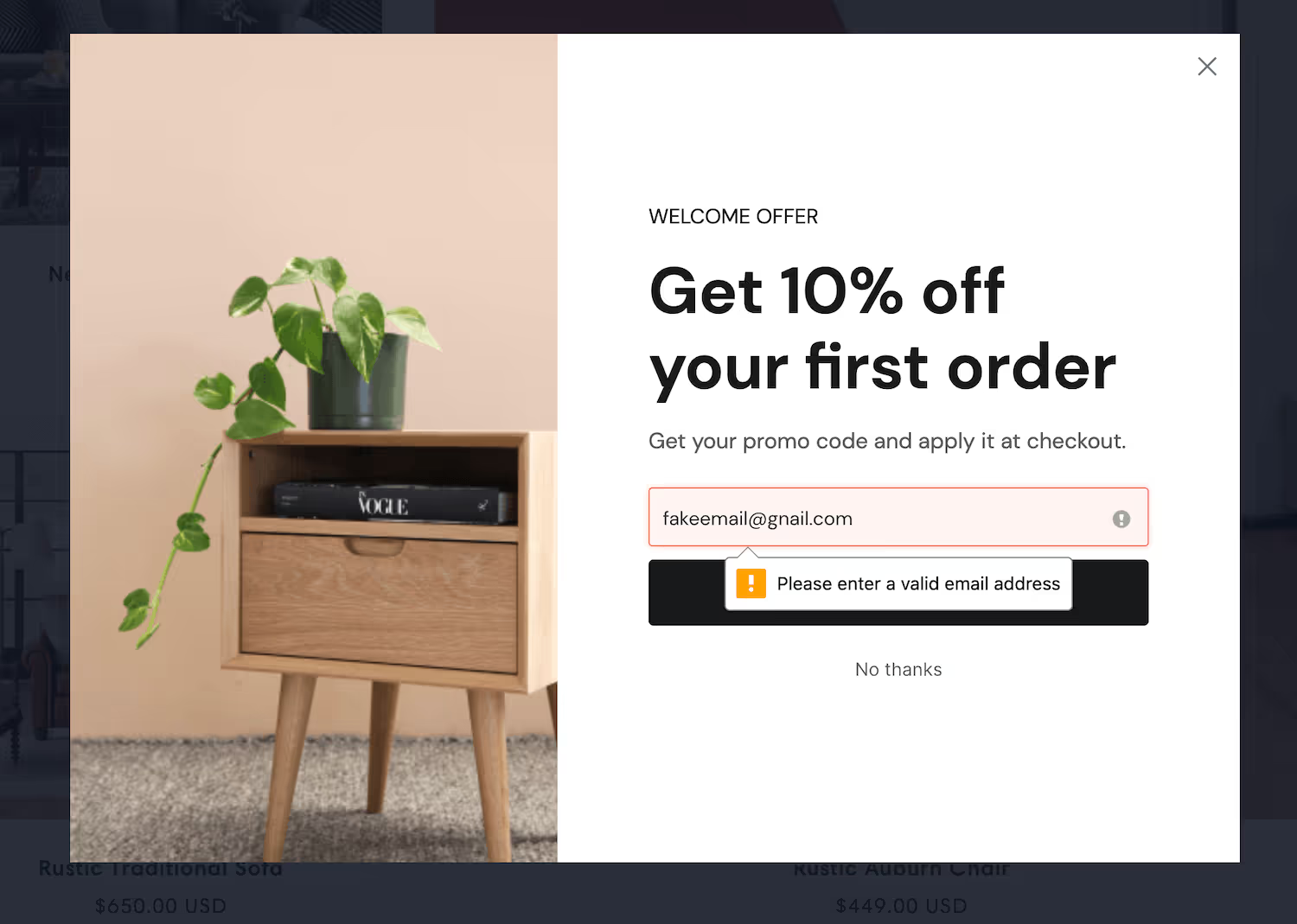

The script installs automatically, and product and customer data become available for personalization.

Connect your email platform, CRM or helpdesk, then add the automation.


Field values map across too, so a dropdown answer becomes a segment condition rather than a line in a notification email.
Conditional actions let a different answer produce a different outcome — a wholesale enquiry above a volume threshold routed to a booking link, everything else to a standard reply.

.avif)
Read per-field drop-off. Every field costs completions, and this is the only way to find out which ones are worth it — the phone number field is usually the most expensive one on any form, and often the least used afterwards.
To see templates and the full feature set, visit the Shopify form builder.
Create a free ConvertFlow account and integrate
Shopify
in minutes.
Install ConvertFlow on your Shopify store instantly. Target visitors by cart data and more.
Connect For Free







.svg)