Grow your list. Segment shoppers by quiz answer. Personalize for shoppers based on Omnisend data.
Connect For FreeOmnisend's signup forms handle email and SMS capture for ecommerce stores. This guide covers building forms that sync to Omnisend with more than a single step — multi-step flows, quiz answers mapped to properties, and conditional tagging.
Create a private API key in Omnisend under your account's API settings.
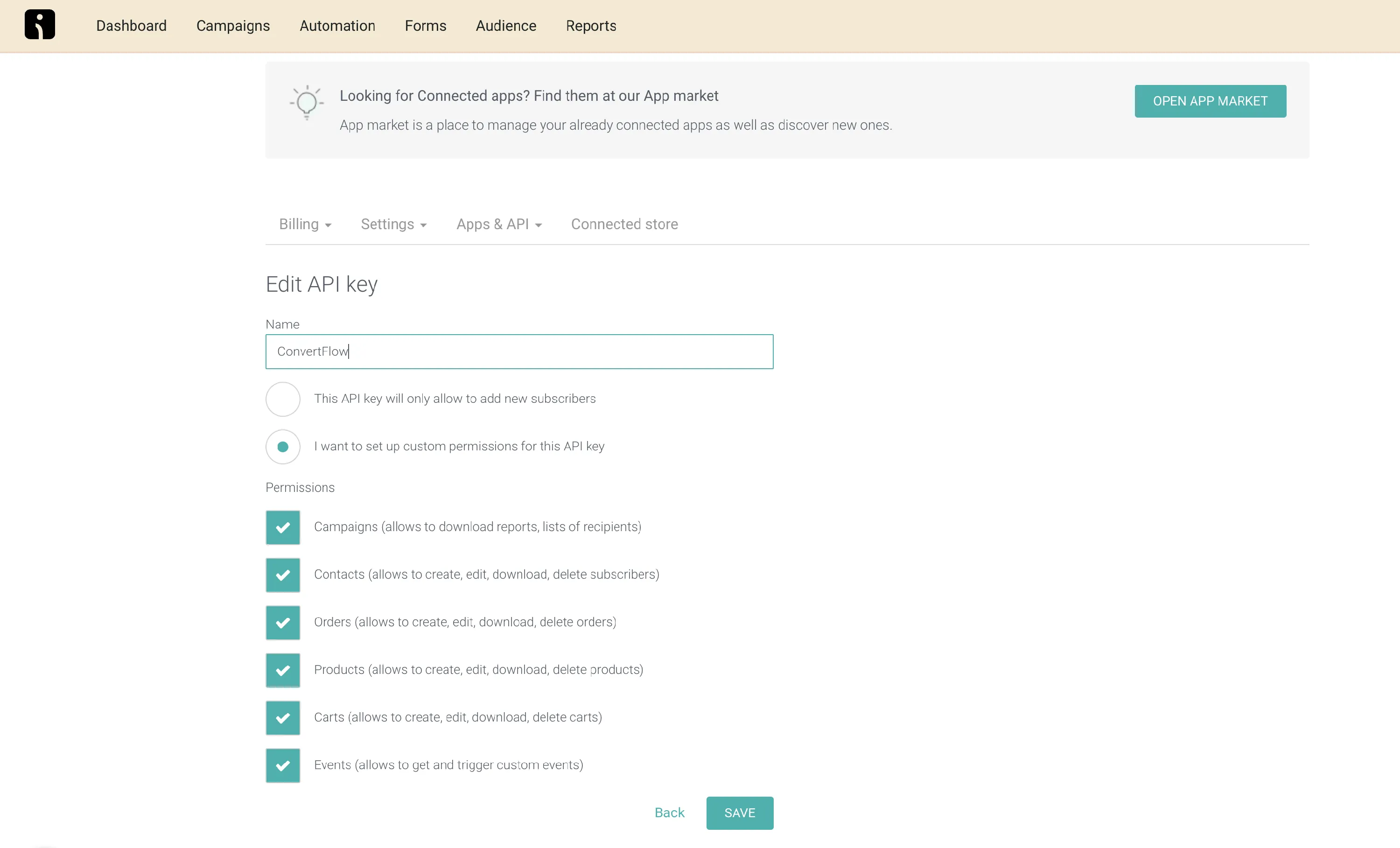
Paste it into ConvertFlow, and your campaigns and tags are pulled in.
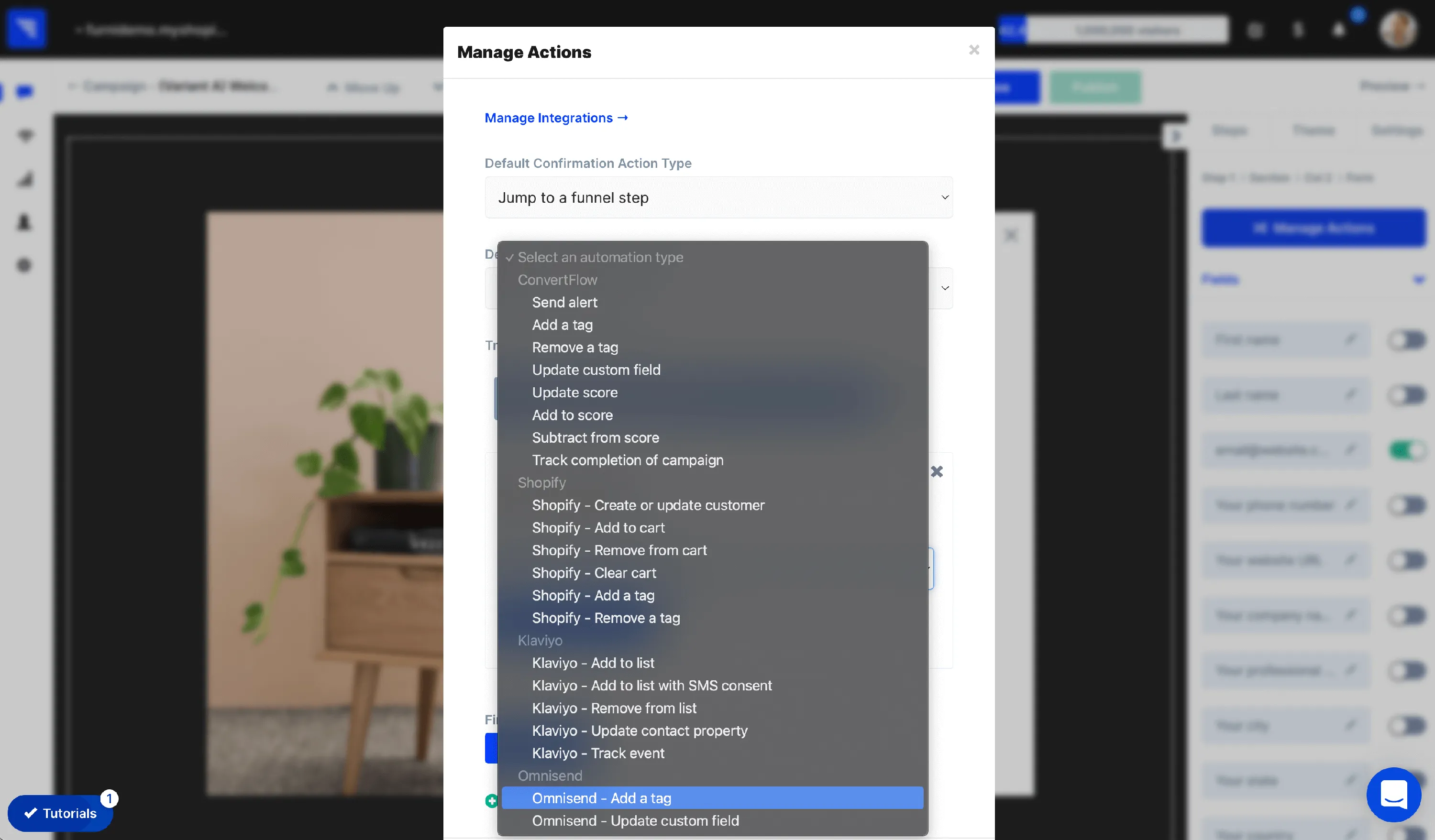
Add the form to a landing page, popup or embed. Click to add an element and choose the form type.
.avif)
.png)
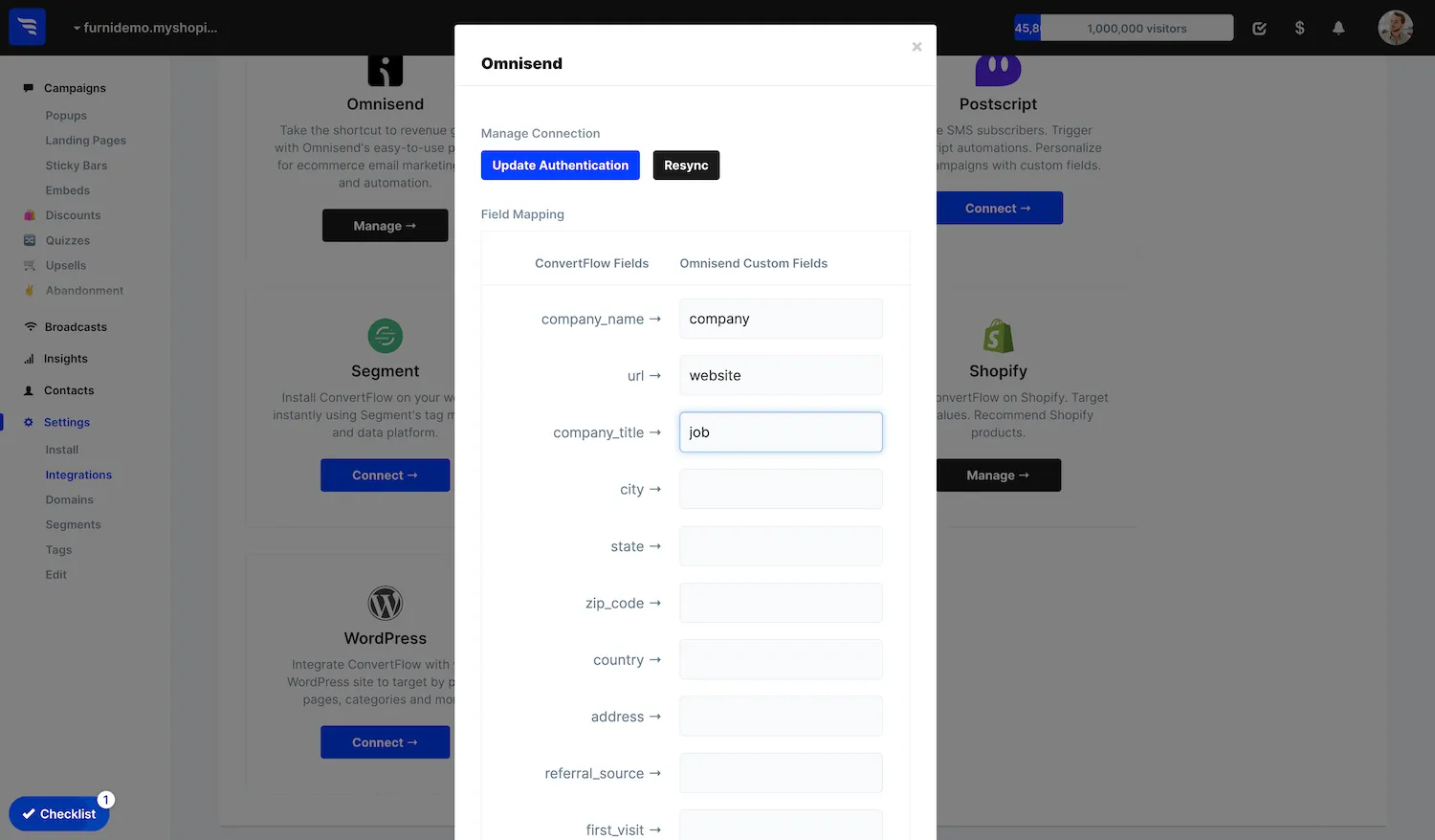
Quiz and survey answers map to Omnisend custom properties.
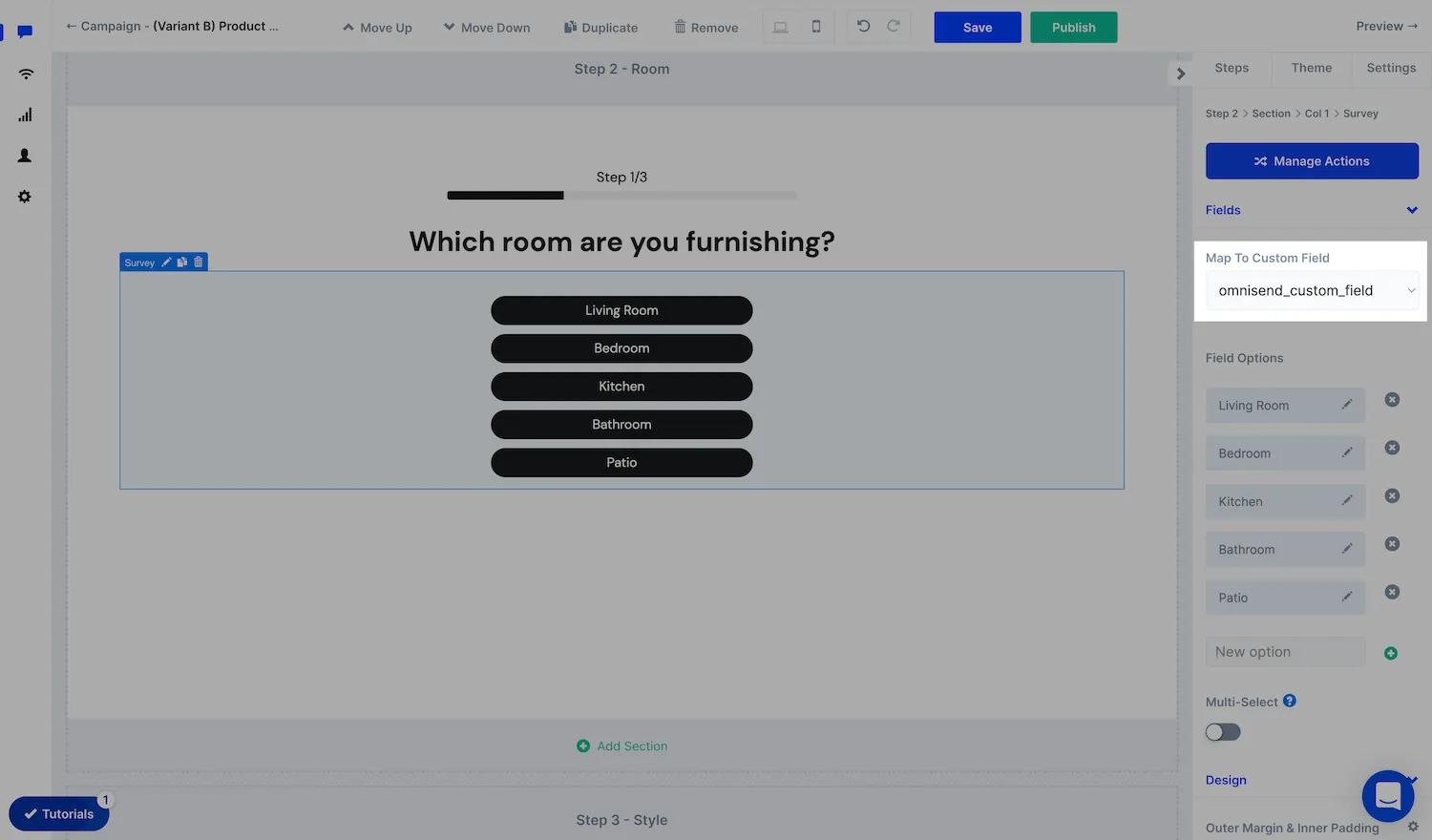
Keep answer values short and consistent — they become segment conditions and may appear in emails.
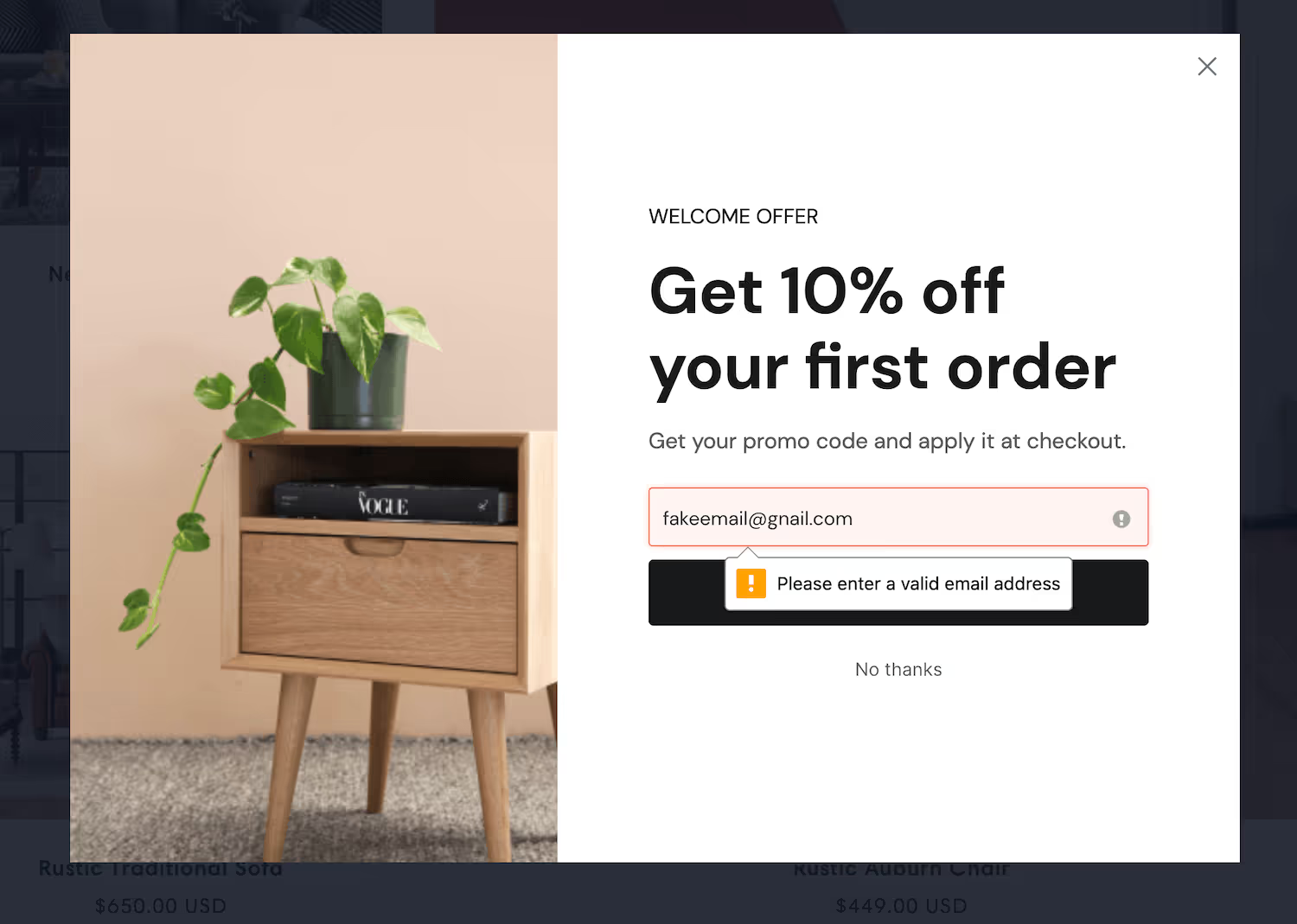
If you're collecting phone numbers for SMS, use the dedicated SMS consent checkbox with your required disclosures.
Anything beyond three or four fields completes better across steps than stacked in one box — and a partially completed single-step form gives you nothing.
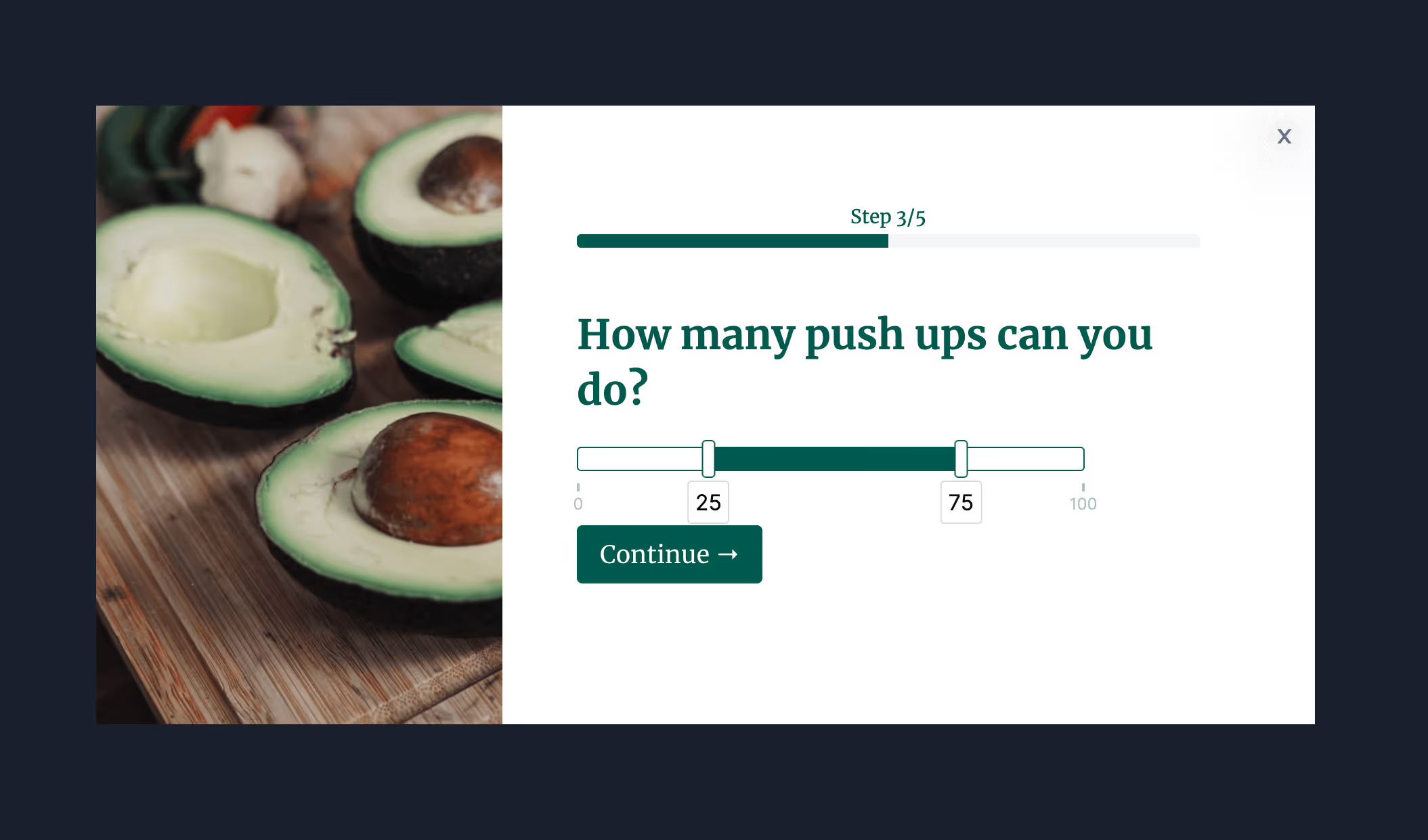
.avif)
.avif)
Add the Omnisend automation that subscribes the shopper, then apply tags conditionally so a different answer starts a different automation.
.avif)
Every field costs completions. This tells you which ones earn their place.
To see templates and the full feature set, visit the Omnisend form builder.
Create a free ConvertFlow account and integrate
Omnisend
in minutes.
Grow your list. Segment shoppers by quiz answer. Personalize for shoppers based on Omnisend data.
Connect For Free










.svg)