Sync contact fields. Segment people into lists & tags. Personalize your website for ActiveCampaign segments.
Connect For FreeActiveCampaign's built-in forms are fine for a plain subscribe box. Where teams tend to outgrow them is design control and depth — getting a form to look like the rest of the site, or asking more than a couple of questions without the whole thing feeling like a wall.
This guide covers building an ActiveCampaign form in ConvertFlow: same contacts, same lists and tags, but styled properly and able to branch across steps.
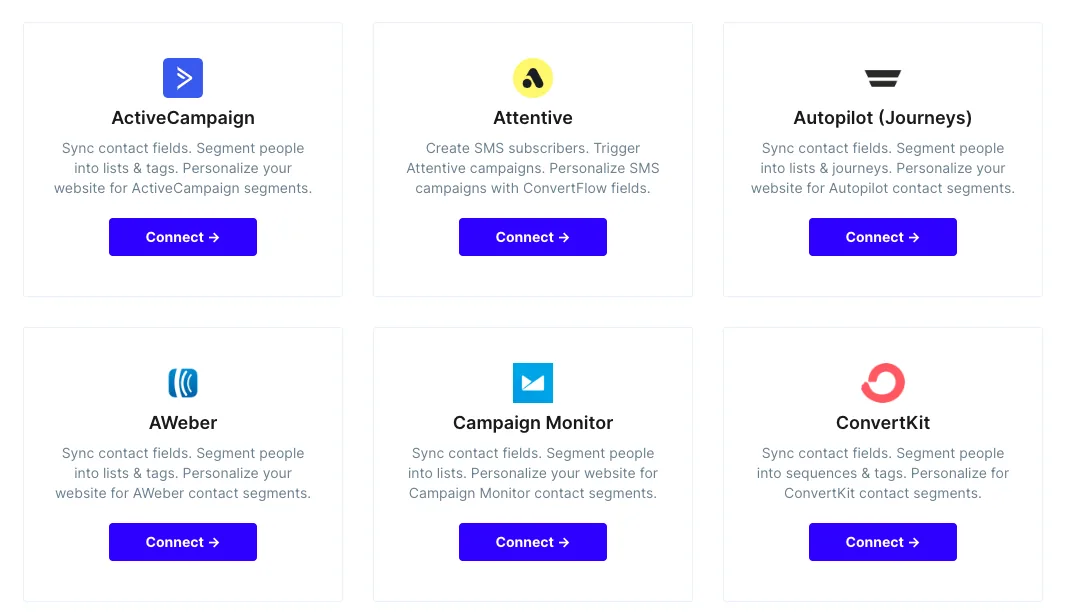
From ConvertFlow's Integrations area, click to connect with ActiveCampaign.
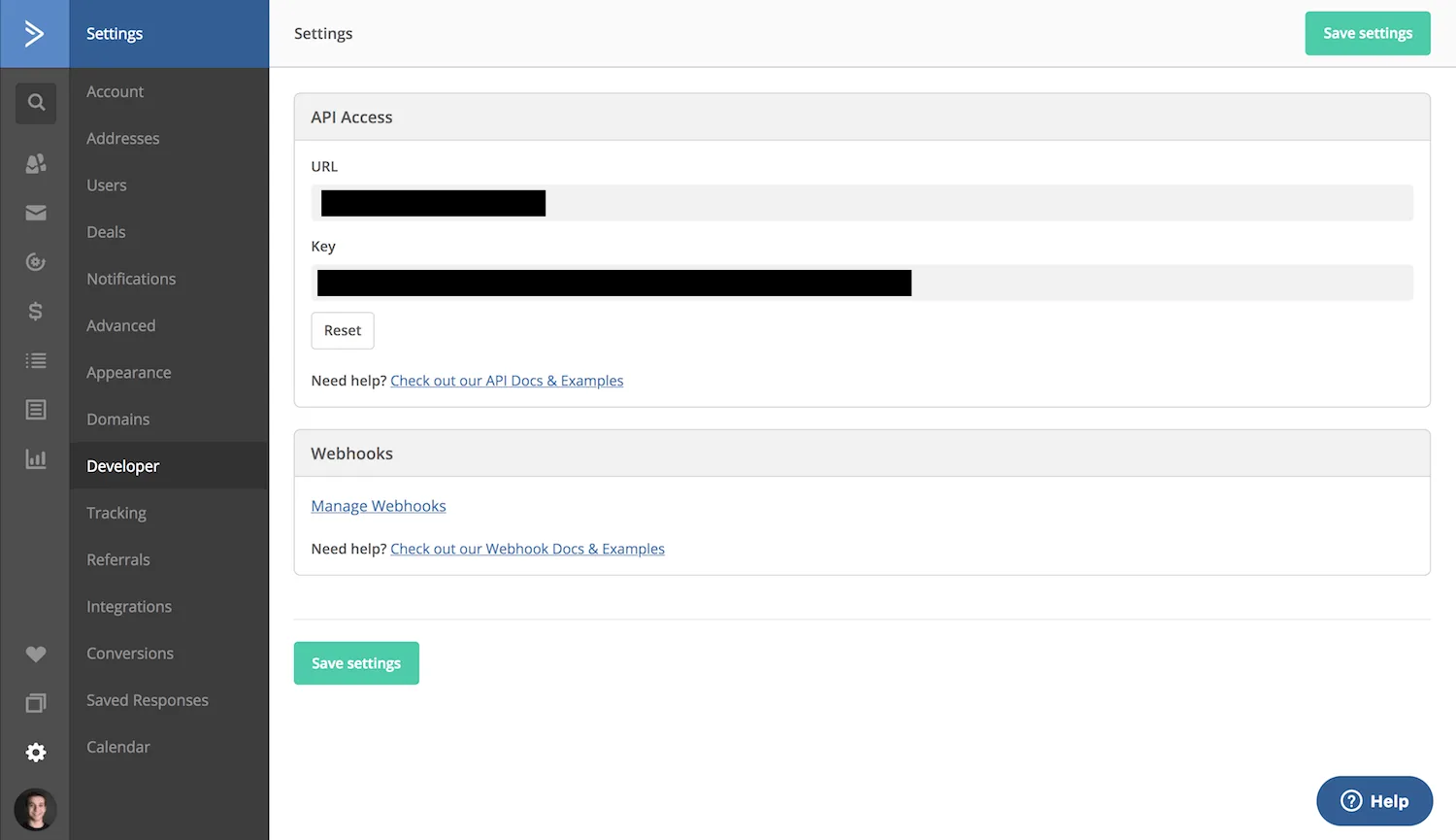
You'll need two things from ActiveCampaign, both under Settings → Developer: your API URL and your API key.
Paste both into ConvertFlow. The API URL is account-specific, so a valid key with the wrong URL won't connect.
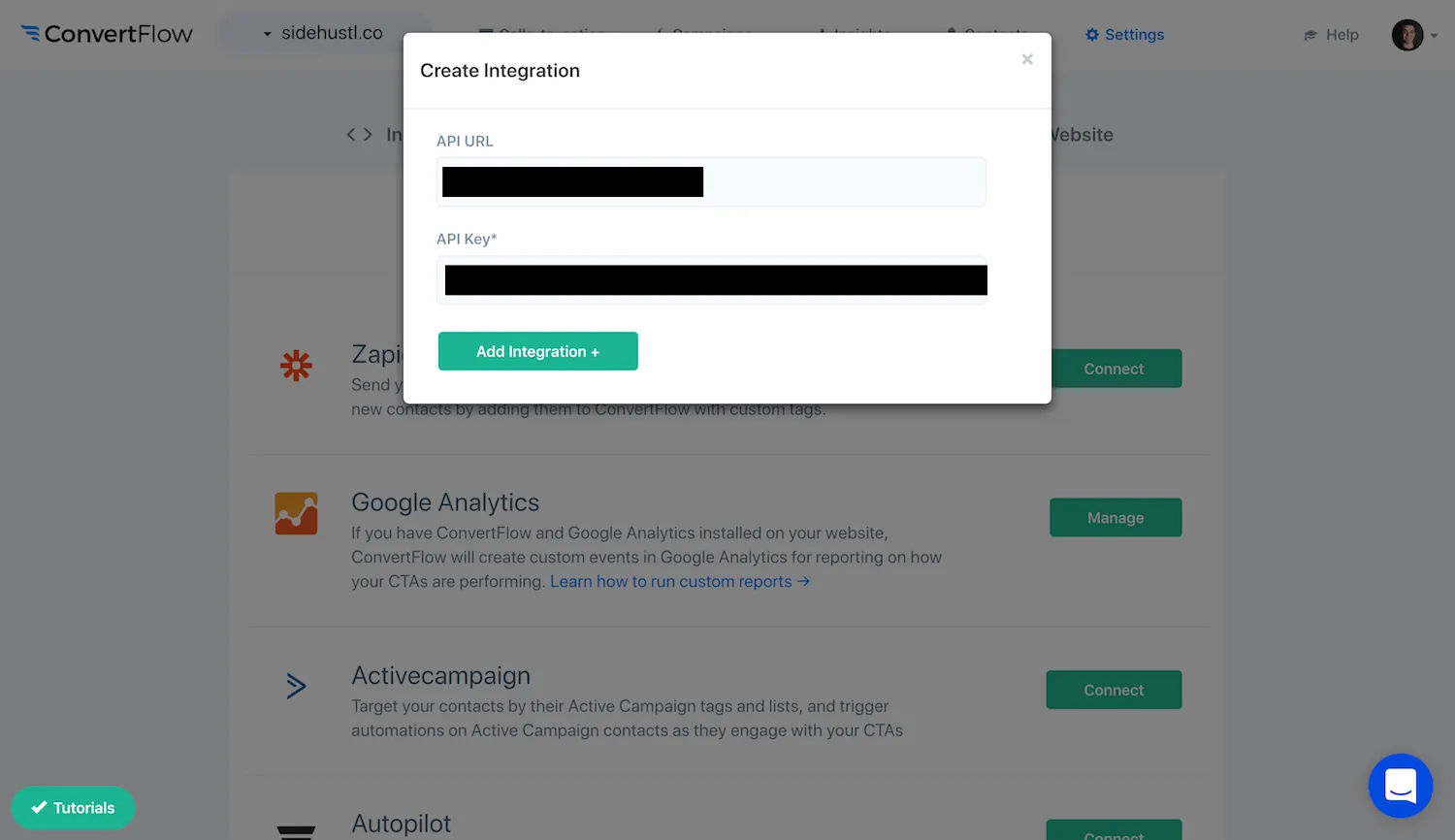
ConvertFlow then pulls in your lists, tags and custom fields.
Create a campaign — landing page, popup or embed — then add a form element.
.avif)
Toggle on the contact fields you want.
.png)
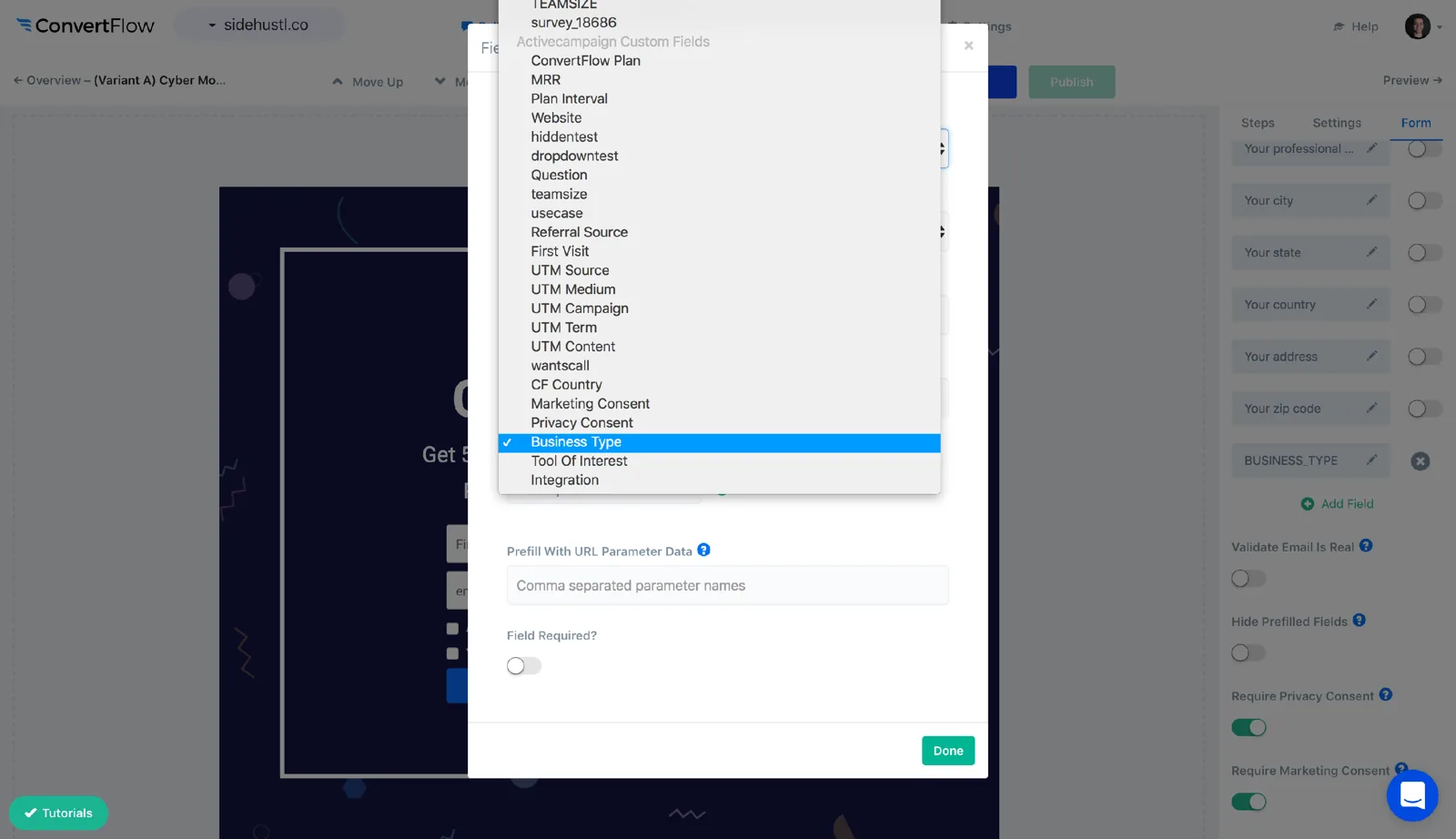
Add a custom field and pick the ActiveCampaign field it writes to from the dropdown.
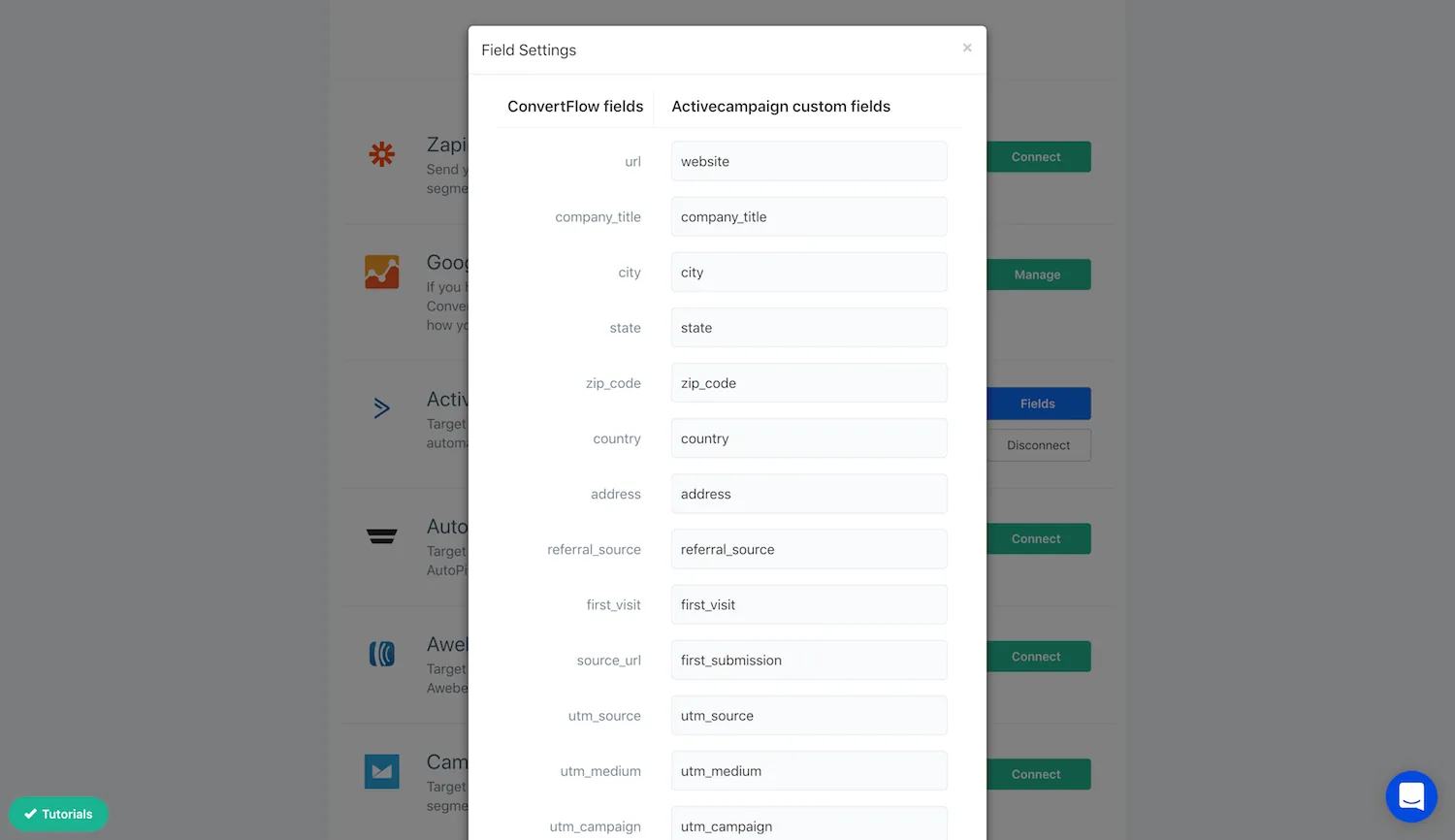
Preset contact fields are mapped from the Fields button on your Integrations page.
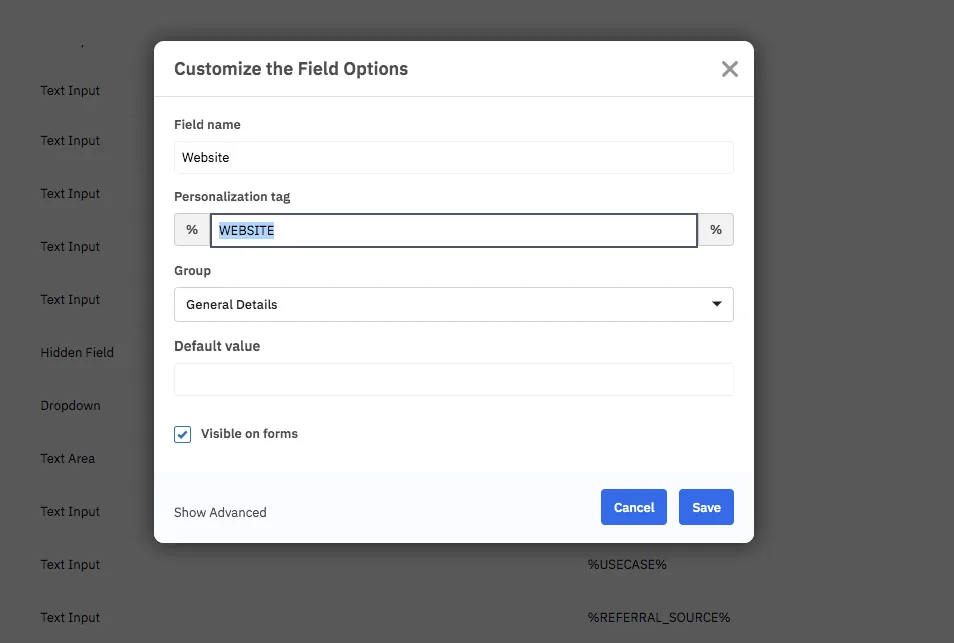
One ActiveCampaign-specific detail worth knowing: each field has a personalization tag, and that's what you use to merge the value into an email later. You can find it on the field in ActiveCampaign.
Keep the values you collect short and consistent — they end up inside emails through those tags, and a sentence-length answer reads badly mid-sentence.
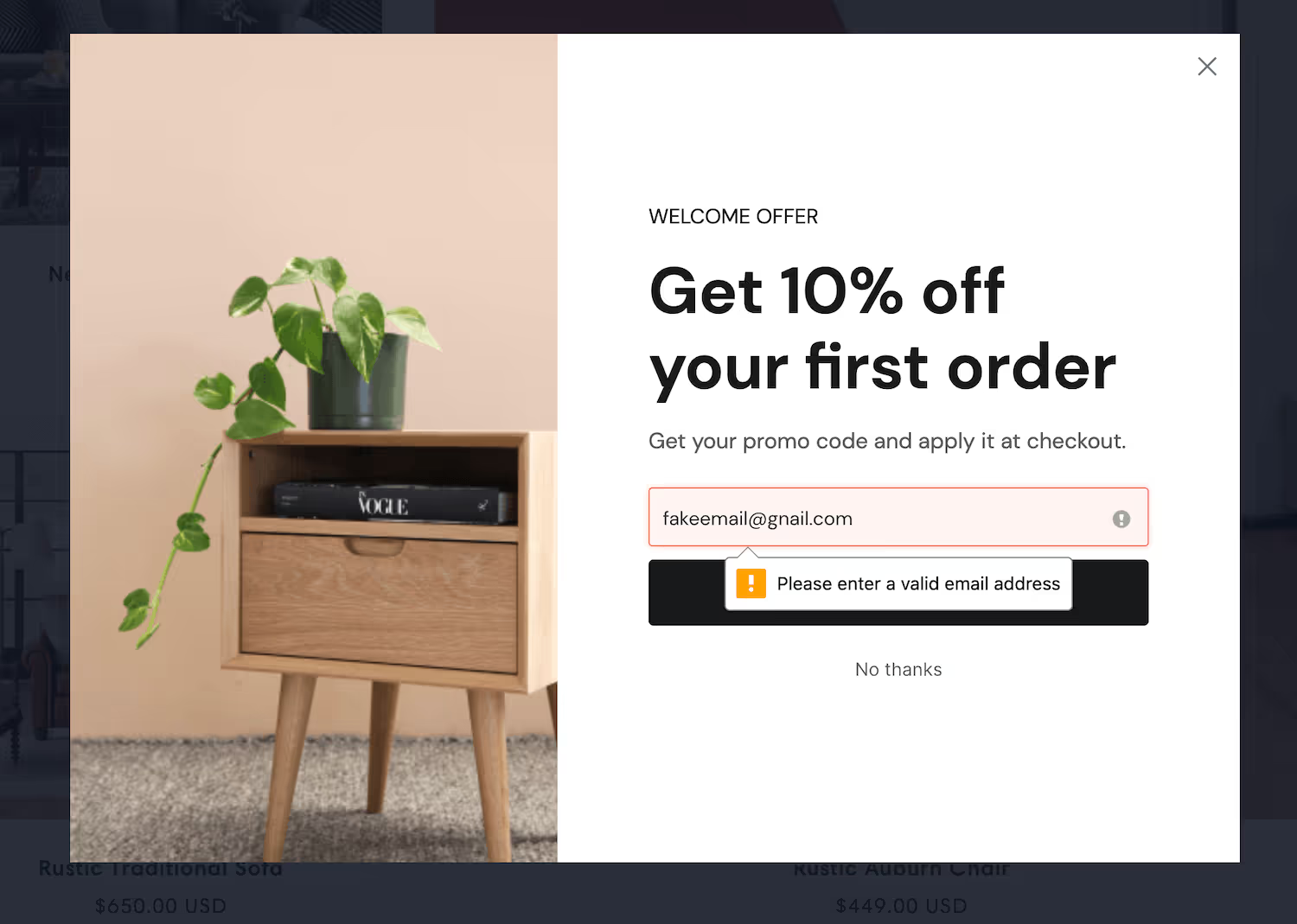
Real-time verification checks the address exists before the contact syncs, which protects your sending reputation.
Rather than one long field list, split the questions across steps. Field types include dropdown, radio, paragraph, hidden and range sliders.
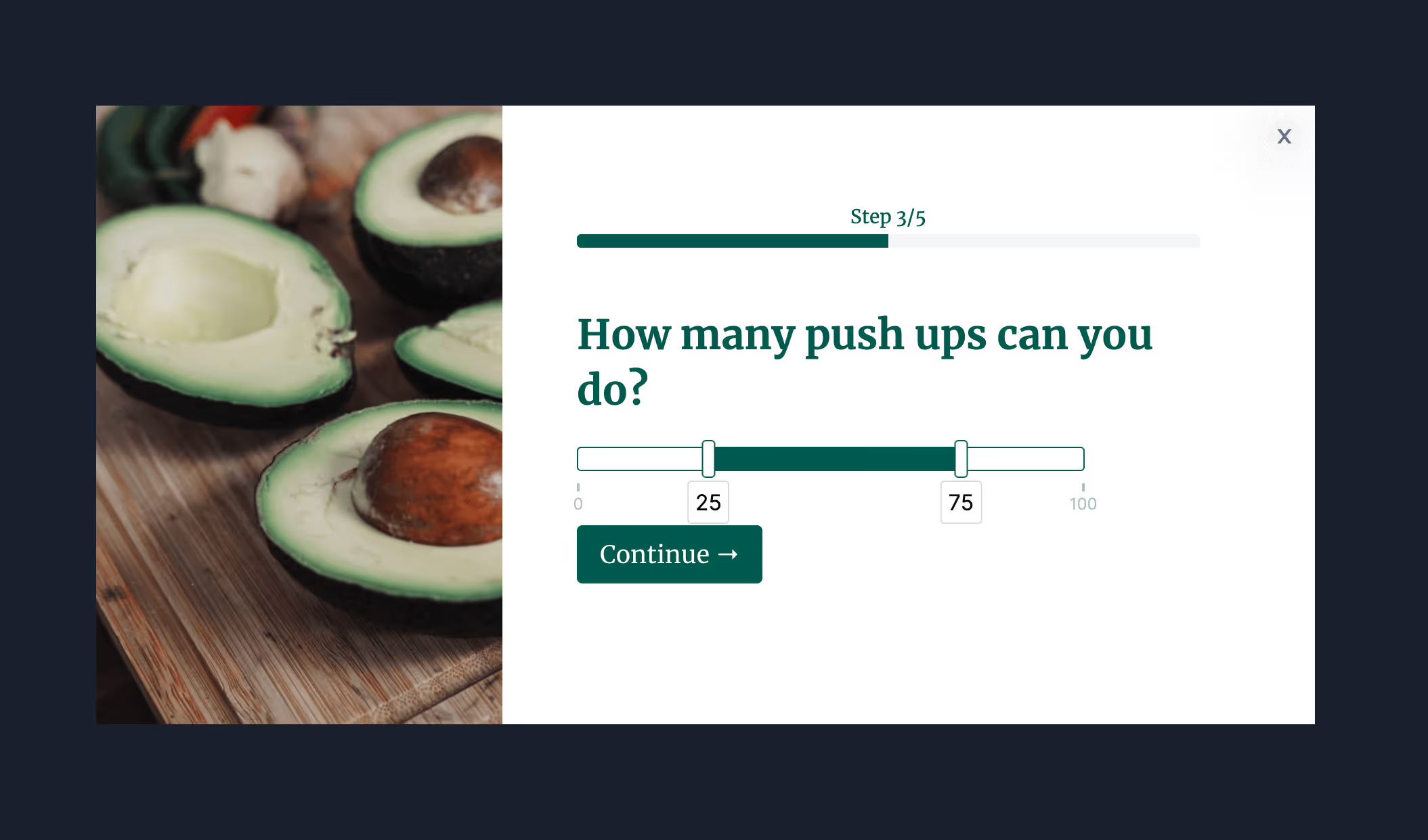
Answers write to ActiveCampaign fields, and options can carry scores — so you can act on a total rather than mapping every combination.
The Design tab covers spacing, field layout, width, fonts, button colour and roundness, field colour and shadows.
.avif)
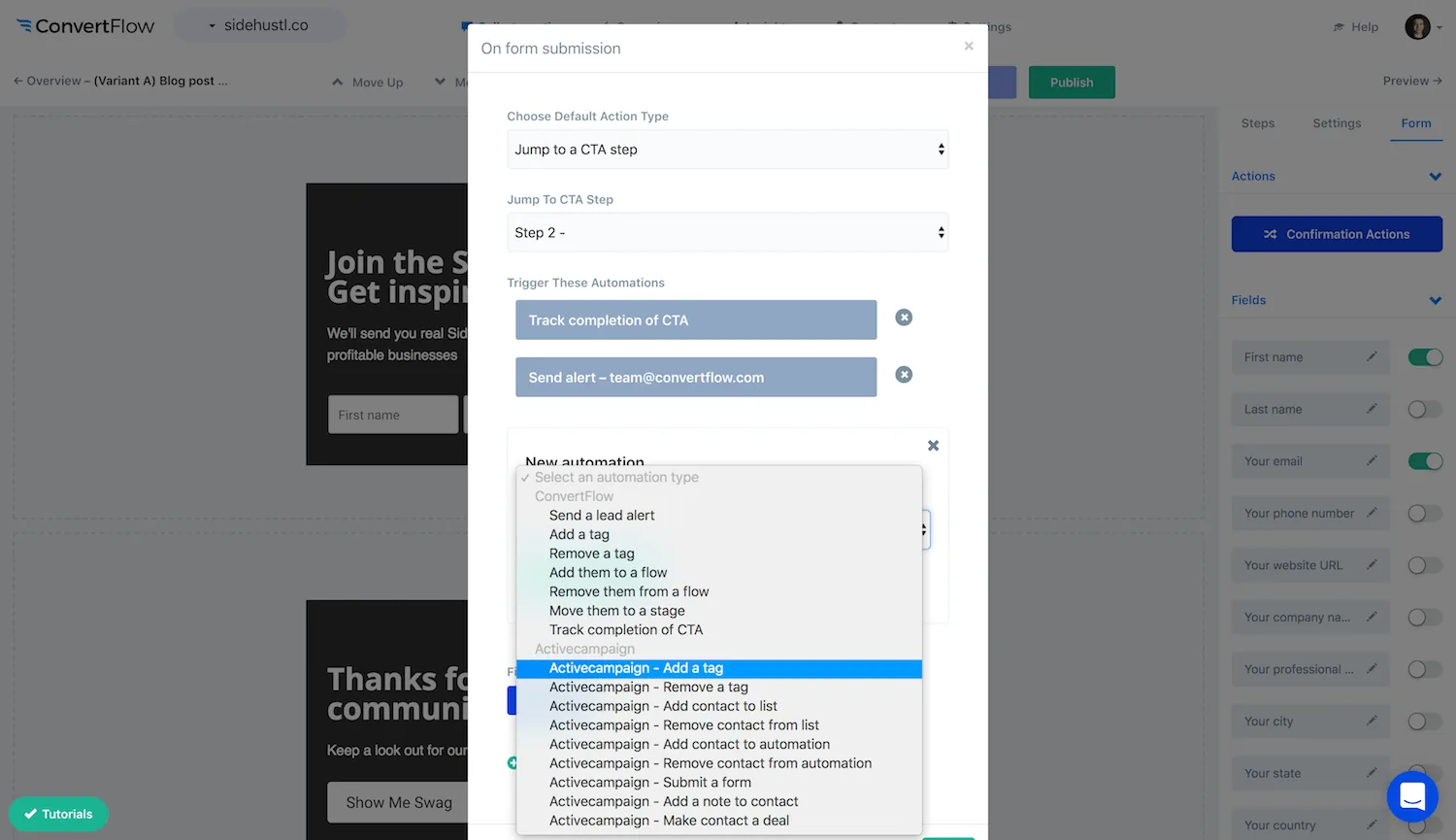
In the Actions tab, choose the follow-on action, then add ActiveCampaign automations — subscribe to a list, apply a tag, update a field.
.avif)
Conditional actions let a different answer apply a different tag — which is what starts a different ActiveCampaign automation.
.avif)
Test first — test submissions don't fire automations, so you won't trigger a welcome series while checking your logic.
Then publish, and read the funnel report for per-question drop-off.
.avif)
To see templates and the full feature set, visit the ActiveCampaign form builder.
Create a free ConvertFlow account and integrate
ActiveCampaign
in minutes.
Sync contact fields. Segment people into lists & tags. Personalize your website for ActiveCampaign segments.
Connect For Free









.svg)