Sync contact fields. Segment people into lists. Personalize your website for Brevo contact segments.
Connect For FreeBrevo covers email, SMS and automation, and includes signup forms. What it doesn't give you is much control over when a popup appears or who sees it — which is usually why people end up building them elsewhere.
This guide covers building a Brevo popup with proper triggering and targeting. Contacts still land in your Brevo lists.
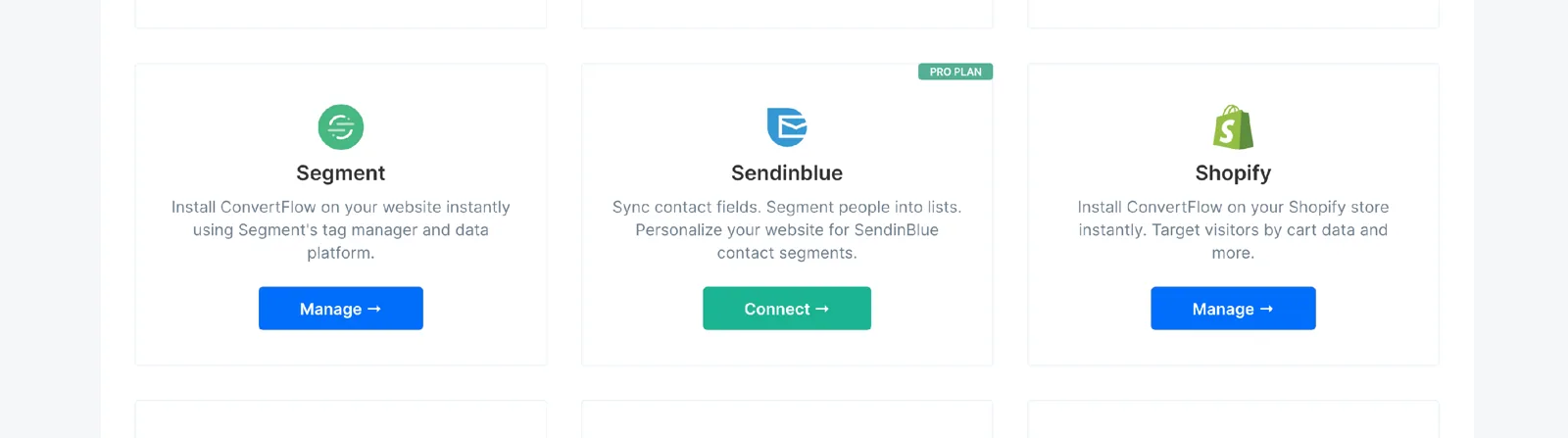
From ConvertFlow's Integrations area, click to connect with Brevo.
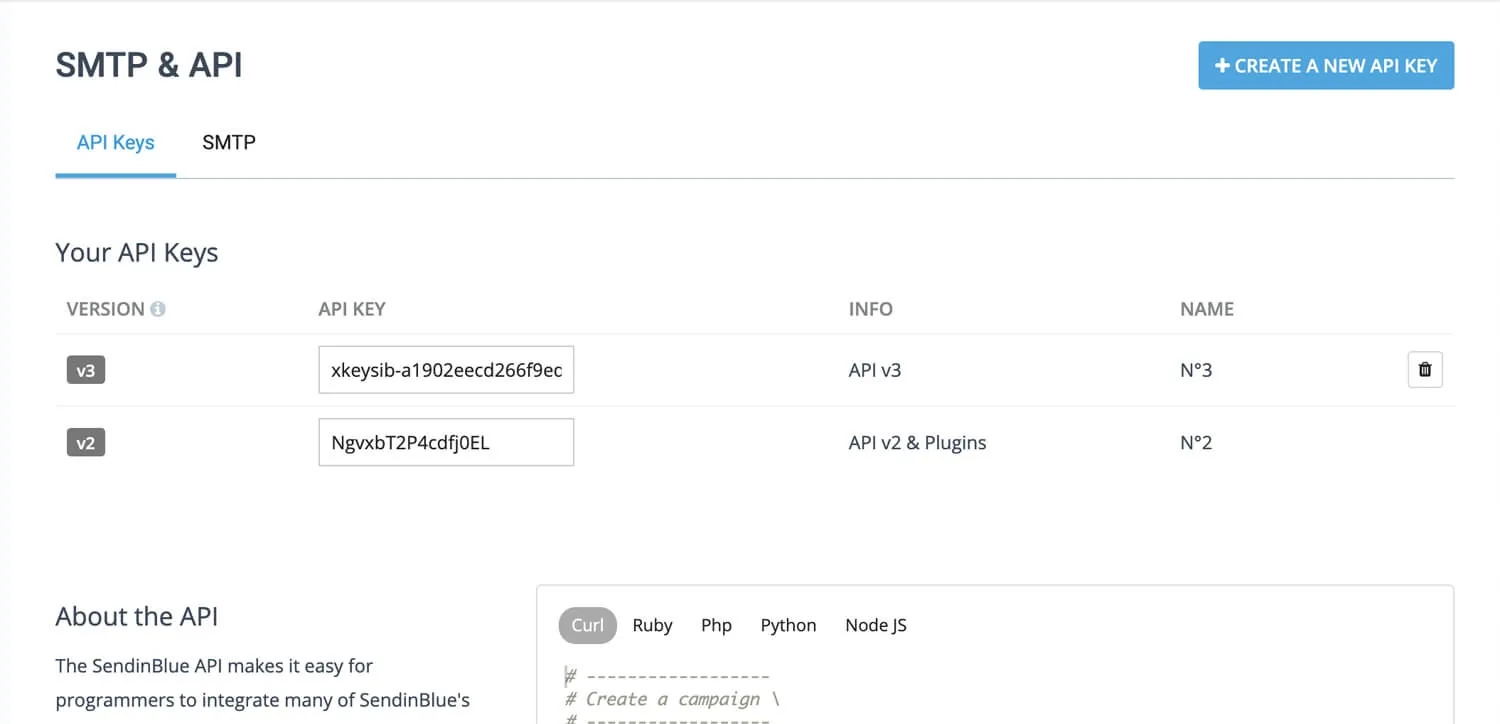
In Brevo, find your API v3 key under SMTP & API.
Paste it into ConvertFlow.
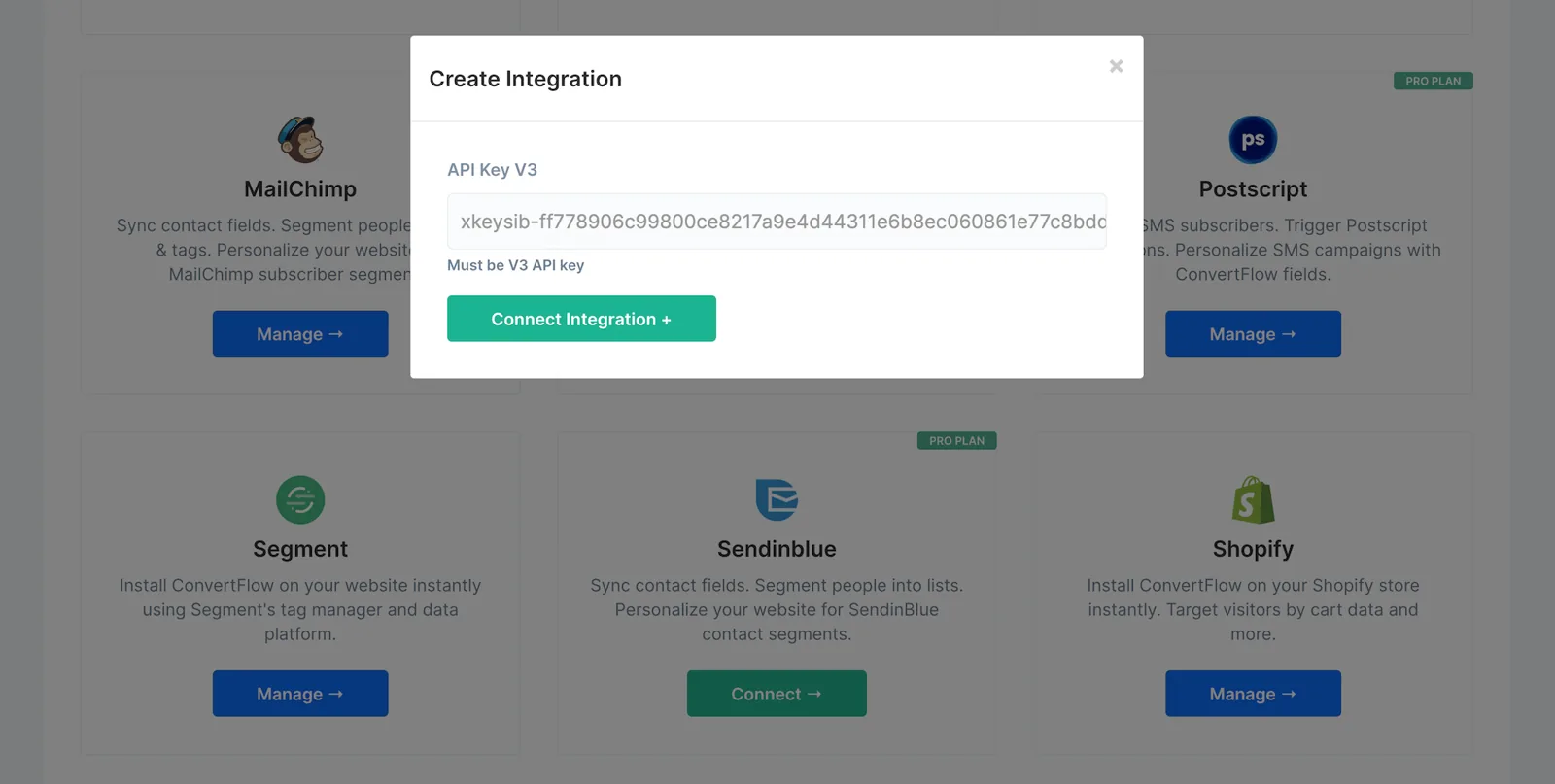
ConvertFlow then pulls in your Brevo lists.
Overlay popups are centered and command attention. Hook popups sit in a corner and are less disruptive.
.avif)
.avif)
.avif)
Set suppression so the popup stays hidden for a number of days after someone closes it.
.png)
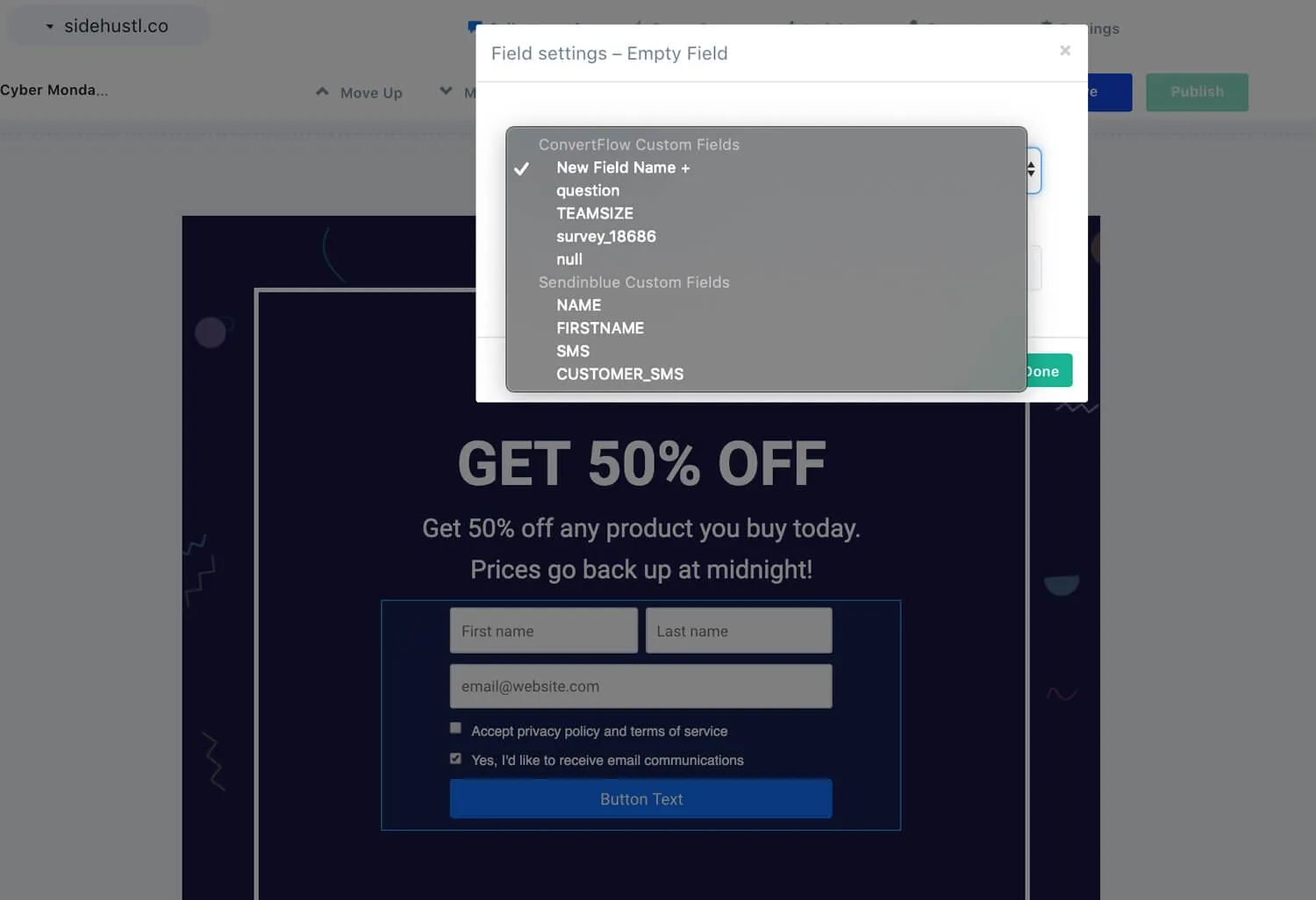
Custom fields map by selecting the Brevo field from a dropdown.
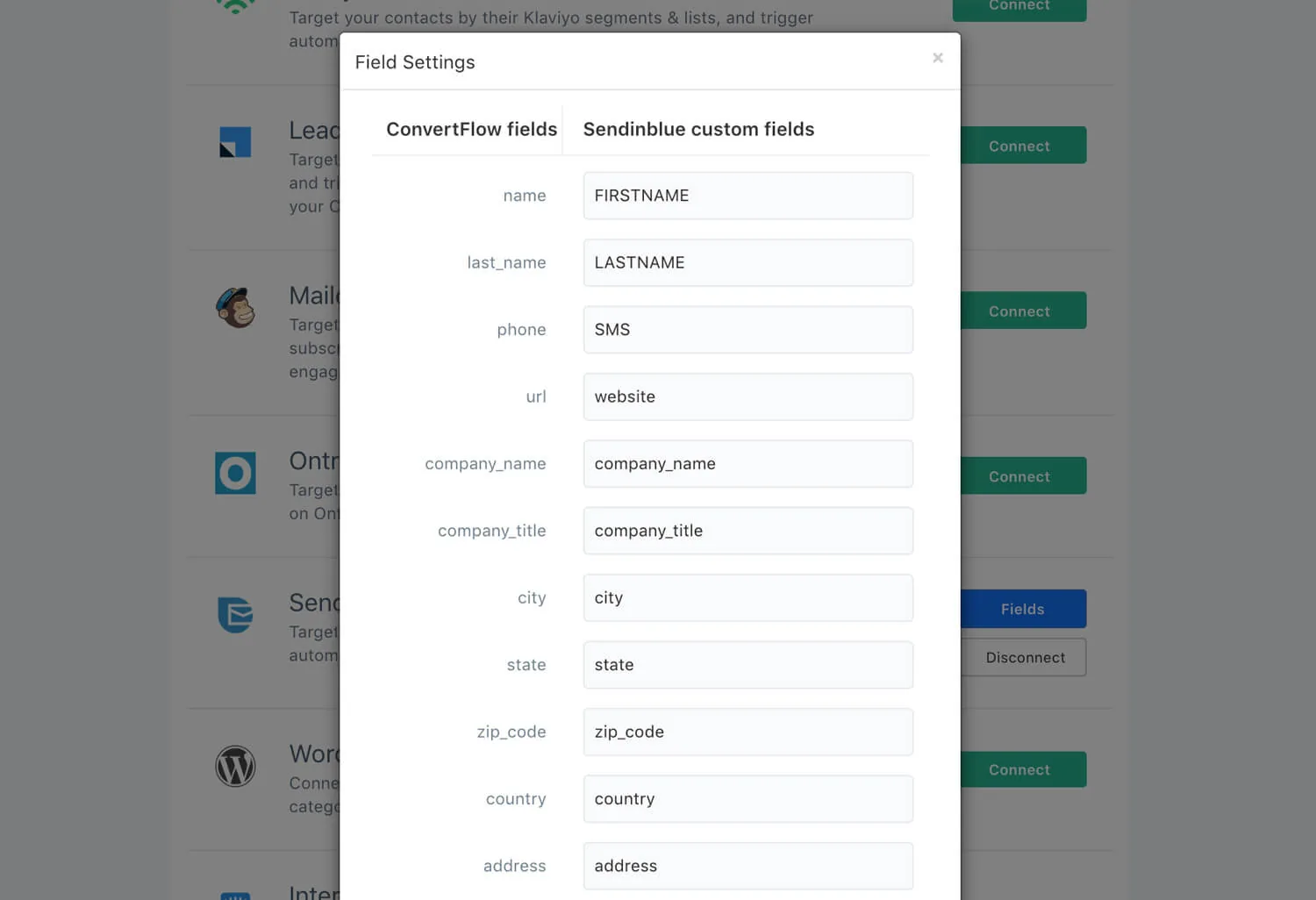
Preset contact fields are mapped from the Fields button on your Integrations page.
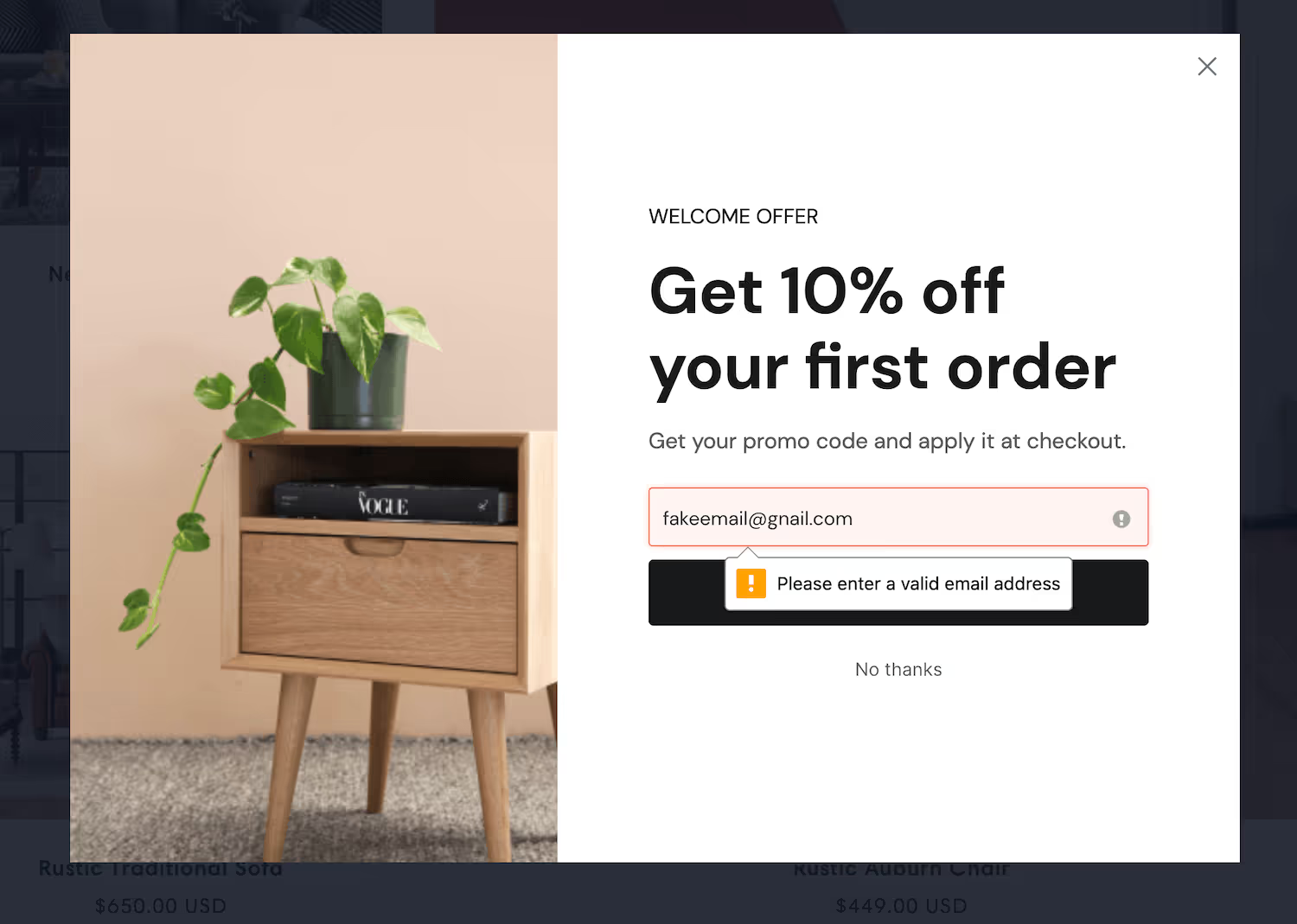
Turn on email verification so invalid addresses don't reach your lists.
.avif)
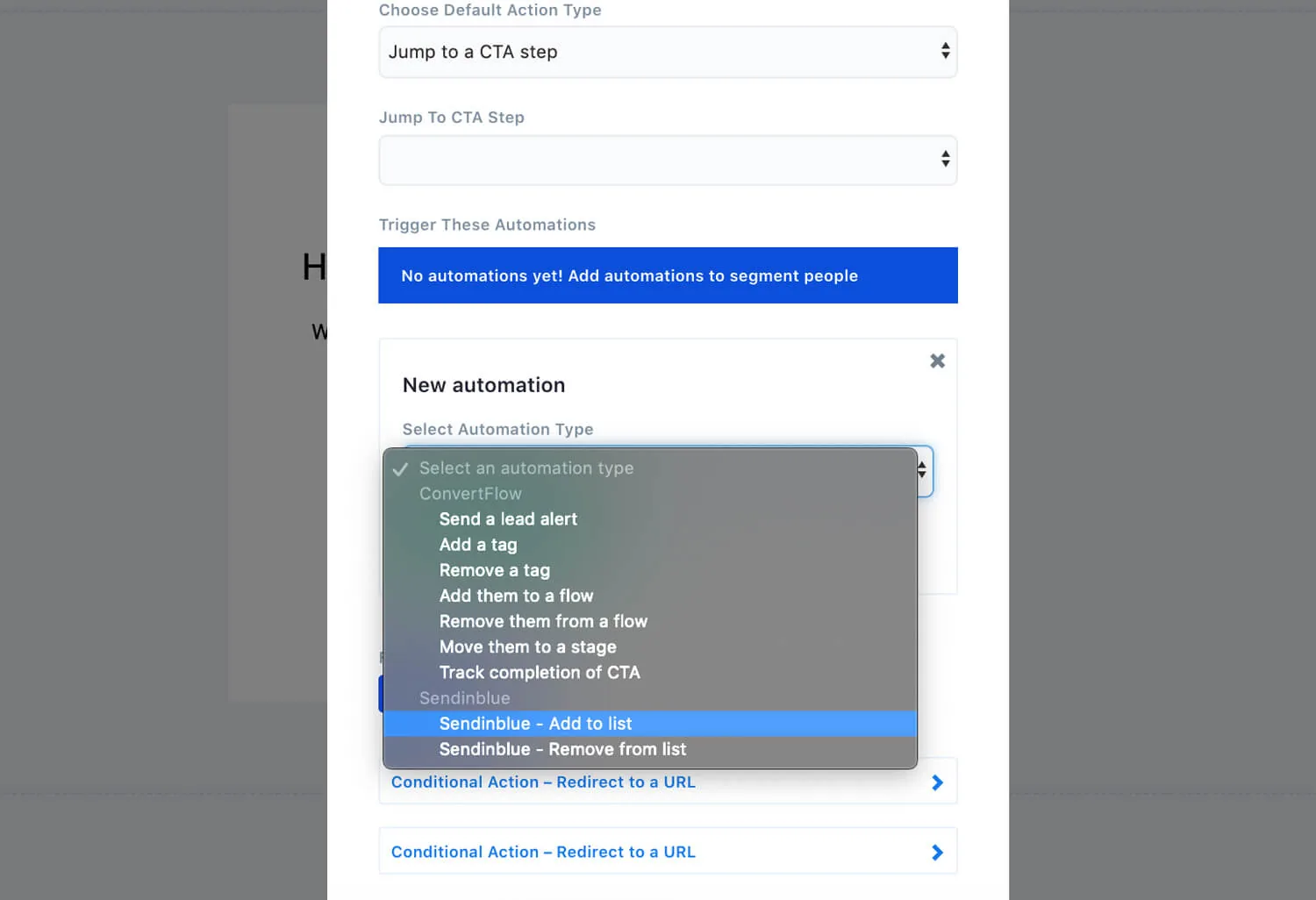
In the Actions tab, add the automation that adds the contact to a Brevo list, then use conditional actions so a different answer sends them to a different list.
.avif)
.png)
Brevo supports segment targeting, so exclude anyone already on your lists. Existing subscribers are your most frequent visitors — without this, a large share of impressions goes to people who can't convert.
.avif)
To see templates and the full feature set, visit the Brevo popup builder.
Create a free ConvertFlow account and integrate
Brevo
in minutes.
Sync contact fields. Segment people into lists. Personalize your website for Brevo contact segments.
Connect For Free










.svg)